











 Continue with Google

 Share on media

When you sign up for an application and immediately find yourself signed in to five other applications without entering any passwords, you are witnessing Single Sign On technology in action. You may feel that this experience was something supernatural, well, that is the effect of a good authentication technology.
What does SSO mean? Simply speaking, SSO (Single Sign-On) allows you to authenticate just once and use multiple applications/services without repeating the same procedure of entering the required data. This method of authentication became one of the most popular ones in business companies and educational institutions.
In this article, we will cover everything you need to know about SSO, what it is, what SSO login actually means, how SSO authentication works behind the scenes, whether it is truly more secure than managing multiple passwords, its real-life examples, the advantages it brings to businesses and users.
What is SSO?
SSO, standing for Single Sign-On, refers to a type of technology which combines multiple logins into one. Rather than using different combinations of usernames and passwords when logging into your email account, applications you are using at work, or other internal services provided by your employer, you can simply enter one password at once and be automatically signed into all services available to you.
It may sound a little bit like visiting a bar where there is a need for a bouncer to control everyone entering the venue and checking his ID. He will probably check it only once at the very entrance and then you can freely enjoy ordering drinks throughout the night. The same way, you prove that you are who you say only once, but from then you will not face any difficulties with accessing other resources.
This is the exact reason why SSO authentication is so widely spread in enterprises and companies today. IT specialists do not need to manage numerous sign-in options and passwords while users do not need to enter different passwords for every application.
What Is SSO Login and Why Does It Matter?
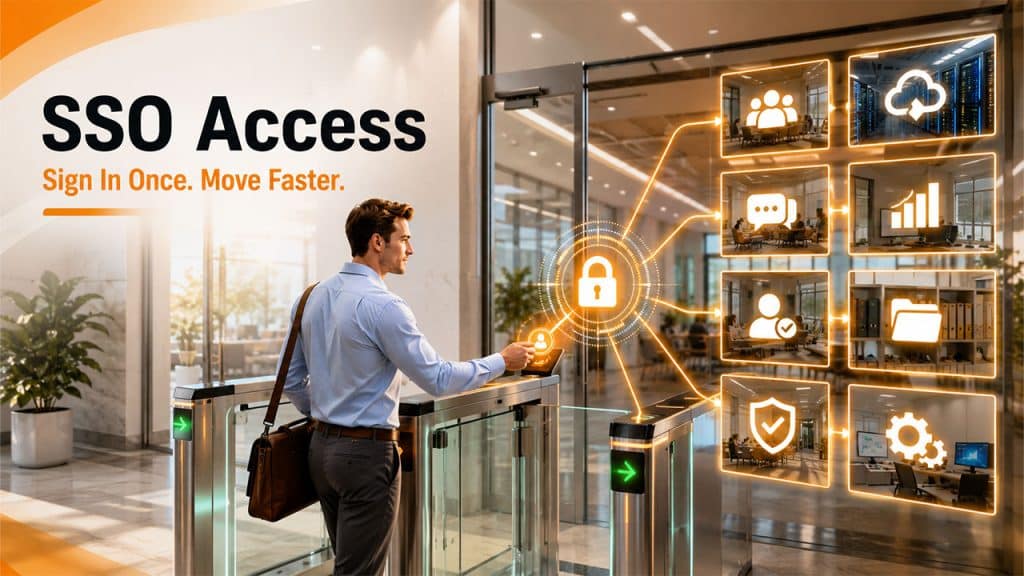
When people ask what SSO login is, they’re usually asking about the actual sign-in experience, and it’s refreshingly simple. You enter your credentials once on a central login page, and from that point forward, every connected app or service trusts that login without asking you to re-enter your details.
This matters for a few big reasons:
Less passwords: By remembering just one strong password instead of several weak ones, you increase security instead of decreasing it.
No password fatigue: Because people often cannot remember several passwords, they use the same passwords everywhere. It means that if one platform is hacked, all others will be compromised as well. The whole issue is solved thanks to SSO, which makes everything rely on a single login process.
IT management from one place: Companies can create stricter policies for passwords, set up the password rotation policy, and enable multi-factor authentication all from one central place.
How Does SSO Authentication Actually Work?
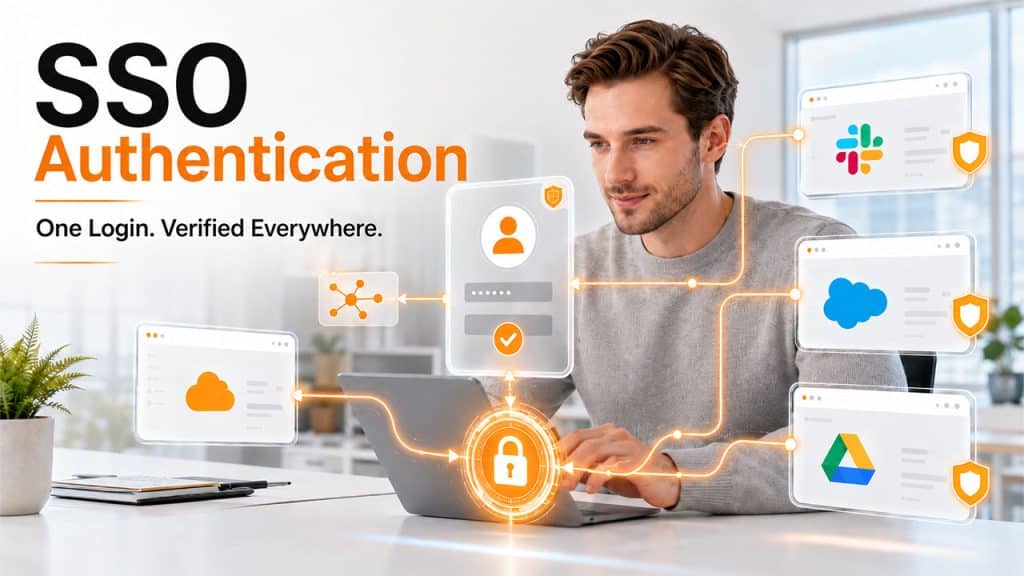
This is where it gets interesting. Once you authenticate through the SSO solution, it generates what is known as an authentication token – an analogue of a digital driver’s license, which is valid for some period. It may be stored either in your browser or in SSO provider’s database and confirms that you are an authenticated user to all other linked applications.
So, once you try to access another application that is linked to your SSO solution, the following sequence of events takes place:
- The app checks with the SSO service to see if you’re already authenticated.
- The SSO service hands over your authentication token.
- The app sees the valid token and lets you straight in — no second login required.
- If you haven’t logged in yet, you’ll be redirected to sign in through the SSO service first.
This is also noteworthy that the SSO service does not keep who you are. Rather, it verifies your credentials against a different database – an equivalent of a librarian, who knows everything about every book in his library by heart, but does not need to remember the whole list.
The tokens used by the authentication service follow a certain protocol known as SAML (Security Assertion Markup Language). Without a common protocol like SAML, different applications will not understand each other’s tokens.
Is SSO Actually More Secure?
At first glance, such an approach may sound paradoxical because, seemingly, it is much more dangerous to use just one password than the others. However, this logic is false; the reasons are as follows:
- Better passwords: When there is just one password to remember, people tend to choose the stronger passwords that cannot be guessed.
- No reused passwords across different websites: This greatest threat to security, the reuse of passwords, becomes impossible.
- Better implementation of multi-factor authentication: Unlike separate MFA for each application, in the SSO environment, you need to do it only once, and then it is applied to all services.
- Easy enforcement of password policies: From one dashboard, the IT team can manage regular password changes, their complexity, and even lockout policy.
- Saving time: There is no need to spend a lot of time logging in repeatedly, and there is no need to deal with forgotten password recovery issues for employees.
However, SSO does not mean total security. This system works effectively only in combination with other security approaches, such as access control, activity monitoring, etc.
Real-Life Examples of SSO in Action
You’ve probably used SSO without even realizing it. Logging into a third-party app using your Google or Microsoft account is one of the most common examples of SSO in everyday life.
Speaking of Google accounts, if you don’t already have one and want to experience SSO firsthand, our guide on how to create a new Gmail account walks you through the entire setup process step by step.
And if you’ve ever been locked out of an account tied to your SSO login, don’t worry, it happens to everyone. Our guide on how to reset password issues covers exactly what to do when you’re stuck outside your own account.
Some platforms also use their own dedicated SSO-style login systems. For instance, GatorMail sign-in is one such example where a single login grants access to multiple connected services under one institutional account.
What Are the Advantages of SSO?
By now you already know what SSO does, but why are so many businesses switching to it? Here are the real benefits that make it worth it:
- One password, less stress: When you only have one credential to remember, you naturally make it a stronger one. No more reusing the same weak password across ten platforms and hoping for the best.
- Goodbye password fatigue: Juggling multiple logins every day is exhausting. SSO cuts that out completely, log in once and move on with your day. Your IT team also stops drowning in “forgot my password” tickets.
- Everything managed from one place: Security policies, password rules, MFA, account access, IT handles all of it through a single dashboard. When someone leaves the company, one account disabled means access revoked everywhere. Clean and instant.
- MFA that people actually use: Multi-factor authentication is great in theory, but users hate doing it repeatedly throughout the day. SSO applies to MFA once at login and carries that trust across all connected apps. Better security, less friction.
- Faster onboarding and offboarding: New hire? One account setup, instant access to everything they need. Someone leaving? One clicks and they’re out of all systems. Simple as that.
SSO won’t solve every security challenge on its own, but as part of a smart security strategy, it makes life noticeably easier for both users and IT teams alike.
Conclusion
SSO is one of those technologies that quietly makes everything better. Users stop wasting time on repeated logins; IT teams get cleaner control, and organizations end up with a stronger security posture, all through a single point of SSO authentication.
It is not a magic fix, but as a foundation for Single Sign-On across your organization, it is hard to beat. Pair it with good habits, knowing how to reset password issues quickly, setting up a secure new Gmail account, or understanding how GatorMail sign-in connects to a broader single sign-on system, and you have got a much safer digital experience overall.
Frequently Asked Questions
What is SSO?
SSO, or Single Sign-On, is an authentication method that lets you log in once and access multiple applications without entering your credentials repeatedly.
How does SSO authentication work?
When you log in through an SSO authentication system, it generates a token that confirms your identity. Every connected app check that token instead of asking you to log in separately.
Is SSO secure?
Yes, SSO is generally more secure than managing multiple passwords. It reduces password reuse, makes MFA easier to enforce, and gives IT teams centralized control over access.
What happens if I forget my SSO password?
Since everything runs through one account, a reset password process on your main SSO account restores access to all connected apps at once, no need to reset each one individually.
Do I need a special account to use SSO?
Not always. Many SSO systems work with existing accounts. For example, setting up a new Gmail account can instantly give you single sign-on access to dozens of Google-connected services right away.