











 Continue with Google

 Share on media
Somewhere between checking three different calendars and sending “does 3 pm work for you?” for the fifth time today, most people realize they need the best tools for scheduling. It’s one of those unglamorous productivity problems that quietly eats hours out of every week, until the right tool makes it disappear almost entirely.
No matter whether you are managing a small team of people, dealing with client calls, or simply not booking yourself twice, scheduling apps do a lot more than setting up time slots for you. They sync calendars, eliminate unnecessary email exchanges, and honestly give you back time spent thinking about logistics.
In this blog, we’ll walk through 10 solid options worth considering, what makes a scheduling tool actually good, and how to pick the one that fits your workflow rather than fighting it.
What Makes a Good Scheduling Tool
Every scheduling tool isn’t the same; there are a few aspects that make some tools more useful than others:
Calendar syncing: It must integrate seamlessly with Google Calendar, Outlook, or iCloud, so that no appointments are forgotten or double-booked.
Easy rescheduling: Life happens. A good tool lets people reschedule without a chain of back-and-forth emails.
Automated reminders: Fewer no-shows, less manual follow-up, and one less thing to remember yourself.
Clean, simple interface: If it takes ten minutes to figure out how to book a slot, it’s already failed at its one job.
Integrations: The best tools connect with the apps you already use email, CRM, video calls instead of living in isolation.
Getting this right isn’t just about looking organized either; it’s genuinely one of the more effective workplace productivity hacks available, since it removes a surprising amount of low-value back-and-forth from your day without requiring any real effort once it’s set up.
10 Best Tools for Scheduling
Choosing the best scheduling tool basically involves selecting a tool whose functionality aligns well with your workflow. The type of scheduling tool to be used depends on the nature of the tasks you carry out; there are scheduling tools that are perfect for professionals who are always handling client appointments, some are designed for teams who require calendar synchronization between twelve individuals, while others are all about unlimited plans that perform beyond their price. Below are ten such useful scheduling tools.
1. Calendly
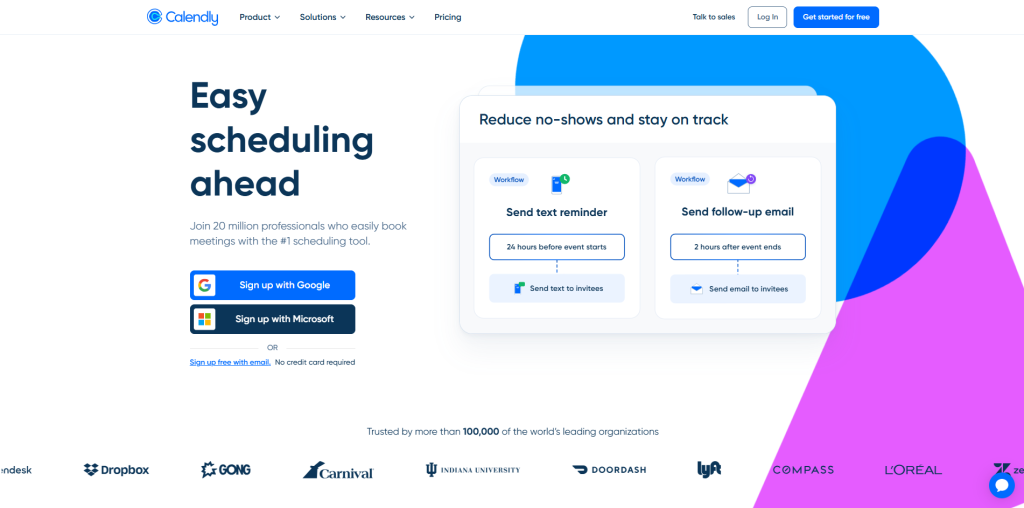
Calendly is one of those scheduling tools that has attained fame because of its excellent performance. It enables prospects or your team members to schedule meetings directly in your available slots without any back-and-forth emails, regardless of how many meeting types you have included. It integrates perfectly with all the top calendar providers, which is important when dealing with teams from various ecosystems, and its automation features save a lot of time once fully utilized.
- Unlimited appointments on the free single-user plan.
- Syncs with Google, Outlook, Office 365, and iCloud.
- Automated workflows and event notifications included even on the free tier.
2. Cal.com
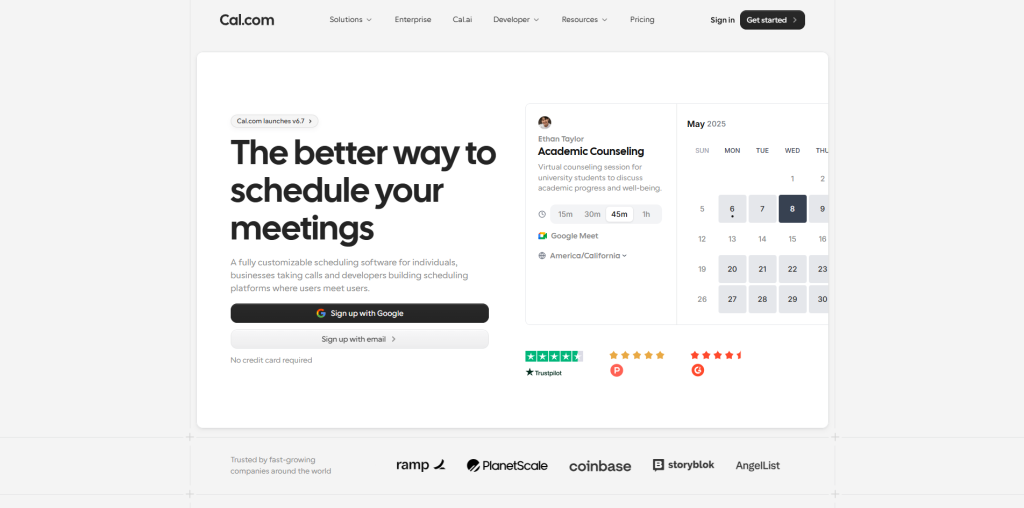
Cal.com is built with more technical flexibility in mind, appealing to individuals, teams, and developers who want deeper control over how bookings actually work. It supports round-robin assignment across team members, branded booking pages, and multi-location scheduling, features that usually show up only in pricier tools. The free plan is notably generous too, including workflow automations most competitors reserve for paid tiers.
- Unlimited bookings and workflow automations on the free plan.
- Round-robin scheduling for distributing bookings across teams.
- Branded, customizable booking pages.
3. Setmore
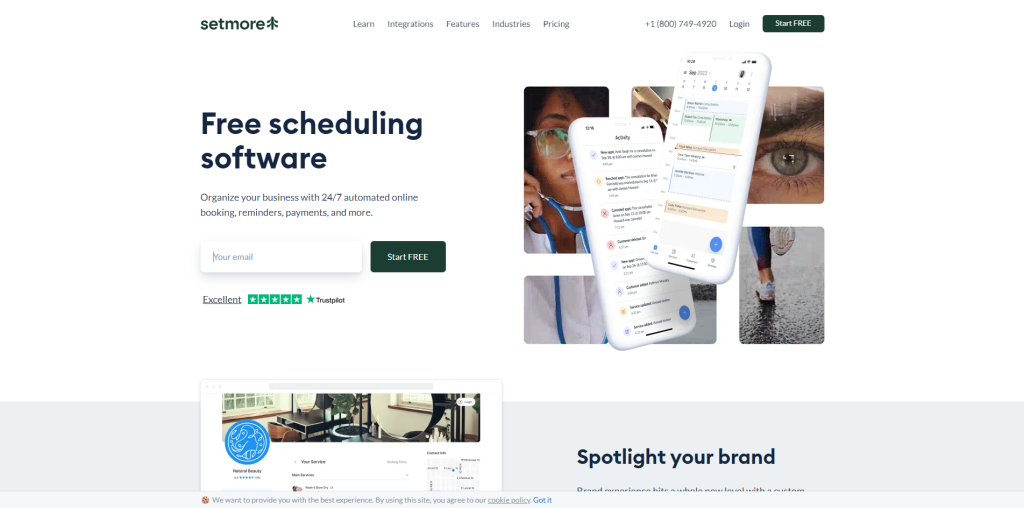
If you’re specifically hunting for a genuinely useful free scheduling app, Setmore deserves serious consideration. It supports up to four staff logins at zero cost, along with unlimited bookings and built-in payment processing through Square, features many competitors lock behind a paywall. The offline desktop app is a rare touch too, letting you check your schedule even without an internet connection.
- Free for up to 4 staff logins with unlimited bookings.
- Built-in payment processing via Square, PayPal, and Stripe.
- Offline desktop app, uncommon among competitors.
4. Zoho Bookings
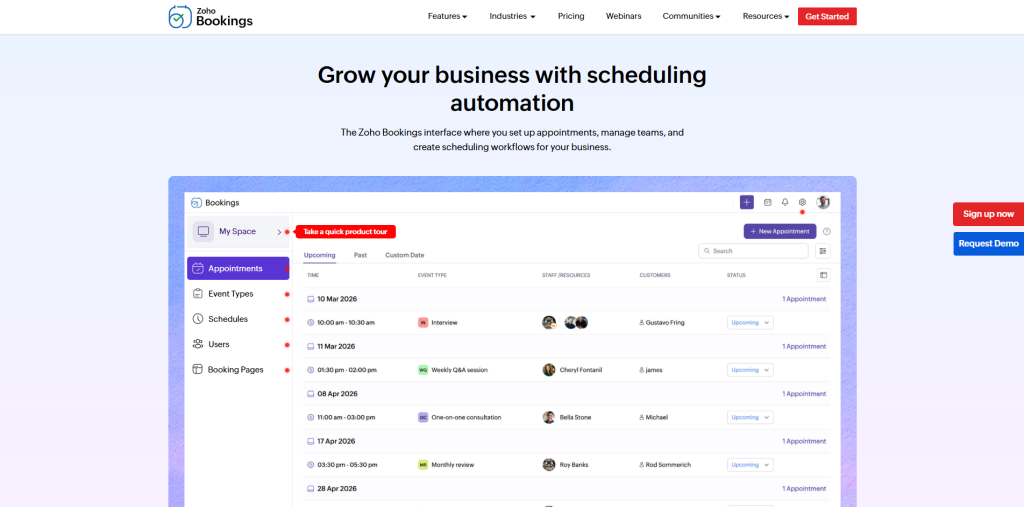
For anyone already living inside Zoho’s ecosystem, Zoho Bookings is a natural extension rather than a separate tool to learn. It handles two-way calendar syncing well and offers a clean, mobile-responsive booking page even on its free tier. Online payments and CRM syncing require moving to the Premium plan, but for basic scheduling needs, the free version covers real ground.
- Two-way calendar sync included on the free plan.
- Mobile-responsive booking page, no design work needed.
- Premium tier unlocks CRM sync and online payments.
5. Square Appointments
If you have already been using payments through Square, then Square Appointments will fit you perfectly since it will seem like an obvious next step rather than something new to learn. The service is free for individuals and includes such great features as automated reminders and charges for no-shows as well as booking widgets to embed on your websites and social media profiles.
- Free plan available for individual users.
- Automated text and email reminders included.
- Cancellation fee support to reduce no-show losses.
6. Acuity Scheduling
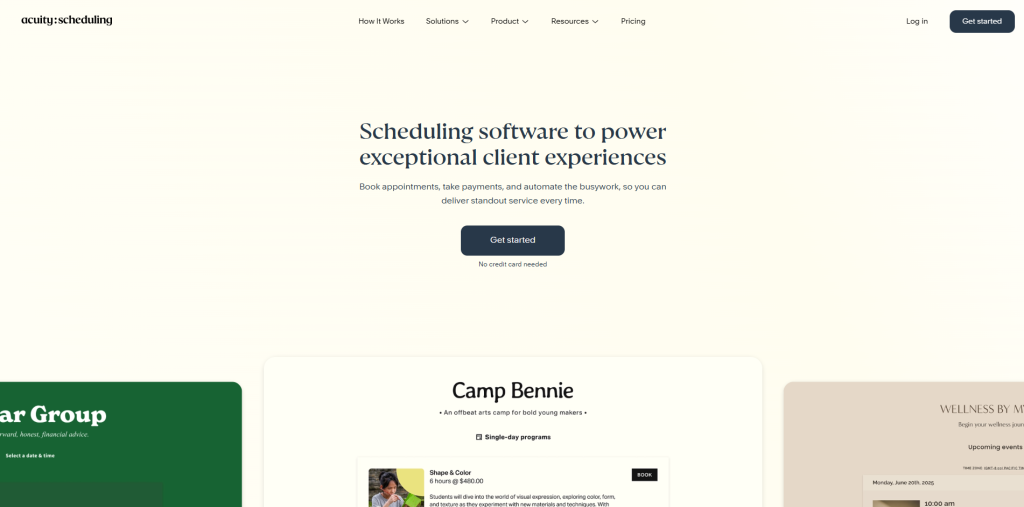
Acuity stands out for businesses working with international or multilingual clients, offering built-in translation for the booking page into several languages. Its intake forms make collecting client information before a session simple, which matters a lot for consultants and service providers who need context before every call. There’s no free plan here, but the paid tiers bring genuinely useful calendar syncing across every major provider.
- Multilingual booking pages translated automatically or manually.
- Built-in intake forms for pre-appointment information.
- Sync with Outlook, Office 365, iCloud, and Google.
7. SimplyBook.me
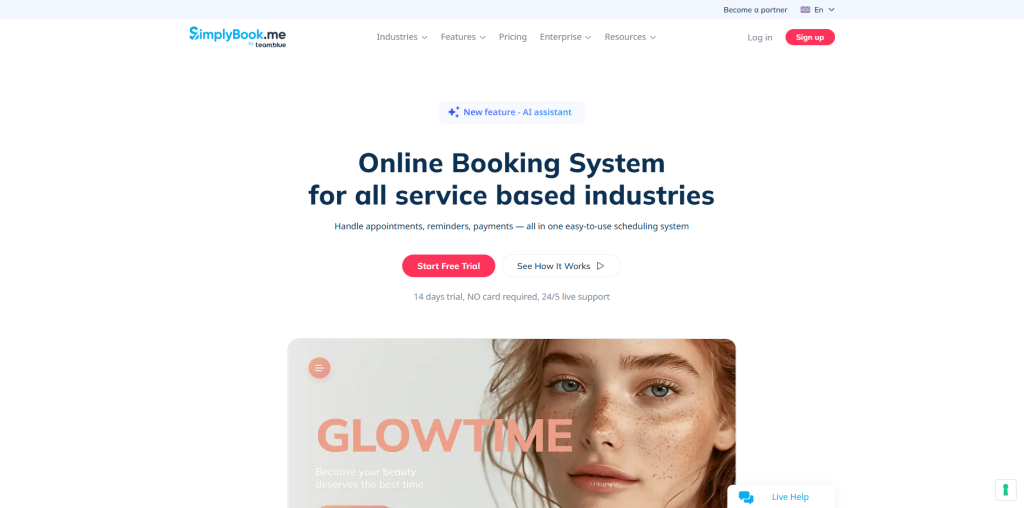
SimplyBook.me takes advantage of flexibility by providing you with completely responsive and good-looking booking website templates even in its free version. The platform also offers membership functionality and the ability to work with recurring payments, which makes it perfect for subscription-based services, not just regular appointments. The interface may seem quite cluttered since there is really a lot going on.
- The free plan includes responsive booking website templates.
- Membership and recurring payment support built in.
- SMTP integration for transactional email services.
8. Appointlet
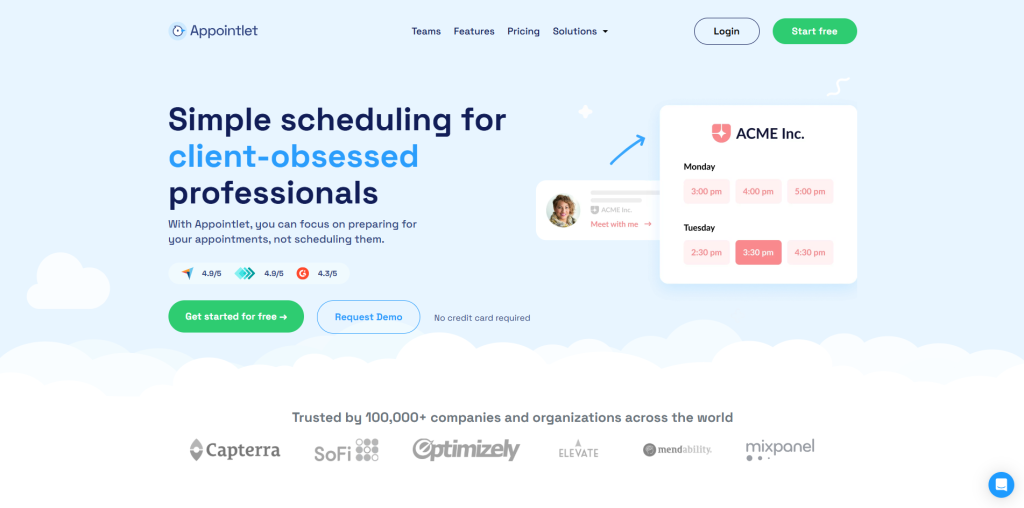
Appointlet’s forever-free plan is genuinely generous, including unlimited bookings, meeting types, and form fields, a rare combination among best scheduling software options at no cost. It supports multiple booking pages, useful if you offer several distinct services, and integrates with Zapier for connecting to nearly any CRM or email tool. The main trade-off is the lack of a dedicated mobile app.
- Unlimited bookings and form fields on the free plan.
- Multiple customizable booking pages supported.
- Zapier integration connects to most CRMs and email tools.
9. Brevo Meetings
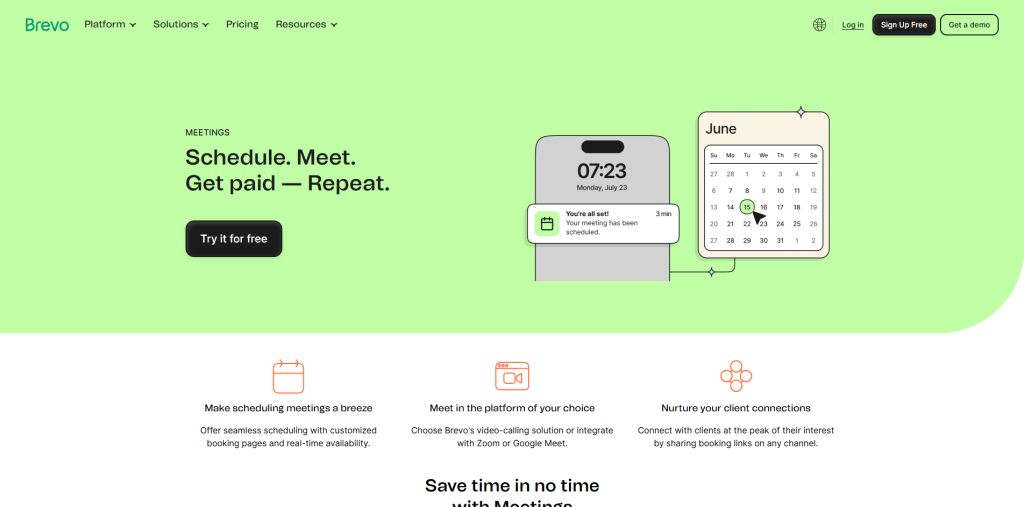
Brevo Meetings is best suited if you are already using the Brevo email marketing tool, as there is a seamless connection between these two tools without any configuration required. The whole booking, payments, and confirmation happen within the Brevo ecosystem itself. It’s also one of the few tools where you can specifically look into how to schedule emails in Outlook alongside your booking workflow, since Brevo supports Outlook calendar syncing directly on paid tiers.
- The free plan includes one calendar and one connected inbox.
- Direct integration with Brevo’s CRM and email tools.
- Outlook and Google calendar syncing available.
10. SavvyCal
SavvyCal was created by the co-founder of Drip, and you can tell from the thoughtful way this booking process has been engineered that this tool connects seamlessly with Google, Outlook, and iCloud calendars, and offers flexible meeting types such as phone, video, or in-person meetings. There is no free tier available, but the seven-day trial will give you sufficient time to thoroughly test the process.
- Connects with Google, Outlook, and iCloud calendars.
- Flexible meeting types: phone, video, or in-person.
- Embeddable scheduling link for websites and chat widgets.
Free vs Paid: Which Scheduling Tool Fits Your Budget
The choice between a free and paid plan all comes down to the degree of functionality you need, rather than just the number of bookings you take each month. An individual freelancer trying to coordinate appointments by phone is far different from an expanding team managing a multi-department organization, and the budget plan needed accounts for this more than you would imagine.
Free plans, such as Setmore and Cal.com’s free tiers, are usually best suited to those who require basic scheduling and calendar management without advanced functions such as automation, staff accounts, or custom branding. In reality, a free plan is perfectly viable for both individuals and very small teams; a few of the above tools serve as prime examples of this.
Paid plans become necessary when features like branding customization, integration of multiple calendars into one account, direct online payment processing, or automated workflows become a necessity. The jump in price is usually justified once your scheduling needs grow past what a single person handles alone. Calendar support is worth checking closely too, since something as routine as setting up an out of office message in Outlook should sync cleanly with whichever tool you pick, free or paid.
How Scheduling Tools Boost Productivity
The true benefit of good scheduling software is not simply having fewer no-shows, but the mental energy that will be saved by not worrying about manually handling all the calendar conflicts yourself. Scheduling, rescheduling, and sending reminders to patients happen automatically, which means another entire class of little decisions is made for you.
This happens much faster than one would imagine. Saving a few emails on scheduling, preventing a few no-shows, and suddenly you can have back those hours per week that were going missing due to logistics. When it comes to teams, having a calendar visible also helps in reducing double-booking situations, which is silently eroding clients’ confidence.
- No interruption: No need to pause work to find your availability.
- Less no-show: Automated reminders will do the trick of manual follow-up.
- Faster decision-making: You know your availability and can schedule a meeting instantly.
All of which does not require a complicated set-up either. All of that, which makes these tools truly useful, is mostly a matter of allowing them to do their work in the background without disturbing you.
Conclusion
Ultimately, the choice of the best tool for scheduling depends on how your organization functions rather than what features the software offers. Setmore’s free package may be sufficient for a solo freelancer, while an emerging company with several calendars may find Calendly or Cal.com more useful thanks to their automation.
However it is, the advantage of choosing the right tool is the time and energy that will not be wasted on booking, rescheduling, and reminders, thus allowing you to be more productive throughout the day. This is what will make the difference rather than a single benefit of using the software.
In case you still have no idea about which tool to use, try any free package that suits your needs. There is always an opportunity to upgrade later when you will require more features than now.