





 Continue with Google

 Share on media
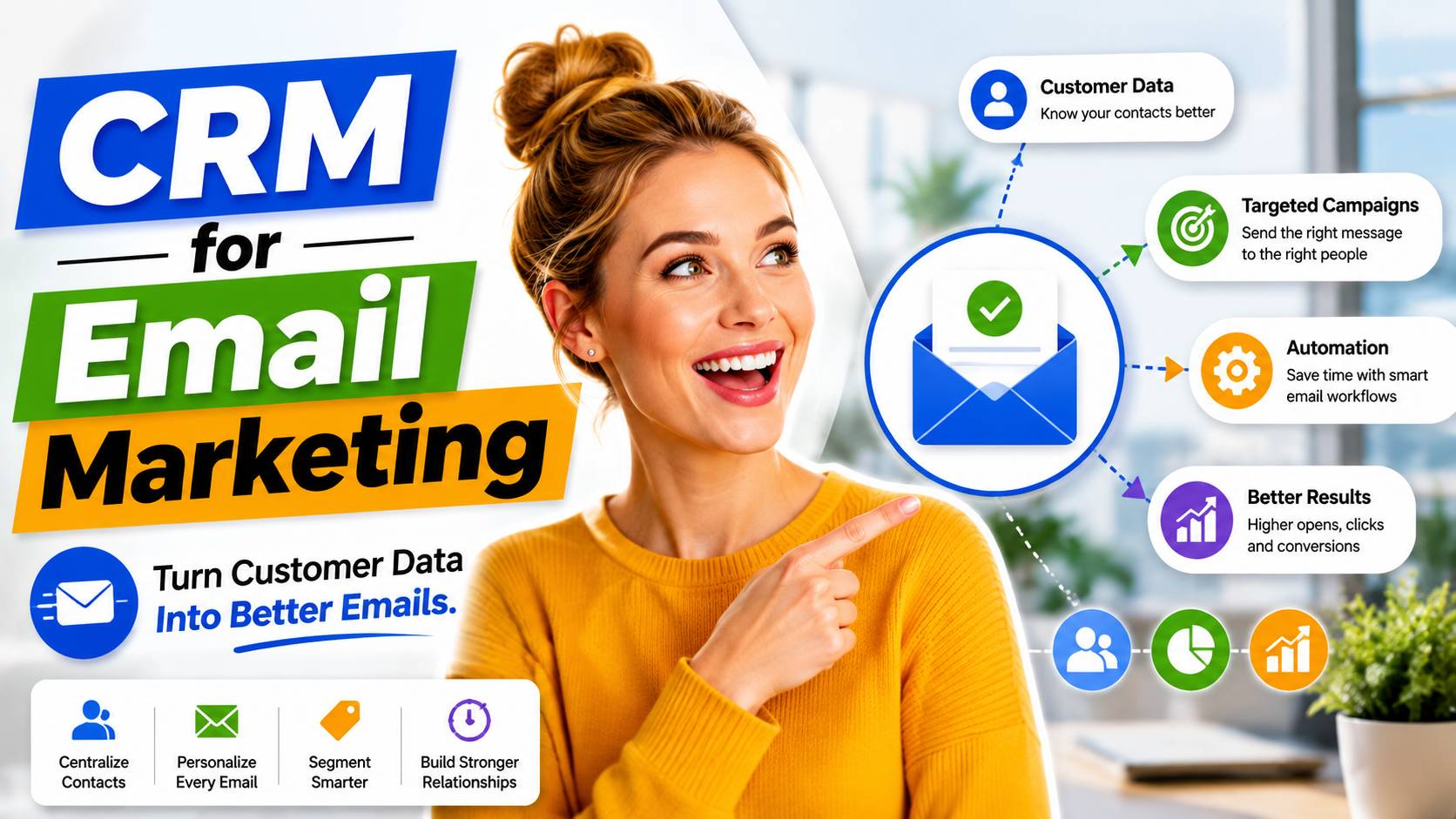
Running email campaigns without a CRM behind them is a bit like sending on file. A solid CRM for email marketing brings your contacts, their histories, and your outreach into one place, so every email you send is backed by actual context rather than guesswork.
A Proper solution will do two things well: collect data about your contacts and use it to send them relevant, automated messages. Doing both of those things properly will result in decent open and reply rates.
In this blog, we’ll break down what this combination means, walk through seven tools worth knowing, and cover the habits that make the whole system work well in practice.
What Is CRM for Email Marketing?
CRM email marketing is the practice of using the contact data stored in your CRM to send targeted, personalized email campaigns, rather than treating your email list and customer database as two separate things.
In practice, this means your CRM isn’t just a place where names and deal stages sit quietly. It actively feeds your email campaigns. A new lead gets added, and a welcome sequence kicks off automatically. A contact’s purchase history updates, and their next email reflects it. The CRM and the email platform work as one system instead of two disconnected tools you’re manually syncing.
This is different from just using a standalone email marketing service. With CRM email marketing software, segmentation, personalization, and automation all pull from real, structured data, so the emails going out are relevant instead of generic.
At a Glance: Top CRM for Email Marketing Tools
Before diving into the details, here’s a quick snapshot of how the top five stack up:
| Tool | Best For | Free Plan |
| HubSpot CRM | All-in-one starting point | Yes, 1,000 contacts (limited automation) |
| ActiveCampaign | Advanced, behavior-triggered automation | No |
| Brevo | Budget-conscious teams with large lists | Yes, up to 100,000 contacts |
| ExtractMails | Keeping CRM data accurate and synced | Trial only, 100 credits |
| Zoho CRM | Very small teams | Yes, up to 3 users |
Each one takes a slightly different approach, so the right fit really depends on your team size, budget, and how much automation you actually need.
Best CRM for Email Marketing Tools
Here’s a closer look at each one, including the features that actually matter once you’re using them day-to-day.
1. HubSpot CRM
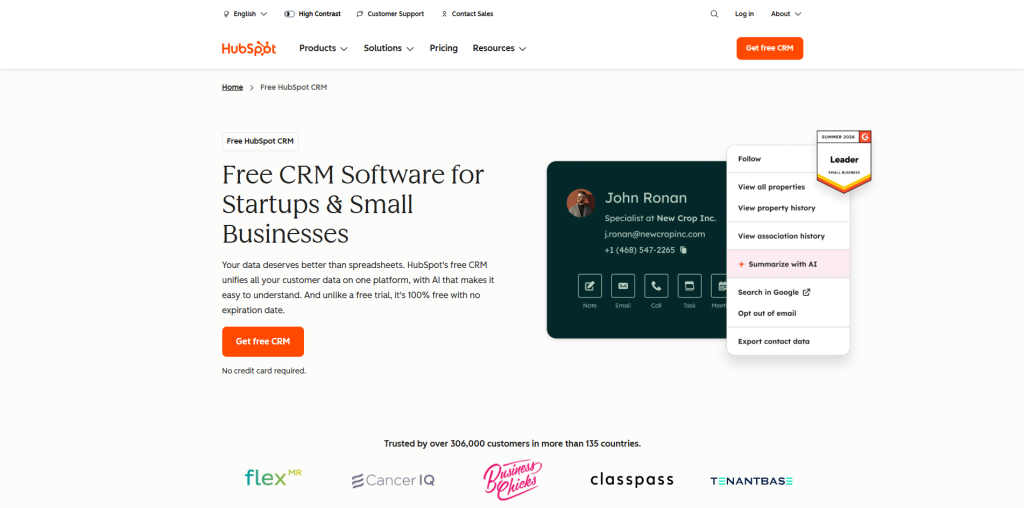
HubSpot comes with an actual functional free CRM, along with its email marketing solutions, which makes it an easy entry point for businesses that do not want to integrate two separate solutions into one. The free plan is genuinely usable for very small teams, though it’s worth knowing upfront where the real limits sit before you build your workflow around it.
Key features include:
- Free plan includes 1,000 contacts and 2,000 monthly email sends.
- Capped at 2 users on the free tier
- Built-in landing pages, forms, and a single deal pipeline
- No multi-step workflow automation on the free plan; that requires a paid Sales Hub or Marketing Hub tier
2. ActiveCampaign
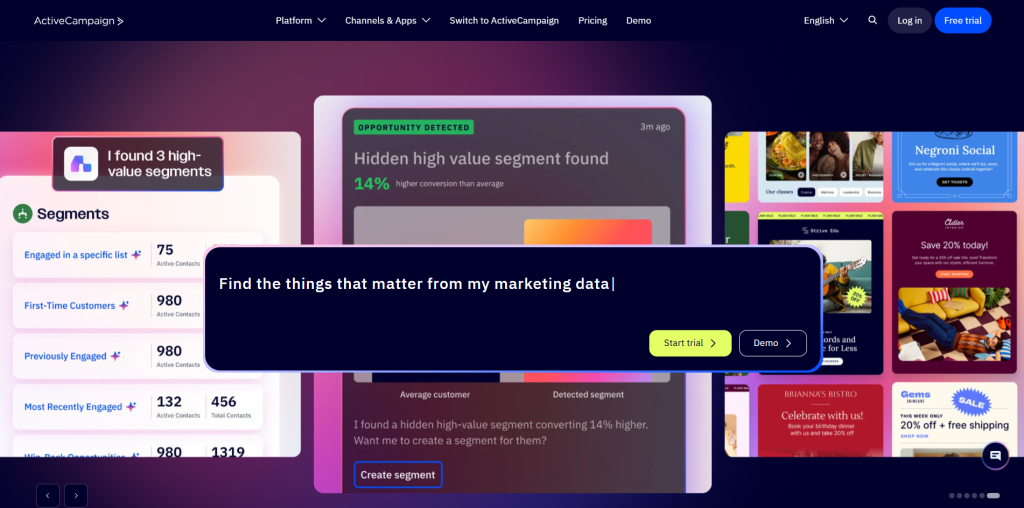
ActiveCampaign relies more heavily on automation than any other tool on the list, allowing you to craft truly complex, trigger-based email sequences based on CRM data. This is the tool for businesses that need their email marketing campaigns to respond to a contact’s actions, rather than just be scheduled.
Key Features include:
- Deal scoring automatically adjusts based on email engagement.
- Unlimited pipelines available on every plan.
- Win-probability calculations help prioritize open deals.
- CRM and email marketing sold as separate, connected plans.
3. Brevo
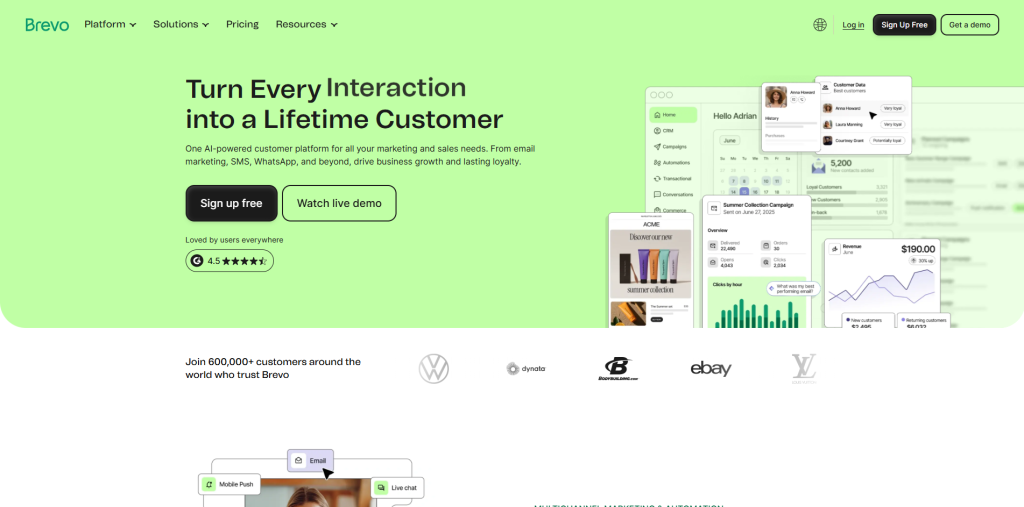
Brevo splits its CRM and email marketing into two connected tools, both offering generous free tiers, which makes it a strong pick for budget-conscious teams managing large contact lists without wanting to pay per contact. If you’re comparing budget-friendly options more broadly, it’s worth reading a full Moosend Review alongside Brevo before deciding which fits your list size and sending habits better.
Key Features include:
- Free CRM add-on (separate from the email plan) supports unlimited contacts.
- Up to 300 emails per day included on the free plan.
- Clean, easy-to-navigate interface across both tools.
- Advanced automations with multiple entry points and conditions.
4. ExtractMails
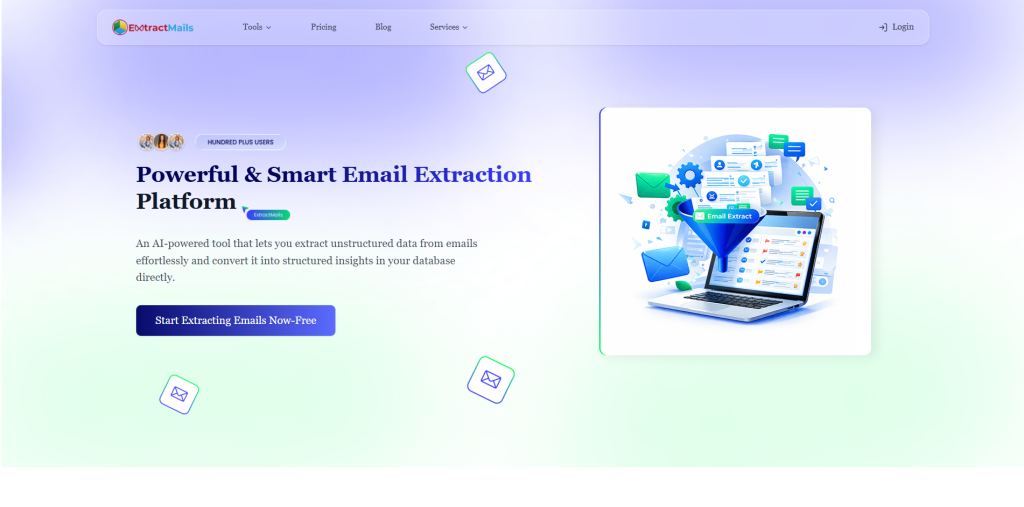
Rather than functioning as a standalone CRM, ExtractMails strengthens the data feeding into your CRM email marketing software by automatically parsing incoming emails and documents, then syncing extracted contact details directly into platforms like Salesforce, SuiteCRM, or SugarCRM. It’s less about replacing your CRM and more about making sure it’s never working with incomplete data.
Key Features include:
- Bulk email extraction with intelligent filtering.
- Custom field mapping for structured, CRM ready data.
- Direct sync with major CRM platforms (available on paid plans; the free Trial doesn’t include CRM integration).
- Handles large-scale data processing efficiently.
5. Zoho CRM
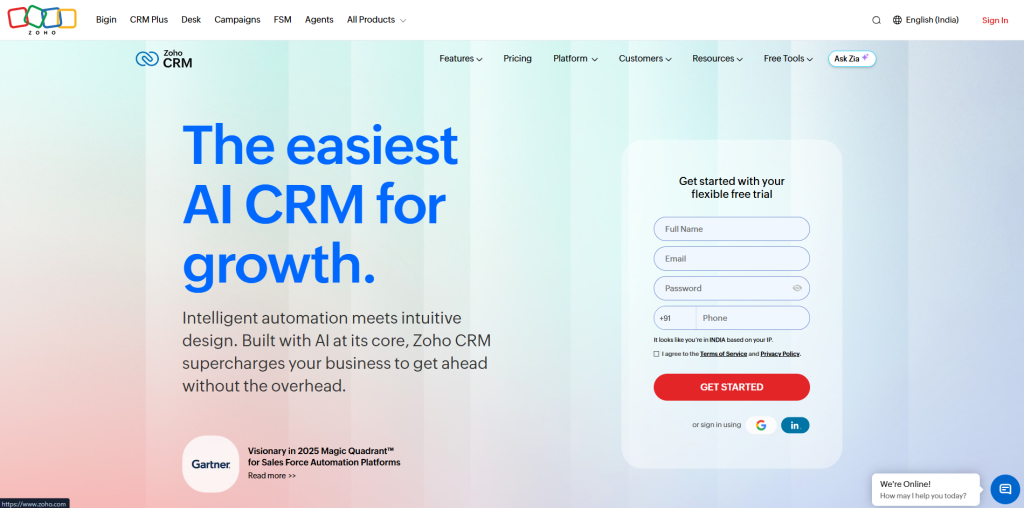
Zoho CRM offers a genuinely usable free plan for up to three users, complete with a solid range of workflow automation. Its native email tools are fairly basic on their own, though pairing it with the separate Zoho Campaigns add-on rounds things out considerably.
Key Features include:
- Free for up to 3 users.
- 2,500 workflow automation rules included, even on the free tier.
- Customizable record views for organizing CRM data.
- Zoho Campaigns add-on covers more advanced email needs.
6. EngageBay
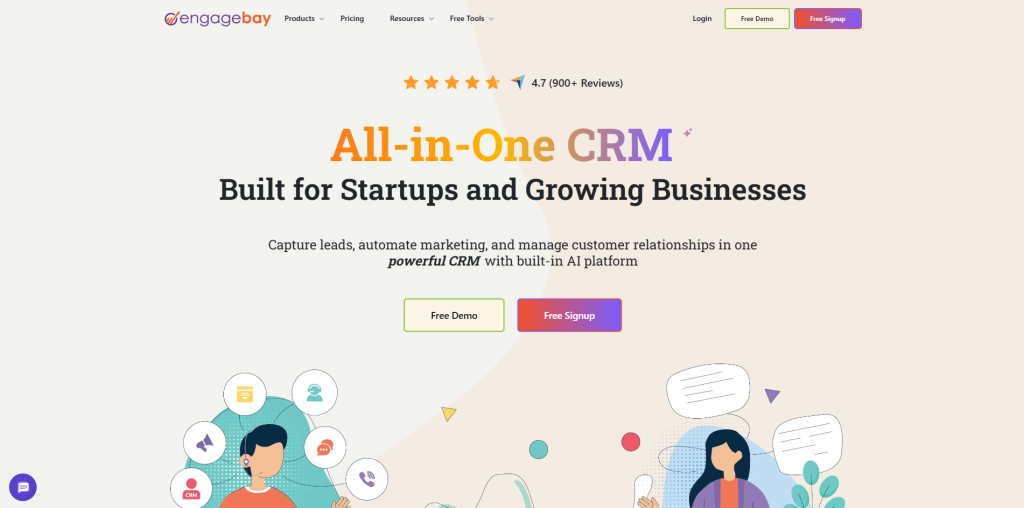
EngageBay combines CRM and email marketing into one neat package, which is easy on the pocket, making it a viable solution for smaller teams who find all-in-one suites too complex to use daily.
Key Features include:
- Free plan includes 1,000 emails per month.
- Built-in lead scoring with automation triggers.
- Marketing automation unlocked from the Growth plan up.
- Wide range of contact segmentation filters.
7. Freshsales Suite
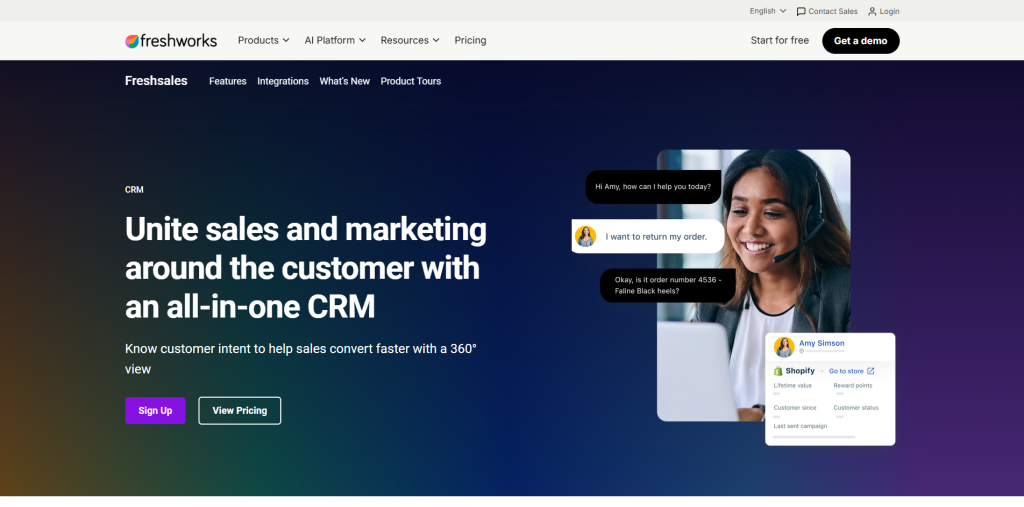
Freshsales stands out mainly for its AI assistant, Freddy, which scores contacts and forecasts deal outcomes directly inside your email marketing CRM workflow, giving sales teams a clearer sense of where to focus their attention.
Key Features include:
- AI-powered contact scoring and deal insights.
- Strong segmentation based on web and email activity.
- Free for up to 3 users.
- Rotten deals feature flags stalling opportunities automatically.
8. Salesmate
Salesmate adds built-in calling and texting to its CRM and email toolkit, a genuinely useful addition for teams that reach contacts through more than just their inbox on a regular basis.
Key Features include:
- Calling and texting included across every plan tier.
- Personalized email templates using live contact attributes.
- Rich, centralized view of each contact’s history.
- Available in over 90 countries for calling features.
9. Pipedrive
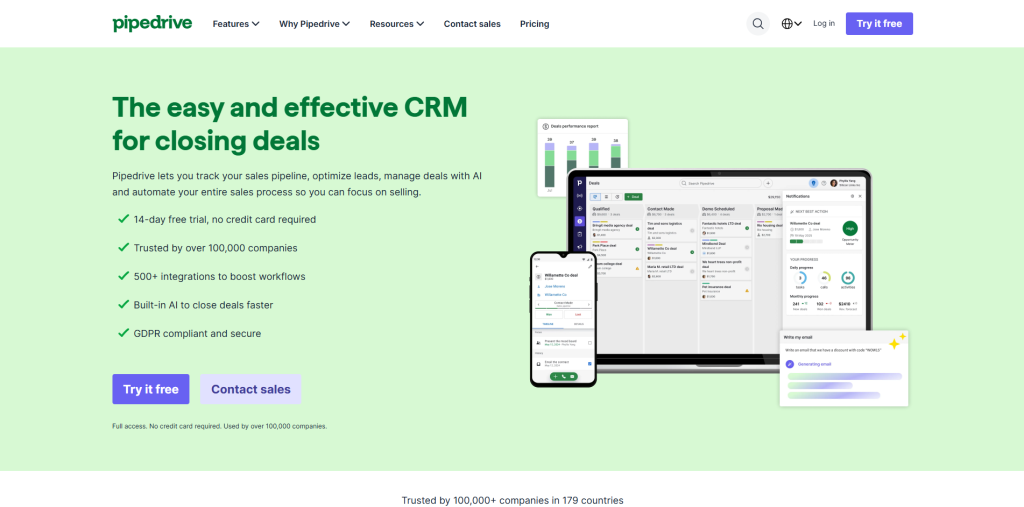
Most popular for its sales pipeline visualizer, Pipedrive now includes native email marketing capabilities via the Campaigns app, which uses your CRM deal data to ensure that your target audience is aligned with their place in the pipeline.
Key Features include:
- Segment audiences by deal stage or custom fields.
- Drag-and-drop email builder with prebuilt templates.
- Automated follow-ups triggered by pipeline movement.
- Campaigns sold as a separate add-on.
10. Nutshell
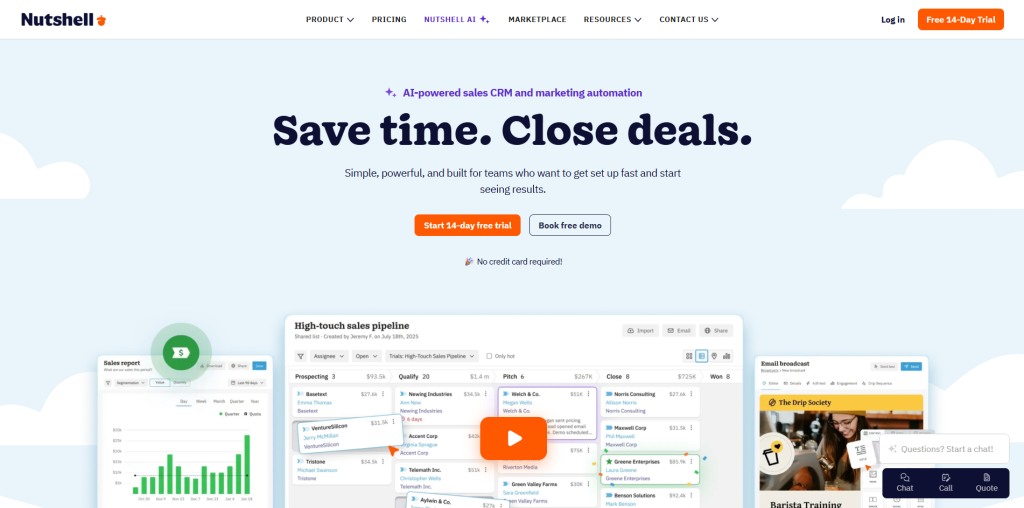
Nutshell combines sales-focused CRM functionality with an impressive array of email tools like AI-based email writing assistance and almost 40 email templates, making it a good choice for small companies that have to manage both pipelines and email outreach.
Key Features include:
- AI writing assistant helps draft email content quickly.
- Drip sequences that stop automatically once a goal is reached.
- Nearly 40 built-in email templates.
- Meeting scheduling and a built-in chat widget included.
Benefits of CRM for Email Marketing
Bringing your CRM and email marketing together pays off in ways that are easy to underestimate until you’ve worked without it:
- More relevant emails: Your emails are personalized based on the actual contact data rather than pre-designed and general content.
- Less time spent on routine work: Sequences will be triggered automatically whenever you get new leads.
- Better segmentation: You can split your contacts based on their location, purchases, or how engaged they are rather than mass emailing all contacts at once.
- Higher conversion rate: Personalized, timely emails always show better results than mass emailing with general emails.
- A clearer view of the customer: Every interaction- email opens, replies, deal stage, lives in one place instead of scattered across tools.
None of this requires complex setup either; most of it comes standard once your CRM for email marketing is actually connected properly.
Best Practices for CRM Email Marketing
Having the right tool only gets you halfway there; how you actually use it determines whether your emails perform:
- Keep your data clean: Duplicate or outdated contact records quietly undermine every automation built on top of them. Regular list hygiene matters more than people expect.
- Personalize beyond the first name: Use purchase history, location, or past engagement to shape content, not just the greeting line.
- Test automations before launching: Run a dummy signup through your workflow and watch what happens in the backend before it touches real contacts.
- Track what’s actually working: Knowing open rates and click patterns isn’t optional; it’s how you catch a broken sequence before it damages your sender reputation. If you’re not already doing this, it’s worth understanding what an email tracker is and how it fits into your CRM setup.
- Review your funnel regularly: Losing contacts at a specific stage repeatedly usually points to a fixable problem, not bad luck.
None of these habits require advanced tools, just consistency, and they’re what actually separates a CRM that works from one that just sits there collecting contacts.
Conclusion
Ultimately, the implementation of CRM into email marketing doesn’t involve adding another layer of software to the existing infrastructure but making sure that those you already have work together. When both customer data and email marketing initiatives are derived from the same source, all aspects ranging from the target audience and the timing of the messages become much clearer.
Whether you opt for a free-of-charge all-around solution or a more specialized solution combining various tools such as outreach management software for handling campaigns with lots of contacts, the bottom line remains the same: relevant emails based on data always perform better than random generic ones sent according to schedule.
It’s up to you to choose a particular tool depending on your current resource pool and start small.