










 Continue with Google

 Share on media
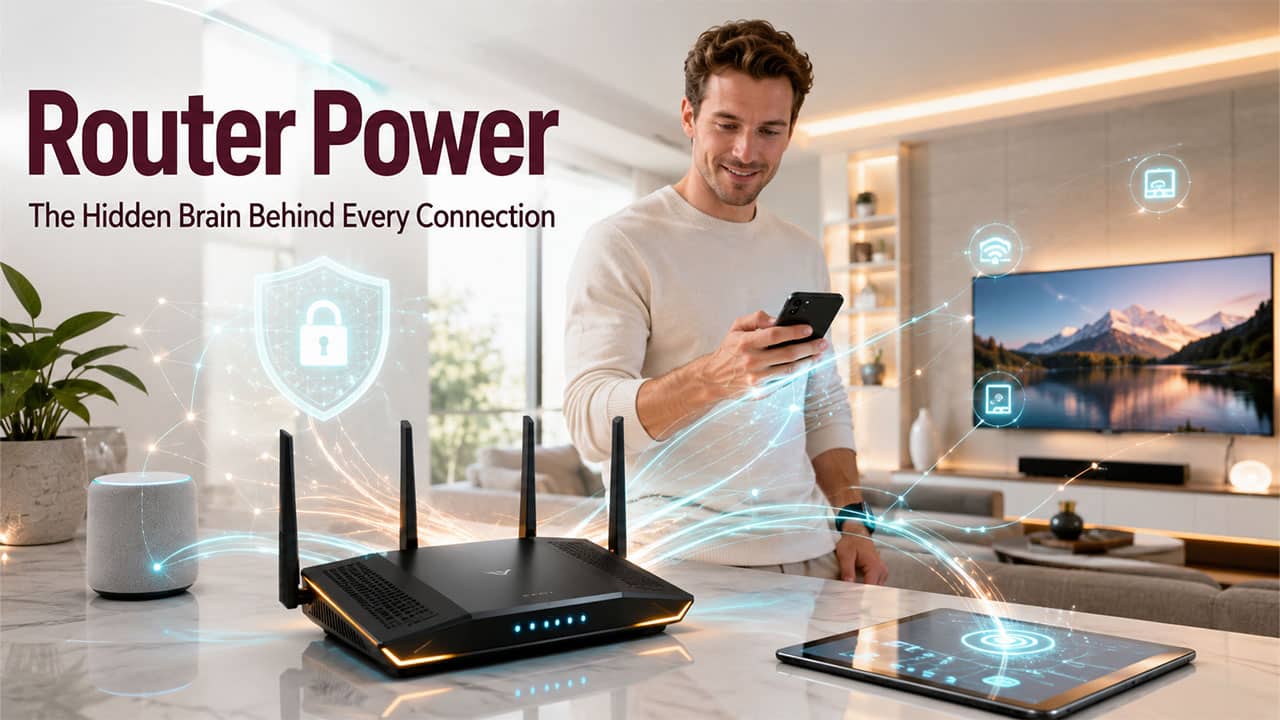
When you wake up, the first thing you do is reach for your phone to check your emails, scroll through news, or stream something. It all feels instant and effortless. But somewhere in your home, there is a small device that is working constantly to make all of that happen. That device is a router.
Many people never even notice until their internet goes down. Suddenly, everybody stares at those blinking red lights and waits for them to turn green again. Understanding what a router is and how it actually works isn’t just for IT professionals. It’s practical knowledge that helps you make smarter decisions about your network, your devices, and your security.
What Is a Router?
A router is a networking device that receives data packets and forwards them between computer networks. To put it simply, understanding what is internet starts with understanding the router. It’s what translates your ISP connection into usable access for every device in your home. Its main job is to direct internet traffic. To do so, it finds the most efficient path for data to travel from one network to another to make sure that it arrives at the right destination.
Let’s understand this with an analogy. Have you ever noticed a traffic controller at a busy intersection? There are dozens of vehicles coming from different directions, and all are trying to reach somewhere specific. On the surface, it feels like the traffic controller just lets everyone pass randomly, but in reality, it directs each vehicle to the correct lane and destination. A router does exactly that, but with data.
Every device, whether it is a mobile phone, laptop, tablet or smart TV, sends and receives data constantly. The router manages all of that traffic, assigns each device a local IP address, and makes sure every packet of data goes where it’s supposed to go. Without it, your devices would have no way of communicating with the internet or with each other.
How Does a Router Work?
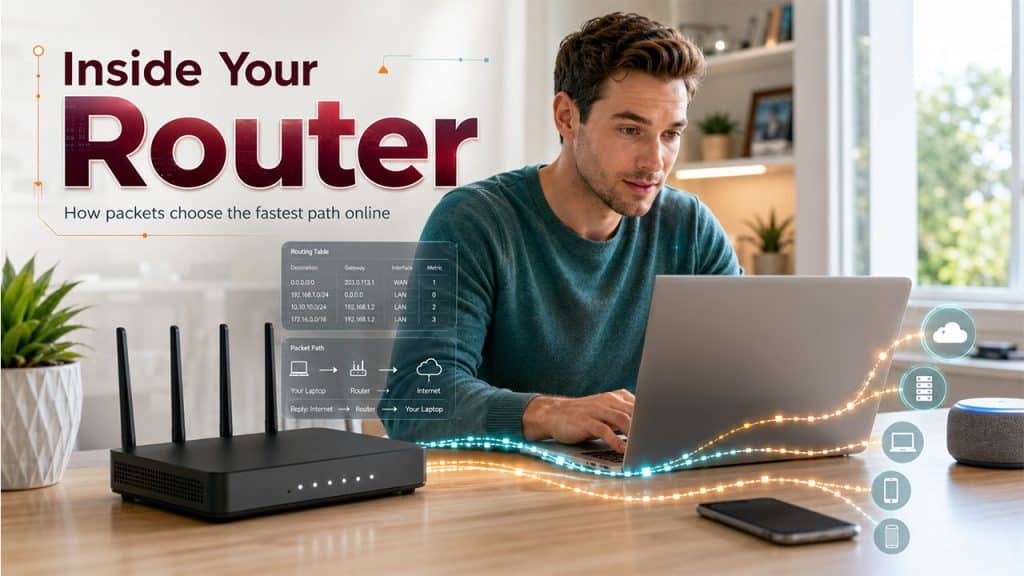
When data travels across the internet, it doesn’t move as one large block. It breaks down into smaller units, known as data packets. Each packet contains essential information such as where it came from and where it’s going. The router reads that information and then decides the best path forward.
Let’s see how the process works in practice:
A device on your network, say, your laptop, sends a request to load a website. That request leaves your laptop as a data packet. The router receives it, checks the destination IP address, consults its routing table, and forwards the packet toward the correct network. The website server receives the request, sends back the data, and the router directs it back to your laptop specifically.
The routing table is essentially the router’s internal map. It keeps a record of all known network paths and updates them dynamically. When one path is unavailable, the router finds an alternative. This process takes milliseconds, which is why browsing the internet feels seamless even when multiple devices are active at the same time.
Routers also use protocols like OSPF (Open Shortest Path First) and BGP (Border Gateway Protocol) to communicate with other routers and continuously update the best available paths for data transmission.
Different Types of Routers Explained
All routers are not the same. They vary depending on where they’re used, what they’re connecting, and how much traffic they are expected to handle.
- Wired Routers: They use physical Ethernet cables to connect devices. They are more commonly used in office environments where stable and high-speed connections are essential.
- Wireless Routers: They are the most familiar type for home users. They broadcast a Wi-Fi signal that devices connect to without cables. Most modern home routers are wireless.
- Core Routers: These are used by internet service providers and large enterprises. They handle a huge volume of traffic between major networks.
- Edge Routers: These sit at the boundary between one network and another. For example, between a company’s internal network and the public internet. They manage the flow of data in and out.
- Virtual Routers: They are the software-based routers that perform the same functions as physical routers. However, they run on virtual machines or cloud infrastructure. These are increasingly common as businesses shift to cloud environments.
- Brouters: A hybrid that combines the functions of a bridge and a router. They can operate at both the network layer and the data link layer, which makes them flexible for certain network configurations.
Main Functions of a Router
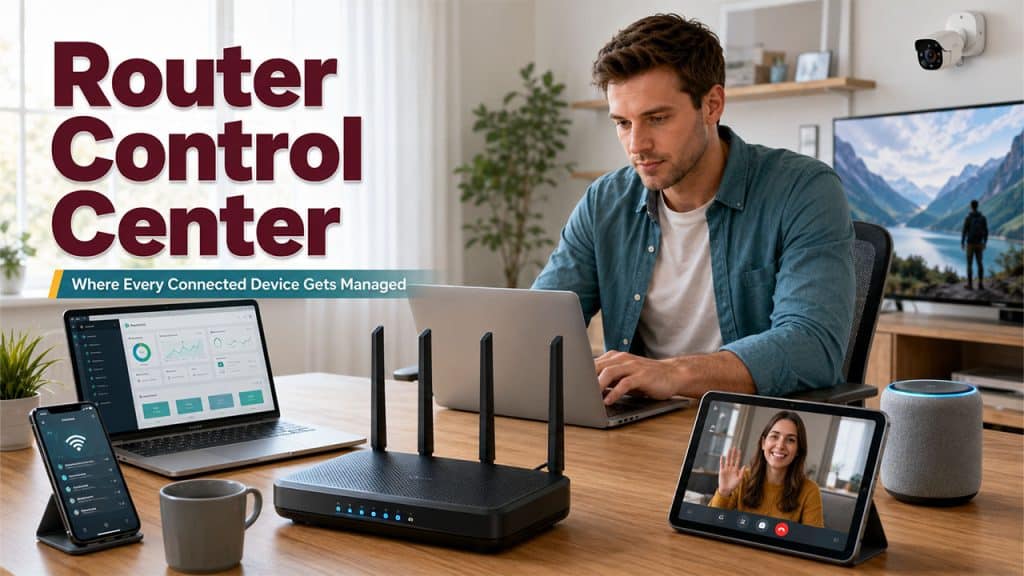
On the surface, it looks like the router just connects you to the internet. But it does more than just that. Let’s see what it actually manages behind the scenes:
Packet Forwarding: When it receives incoming data packets, it sends them where they are supposed to go based on the IP address information.
Path Determination: To send data packets towards their destination, it uses routing tables and protocols to find the most efficient path for data to travel across networks.
Network Address Translation (NAT): Through this, multiple devices on a private network can access a single public IP address when communicating with the internet. This is how your entire household uses the internet through one connection.
DHCP Management: It automatically assigns local IP addresses to devices when they join the network, so you don’t have to configure each device manually.
Firewall and Traffic Filtering: There are many routers that come with basic firewall capabilities that block anything suspicious or malicious by monitoring incoming and outgoing traffic.
Quality of Service (QoS): It prioritizes certain types of traffic over others. For example, video calls might be given higher priority than background downloads to maintain call quality.
Load Balancing: In more advanced setups, routers can distribute traffic across multiple network paths to prevent congestion and improve performance.
Router vs Modem: What Is the Difference?
People usually confuse these two or use them interchangeably. But they are two different devices that do two different functions.
| Feature | Router | Modem |
| Primary function | Directs traffic between devices and networks | Connects your home to your ISP |
| Operates at | Network layer (Layer 3) | Physical/data link layer |
| Assigns IP addresses | Yes, to local devices via DHCP | No |
| Creates a local network | Yes | No |
| Connects to | Modem and local devices | Internet Service Provider |
| Security features | Firewall, NAT, traffic filtering | Minimal or none |
| Can work alone | No (needs a modem for internet access) | Yes (but only one device can connect) |
In simple words, it is the modem that brings the internet into your building, whereas the router takes that internet connection and distributes it across all your devices. Now, many ISPs offer a combined modem-router unit. This is most likely the reason why the distinction gets blurry for most users. However, remember that they serve different functions even when they are housed in the same box.
Common Applications of Routers
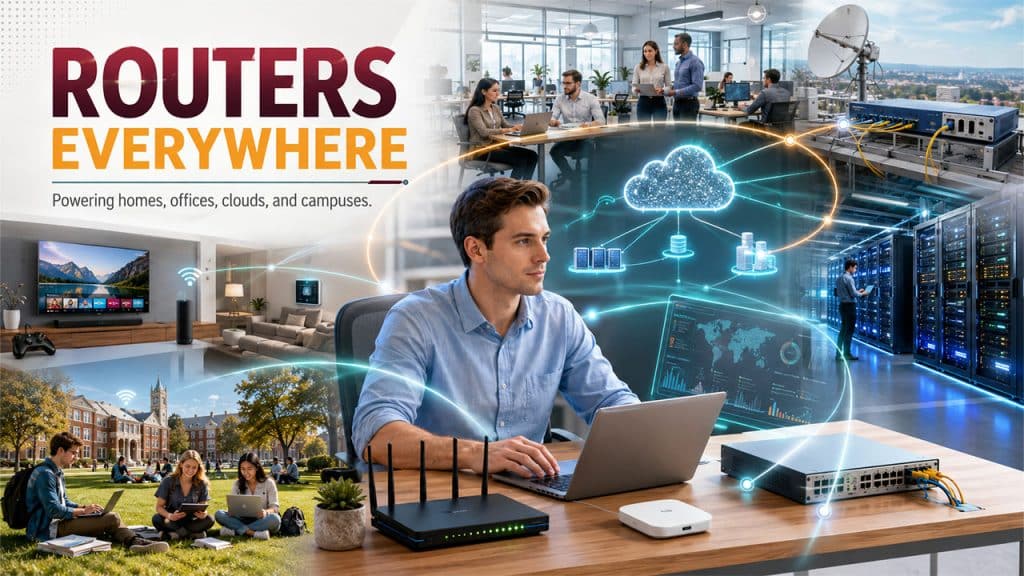
Routers aren’t meant for only homes, offices, or living rooms. They are everywhere.
Home Networks: A home router connects all devices in the household to the internet and to each other. This allows you to share files, stream your favorite shows, play games, and manage smart home functionality. It also supports productivity tools like Gmail custom domain email accounts that small businesses run from home setups.
Enterprise Networks: Businesses use high-performance routers to manage internal communication between departments, connect branch offices, support VPNs for remote workers, and maintain security across the entire network. Many enterprises depend on this infrastructure to run platforms like Google Workspace for Business without disruption.
Internet Service Providers: ISPs use core and edge routers to manage the enormous flow of traffic across their infrastructure. These aren’t consumer devices. Rather, they’re industrial-grade systems that handle data for thousands of users simultaneously.
Data Centers: Routers in data centers manage traffic between servers. They make sure that requests from users around the world are handled efficiently and without any interruption.
Cloud Networking: Virtual routers are increasingly used in cloud environments to connect distributed systems, manage traffic between cloud services, and support scalable network architectures.
Educational Institutions: Schools and universities use routers to manage large networks that support hundreds or thousands of devices across campuses, with different access levels for students, staff, and administration.
Router Security Risks and Challenges
Security is a growing concern in this digital world. Routers are a common target for cyberattacks because they sit at the entry point of a network. If your router gets compromised, attackers can potentially peek into everything that passes through it.
Default Credentials: Many routers come with generic admin usernames and passwords. And a large number of users never change them or forget about them. This gives a wide-open chance for unauthorized access.
Outdated Firmware: Router manufacturers release firmware updates to fix security gaps and vulnerabilities. When users don’t update, attackers exploit those vulnerabilities.
Man-in-the-Middle Attacks: If a router is compromised, attackers can intercept traffic passing through it. They can read data, redirect users to fake websites, or even inject malicious content.
Distributed Denial of Service (DDoS): Routers can be used as part of botnets to launch DDoS attacks, overwhelming a target network with traffic until it goes offline.
Unauthorized Access: If you’ve chosen a weak Wi-Fi password or did not configure your network settings properly, unauthorized users can connect to your network. They can consume bandwidth and access shared files or devices.
DNS Hijacking: Attackers can modify a router’s DNS settings to redirect users to malicious websites, even when they type in a legitimate address.
However, on the bright side, most of these risks can be mitigated. Change your default password, update firmware, use strong encryption (WPA3, where available), and disable remote management unless necessary. Doing these will keep your router safe.
Conclusion
A router is the decision-maker at the center of every network that is connected to it. It directs traffic, assigns addresses, manages security, and runs everything smoothly. Whether it’s a home network with five devices or an enterprise system handling thousands of users, the router is what makes organized, reliable connectivity possible.
And almost all of our modern life depends on being connected, whether it’s for home, work, communication, education, or everything in between. Understanding what a router is and what it actually does helps you see a clear picture of the infrastructure behind your internet connection. Next time, when the lights of the router start blinking, you’ll know what to do.
Frequently Asked Questions (FAQs)
What is a router in simple terms?
A router is a device that directs internet traffic between your devices and the broader internet, making sure data reaches the right destination.
Can I use the internet without a router?
You can connect a single device directly to a modem, but a router is needed to share that connection across multiple devices on a network.
What’s the difference between a router and a switch?
A router connects different networks together; a switch connects multiple devices within the same network.
How often should I restart my router?
Restarting once every few weeks helps clear memory and refresh the connection, which can improve performance over time.
What happens if a router is not secured properly?
An unsecured router can be accessed by unauthorized users, exposing your network to data theft, traffic interception, and potential misuse of your connection.