

 Continue with Google

 Share on media
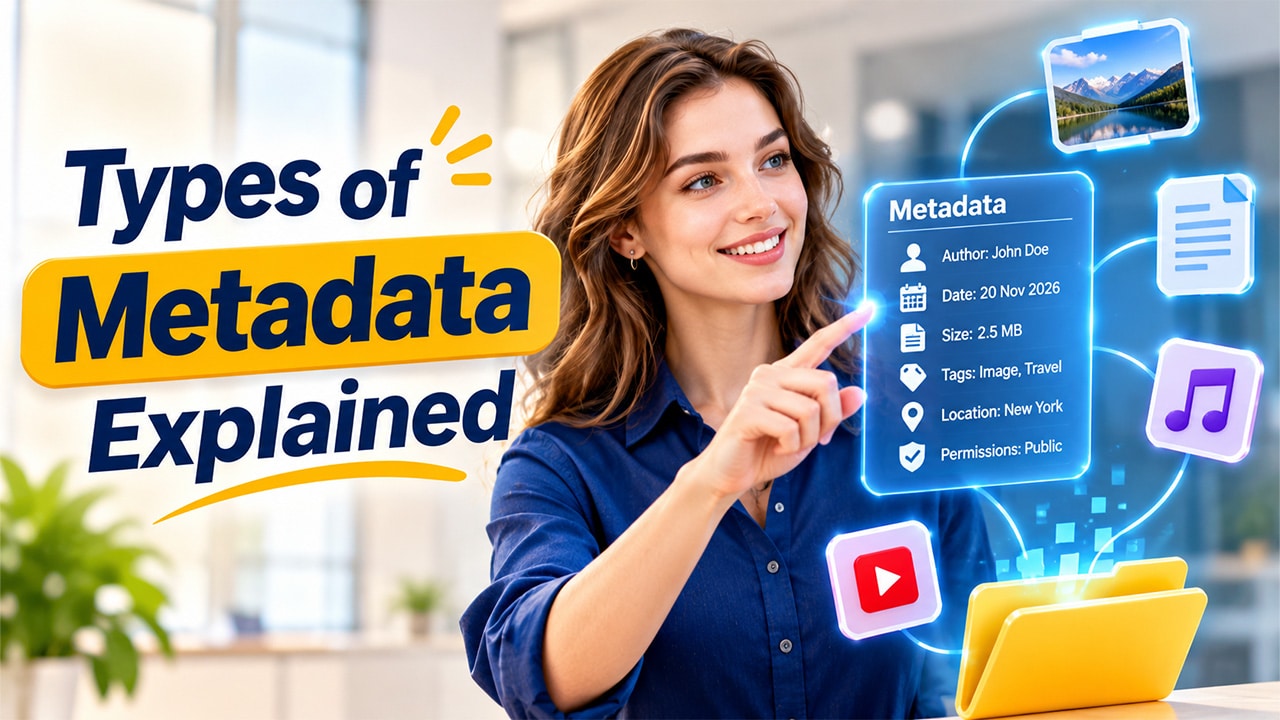
Every photo you take, every document you save and every song you stream carries a hidden layer of information. This layer tells you who created the file, when it was made, what it contains and how it fits with other files. In this guide, the types of metadata are broken down in simple language so that anyone can understand them, whether you are a student, a blogger, a business owner or a data professional.
Introduction to Metadata
Metadata is often described as “data about data.” Imagine a library. The books are the data, while the catalog cards that list the title, author, subject and shelf location are the metadata. Without those cards, finding the right book would take forever.
The same idea applies to the digital world. A single image file, for example, stores its size, resolution, camera model, date and sometimes even the location where it was taken. All of this extra detail helps people and software find, organize, understand and manage information faster.
Because modern organizations handle huge volumes of files, understanding the different metadata types has become an important skill. Let us look at them one by one.
Main Types of Metadata
Experts usually group metadata into three core categories: descriptive, structural and administrative. Some frameworks add a few more, which we will cover later. First, the core three.
1. Descriptive Metadata
Descriptive metadata explains what a resource is about. Its main job is to help people discover and identify content. When you search for a book online and see its title, author, summary and keywords, you are looking at descriptive metadata.
Common examples include:
- Title and subtitle
- Author or creator name
- Abstract or summary
- Keywords and tags
- Subject category
Think of it as the “label on the front of the box.” It does not tell you how the file is built or who is allowed to use it, but it tells you what is inside, which is exactly why search engines and library systems depend on it so heavily.
2. Structural Metadata
Structural metadata describes how different parts of a resource are organized and how they relate to each other. It shows the order and arrangement of content.
Consider an e-book. It has chapters, each chapter has pages, and the pages must appear in the right order. Structural metadata records this arrangement so that software can display the book correctly. A music album works the same way: tracks are grouped under one album and played in a set sequence.
Other examples are:
- Table of contents and chapter order
- Page numbering
- Relationships between database tables
- File formats that link a video with its subtitles
In short, if descriptive metadata says “what it is,” structural metadata says “how it is put together.”
3. Administrative Metadata
Administrative metadata provides the technical and management details needed to look after a resource over its lifetime. It answers questions such as who owns the file, when it was created, what format it uses and who can access it.
This category is often split into smaller subtypes:
- Technical metadata: file type, file size, resolution, software used
- Rights metadata: copyright owner, licensing terms, usage permissions
- Preservation metadata: backup history, migration records, version control
For example, a company storing thousands of contracts will use administrative metadata to track creation dates, approval status and who has permission to edit each document.
Other Important Types of Metadata
Beyond the core three, you may come across a few more categories in real-world use.
Reference and Statistical Metadata
This kind describes the quality and background of data, especially in research and government reports. It explains how data was collected, what methods were used and how reliable the numbers are.
Provenance Metadata
Provenance metadata tracks the origin and history of a resource, showing where it came from and what changes were made along the way. It is especially valuable in science, journalism and legal work, where trust matters.
Social Metadata
Social metadata comes from user activity, such as likes, shares, comments, ratings and hashtags. Platforms use it to understand what people enjoy and to recommend similar content.
Comparison Table: Types of Metadata at a Glance
The table below gives a quick side-by-side view of the main types of metadata, so you can see how they differ.
| Metadata Type | Main Purpose | Simple Example | Common Use |
|---|---|---|---|
| Descriptive | Helps find and identify content | Title, author, keywords | Search engines, libraries |
| Structural | Shows how content is organized | Chapter order, page sequence | E-books, databases, websites |
| Administrative | Manages and protects resources | File size, owner, access rights | Document management, archives |
| Provenance | Tracks origin and history | Edit logs, source records | Research, legal evidence |
| Social | Captures user interaction | Likes, comments, tags | Social media, recommendations |
Real-Life Examples of Metadata
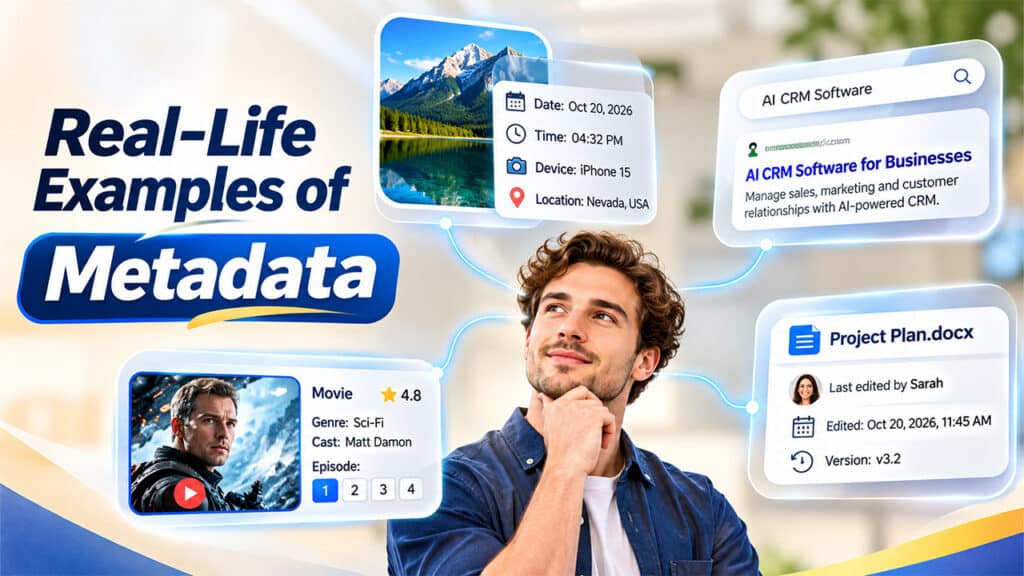
Metadata is not just a technical idea; you use it every day without noticing.
On your phone: Each photo records the date, time, device and sometimes the GPS location. That is administrative and technical metadata working quietly in the background.
On a website: The page title and meta description you see in search results are descriptive metadata. They help you decide whether to click.
On a streaming service: The movie title, genre, cast and rating are descriptive, while the episode order within a season is structural.
In an office: A shared document shows who last edited it and when. That is administrative metadata keeping teamwork organized.
Why Understanding Metadata Types Matters
Knowing the differences between metadata types brings real benefits:
- Better searchability: Well-described content is far easier to locate.
- Improved organization: Structural details keep large collections tidy and logical.
- Stronger security and compliance: Administrative records show who can access or change information.
- Higher data quality: Clear context reduces confusion and mistakes.
- Time savings: Teams spend less time hunting for files and more time using them.
Whether you manage a blog, a company database or a personal photo library, applying the right kind of metadata makes everything smoother.
Best Practices for Managing Metadata
You do not need to be a technical expert to use metadata well. A few habits go a long way.
Start by using consistent naming rules and tags, so everyone describes similar things in the same way. Next, keep metadata updated whenever a file changes, because outdated details can be worse than none at all. It also helps to document your standards in a simple guide that your team can follow. Finally, review your records regularly to remove duplicates and fix errors. If you are new to the topic and want to go back to the basics, you can read more about what is metadata and how it works in everyday digital life.
Conclusion
Metadata may stay out of sight, but it quietly powers search, organization and management across the digital world. Descriptive metadata helps people find content, structural metadata keeps it organized, and administrative metadata keeps it secure and well managed. Together with provenance and social metadata, these categories give a complete picture of any resource.
Once you understand the main types of metadata, you can organize files better, improve your content visibility and keep information trustworthy. To keep that information accurate and reliable over time, it is also worth learning about Data Validation, which checks that the details you store are correct and consistent.
