











 Continue with Google

 Share on media
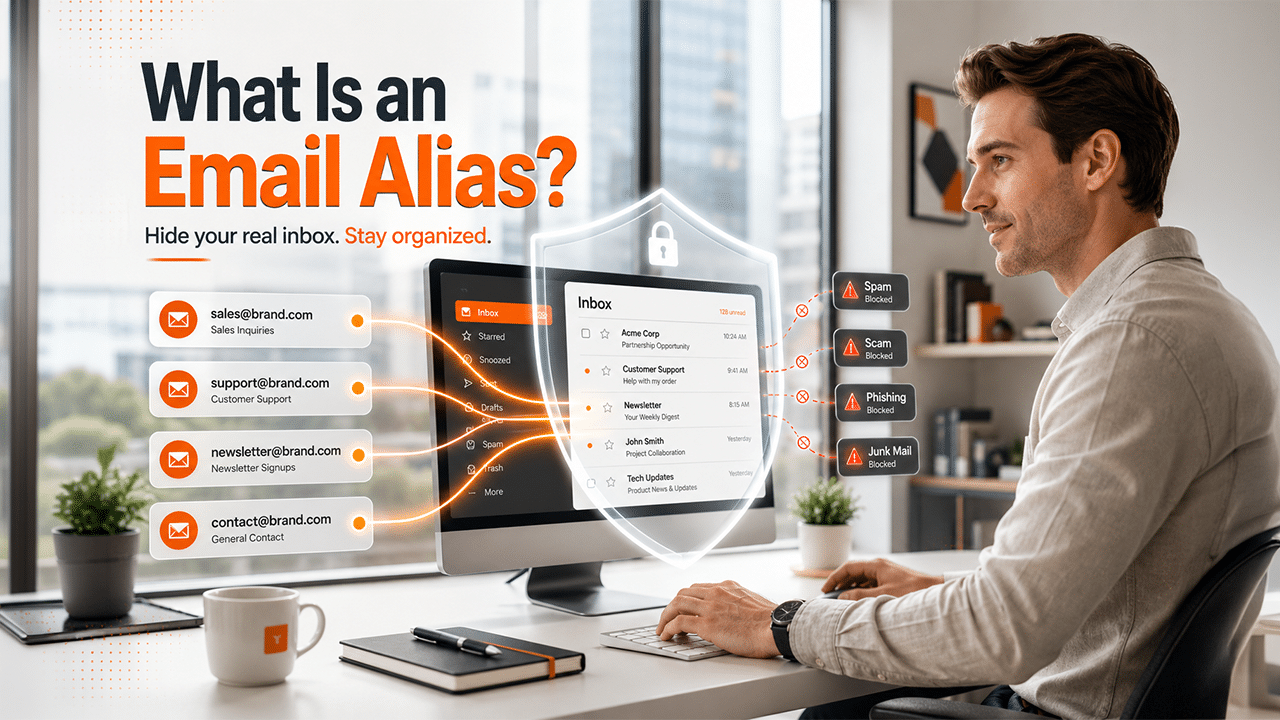
What is an email alias? Explore the complete guide of aliases, along with their features, applications, security advantages, and limitations.
In the current digital landscape, email plays a crucial role, from signing up for online services to managing customer inquiries. However, managing multiple emails can quickly lead to inbox clutter and be hard to manage.
This is where email aliases help in organizing the inbox efficiently. An email alias allows users to create multiple additional email addresses, which are linked to the primary account. Email aliases help users improve privacy, reduce spam, and maintain a more professional digital presence.
What is an Email Alias
Email aliases can be simply explained as an alternative email address, or a nickname, that forwards all incoming messages to your main inbox. An email alias allows users to receive emails, set for different purposes, like sales, without managing a separate account or paying extra fees.
Email aliases are not separate from email accounts with their own passwords, storage, or login credentials. Instead, it acts as another “name” for your primary email address. Users can create a wide range of email aliases like:
- sales@xyz.com
- support@xyz.com
- newsletter@xyz.com
- contact@xyz.com
How Email Alias Works?
An email alias is an alternative address that is attached to your primary email account. Using email aliases, every message gets automatically routed to the primary inbox. It lets the user send and receive emails from different identities, without the need to create new and separate email accounts.
- Routing: When a message is sent to the alias, the mail server recognizes it and directly forwards it to the primary inbox.
- Replying: When replying, the user can choose to send the email from the alias address. It helps keep the actual email address hidden.
- No Extra: User does not need to log into a separate account. Email aliases consolidate everything to the primary account.
Difference Between Alias and Mailbox
An email account is a standalone mailbox, which includes its own inbox, login credentials, and storage spaces. On the other hand, managing an email alias is considered easier than managing an email account.
The main difference between email aliases and email accounts is as follows:
| Features | Email Account | Email Alias |
| Separate Inbox | Yes | No |
| Login Credentials | Yes | No |
| Stores emails independently | Yes | No |
| Email forwards | Optional | Yes |
| Storage space | Full mailbox storage | Minimal |
| Managing | Complex | Yes |
In simple terms, email aliases are mainly a forwarding address, whereas a full email account is a standalone mailbox. Users managing provider-based accounts like Xfinity email can also create aliases and organize communication more efficiently.
Characteristics of Email Alias
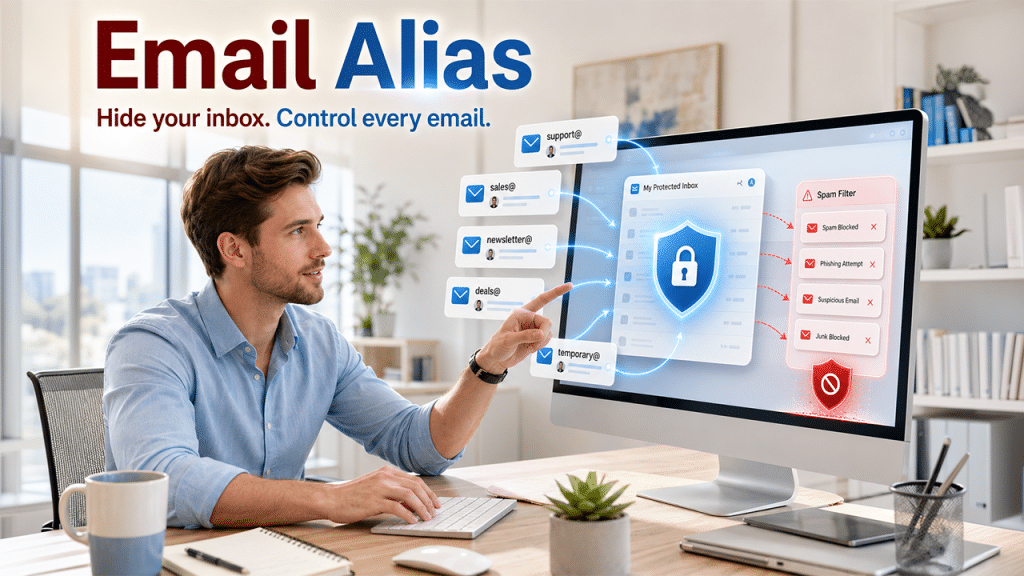
The email aliases act as an alternative email address, which offers key characteristics and benefits to the users, like enhanced privacy and spam control.
Some of the key characteristics of email aliases are as follows:
- No Separate Inbox: The alias address does not require a separate email account, storage space, or passwords.
- Two-Way Communication: Various modern email providers allow two-way communication to users using email aliases. The user can send and receive emails, ensuring the primary account address remains hidden.
- Privacy & Spam Control: Users can easily disable temporary aliases if they start receiving spam messages.
- Professional Organization: Businesses can easily create email aliases for multiple departments, while having one person or team managing everything.
Common Use Cases of Email Aliases
Email aliases are useful in many personal and professional situations. Instead of creating multiple email accounts, users can organize communication more efficiently with dedicated aliases.
Some common use cases include:
Online Shopping: Create a separate alias for eCommerce websites to keep promotional emails away from your primary inbox.
Newsletters and Subscriptions: Use a dedicated alias for newsletters so you can unsubscribe or disable the alias if it starts receiving excessive marketing emails.
Business Departments: Companies often create aliases such as sales@, support@, billing@, and careers@ that all forward messages to the appropriate team without requiring separate mailboxes.
Job Applications: Freelancers and job seekers can create a professional alias specifically for resumes and recruiter communication.
Website Registrations: Instead of exposing your personal email address everywhere, use an alias for forums, communities, SaaS platforms, and free trials.
Family or Shared Communication: Families can create aliases like family@yourdomain.com that forward emails to multiple members.
Using purpose-specific aliases makes email management cleaner, improves organization, and reduces unnecessary spam in your primary inbox.
Security and Privacy Advantages
The security and privacy advantages of email aliases mainly revolve around protecting personal information from various security challenges like identity theft, financial fraud, and unauthorized access.
Core Security Advantages
The core security advantages of the email aliases are that it focuses on protecting the data of the primary account from breaches, hackers, and unauthorized access.
Key core security advantages include:
- Data Protection: Helps secure sensitive data like passwords and financial records, among others.
- System Continuity: Alias offers protection against malware and also prevents system crashes. It also ensures efficient operations and higher availability.
Core Privacy Advantages
The main privacy advantages of email aliases are that it helps the user track and control how the data is collected, used, and shared by various third parties.
Key privacy advantages include:
- Identity Protection: It helps in minimizing the risk of identity theft, as email aliases limit access to the personal information of the user.
- User Control: It offers users autonomy to track and control their digital footprint.
How to Generate an Email Alias
The user can use the built-in features of all the major email platforms, like Google and Microsoft. The user can also utilize dedicated aliasing services, like Alias Email, to generate unique and disposable email addresses.
How to Generate an Email Alias in Gmail
To generate email aliases in Gmail, users can utilize two methods, which include using the instant alias trick and using the permanent “Send-As” alias method.
Method 1: Adding Permanent “Send-as” Alias
- Step 1: Open Gmail and click on Settings (Gear icon).
- Step 2: Select “See all settings” and navigate to the “Accounts and Import” tab.
- Step 3: In the “Send mail as” section, click on “Add another email address“.
- Step 4: Enter your name and the email address as required and check the “Treat as an alias” box.
- Step 5: Click on “Next Step” and follow the prompts to verify the address.
Method 2: Instant Alias Trick
The process instantly creates unique aliases for your existing Gmail address. Users can use instant “+ Alias” or “Dot Alias” features of Gmail to generate. Users can also use tools like Gmail Generator to generate multiple unique aliases from a single email address.
The user can also use Gmail aliases with Gmail Confidential Mode. To leverage this combination together, users can follow the given steps:
- Step 1: Compose a new email in Gmail.
- Step 2: Click on the drop-down menu in the “From” section and select the desired aliases.
- Step 3: Click the “Confidential Mode” icon at the bottom of the compose window.
- Step 4: Set your expiration dates and passcode and hit send.
How to Generate an Email Alias in Outlook
In Outlook, email aliases are ideal for masking the primary address, managing spam, or organizing emails. It also allows users to send and receive emails from different addresses. To create aliases in Outlook, users can follow the easy steps:
- Step 1: Go to “Add a username” on the Microsoft Account website.
- Step 2: Sign in to your Microsoft account (if prompted).
- Step 3: Go to the “Add an Alias” option and select “Create a new email address and add it as an alias“.
To add an existing email address, click on “Add an existing email address as a Microsoft account alias”.
- Step 4: Click on “Add alias“.
Popular Email Providers That Support Email Aliases
Most modern email providers offer email alias functionality, although the features and limitations vary between services.
| Email Provider | Supports Aliases | Notes |
|---|---|---|
| Gmail | Yes | Supports plus addressing (+) and “Send Mail As” aliases. |
| Outlook | Yes | Allows creation of multiple Microsoft account aliases. |
| iCloud Mail | Yes | Offers Hide My Email and alias support for iCloud users. |
| Zoho Mail | Yes | Allows multiple aliases depending on the plan. |
| Proton Mail | Yes | Supports aliases and integrates with SimpleLogin for advanced privacy. |
| Fastmail | Yes | Offers powerful alias management and custom domain support. |
Before creating aliases, users should review the limitations of their email provider, including the maximum number of aliases allowed, sending capabilities, and whether aliases work with custom domains.
Key Considerations
Before creating an email alias, it is important to consider the main objective of creating one, like privacy, organization, or domain management. It is also essential to check the specific linking rule of the email provider, as aliases generally share the same inbox and sender reputation as the primary address.
Some of the key considerations before creating an email alias are as follows:
- Privacy vs Anonymity: Aliases are great for shielding the main address, generally from spam or data leaks. But it cannot be truly anonymous, as a standard alias is directly linked to the user’s identity.
- Primary Account Dependency: As the alias is a type of mask for the main account, it solely relies on the primary account password and 2FA. If the main accounts get hacked, all the associated aliases are also exposed.
- Inbox Organization and Management: All the emails sent to the aliases will arrive in the primary inbox. Before setting up aliases, it is essential to make sure that the email provider supports filters and rules.
- Sending and Receiving Capabilities: Before creating aliases, it is important to check if the email provider supports sending messages from the aliases.
- Authentication: If the user is using an alias on a custom domain, it is also important to ensure that the provider supports strict security setups, like SPF, DKIM, and DMARC.
Who Should Use Email Aliases?
An email alias is useful for almost everyone, from individuals looking for privacy to large enterprises aiming for more structured workflows.
Email aliases are ideal for the following:
| User | Ideal For |
| Individuals | Privacy protection, Spam reduction, and Online registrations |
| Freelancers | Professional branding, Client management, Service categorization |
| Small Businesses | Customer support, Team collaboration, Department communication |
| Large Enterprises | Privacy protection, Spam reduction, and Online registrations |
Email Alias vs Other Masking Methods
The main objective of email aliases and email masking is to shield your primary email address. However, aliases are a permanent and user-created alternative, which is generally meant for organizations, while masked emails are randomized and disposable email addresses, which are created by specialized tools for anonymity and privacy.
Email Aliases vs Sub-Addressing vs Email Masking
While email aliases, sub-addressing, and masking are aimed at hiding the email primary address, they serve a different purpose altogether. Aliases creates a new email address, that funnels the messages directly into the primary inbox. Sub-addressing is a built-in feature that can simply be added to your existing username. Masiking leverages dedicated privacy services to generate unique, randomized, and disposable addresses for every single website.
| Features | Email Alias | Sub Addressing | Email Masking |
| Main Purpose | Organization and professional communication | Inbox filtering and tracking | Privacy and identity protection |
| Separate Inbox | No | No | Usually no |
| Uses Main Email Account? | Yes | Yes | Yes |
| Can Send Email? | Usually yes | Yes | Limited |
| Custom Email Address | Yes | Limited | Automatically generated |
| Privacy and Spam Protection | Moderate | Low | High |
Email Aliases vs Disposable Email
A disposable email address (or DEA) is a type of temporary and disposable email address, which is mainly used to sign up for websites, newsletters, or services. The disposable email helps in protecting the primary account from spam and data breaches. It generally expires after a few hours and after which the inbox self-destructs.
The major differences between email aliases and disposable email are:
| Features | Email Aliases | Disposable Email |
| Inbox access | Messages go to the real inbox | Usually offers a separate inbox |
| Main purpose | Optimization and professional identity | Privacy and spam avoidance |
| Duration | Long-term | Short-term or temporary |
| Privacy Level | Moderate | High |
| Spam Protection | Moderate | Very high |
Disposable emails offer key advantages to users, like offering complete anonymity, avoiding spam, and enhancing the security of the primary address. Platforms like YOPMail also offer key features like instant disposable email generation and can create an inbox without registration.
Also Read: Temp Mail Review
Best Practices for Managing Aliases
The process of creating email aliases is easy, but its strategic application is what helps in improving email security, privacy, and organization. Without proper management, the aliases can become confusing and difficult to maintain.
Some of the best practices which ensures effectiveness of aliases are as follows:
- Create a Purpose-Specific Aliases: Users should avoid using a single alias for everything but create separate communication categories for different applications.
- Use Custom Domains: For businesses, it is ideal for creating custom domain aliases. Creating custom and professional aliases improves brand identity, customer trust, and business credibility.
- Delete or Disable Unused Aliases: It is essential to delete or disable old aliases, as they can lead to multiple security risks over time.
- Use Temporary Aliases for One-Time Signups: It is important to use temporary websites for website registration, especially for downloading files, accessing promotions, claiming discounts, or starting free trials.
Limitations of Email Aliases
Email aliases are extremely useful for organizing communication and improving privacy. However, it comes with various limitations, like no separate inbox and no independent login access.
Some of the major limitations of email aliases include:
- No Separate Inbox: One of the main limitations of email aliases is that it does not have an independent inbox. All the emails sent to the alias address are routed and delivered to the primary email account.
- No Independent Login Access: The email alias cannot be used as a standalone account. Email usually does not have separate login credentials or storage spaces. This especially became difficult when multiple access to the aliases is needed.
- Limited User Access Control: As aliases depend on the primary accounts, different permissions for different users cannot be assigned.
Conclusion
Email aliases are a simple yet powerful solution that can be used to manage emails. Aliases allow users to create additional email addresses linked to the primary inbox. It helps in organizing the inbox, protecting privacy, and reducing the risk of exposure. Email aliases offer flexibility and convenience to almost every type of consumer, from businesses managing customer support to individuals trying to improve their digital presence.
It is also important to understand the key applications, limitations, and key considerations of email aliases before creating one. Email aliases can make digital communication safer, cleaner, and more efficient, but they cannot act as an independent email account. Aliases share inbox, storage, and login credentials with the primary account, limiting their access.
Frequently Asked Questions
Is an email alias like a disposable email?
Yes, an email alias is like a disposable email. However, the main difference between the two is in their lifespan. The email aliases are permanent until the user decides to disable them, whereas a disposable email account automatically gets deleted within a few hours or after a specific purpose.
Can I send emails using an email alias?
Yes, you can send emails using email aliases. Various major email providers, like Outlook, Gmail, and iCloud, allow users to send messages from an alternate address.
Is an email alias secure?
The email alias offers excellent privacy and spam protection, but it does not act as a primary security measure.
Can an email alias help reduce spam?
Yes, email aliases are considered one of the most effective measures to reduce spam from the primary email account. It also acts as a shield to the primary email account and keeps the real email address hidden from the marketers.
Can I create an email alias in Zoho Mail?
Yes, you can create email aliases on Zoho Mail. Users can create up to 30 email aliases per user on the platform.