

 Continue with Google

 Share on media
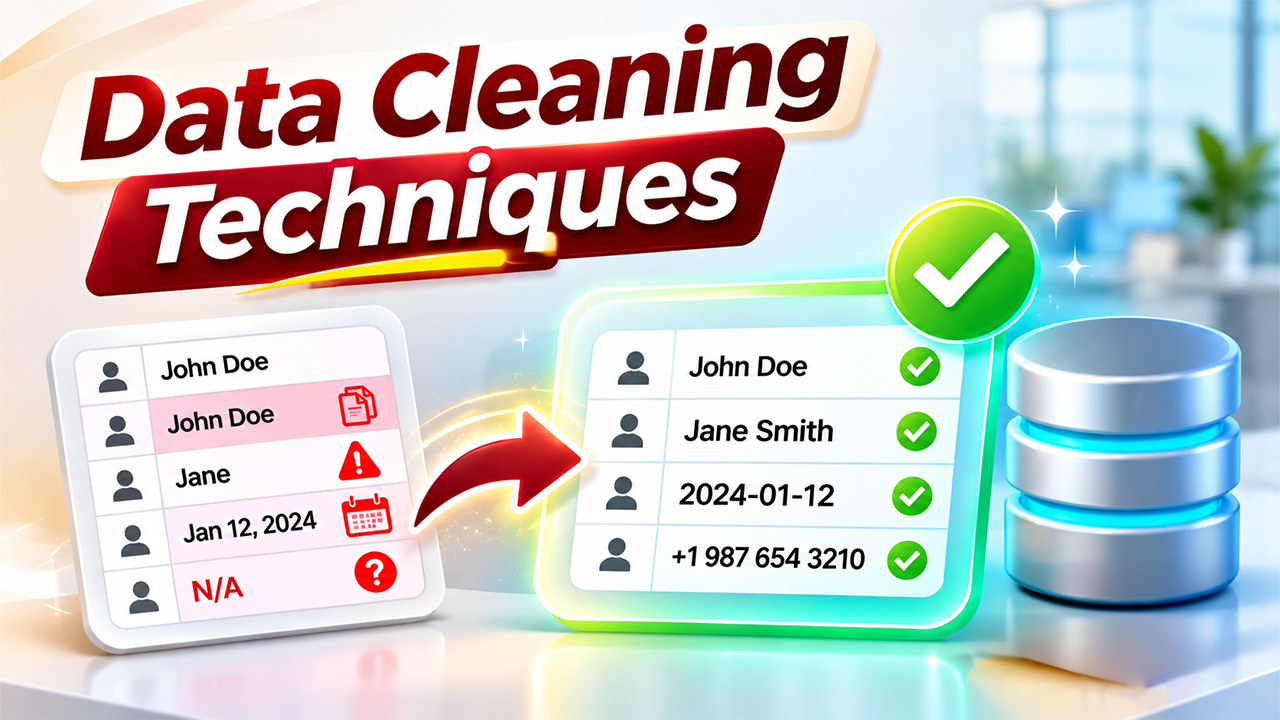
Data plays an important role in modern business operations. Organizations collect information from websites, customer relationship management (CRM) systems, marketing platforms, sales applications, and other digital sources. However, collecting large amounts of information does not automatically guarantee useful insights. Data may contain duplicate records, missing values, incorrect entries, inconsistent formats, and outdated information.
These issues can affect reporting accuracy, business decisions, and the performance of analytical models. For example, duplicate customer records may inflate sales reports, while incorrect contact information can create problems for marketing campaigns.
This is where data cleaning techniques become important. They help organizations identify, correct, and manage errors so that information remains accurate, consistent, and reliable. A reliable Data Quality Platform can also help organizations monitor data accuracy, identify inconsistencies, and maintain cleaner datasets across different business systems.
What Are Data Cleaning Techniques?
Data cleaning techniques refer to the methods used to identify and correct errors, inconsistencies, and unnecessary information within a dataset. The objective is to make raw data suitable for reporting, analysis, business operations, and other applications.
Data cleaning is also known as data cleansing or data scrubbing. It involves examining information, identifying quality problems, and applying appropriate corrections without removing valuable information unnecessarily.
Common data quality issues include:
- Missing values: Important information is absent from certain records.
- Duplicate entries: The same customer, transaction, or record appears multiple times.
- Incorrect information: Data contains spelling mistakes or inaccurate values.
- Inconsistent formatting: Dates, phone numbers, and names follow different formats.
- Outliers: Certain values differ significantly from expected patterns.
- Irrelevant information: Unnecessary fields or records make analysis more complicated.
Addressing these problems helps businesses maintain reliable datasets and improve the quality of their decisions.
Why Is Data Cleaning Important?
Poor-quality information can affect almost every department within an organization. When employees work with inaccurate records, they may generate misleading reports, misunderstand customer requirements, or make decisions based on incomplete information.
Here are some important reasons to maintain clean data.
1. Improves Data Accuracy
Accurate information helps businesses understand their actual performance. Removing incorrect entries and correcting inconsistent values makes reports more dependable.
2. Supports Better Business Decisions
Managers rely on reports to evaluate sales, customer engagement, marketing performance, and operational efficiency. Reliable information helps them make decisions based on realistic business conditions.
3. Improves Machine Learning Performance
Machine learning models depend on the quality of their training data. Missing values, duplicate records, and incorrect labels can affect model predictions. Cleaning the dataset helps reduce avoidable errors.
4. Saves Time and Operational Costs
Employees often spend considerable time correcting records manually. Establishing consistent cleaning rules reduces repetitive work and makes information easier to manage.
5. Strengthens Customer Data Management
Businesses frequently maintain customer information across multiple platforms. Cleaning these records helps prevent duplicate profiles, incorrect contact details, and inconsistent customer histories.
10 Effective Data Cleaning Techniques

Different datasets require different cleaning approaches. The following methods address common data quality problems encountered during everyday business and analytical activities.
1. Remove Duplicate Records
Duplicate records occur when identical information is entered or imported multiple times. This commonly happens when businesses combine customer databases or collect information from different sources.
For example, a CRM database may contain the same customer twice because the person registered through two different forms.
Identify duplicates using unique identifiers such as email addresses, customer IDs, or transaction numbers. Review similar records before removing them to avoid deleting legitimate information.
2. Handle Missing Values
Missing values can affect calculations, reporting, and analytical results. However, removing every incomplete record is not always the right solution.
Depending on the dataset, you can:
- Replace missing numerical values with the mean or median.
- Use the most frequent value for suitable categorical fields.
- Mark unavailable information as “Unknown” or “Not Provided.”
- Remove records when essential information is missing and cannot be recovered.
- Use statistical models to estimate missing values when appropriate.
Always consider why information is missing before choosing a replacement method.
3. Standardize Data Formats
Information collected from multiple sources often follows different formatting conventions. For example, dates may appear as 05/11/2026, 2026-11-05, or November 5, 2026.
Standardization converts these variations into one consistent format.
Other examples include:
- Converting phone numbers into a consistent format.
- Standardizing country names and abbreviations.
- Using consistent capitalization for names.
- Applying the same currency and measurement units.
Consistent formatting makes information easier to compare, filter, and analyze.
4. Correct Spelling and Typographical Errors
Small typing mistakes can create significant problems in large datasets. For example, a company name entered as “Microsoft,” “Microsof,” and “Micro Soft” may appear as three separate entities.
Use spell-checking tools, predefined dictionaries, and text-matching algorithms to identify possible errors.
However, automated corrections should be reviewed when different spellings may represent legitimate names or business terms.
5. Identify and Manage Outliers
Outliers are values that differ considerably from the general distribution of a dataset.
For example, if most customer orders range between $20 and $500, an order recorded as $50,000 may require investigation.
Common ways to identify outliers include:
- Interquartile range (IQR).
- Standard deviation.
- Box plots.
- Scatter plots.
- Statistical anomaly detection.
Not every unusual value is incorrect. Some outliers represent genuine business activities, so investigate them before removing or modifying records.
6. Remove Irrelevant Data
Datasets sometimes contain information that is not required for a particular analysis. Removing unnecessary columns and records can simplify processing and improve efficiency.
For example, when analyzing monthly sales performance, customer profile photographs or unrelated website tracking information may not be necessary.
Determine which fields support your objective before removing anything. Keep the original dataset available for future requirements.
7. Validate Data Types and Values
Data validation ensures that information follows predefined rules.
Email Parsing Software can also help extract email addresses and other relevant details into structured fields, where they can be checked against predefined validation rules.
Validation rules may include:
- Required fields cannot remain empty.
- Dates must follow an approved format.
- Numerical values must fall within reasonable ranges.
- Email addresses must follow valid patterns.
- Unique identifiers must not be repeated.
These checks help detect errors before information enters reporting or analytical systems.
8. Normalize Data
Normalization involves adjusting numerical values to a consistent scale. It is particularly useful when preparing datasets for machine learning and statistical analysis.
For example, a dataset may contain customer age values ranging from 18 to 70 and annual income values ranging from $20,000 to $200,000.
Scaling these values can help certain machine learning algorithms process different features more effectively.
Common approaches include Min-Max scaling and Z-score standardization.
9. Correct Inconsistent Categories
Categorical information may contain different labels representing the same value.
For example:
- USA
- U.S.A.
- United States
- US
These entries may refer to the same country. Mapping them to a standard label makes grouping and reporting more accurate.
Create approved category lists and apply consistent mapping rules across relevant datasets.
10. Maintain Data Quality Through Automation
Manually correcting large datasets can become time-consuming. For example, AI Email Parsing can help organize information from incoming emails into structured fields, making it easier to review, validate, and manage extracted data.
Python, SQL, spreadsheet functions, and data integration platforms can automate duplicate detection, format standardization, missing-value checks, and validation.
Automated checks should still include exception reporting and human review for ambiguous records.
Understanding the Data Cleaning Process Step by Step
Applying individual cleaning methods is useful, but businesses also need a structured approach to manage data quality consistently.
A typical data cleaning process includes the following steps:
Step 1: Understand the Dataset
Examine the dataset’s structure, purpose, columns, data types, and sources. Identify which information is essential for the intended analysis.
Step 2: Create a Backup
Save an untouched copy of the original dataset. This allows you to recover information if a cleaning operation produces unexpected results.
Step 3: Identify Data Quality Issues
Check for duplicate records, missing values, inconsistent formats, incorrect entries, and unusual values.
Step 4: Apply Appropriate Cleaning Rules
Choose suitable corrections based on the type of problem. Avoid applying the same solution to every dataset.
Step 5: Validate the Results
Review the cleaned information and confirm that it meets the required quality standards.
Step 6: Document Changes
Maintain a record of modifications, assumptions, and applied rules. Documentation makes future updates and audits easier.
Step 7: Monitor Data Quality
Perform regular checks to identify new problems and prevent previously corrected issues from returning.
Practical Data Cleaning Examples
Understanding real-world situations makes cleaning methods easier to apply.
Here are three common data cleaning examples from business operations.
Example 1: Customer Database Management
A company maintains a customer database containing 10,000 records. During an audit, employees discover duplicate email addresses, missing phone numbers, and inconsistent country names.
The company removes verified duplicates, standardizes country names, and flags missing contact information for further verification.
Result: The customer database becomes more consistent and easier to manage.
Example 2: Sales Reporting
A sales team combines monthly reports from different departments. Some transactions use different date formats, while others contain incorrect product categories.
The team standardizes dates, corrects category labels, and validates transaction amounts before generating its monthly report.
Result: Sales figures become easier to compare across departments and reporting periods.
Example 3: Machine Learning Preparation
A data science team prepares customer information for a predictive model. The dataset contains missing values, duplicate observations, and numerical features with different scales.
The team handles missing values, removes inappropriate duplicates, investigates outliers, and applies suitable scaling methods.
Result: The dataset becomes better prepared for model training and evaluation.
Best Practices for Effective Data Cleaning
Good cleaning practices should focus on accuracy, consistency, and data protection.
Consider these recommendations:
- Always preserve the original dataset before making changes.
- Define clear rules for required fields and acceptable values.
- Avoid deleting unusual records without investigating them.
- Use automation for repetitive and predictable corrections.
- Review sensitive information carefully and follow applicable privacy requirements.
- Document all important changes and assumptions.
- Schedule regular data quality checks.
- Involve relevant business teams when defining validation rules.
These practices complement other data preprocessing techniques, such as data integration, transformation, and feature preparation. Together, they help create datasets that are more suitable for analytics and machine learning.
Conclusion
Reliable information is essential for accurate reporting, effective business operations, and successful data analysis. However, raw datasets often contain duplicate records, missing values, formatting inconsistencies, and other errors that can reduce their usefulness.
Applying the right data cleaning techniques helps organizations identify these problems and correct them systematically. From removing duplicates and handling missing values to validating records and automating repetitive tasks, each method contributes to better data quality.
The most effective approach is to establish a repeatable cleaning strategy, preserve original information, document changes, and monitor datasets regularly. By making data quality an ongoing priority, businesses can build a stronger foundation for reporting, analytics, automation, and informed decision-making.