

 Continue with Google

 Share on media
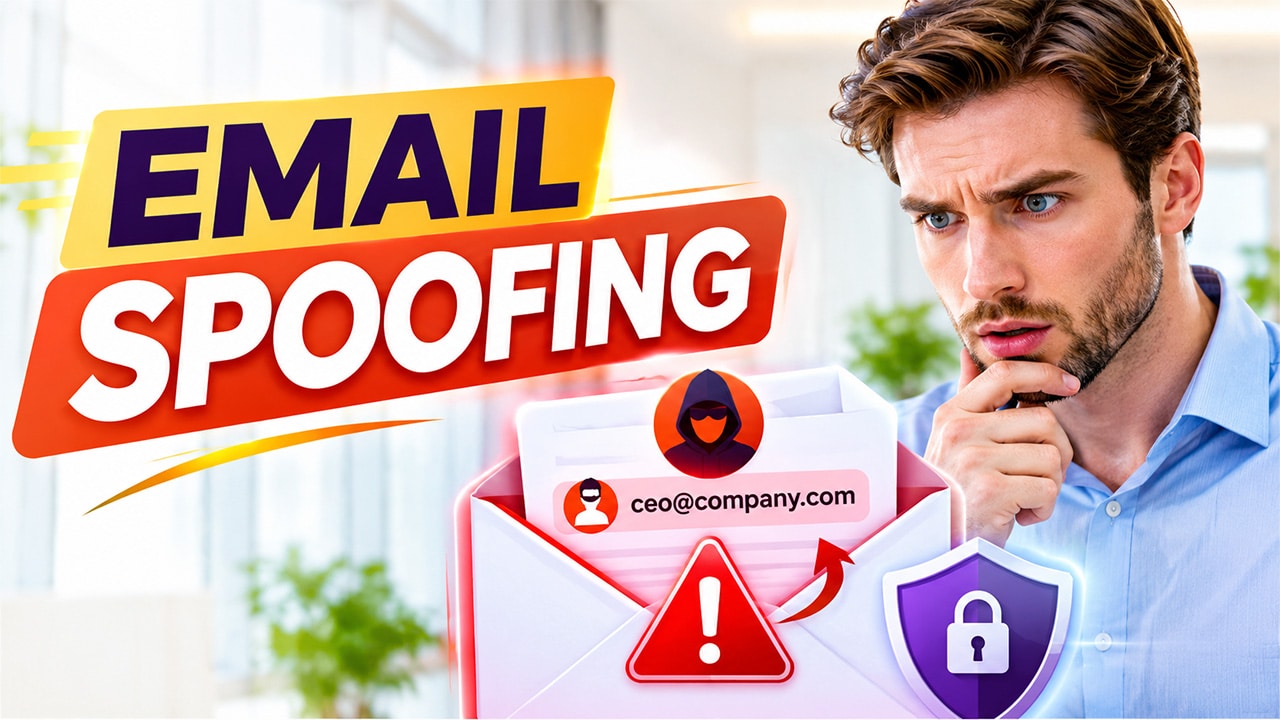
The guide explores what email spoofing is, how it works, common types of email spoofing attacks, and how to identify spoofed email.
In the current digital landscape, email is among the most widely used communication channels that are used for individuals and businesses. From sharing confidential documents to managing financial transactions, emails play an essential role in everyday communication. However, as the usage of email continues to grow, cybersecurity threats are also expected to increase. Among all the different types of cyberattacks, email spoofing is one of the most common and dangerous threats.
Cybercriminals generally use email sender spoofing to make fraudulent messages that appear as though they come from a legitimate sender, such as trusted companies, banks, colleagues, or business partners. These fake emails can trick recipients into sharing sensitive information, clicking malicious links, downloading harmful attachments, or transferring money to fraudulent accounts.
Understanding how email spoofing works, how to identify suspicious messages, and how to protect yourself is essential for maintaining strong email security.
What is Email Spoofing?
Email spoofing is a type of cyberattack technique in which an attacker forges the information of the sender in an email to make it appear as though the message was sent by someone else. The attacker tries to manipulate the sender’s email address or display name to impersonate a trusted individual, organization, or brand. Email sender spoofing is generally used in phishing attacks, business email compromise (BEC), identity theft, and financial fraud.
To understand email spoofing better, it is important to first understand what is spoofing. Spoofing is a cyberattack technique in which attackers disguise their identity or impersonate a trusted source to deceive individuals or organizations.
It is also important to know what is spoofed email or website to better understand email spoofing. A spoofed email or website is a fraudulent digital communication or webpage designed to imitate a legitimate source. While a spoofed email impersonates a trusted sender, a spoofed website copies the appearance of a genuine website to deceive visitors into sharing personal or financial information.
Types of Email Spoofing
There are various types of email spoofing techniques, which mainly depend on their objectives and targets. Some of the common types of email sender spoofing include the following:
- Display Name Spoofing
In display name spoofing, attackers change the display name of the sender to imitate a person or organization. The actual email address may be completely different, but a recipient who only glances at the sender’s name may believe the message is genuine.
- Domain Spoofing
Domain spoofing generally involves impersonating a legitimate email domain. In this, the attackers use forged sender information to make messages appear as though they originated from an official domain of a company.
- Lookalike Domain Spoofing
In lookalike domain spoofing, attackers register or use domain names that closely resemble a legitimate business domain. It might contain an additional character, spelling variation, or a different domain extension.
- Direct Email Address Spoofing
Under direct email address spoofing, attackers might manipulate email headers to display the actual email address of another person as the sender. This can make a fraudulent message appear convincing, even when the legitimate account has not been compromised.
- Business Email Compromise (BEC)
It is among the most sophisticated forms of fraud, under which attackers impersonate executives, employees, or business partners to manipulate financial transactions or obtain sensitive business information.
How Does Email Spoofing Work?
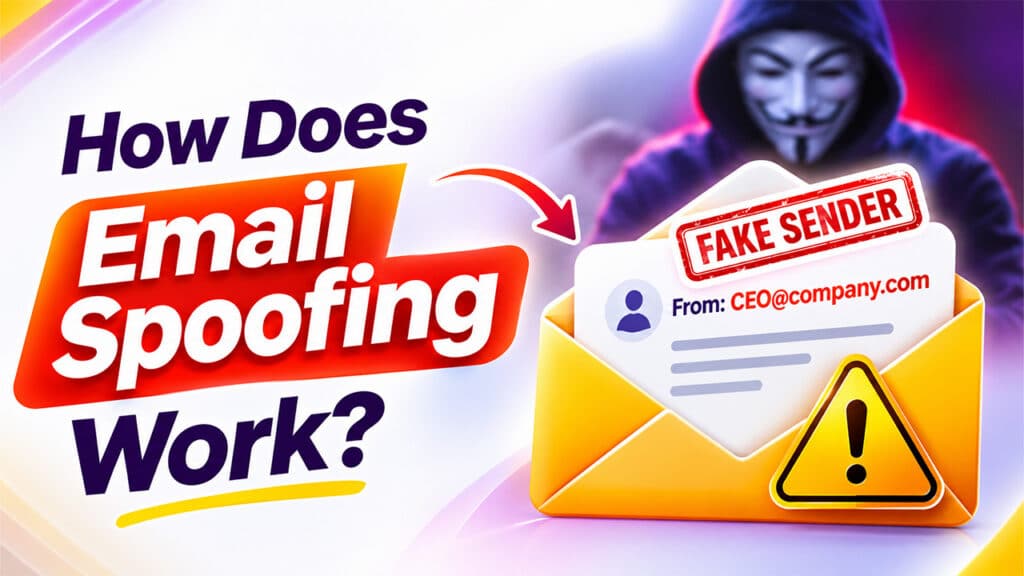
Email spoofing usually takes advantage of how email communication systems exchange and display sender information.
A simplified workflow of how email spoofing works is as follows:
- Selecting a Target: The attackers identify a person or organization they want to impersonate.
- Creating Fake Sender Identity: The attackers prepare an email using a forged sender address or display name that resembles a trusted source.
- Preparing the Message: The email is written to encourage the recipient to take a particular action, such as clicking a link, opening the attachment, sharing confidential information, or making a payment.
- Sending the Spoofed Email: The attacker sends the message through an email system that allows them to provide misleading sender information.
- Exploiting the Recipient’s Trust: If the recipient believes the email is genuine, they may follow the attacker’s instructions and unintentionally expose sensitive information.
Identifying Spoofed Email
To identify email spoofing, users look for the following common warning signs:
- Unusual Sender Addresses: Users should check the complete email address instead of just relying on the display name of the sender.
- Urgent or Threatening Language: A major sign of a fraudulent email is that they also create a sense of urgency. Users should carefully treat messages that claim urgency.
- Suspicious Links: Users can hover over any links to check their destinations before clicking them.
- Unexpected Attachments: Be cautious about opening unexpected attachments, especially executable files, password-protected archives, or documents requesting unusual permissions.
- Requests for Sensitive Information: Legitimate organizations generally do not request passwords, one-time passwords (OTPs), or confidential account information through ordinary email messages.
- Unusual Payment Instructions: Treat unexpected changes to bank account details or urgent payment requests as potential fraud. Verify them through a separate, trusted communication channel.
Preventing Email Spoofing Attacks
To prevent email spoofing, users and organizations can consider the following steps:
- Implement SPF, DKIM, and DMARC: Use an SPF Record Checker to verify SPF configuration and correctly configure all three authentication mechanisms to reduce unauthorized use of your organization’s email domain.
- Use Secure Email Solutions: Choose reliable email services that offer encryption, authentication, spam filtering, malware detection, and advanced threat protection.
- Enable Multi-Factor Authentication (MFA): MFA adds an additional layer of protection to email accounts, making unauthorized access more difficult.
- Train Employees: Conduct regular cybersecurity awareness sessions to help employees recognize phishing, spoofing, and business email compromise attempts.
- Verify Sensitive Requests: Confirm unexpected financial instructions, password requests, and confidential information requests through a separate communication channel.
- Avoid Suspicious Links and Attachments: Do not open unfamiliar attachments or click unexpected links without verifying their legitimacy.
Using a secure email solution is another important step in protecting sensitive communications. Understanding What Is Secure Email can help individuals and organizations explore how email encryption, authentication, spam filtering, and other security features protect their messages from cyber threats.
Conclusion
Email spoofing is among the most common and growing cybersecurity threats that expose individuals and businesses to phishing attacks, financial fraud, identity theft, and data breaches. By understanding how email sender spoofing works, recognizing its warning signs, and implementing effective security measures, individuals and organizations can reduce the risks significantly. Ultimately, staying alert and following proactive cybersecurity practices can help prevent email spoofing attacks and ensure safer digital communication.