

 Continue with Google

 Share on media
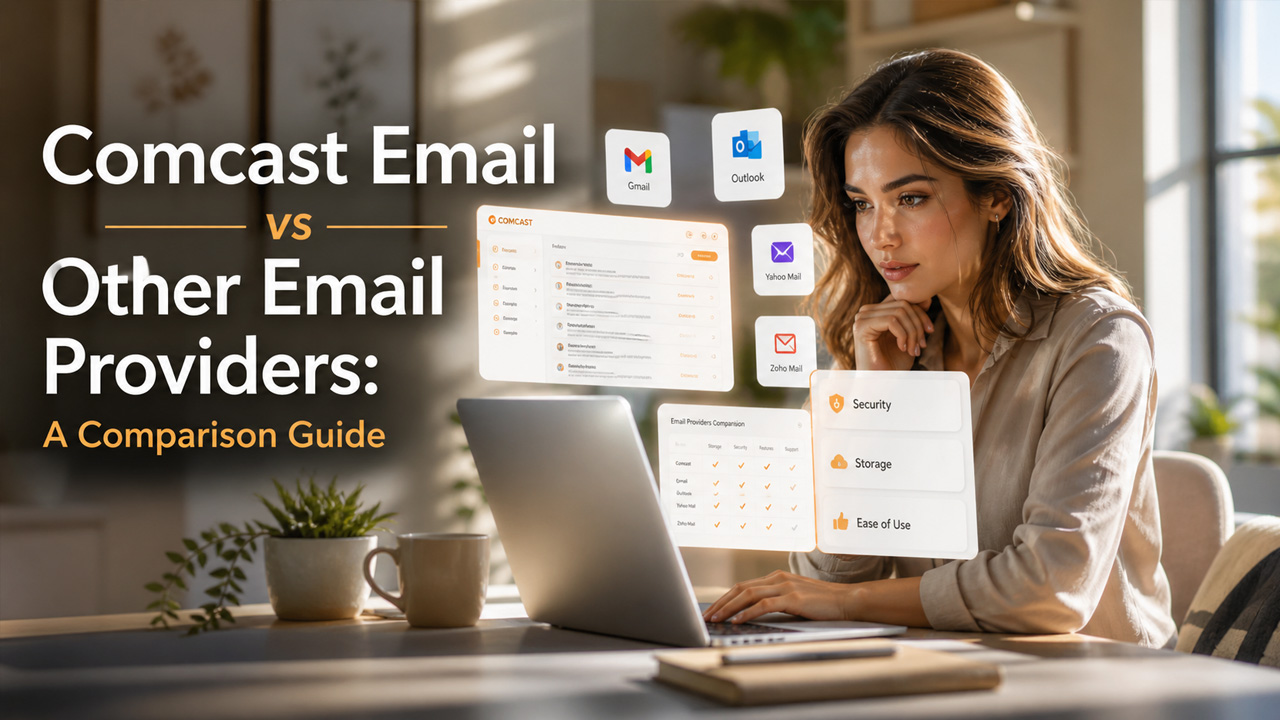
Want to explore Comcast Email alternatives? Learn the features, benefits, and limitations of all the major alternatives of Comcast Emails.
Comcast Email is a free and web-based email service, which is exclusively accessible to Xfinity internet customers. The platform offers users the ability to create up to seven email accounts per household. Comcast, in comparison to Gmail, offers a unified service, along with unified accounts. However, Comcast email also comes with certain limitations, like dependency on an active Xfinity subscription, along with restricted long-term access, after cancellation of Xfinity internet.
There are various efficient and highly secure Comcast Email alternatives, like Gmail, Outlook, and Zoho Mail. These Comcast Email alternatives offer advanced features, like ad-free service, TSL encryption, and a clean user interface.
What is a Comcast Email?
A Comcast email is a free and web-based email service which is provided to Xfinity internet customers. Comcast email uses the @comcast.net ending and is currently powered by Yahoo Mail. The email is exclusively available to the active internet subscribers of Xfinity/Comcast internet.
Comcast email is a reliable but outdated email service, which can only be accessed using a web browser. Comcast email offers a simple and easy-to-use interface and also includes a basic spam filtering system. The platform also offers various key limitations, like the user needs to log in at least once every year to prevent deactivation and upon cancelling the Xfinity internet service, access to the email service will also be lost after 90 days.
Benefits of Comcast Email
Key benefits of Comcast Email include:
- Offers seamless connection to the Xfinity account for easy access to account management.
- Offers robust security, which includes spam filters and optional two-factor authentication.
- Users can create up to 7 separate email accounts, making it ideal for family sharing.
- Offers advanced anti-spam and email management.
- Ensures 24/7 access to technical support.
- Compared to popular Comcast Email alternatives, it is primarily centred on integration and convenience for existing Xfinity internet subscribers.
Limitations of Comcast Email
Some of the major limitations of Comcast Email include:
- The user loses the email address in 90 days if the Xfinity internet service is cancelled.
- Accounts are restricted to 1,000 emails per hour and 100 recipients per email.
- Accounts are frequently locked for security reasons, which is difficult to regain.
How to Choose the Right Comcast Email Alternative
Choosing a Comcast Email alternative depends on your priorities, such as security, storage, privacy, business features, or ease of use. Gmail and Outlook are good choices for users who want reliable email with powerful search, spam filtering, and easy access across devices.
For business users, Zoho Mail is worth considering because it supports custom-domain email and business-focused features. Privacy-focused users may prefer providers such as Fastmail or Proton Mail.
Before making a decision, compare each provider’s storage limits, security features, pricing, mobile accessibility, and migration options. Reviewing Email Security Best Practices can also help ensure that your new email account is properly protected.
Features of Comcast Email
Comcast email, in comparison to other email providers, offers key features to its users, like a secure, web-based platform, which can also be accessed via mobile devices. The platform also features 50 GB of storage, with advanced anti-spam and antivirus protection.
Some of the key features of Comcast email include:
- Security and Protection: Comcast email features robust spam filters, along with active virus scanning and two-factor authentication, which help ensure the security of the email and reduce junk mail.
- Storage & Organization: The platform offers extensive storage capacity, up to 50 GB. It also allows personal folder creation for better organizing emails.
- Mobile & Web Access: The Comcast (Xfinity) email connects to an app or web interface, which allows for easy email management.
- Advance Customization: The Comcast email offers advanced customization to users, as it features multiple email signatures, automatic replies, and custom email views.
- Service Integration: The email is also integrated into a broader Xfinity ecosystem, which allows users easy access to the ecosystem.
Users who want a detailed walkthrough for configuring and managing their Comcast account can also explore this complete guide on Comcast Email login, setup, and settings.
Popular Alternative to Comcast Email?
Some of the popular alternatives to Comcast (Xfinity) email include Gmail, Outlook, ProtonMail, Zoho Mail, Porkbun, and Fastmail. Among all these, Gmail and Outlook are considered the best general alternatives to Comcast email, which offer free services, along with reliability. Similarly, Fastmail and Zoho Mail are considered the best for professional individuals, as they offer enhanced customization and robust organizational support. Porkbun offers low-cost and private email hosting, whereas ProtonMail is a highly secure and encrypted email service.
Gmail
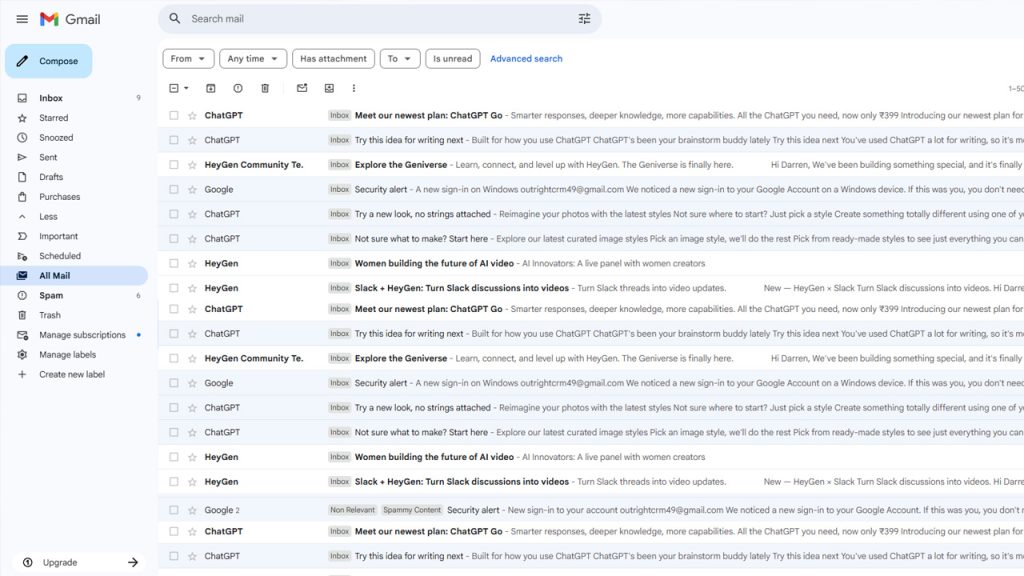
Gmail, designed by Google, is among the most popular and efficient email providers globally. Gmail offers 15 GB of free storage, which is shared across Google services, and features excellent search functionality. Gmail also offers seamless integration with Google Workspace, along with advanced spam filtering systems. Gmail is among the most suitable and free Comcast email alternatives, which offer enhanced features and reliability.
Key Features of Gmail:
- Features Smart Compose, which suggests text, speeding up the writing process.
- Features Gemini (Google’s AI assistant), which can summarize long email threads.
- Can filter out 99.99% of spam, phishing, and malware, using AI.
Outlook
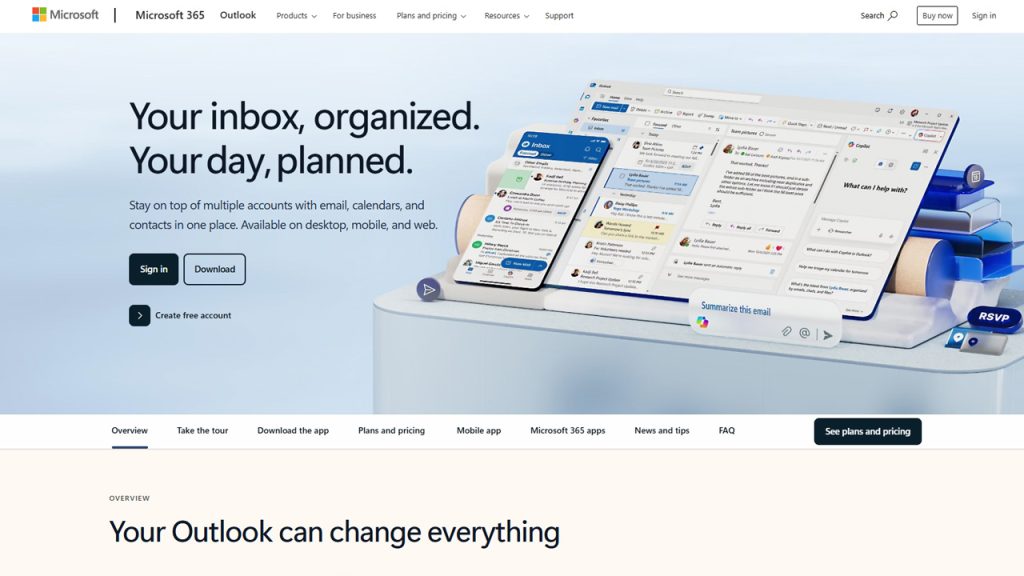
Outlook, or Microsoft Outlook, is a comprehensive email application designed by Microsoft. The platform is primarily used to manage professional and personal communication and features advanced email management, along with advanced calendar scheduling and contact storage, which offer enhanced productivity across desktop, web, and mobile devices.
Outlook also powers specialized platforms tailored for specific organizations. For example, Outlook Army Email is used by military personnel for secure and structured communication, while GatorMail serves students at the University of Florida by providing an organized and reliable academic email system.
Key Features of Outlook:
- It features Focused Inbox, which can separate critical emails from other scheduling emails.
- Offers advanced filtering, search functionality, and categorization.
- Enables easy task tracking, along with seamless delegation to team members.
Zoho Mail
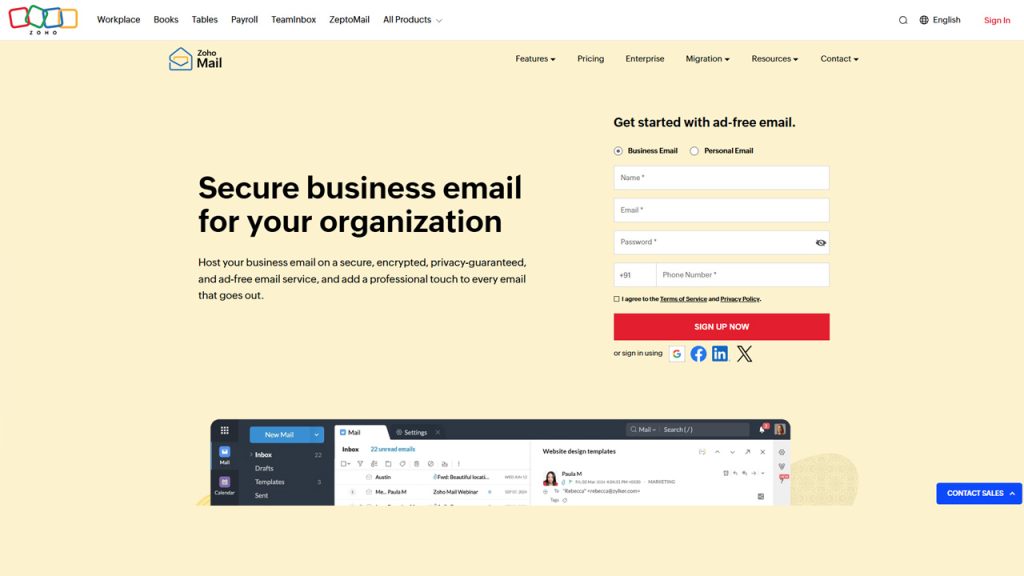
Zoho Mail is a secure and ad-free business email hosting service, which is especially designed for professional communication. It offers integrated collaboration tools, like tasks, calendars, and notes. Zoho Mail also features custom domain support, along with email retention policies and eDiscovery, which help in team collaboration. Zoho Mail is considered an ideal Comcast email alternative for professional applications.
Key Features of Zoho Mail:
- Allows hosting of multiple domains, along with managing user accounts via Admin Console.
- The user can share emails with team members directly, instead of forwarding them.
- Features ad-free, no tracking, and AES encryption.
Porkbun Email
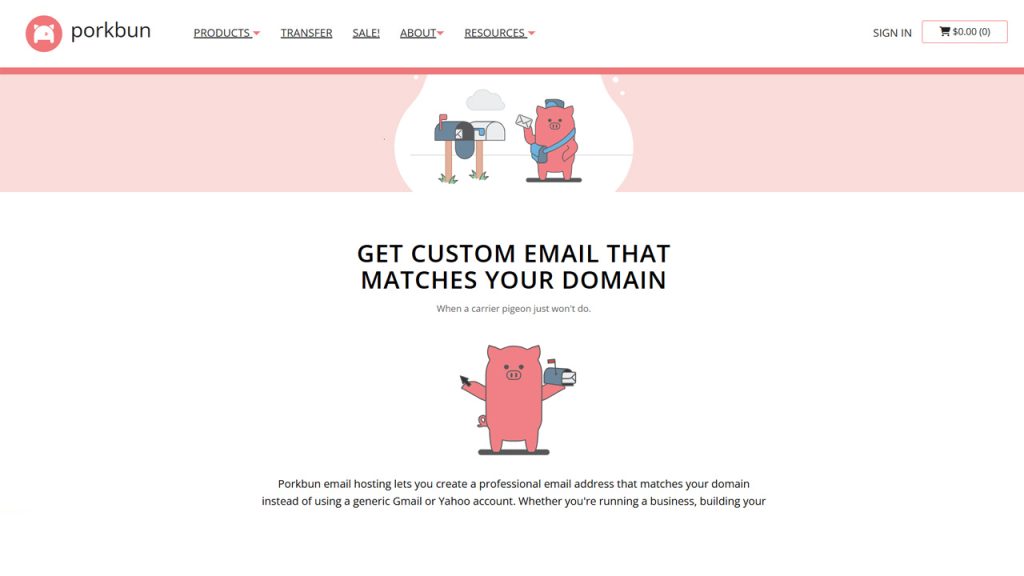
The Porkbun Email is an affordable and custom domain email hosting service, which features 10 GB of storage. The platform is designed to offer small businesses and individuals access to a professional email address, with an easy-to-use webmail interface.
Key Features of Porkbun Email:
- Offers 10 GB of storage per inbox and is accessible via secure IMAP/POP3 or a modern webmail interface.
- Includes 20 free email aliases/forwards to redirect emails.
- Supports fully personalized domain names.
Fastmail
Fastmail is among the most secure and fastest paid email services. The platform features advanced search, along with masked emails, and full calendar/contact integration. It also offers a clean and ad-free experience, along with customizable swipe actions.
For users looking for temporary or disposable email solutions for privacy and quick registrations, services like YOPmail also provide a lightweight alternative for short-term communication needs.
Key Features of Fastmail:
- Features “Masked Email” to generate unique aliases, preventing spam.
- Generate random email addresses for every online service you sign up for.
- A fully integrated calendar service, with built-in contact management.
Comcast Email Comparison with Other Providers
Before choosing the right alternative for Comcast Email, the user needs to review their usage and key feature requirements. Comcast Email comparison of the features and applications of all major competitors is charted below.
Key Features of Comcast Email Alternatives:
| Feature | Comcast Email | Gmail | Outlook | Zoho Mail | Porkbun Email | Fastmail |
|---|---|---|---|---|---|---|
| Type | ISP-based email service | Free email service | Free email service | Business-focused email service | Domain email hosting | Premium and independent |
| Storage | Up to 50 GB | 15 GB | 15 GB | 5 to 50 GB | Depends on the plan | 2 to 100 GB |
| Custom Domain | Not available | Available with a paid plan | Available with a paid plan | Available | Available | Available |
| Ads | No ads | Yes, in the free version | Yes, in the free version | No ads | No ads | No ads |
| Security | Basic | Advanced (AI + 2FA) | Microsoft security | Strong and privacy-focused | Basic | Strong privacy |
| Ideal For | Existing Comcast users | General users | General users | Businesses and enterprises | SMBs and privacy-conscious users | Privacy-focused individuals |
What to Do Before Switching From Comcast Email
Before moving from Comcast Email, create your new email account and transfer important contacts and messages where possible. You should also update your email address on important accounts, including banking services, subscriptions, social media, and shopping platforms.
Keep your Comcast account accessible during the transition so you can monitor messages that are still being sent to your old address. It is also a good idea to inform important contacts about your new email address.
If you need to notify people about the change automatically, an out of office message can direct senders to your new email address and help ensure that important communications are not missed.
Conclusion
The Comcast Email comparison takes you across all the major email services that of key advantages. Comcast Email is a free and web-based email service, which is provided to the internet customers of Xfinity and is powered by Yahoo Mail. Comcast Email offers integrated and secure communication, along with a robust spam filter. The Comcast Email service also includes key limitations. It is exclusively available to subscribers of Xfinity internet service, which means the user may lose access to Comcast Mail upon cancelling the internet service.
There are various popular and efficient alternatives to the Comcast Email service. Some of the prime Comcast Email alternatives, like Gmail, Outlook, Zoho Mail, Porkbun Email, and Fastmail, offer key advantages over Comcast Email.