











 Continue with Google

 Share on media
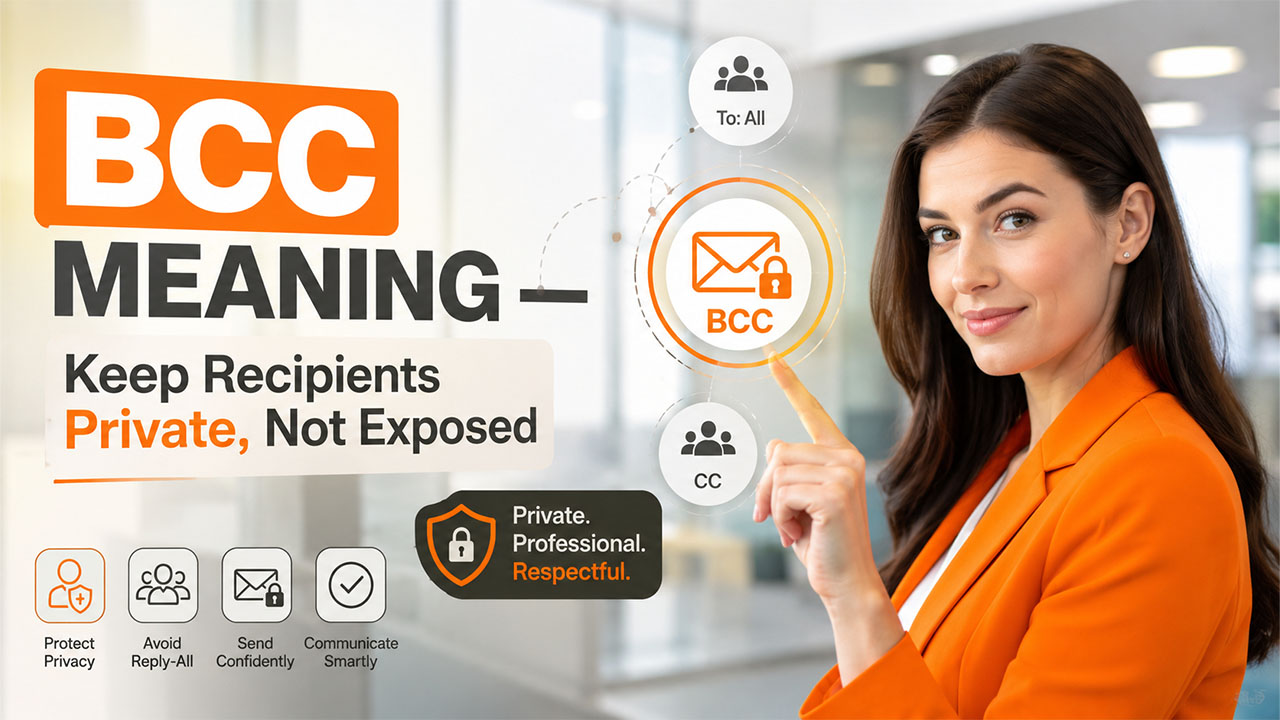
If you have ever wondered why your name appears in an email and not a colleague’s, then you may have encountered BCC. Meaning: Blind Carbon Copy, it is among the small aspects of email that are used regularly and never understood properly until a slight error occurs and causes one to wonder what really transpired.
As a matter of fact, the BCC feature enables one to send an email to another person privately without letting anyone else know that they have been included on the email chain. The feature is very useful and private, but only if one understands how to use it effectively.
In this blog, we’ll break down exactly what BCC means, how it’s different from CC, when to actually use it, and how to add it across the email clients you’re most likely working in.
What Does BCC Mean in Email?
BCC meaning, in plain terms, is Blind Carbon Copy. This is a feature that can be found in your email composition where you can send the message to another person who won’t get acknowledged by the other recipients of the email.
The term itself originates from the use of carbon paper when creating duplicates of documents without the use of computers. “Blind” in this case simply means that the carbon copy will be hidden from the recipients of the original.
So, if someone’s ever asked you what BCC means in email, the short answer is privacy. It was specifically created to deal with cases where you need to send a message but don’t want anyone else involved in this action to know about it.
BCC vs CC: What’s the Difference?

It happens all the time, and it is quite natural because they are extremely similar in appearance in your compose window.
The difference between CC email is that CC brings someone into the conversation openly. You can see all people who are copied on the email. It means that it is perfect for including a manager or a co-worker in a discussion of something that you discuss with someone else. If you still struggle with using these functions, it’s worth learning how to CC in Gmail.
As opposed to that, BCC sends an email in a more concealed way. In other words, recipients do not know that anyone else receives the same message too. The reason why this function is useful is that it helps to maintain confidentiality in certain situations, such as mass mailing to people who do not know each other or informing someone about something secretly.
One of the easiest ways to remember it: CC is for transparency; BCC is for discretion. Neither one is better than the other; they’re just built for different situations.
When Should You Actually Use BCC?
BCC earns its place once you know the right moments to reach for it:
Sending mass emails to people who don’t know each other: Think newsletters or client announcements. Nobody wants their email address exposed to a list of strangers.
Protecting privacy in group communications: If you’re notifying a large group and their relationship to each other isn’t relevant, BCC keeps things clean.
Avoiding accidental “reply-all” chaos: A recipient added via BCC can’t accidentally trigger a reply-all storm, since they’re invisible to everyone else on the thread.
Minimizing the volume of e-mails: As the list of visible recipients will be short, the e-mail itself will look neater.
Sending e-mail discreetly: There are times when you have to keep someone in the loop discreetly.
One thing that should be pointed out: BCC is not designed to conceal anything from the person who is meant to be in on the conversation. When used in this manner, it often ends up breaking down trust instead of safeguarding anyone’s privacy, which is the exact opposite of the goal of email etiquette.
How to Add BCC in Gmail
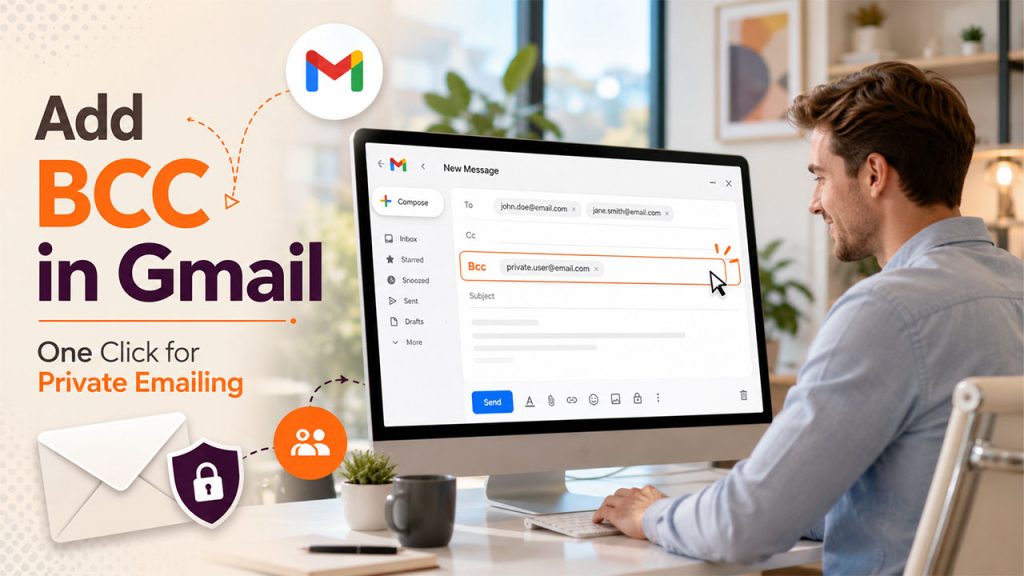
Adding a BCC in Gmail can take as little as ten seconds once you know how to do it:
Step 1: Press “Compose” to start a new email.
Step 2: Look next to the “To” field and press “Bcc”
Step 3: Enter the email addresses of any person who should receive the email secretly.
Step 4: Compose the email as usual.
Step 5: Press “Send” and the recipients will receive the message without showing up anywhere for anyone else to see.
For using other email clients, the method is more or less the same, although the specific actions change slightly. For example, in Outlook, it can be found by going into the “Options” tab during the process of writing a new email. In Apple Mail, the recipient needs to find “View” and choose “Bcc Address Field”.
It would also be useful to implement the practice of adding BCC for those situations when people need to write the same type of emails, such as an out-of-office email template.
Best Practices and Common Mistakes
BCC is simple to use, but a few missteps can quietly undo the privacy it’s supposed to protect.
Never use it as a way to conceal information from one person in the discussion. BCC is meant for being discreet, not for being dishonest. Once a person realizes that they have been left in the dark deliberately, it tends to create problems pretty quickly.
Do keep in mind that it does not offer full confidentiality. If a person receives an email through BCC and then replies all to everyone, their response will be sent only to the original sender of the message, and forwarded emails may disclose information about other people involved in the discussion.
Never use it for confidential information. All it does is conceal addresses; it is not an encryption. If you send something confidential, it is better to use a secure way.
Do not use it too often. When using BCC for each message, you may seem secretive over time, even if you have your reasons.
Use CC whenever needed. Sometimes being clearer and more open serves the discussion better than BCC.
None of this makes BCC a risky feature; it just means using it with a little intention rather than defaulting to it out of habit.
Conclusion
In the end, it is just another function, but one that works as advertised, copying silently without any chance of compromising the privacy of one’s mailbox in front of all other participants.
Once the BCC meaning has been comprehended, along with the situations in which it should be used, it will become second nature, alongside understanding when the use of CC is a more appropriate choice.
When used wisely, it guarantees privacy, makes the process of sending mass emails much more efficient, and prevents unwanted messes in reply-all chains. When used improperly, it can quietly destroy trust. It all depends on the intentions behind the usage.
It may seem insignificant, but the ability to master this single function is a part of the secret of a polished and professional inbox.