

 Continue with Google

 Share on media
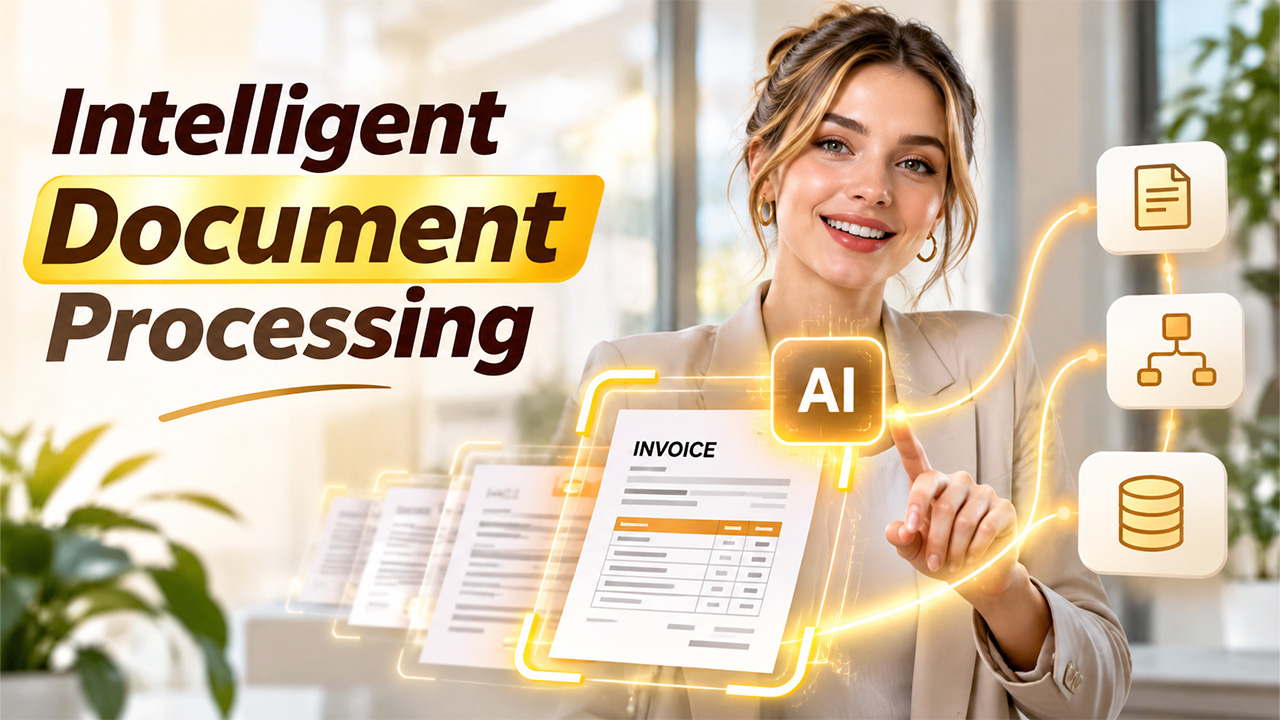
Businesses handle thousands of documents every day, including invoices, purchase orders, contracts, customer forms, insurance claims, and employee records. Managing these documents manually can consume valuable time, increase operational costs, and create opportunities for human error. As organizations process more information, traditional data-entry methods often struggle to keep up.
This is where intelligent document processing (IDP) becomes useful. It helps businesses extract, classify, validate, and organize information from documents using artificial intelligence (AI), machine learning (ML), and optical character recognition (OCR).
Instead of relying entirely on employees to read documents and enter information into business systems, organizations can use intelligent solutions to automate repetitive tasks while keeping people involved in important decisions.
In this beginner’s guide, we will explore how the technology works, its key components, practical applications, benefits, and challenges.
What Is Intelligent Document Processing?
Intelligent document processing is a technology that uses artificial intelligence, machine learning, natural language processing (NLP), and OCR to capture and understand information from different types of documents.
It can process both structured documents, such as standardized forms, and unstructured documents, such as emails, contracts, handwritten notes, and scanned files.
For example, imagine a company receiving hundreds of supplier invoices every week. Employees traditionally open each invoice, identify the supplier name, invoice number, date, tax amount, and total payment, and enter these details into accounting software.
With intelligent document processing, the system can identify the relevant information, extract the required fields, check the data, and send it to the appropriate business application.
The technology goes beyond basic text extraction. It helps interpret the meaning and context of information, making document handling more accurate and efficient.
How Does Intelligent Document Processing Work?
Understanding the process becomes easier when we look at its main stages. Although implementations differ depending on the documentation software and business requirements, most solutions follow a similar approach.
1. Document Collection
The first step involves collecting documents from different sources, including email attachments, cloud storage, scanners, mobile applications, and business platforms.
Documents may arrive as PDFs, images, Word files, spreadsheets, or scanned paper records. The system brings these files into a central processing environment.
2. Document Classification
After collection, the system identifies the document type. For example, it may recognize whether a file is an invoice, receipt, bank statement, purchase order, or legal agreement.
Machine learning models can use document layouts, keywords, headings, and contextual information to categorize files automatically.
This classification helps determine which information should be extracted from each document.
3. Data Extraction
Next, the system identifies and extracts important information from the document.
OCR converts text in scanned images and documents into machine-readable text. AI and machine learning models then help identify specific fields, such as names, dates, addresses, account numbers, and payment amounts.
For instance, an invoice may contain several numerical values. The system needs to distinguish the invoice total from the tax amount, purchase quantity, and unit price.
4. Data Validation
Extracted information must be checked before it is used. The system can compare values against predefined business rules, databases, and existing records.
For example, it may check whether an invoice number already exists, whether the supplier is registered, or whether the total amount matches the expected calculation.
If information is missing or confidence levels are low, the document can be sent to an employee for review.
5. Data Integration and Storage
After validation, the extracted information is transferred to the relevant business application, such as an ERP, CRM, accounting platform, or document management system.
This reduces manual data entry and makes information easier to access across departments.
What Is IDP and How Is It Different From OCR?
What is IDP compared with traditional OCR? Although both technologies help businesses capture information from documents, they serve different purposes.
OCR primarily converts text from scanned images or documents into machine-readable text. It is useful for digitizing printed information, but it does not necessarily understand the meaning or relationship between extracted fields.
IDP combines OCR with AI, machine learning, NLP, and validation capabilities. It can identify document categories, understand contextual relationships, extract relevant information, and support automated business workflows.
For example, OCR may recognize the words and numbers on an invoice. However, an IDP solution can identify which number represents the invoice total, recognize the supplier name, and route the information for approval.
In simple terms, OCR helps read documents, while IDP helps businesses understand and process the information inside them.
Key Components of IDP Technology
Modern IDP solutions combine several technologies to handle complex document-related tasks.
Optical Character Recognition (OCR)
OCR converts printed or handwritten text from images into digital text. It provides the foundation for extracting information from scanned documents and photographs.
Artificial Intelligence and Machine Learning
AI and machine learning models help systems recognize patterns, classify documents, identify relevant fields, and improve extraction performance as they process more examples.
Natural Language Processing (NLP)
NLP helps systems understand human language, identify important terms, and interpret the context of information found in emails, agreements, reports, and other text-heavy documents.
Computer Vision
Computer vision analyzes the visual structure of documents, including tables, layouts, checkboxes, signatures, and different sections. It helps locate information even when document formats vary.
Data Validation and Workflow Rules
Validation tools check extracted information against business requirements. Workflow rules determine where documents should go next, such as an approval queue, accounting department, or customer record.
Together, these capabilities make IDP technology more useful than basic document digitization tools.
What Is an Intelligent Document Processing Workflow?
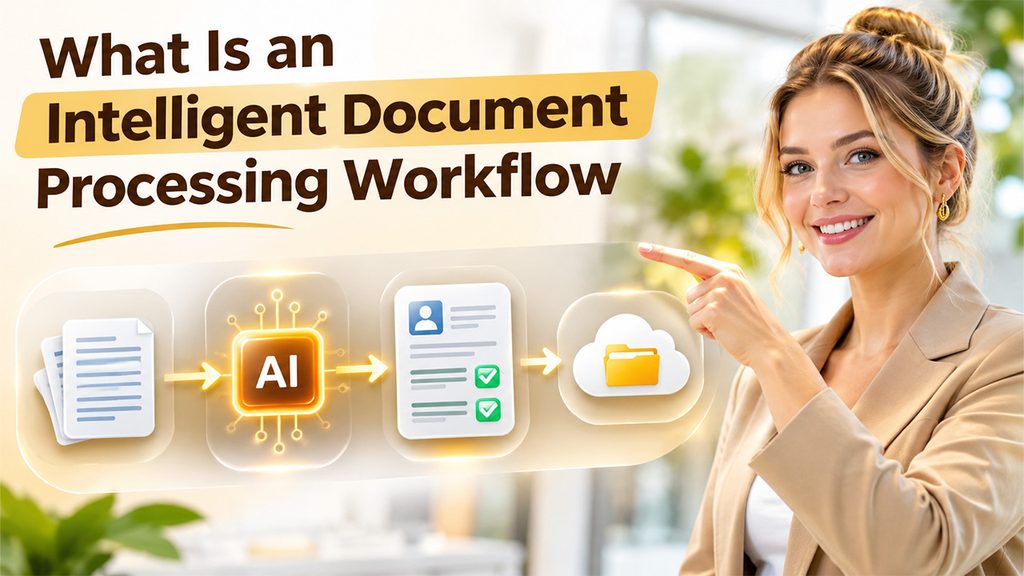
An intelligent document processing workflow describes how documents move from initial collection to final storage or action.
Consider a business that receives customer onboarding forms. Its workflow may look like this:
- Document intake: The customer submits an application through an online portal.
- Classification: The system recognizes the file as a customer onboarding document.
- Information extraction: It captures the customer’s name, contact details, address, and identification information.
- Verification: Extracted fields are checked against required formats and business rules.
- Human review: Incomplete or uncertain information is flagged for employee verification.
- System integration: Approved information is transferred into the CRM or customer database.
- Record storage: The processed document is stored for future access and reference.
This approach creates a consistent process and reduces the need for employees to perform repetitive administrative activities.
Benefits of Document Processing Automation
Implementing intelligent document processing can improve several areas of business operations.
1. Reduced Manual Work
Employees spend less time reading documents, copying information, and entering data into different applications. They can focus on activities that require communication, analysis, and decision-making.
2. Improved Data Accuracy
Automated extraction and validation can reduce common data-entry mistakes. Confidence checks and human review also help identify uncertain information before it reaches business systems.
3. Faster Document Processing
Large volumes of documents can be processed more efficiently than through entirely manual workflows. This can help businesses respond faster to customers, suppliers, and internal requests.
4. Better Operational Efficiency
Automating repetitive tasks helps departments manage increasing document volumes without proportionally increasing administrative workloads.
5. Improved Information Accessibility
Digitized and structured information can be transferred to centralized business systems. Employees can retrieve relevant records more easily and reduce time spent searching through folders and email attachments.
6. Greater Process Visibility
Businesses can track document status, identify processing delays, and monitor where human intervention is required. This makes it easier to improve workflows over time.
Common Use Cases of Intelligent Document Processing
IDP can support document-heavy operations across multiple industries.
- Banking and financial services: Processing loan applications, bank statements, account-opening forms, and compliance documents.
- Healthcare: Extracting information from patient registration forms, medical records, insurance claims, and laboratory reports.
- Insurance: Handling policy applications, claim forms, supporting evidence, and renewal documents.
- Retail and e-commerce: Processing purchase orders, supplier invoices, receipts, and delivery records.
- Human resources: Managing resumes, employee onboarding forms, payroll documents, and employment agreements.
- Legal services: Reviewing contracts, extracting important clauses, organizing case documents, and managing legal records.
These examples demonstrate how organizations can apply document intelligence to reduce repetitive administrative work and improve information management.
Challenges and Limitations of IDP
Despite its advantages, implementing intelligent document processing requires careful planning.
Poor document quality: Blurry scans, damaged pages, unusual layouts, and handwritten text can affect extraction accuracy.
Data privacy and security: Documents may contain financial, personal, or confidential business information. Organizations must implement suitable access controls, encryption, and data protection measures.
Integration complexity: Connecting IDP platforms with existing CRM, ERP, and accounting systems may require technical customization.
Human oversight: AI models can misinterpret information or produce incorrect results. Important documents and low-confidence extractions should be reviewed by authorized employees.
Implementation costs: Software licensing, system integration, employee training, and ongoing maintenance can increase initial investment.
Businesses should begin with a clearly defined use case, evaluate document quality, and measure accuracy before expanding automation across departments.
How to Get Started With Intelligent Document Processing
Organizations interested in adopting this technology should start with a practical implementation plan.
First, identify document-heavy processes that involve repetitive manual work. Invoices, customer applications, and purchase orders are often suitable starting points.
Next, evaluate the types of documents being processed, their formats, average monthly volumes, and common data extraction challenges.
Choose a solution that supports the required document types, integration options, security standards, and human review capabilities.
Run a pilot project using representative documents. Measure extraction accuracy, processing time, exception rates, and the amount of manual work reduced.
Finally, refine the workflow based on the results and gradually expand its use to other departments.
Also Read: What Is Cognitive Document Processing?
Conclusion
Intelligent document processing is changing how businesses collect, understand, and manage information. By combining OCR, AI, machine learning, NLP, and automation, it helps organizations turn documents into structured, usable data.
From invoice management and customer onboarding to healthcare records and insurance claims, the technology can reduce repetitive work, improve information accessibility, and support more efficient operations.
However, successful implementation requires more than choosing an AI-powered tool. Businesses must consider data quality, security, integration, validation, and human oversight.
For beginners, the best approach is to start with one repetitive document process, test the results, and expand gradually. With the right strategy, IDP can become a valuable part of a modern digital workflow.