


 Continue with Google

 Share on media

Let’s be real— most teams don’t struggle with documentation due to lack of effort; they struggle because they’re using the wrong tools.
Want to write API references in Microsoft Word? It’s a nightmare. Whether your support teams are stuck maintaining a knowledge base in a shared Google Doc folder or a product team’s user guides that are scattered across five different platforms with no single source of truth, a right technical documentation software changes all of that.
The system doesn’t just provide you with a place to write — it gives your team a whole system. It helps keep your content organized, precise, version-controlled, and actually valuable for the people who need it.
This guide walks you through everything you really need to know, including what technical documentation tool does, what to look for when picking one, and which platforms are making waves in 2026.
What Exactly Is Technical Documentation Software
In simple terms, technical documentation software is a category of tools that help teams build, organize, publish, and keep technical content up to date. That covers user manuals, API docs, developer guides, knowledge bases, internal process documentations, and troubleshooting steps.
The crucial term here is system. Unlike basic text editors or versatile tools like Google Docs, real technical documentation platforms are built to tackle all the challenges of technical writing. Things like structured authoring, version control, multi-format publishing, and letting writers, developers, and product managers actually work together.
There are primarily three types of technical documentation software:
- Authoring Tools: Designed for writing and organizing content from scratch. MadCap Flare, ClickHelp, and Paligo are some of the popular tools.
- Knowledge Base platforms: Dedicated to simply organize and publishing content for direct users and internal teams. Common examples include Confluence, Document360, and Helpjuice.
- Developer Documentation Tools: Purpose-built for API references and developer platforms. Popular options are Stoplight, GitBook, and ReadMe.
A lot of advanced platforms blend into these categories, so it’s important to know your team’s primary needs before finalizing a tool for your business.
Why the Market Is Growing and Why It Matters to You

The software documentation tools market hit $6.32 billion in 2024, and it’s on track to almost double by 2033 — reaching $12.45 billion, growing about 8% every year. That’s not just some accident. There’s a real shift happening behind those numbers.
Remote and hybrid work have changed everything. Teams spread out all over the place can’t just lean over to ask a question. They need everything written down and accessible. And let’s be honest — software isn’t getting any simpler. Features pile on, rules and regulations get tighter, and customers expect to solve their own problems before they even think about calling support.
Then you throw AI into the mix. Nearly nine out of ten companies are already using AI regularly, according to McKinsey. That means documentation isn’t just a reference anymore. It’s feeding AI-powered answers and being edited by AI tools too.
The point is, bad documentation isn’t just an inconvenience— it’s a business risk. Many industry reports say 80% of knowledge bases are out of date at any moment. That means people are getting incorrect information and developers work through outdated specs, and support teams answer questions that a simple article should’ve handled.
Benefits of Using Technical Documentation Software
Implementing dedicated technical documentation software offers advantages that extend far beyond simply storing documents.
Improved Knowledge Sharing
Centralized documentation ensures employees, developers, and customers can quickly find accurate information without depending on individual team members.
Faster Employee Onboarding
Well-organized documentation significantly reduces training time by providing step-by-step guides, policies, and internal processes in one location.
Better Customer Support
A searchable knowledge base enables users to resolve common issues independently, reducing support tickets and improving customer satisfaction.
Consistent Documentation Standards
Templates, style guides, and review workflows help maintain consistent formatting and quality across all technical documents.
Easier Maintenance with Modern Workflows
As organizations manage larger volumes of technical content, practices like ETL process optimization help improve how documentation-related data is collected, updated, and synchronized across different platforms. This contributes to more reliable and accurate documentation over time.
7 Common Features That a Good Documentation Tool Should Have
Rather than jumping into specific platforms, here are some key factors to look at when choosing the right solution.
1. Version Control and Content History
Software is constantly evolving, and your documentation needs to keep pace. That means you need to keep a clear record of what changed, when it changed, and why. Always look for technical documentation software that offers revision history, rollback capability, and, primarily, Git-based workflows if your team is engineering-focused.
2. Collaboration Without Chaos
The right tools let teams collaborate seamlessly without interfering with each other’s work. With features like comments, review workflows, and access controls, your content stays organized and manageable.
3. Search That Actually Works
If someone can’t find what they need within 30 seconds, they’re gone or calling support. Look for full-text search with filters, AI-powered semantic search, and the ability to surface related stuff to make a difference.
4. Structured Content and Reuse
A good technical documentation software allows you to write something once and use it everywhere. Whether it’s a warning notice, code snippet, or product blurb, single-sourcing eliminates the copy-paste hassle completely and makes updating easier.
5. Multi-Channel Publishing
If your base seeks a tool to access documentation on the web, as a PDF, on paper, or inside the app, choose a platform that can publish in different formats from a single master version without needing manual changes.
6. Analytics and Feedback
How do you know which content is actually helpful? Documentation tools integrated with built-in analytics can highlight which pages get most traffic, where users get stuck, and what they’re searching for but not finding. That helps you focus on improving those areas.
7. AI-Assisted Writing and Maintenance
This has moved from “nice to have” to a real differentiator. The best tools in 2026 use AI to identify outdated content, suggest improvements, auto-generate first drafts from code or meeting notes, and flag articles that are getting negative feedback.
Best Technical Documentation Software in 2026
1. Confluence — Ideal for Enterprise Internal Documentation
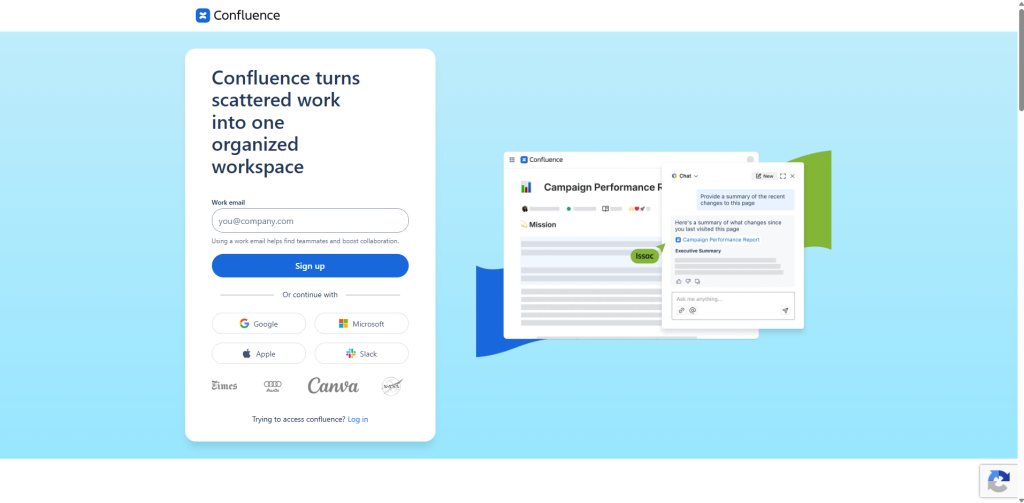
Confluence from Atlassian has been a go-to choice for large organizations needing an internal wiki for years. If your company already uses Jira for project management, integrating Confluence feels natural since everythhing connects smoothly. It’s truly designed for large, complex organizations for internal knowledge sharing purposes.
Where Confluence shines are in its fine-tuned permission controls, useful page templates, and strict integration to other Atlassian tools. The AI-driven knowledge management feature actually help, too—they highlight useful articles and spot gaps in your content.
On the other side, Confluence can feel heavy for small teams. Once you have a large volume of content pages, finding your way around gets complex. And if you want external-facing documentation, this probably isn’t the answer—Confluence is primarily an internal tool.
2. Document360 — Best for SaaS Knowledge Bases
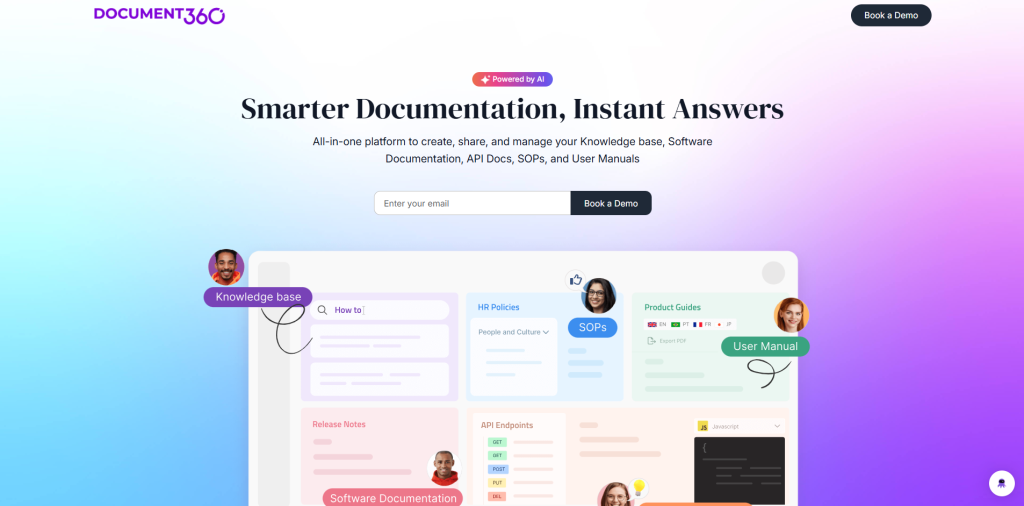
Document360 is one of the cleanest platforms in the market for customer-facing knowledge bases. It’s designed for companies that want a professional, branded help center for their customers — and it delivers on that promise.
It provides both Markdown and WYSIWYG editors to make it accessible for technical writers and non-technical contributors. There are features for managing categories, article versioning, SEO tuning, and even AI-powered content suggestions and search.
Paid plans start at $149 per project per month, which puts it in the premium tier — but the feature set justifies the investment for SaaS companies with serious documentation needs.
3. GitBook — Best for Developer-Facing Documentation
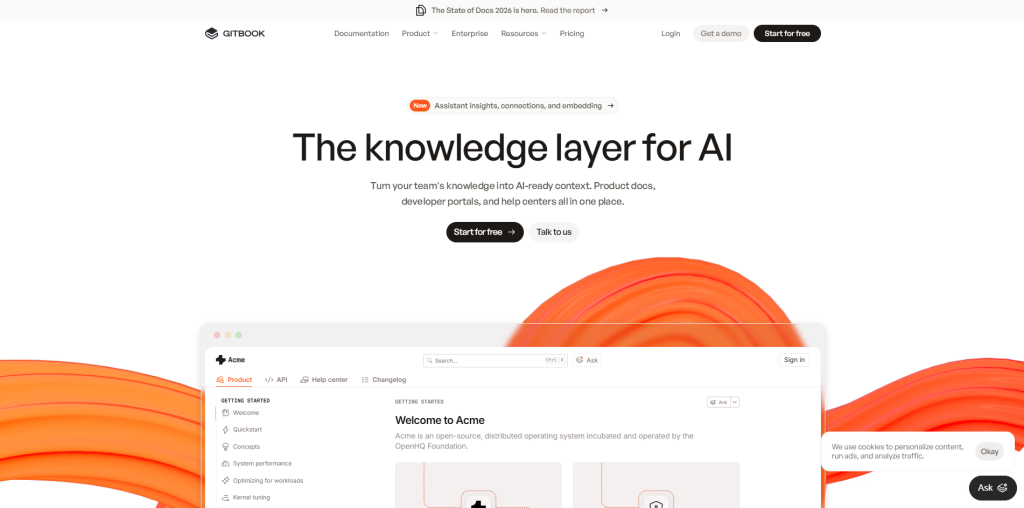
GitBook has quietly become one of the most popular, respected tools in the developer documentation world. It offers simple, readable results with Git-powered workflows that developers actually like using.
The standard benefit of using GitBook in 2026 is its focus on making documentation easy for AI agents to read, not just humans. This matters more now as large language models use technical documentation software to answer questions. This platform delivers clean, structured output, which gives companies a competitive edge.
Other key features include automatic API reference generation from OpenAPI imports, version branching, and real-time team collaboration.
4. ReadMe — Best for Interactive API Documentation
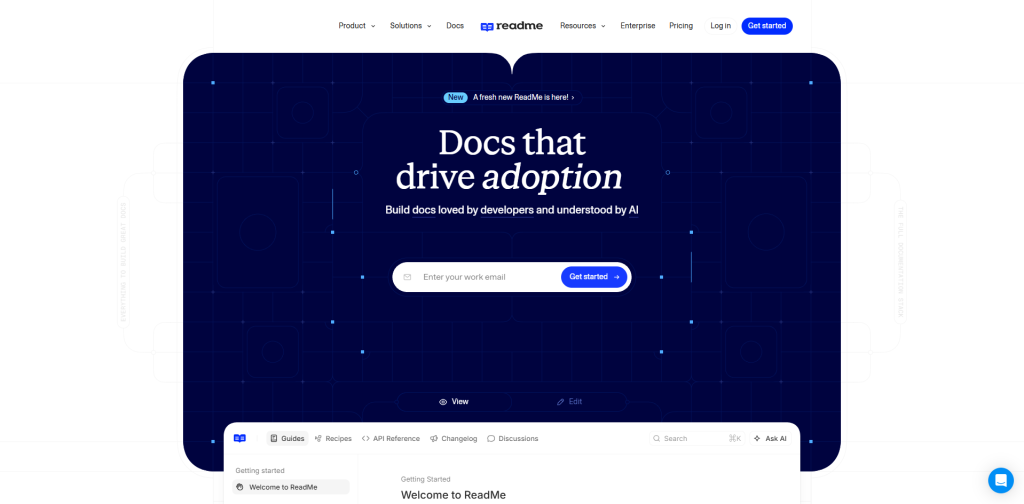
ReadMe takes a fundamentally different approach to API documentation. Rather than presenting a static wall of text, it creates interactive developer portals where users can authenticate with their own API keys and make real API calls directly from the documentation.
This “try it in the browser” experience dramatically reduces the time it takes for a developer to go from reading the docs to making a successful API call. For developer-focused products, that’s a meaningful conversion driver.
5. Notion — Best Budget Option for Small Teams
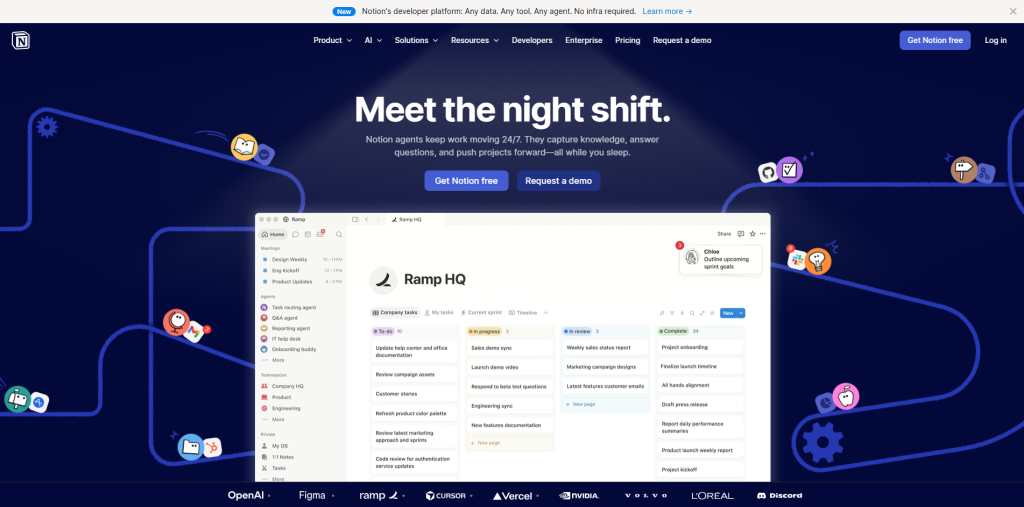
Notion isn’t a dedicated documentation tool, but for small teams or startups, its flexibility and generous free tier make it a practical starting point. Its block-based editor is intuitive, its database features allow for some clever organization, and its recent AI Agent features (launched in September 2025) can autonomously perform tasks across your workspace.
But, let’s be honest—Notion doesn’t scale well as technical documentation software. Large workspaces slow down search performance; version control is limited, and there’s no great way to publish in different formats. It works for scratchpads and basic docs, but growing teams outgrow it quickly.
6. MadCap Flare — Best for Structured Technical Authoring
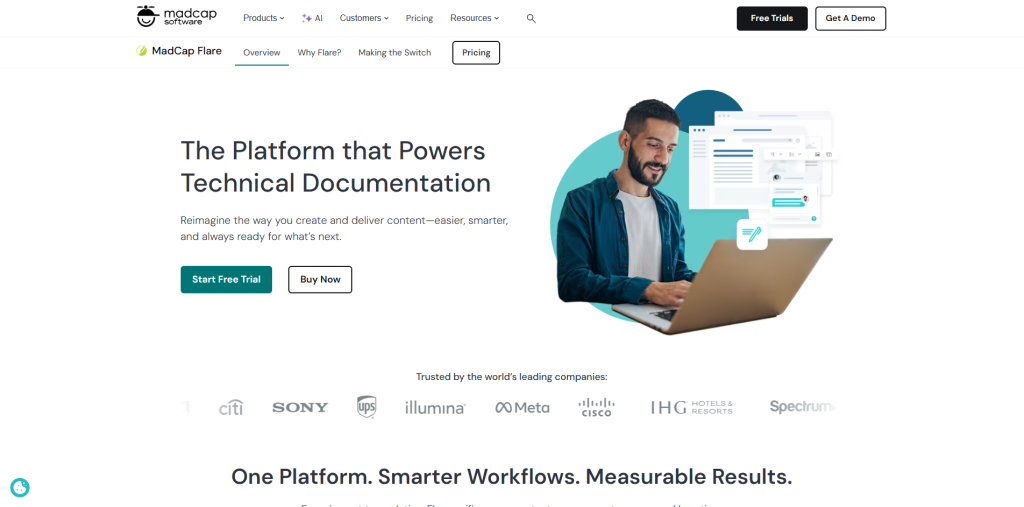
MadCap Flare is a classic desktop-based authoring tool for professional technical writing teams. It’s all about structured authoring, conditional content, and single-sourcing, making it really powerful. But it offers complex interfaces and hard-to-navigate features that require a serious learning curve.
If you need to produce documentation on large volumes, like user manuals for complicated software, hardware products, or regulated spaces, Flare provides you with more content control than cloud tools. It also offers multi-channel publishing, outputting to web, PDF, and print from the same source.
How to Choose the Right Tool for Your Team
There’s no universal answer here, but there is a useful framework to choose the correct technical documentation software.
Start by identifying your audience:
Who are you actually documenting for? Is it external customers, developers, or internal teams? Customers want documentation for SEO, search visibility, and branding management. Internal teams need permission and seamless integration with the apps they already use. Developers, honestly, need code-friendliness, version control, API reference tools, and markdown support.
Think about who creates your documentation:
If technical writers mainly own your documentation, go for robust authoring tools like MadCap Flare or ClickHelp. If you expect developers to contribute, something like GitBook fits better since it’s friendly with Git. For non-technical teams, a simple WYSIWYG editor works best—no one wants to mess with markdown if they don’t have to.
Consider your current tech stack:
The easiest documentation tool is usually the one that naturally fits with your existing workflow. If your team already live in Atlassian ecosystem, Confluence feels natural. If you’re using GitHub for everything, GitBook’s tight integration just makes sense.
Don’t overlook the maintenance burden:
Creating documentation is easy, but keeping it accurate? That’s where teams often struggle. Look for platforms with analytics, content health checks, and maybe even AI that flags outdated content before people face issues.
Common Mistakes to Avoid When Choosing Technical Documentation Software
Choosing a documentation platform isn’t just about selecting the tool with the longest feature list. Many businesses invest in software that looks impressive initially but fails to support long-term documentation goals.
Here are some common mistakes to avoid:
Choosing Based Only on Price
Free or low-cost tools may seem attractive, but they often lack advanced features like version control, analytics, workflow automation, and scalable permissions. Consider the long-term value rather than only the initial cost.
Ignoring Integration Capabilities
Documentation software should integrate smoothly with your existing development, project management, and communication tools. Poor integrations often create duplicate work and reduce team productivity.
Overlooking User Experience
Even the most powerful software becomes ineffective if employees or customers struggle to navigate it. Look for intuitive navigation, fast search, and responsive design.
Not Planning for Future Growth
Your documentation needs today may be very different in two years. Select a platform that can scale with your organization as products, teams, and documentation grow.
Forgetting Workflow Automation
Modern organizations increasingly combine documentation with business process automation software to streamline approvals, content publishing, and maintenance workflows. Automating repetitive documentation tasks helps improve consistency while reducing manual effort.
Final Thoughts
The best technical documentation software isn’t the one that has a long feature list; it’s the one your team will actually use to keep content accurate, searchable, and helpful, especially in workflows that rely on advanced technologies like Cognitive Document Processing.
That means finding a tool that works with your workflows, serves the right people, and can grow when your needs change. Whether you’re a startup rolling out Notion, a developer-heavy organization plugging into GitBook, or an enterprise team sticking with Confluence, the fundamentals matter: clear structure, version control, reliable search and a process that makes maintenance sustainable.
Documentation that’s easy to find and easy to trust is a competitive advantage. The tools to build it are better than they’ve ever been. The question is which one fits your team’s specific situation — and the answer is usually clearer than it seems once you start asking the right questions.
Frequently Asked Questions (FAQs)
What is the best technical documentation software for small businesses?
Small businesses often prefer Notion, GitBook, or Document360 because they are relatively easy to implement, affordable, and offer sufficient collaboration features for growing teams.
Is technical documentation software different from a knowledge base?
Yes. Technical documentation software focuses on creating, organizing, versioning, and publishing documentation, while a knowledge base is typically one output where that documentation is shared with customers or internal teams.
Can technical documentation software integrate with GitHub?
Many modern platforms, including GitBook, ReadMe, and several enterprise documentation tools, support GitHub integration, allowing developers to synchronize documentation directly with code repositories.
Why is version control important in technical documentation?
Version control tracks every documentation change, allows teams to restore previous versions when necessary, and helps maintain accuracy as products and software evolve.
What features should I prioritize when selecting technical documentation software?
The most important features include version control, collaboration tools, powerful search functionality, structured content management, multi-channel publishing, analytics, integrations, and AI-assisted writing capabilities. These features help ensure documentation remains accurate, searchable, and easy to maintain over time.
