











 Continue with Google

 Share on media
Need to scale up your business or sales outreach, and need to know how to find business email addresses? This blog offers the perfect answer for you.
The main purpose of finding the email addresses of professionals is to expand the email outreach of an individual or a business. By finding the email addresses of decision-makers or influencers, the users are able to curate and send personalized and targeted emails to the prospects.
The process of finding the email addresses of professionals includes both automated tools and manual methods. Various free tools offer scalability, an easy-to-use interface, and can offer more accurate and reliable results. On the other hand, the manual method of finding email addresses includes searching the contact information using Google Search Operators, company websites, or LinkedIn, among others.
Popular Free Email Finder Tools
To find email addresses of companies, you can utilize various popular and free tools, which ensure reliable and accurate results. These tools help users to find the email addresses of clients, using the name and the company domain name. These tools typically offer limited free searches every month and are considered essential for sales prospects and networking.
Some of the popular free email finder tools include:
1. Hunter.io:
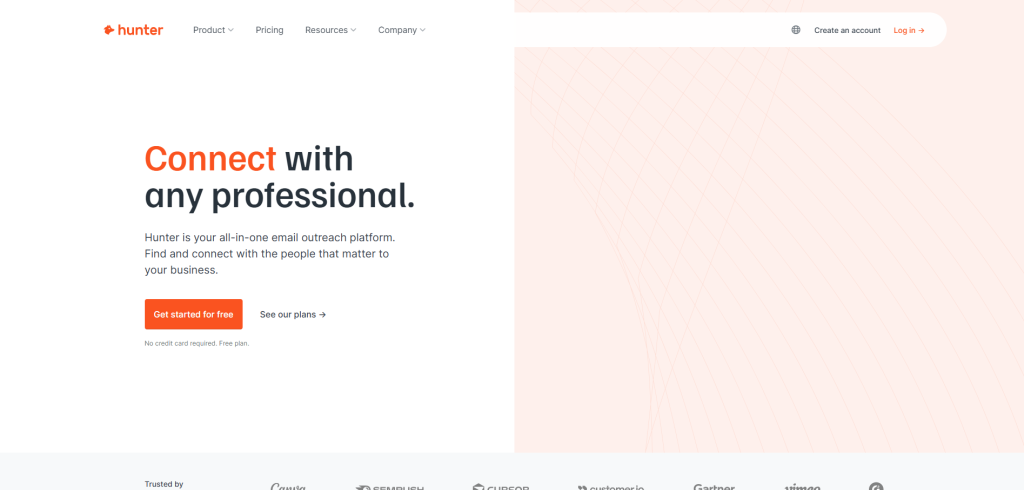
Hunter.io is among the most popular professional email address finders, which offers limited free monthly searches. The tool offers rapid and accurate B2B email discovery, along with enabling users to search for professional email addresses via domain search and name lookup.
Benefits of Hunter.io.
- Fast and accurate results.
- Significantly reduces bounce rate.
- Easy-to-use browser extension.
- Seamless integration and automation.
- Easy domain search and prospecting.
2. GetProspect:
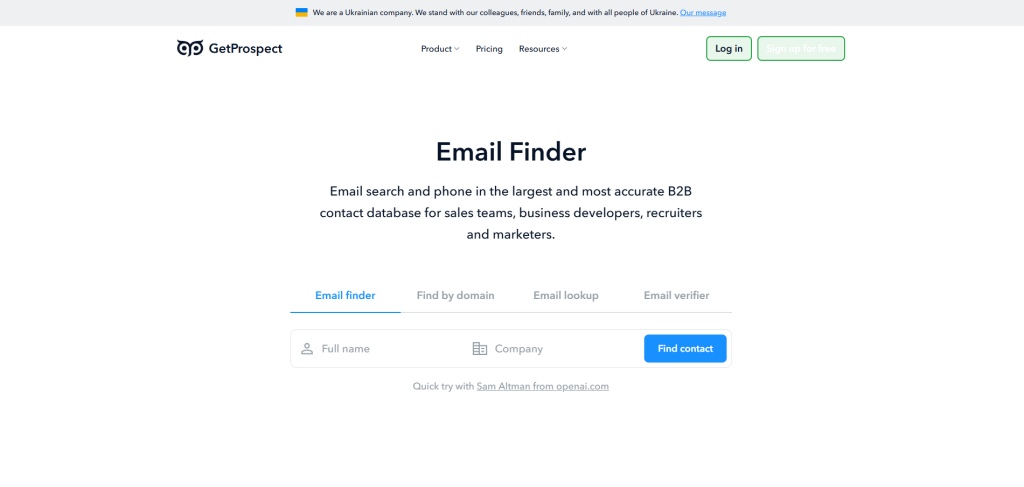
GetProspect is a LinkedIn-focused professional email address finder and a verification tool that offers verified B2B email addresses for the sales, marketing, and recruiting teams. GetProspect generally works through a LinkedIn Chrome extension, and it enables users to find the email addresses of businesses, along with other key contact details.
Benefits of GetProspect:
- Highly accurate professional emails.
- Easy LinkedIn integration.
- Bulk and Domain Searches.
- Cost-effective tool.
3. Skrapp.io:
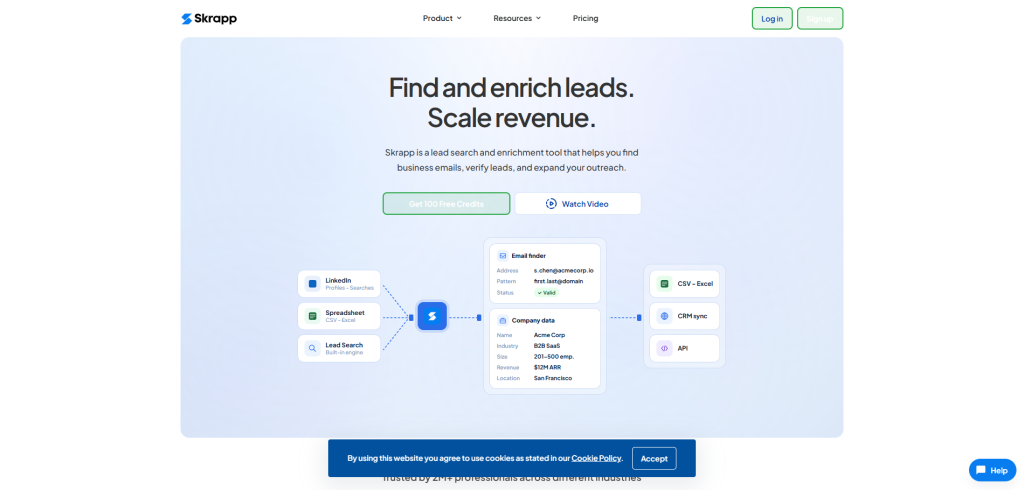
Skrapp.io offers a streamlined way of finding B2B professional email addresses. The tool helps in finding and verifying professional email addresses from LinkedIn or Sales Navigator. Skrapp.io also offers higher verification accuracy, along with a lower bounce rate.
Benefits of Skrapp.io.
- High-accuracy verification.
- Easy LinkedIn integration.
- Bulk email finder.
- CRM synchronization.
- Targeted email finder feature.
4. Experte.com:
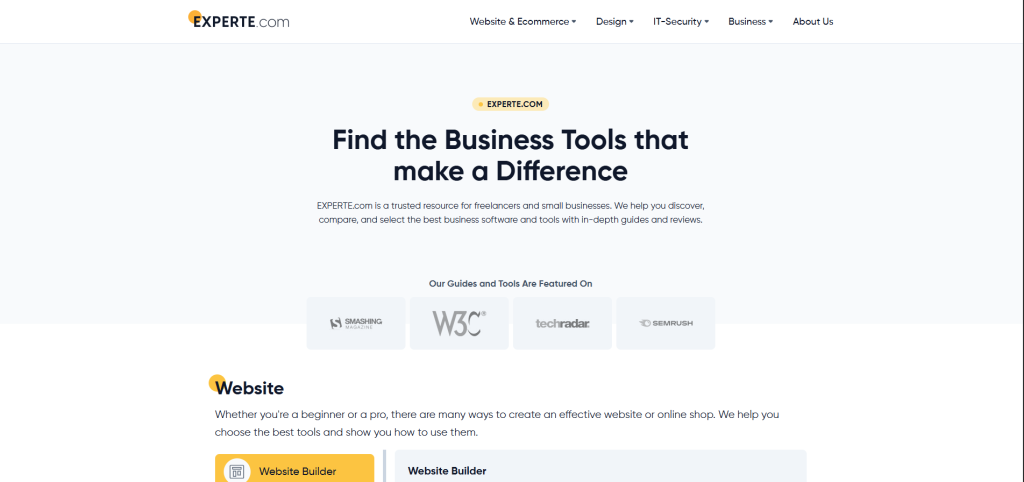
Experte.com is a free email finder tool that helps in locating, verifying, and generating professional email addresses. The free tool does not require sign-up for searches and features automatic permutation testing.
Benefits of Experte.com.
- Validated email addresses.
- Permutation email generation.
- Easy-to-use interface.
- Detailed and accurate results.
- Wide compatibility.
5. Mailmeteor Tools:
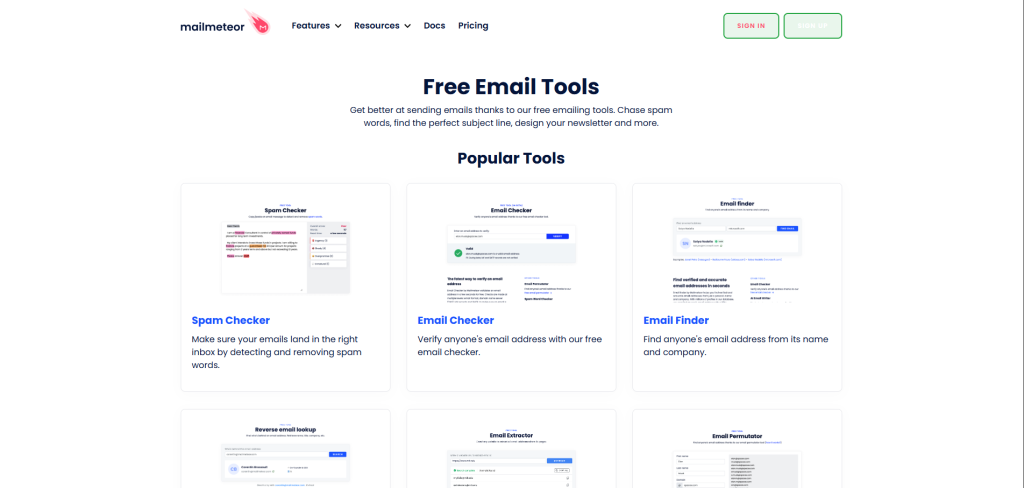
Mailmeteor email finder tool features three major types of tools, which include Email Finder, LinkedIn Email Finder, and Email Permutator. The tool ensures quick and verified professional email addresses.
Benefits of Mailmeteor Tools.
- High accuracy.
- Verified professional addresses.
- Free and easy to use.
- Seamless Gmail workflow.
- Higher deliverability.
How to Find Business Email Manually?
The manual process of finding email addresses of businesses involves four different and easy-to-perform methods. The manual method does not depend on the use of tools to generate professional email addresses. Although offering a cost-free method of finding professional email addresses, with higher accuracy and high-value leads, the manual method also includes various disadvantages, like low scalability and being extremely time-consuming.
Here are some benefits and disadvantages of the manual method for finding business email.
| Benefits | Disadvantages |
| Cost-efficient | Extremely time-consuming |
| Higher Accuracy | Lower scalability |
| Relevant lead generation | Low accuracy |
| Contextual insight | Higher bounce rates |
| Avoids pattern errors | No real-time verification. |
Method 1: Google Search Operator
Finding business email addresses using the Google Search Operators is the easiest and most reliable manual method for business email lookup for free. The method offers higher precision and accuracy, along with scalable outreach. To find verified email addresses of businesses from Google Search Operators, you can enter queries like site:linkedin.com/in/ + “company name” + email and site:company.com “contact”.
Method 2: LinkedIn Search
Using LinkedIn to manually search professional emails offers more efficient and accurate results. LinkedIn search offers more targeted and highly accurate results. To find professional email addresses using LinkedIn, you can visit the profile of the prospect and click on “Contact Info“, where you can see the email address of the person listed below.
The second method of finding email addresses using LinkedIn involves exporting connection details. For this, you can go to “My Network” > “Connections” > “Export contacts“, which will export as a CSV file, which may include email addresses of your connections.
Method 3: Company Website
The method of finding email addresses from the company website ensures credibility and trust, along with brand recognition. The method to find email addresses from website offers direct contact with the right decision maker, which enhances the quality of lead generation and ensures better email deliverability.
To find the email addresses from the company websites, you can check a few specific pages, like “Contact Us”, “About Us”, or “Team”. On the company website, you can also search for staff directories or blog author pages, which may also contain the email and other contact details of the team members.
Method 4: Social Media Profiles
Finding the email addresses of professionals using social media profiles involves checking the profiles of targeted individuals for contact information. This method often delivers higher conversion rates while enhancing personalization. To make the process even more efficient, you can use a reverse email lookup tool to verify and gather additional details about potential leads. Overall, this approach improves networking and sales by helping identify key decision-makers and influencers.
On social media platforms like Facebook, Instagram, and Twitter, you can explore the “About” or “Bio” sections, where professionals sometimes share their contact details, including email addresses.
How to Find Business Email Addresses Using Email Permutation Patterns
This is one of the most commonly used manual techniques by sales professionals and lead generation specialists, yet it’s not covered in the article.
How Email Permutation Patterns Work
Many companies follow standardized email formats for their employees. If you know a person’s name and company domain, you can often predict their email address using common patterns.
Some common business email formats include:
| Pattern | Example |
|---|---|
| firstname@company.com | john@company.com |
| firstname.lastname@company.com | john.smith@company.com |
| firstinitiallastname@company.com | jsmith@company.com |
| firstname_lastname@company.com | john_smith@company.com |
| lastname.firstname@company.com | smith.john@company.com |
How to Use This Method
- Find the prospect’s full name.
- Identify the company domain.
- Create possible email combinations using common patterns.
- Verify the generated email address using an email verification tool.
Benefits of Email Permutation
- Completely free method.
- Useful when no email is publicly available.
- Works well for B2B outreach.
- Can be combined with verification tools for better accuracy.
Common Mistakes to Avoid When Finding Business Email Addresses
While searching for professional email addresses, many users unknowingly make mistakes that can reduce deliverability and increase bounce rates. Avoiding these errors can improve your outreach success and protect your sender reputation.
1. Sending Emails Without Verification
One of the biggest mistakes is using unverified email addresses. Invalid emails can lead to hard bounces, which negatively affect email deliverability and may damage your domain reputation.
2. Using Generic and Non-Personalized Emails
Sending outreach emails without personalization often leads to low response rates. Instead of generic messages, personalize emails using the recipient’s name, company, or role to improve engagement.
3. Ignoring GDPR and Email Compliance
When collecting business email addresses, users should ensure compliance with privacy regulations such as GDPR and CAN-SPAM. Avoid scraping or using emails for spam-like campaigns.
4. Relying on a Single Method
Depending only on one tool or one manual method can limit results. Combining tools like Hunter.io with LinkedIn searches and company websites often produces more accurate and verified contacts.
5. Not Checking Catch-All Domains
Some domains accept all incoming emails even if the address does not exist. Without proper verification, these addresses can increase bounce rates later during outreach campaigns.
How to Verify Email for Free
Verifying an email address is among the most crucial steps of outreach. In the verification process, you need to check for four specific aspects, which include syntax, domain validity, SMTP check, and catching-all detection. The syntax ensures that the email addresses have a proper username or domain format, whereas the domain validity ensures the domain is active. The SMTP checks if the server is accepting the email addresses.
To verify an email address, you can utilize various free email verification tools, which include Hunter Email Verification, Bouncer, Verifalia, and SafetyMails, among others. You can also verify an email address without any tools. The manual method of verifying email addresses generally includes checking the email in Gmail. For this, you need to compose a new email in Gmail and paste the business emails in the “To” section. If the email addresses display profile pictures or contact details, the email address is valid.
How to Find Business Email Addresses at Scale
Your article explains individual email discovery methods, but many readers searching this keyword are looking for bulk prospecting solutions.
How to Find Business Emails in Bulk
Businesses often need hundreds or thousands of verified contacts for outreach campaigns. Instead of searching one prospect at a time, bulk email discovery allows users to find multiple business email addresses simultaneously.
Popular approaches include:
- Bulk domain searches.
- CSV-based email enrichment.
- LinkedIn prospect exports.
- CRM contact enrichment.
- Company database searches.
Benefits of Bulk Email Discovery
- Saves significant time.
- Improves outreach efficiency.
- Helps build larger prospect lists.
- Supports sales and link-building campaigns.
- Enables scalable lead generation.
When to Use Bulk Email Finding
Bulk email discovery is ideal for:
- Sales teams.
- Email marketers.
- Guest posting outreach.
- Link building campaigns.
- Recruitment teams.
- Business development professionals.
Important Tip
Always verify bulk-generated email addresses before sending campaigns to maintain a low bounce rate and protect sender reputation.
Best Practices for Successful Email Outreach
Finding email addresses is only the first step. To achieve better open rates, replies, and conversions, businesses should follow effective email outreach practices.
1. Write Clear Subject Lines
A concise and relevant subject line improves open rates. Avoid spammy words like “Buy Now” or excessive capitalization.
2. Keep Emails Short and Professional
Decision-makers receive hundreds of emails daily. Keep your outreach message direct, professional, and value-driven.
3. Personalize Every Email
Mention the recipient’s company name, recent achievement, or industry challenge. Personalized outreach creates trust and increases response rates.
4. Use a Professional Email Signature
Adding a proper signature with your name, designation, company, and contact details improves credibility and professionalism.
5. Follow Up Strategically
Many successful outreach campaigns receive responses only after follow-ups. Send polite follow-up emails after 3–5 days if there is no response.
6. Monitor Email Deliverability
Track bounce rates, open rates, and spam complaints regularly to maintain healthy email outreach performance.
Conclusion
Email outreach is considered a major and most critical strategy of scalability for businesses. Email outreach offers a cost-effective method for businesses to build relationships, along with acquiring high-quality backlinks. Similarly, gathering relevant email addresses of decision makers and influencers is considered a key component of email outreach.
There are various methods of generating email addresses of business professionals. The blog focuses on understanding how to find business email for free, using tools and manual methods. For gathering or finding the email addresses of professionals, you can utilize various popular free tools, including Hunter.io, GetProspect, Skrapp.io, Experte.com, and Mailmeteor Tools, among others.
In the free manual method, finding email addresses using Google Search Operators and Linked Search is among the most popular and reliable ways, which offers higher accuracy with a lower bounce rate. You can also find the email addresses of the decision makers on the “About us” section of the company’s website, and in the bio of the social media profiles of the professionals.
Read More: Check out the blog on Comcast Email, which offers essential details and features of the mail.
FAQs
What are some of the most popular email finder tools?
There are various popular email finder tools, which include Hunter.io, GetProspect, EXPERTE.com, Mailmeteor, Email Chaser, Skrapp.io, and Voila Norbert, among others.
What is the total number of monthly searches and verifications offered in the free version of Hunter.io?
In the free version of Hunter.io, a total of 25 searches and 50 verifications are offered monthly. The system operates on a unified credit system, in which 1 credit equals 1 email search or 2 verifications.
What are some of the popular free email address verification tools?
There are various free email address verification tools available. Some of the popular free email verification tools include ZeroBounce, Hunter.io, EXPERTE.com, Kickbox, and Verifalia, among others.
What are some popular email finder tools for LinkedIn?
Some popular email finder tools for LinkedIn include Lusha, Skrapp.io, Snov.io, Apollo.io, and ContactOut, among others. It is to note that these are Chrome extensions and do not work in the app.
What are some common search query patterns for finding email addresses using Google Search Operators?
Some of the popular and common search query patterns for finding email addresses using Google Search Operators are:
By Name- “[Name]” + “email address”.
By Domain Pattern- “firstname.lastname@company.com”.
By Social Media Scouring- site:linkedin.com intext:”@gmail.com”.