Continue with Google
Supplier Details
Name, address, and contact information of the vendor who issued the invoice.
Use ExtractMails to extract data from invoices that arrive as files or email attachments. Send the document, and supplier details, dates, line items, and totals come back as clean rows, ready for your team to review and approve without delay.
Get Started
Invoices reach finance teams as PDFs, scans, and email attachments, each laid out differently by every supplier. Someone must open each one, find the figures, and key them into accounting software.
Automated parsing takes over that repetitive step so your team can review results instead of typing them.
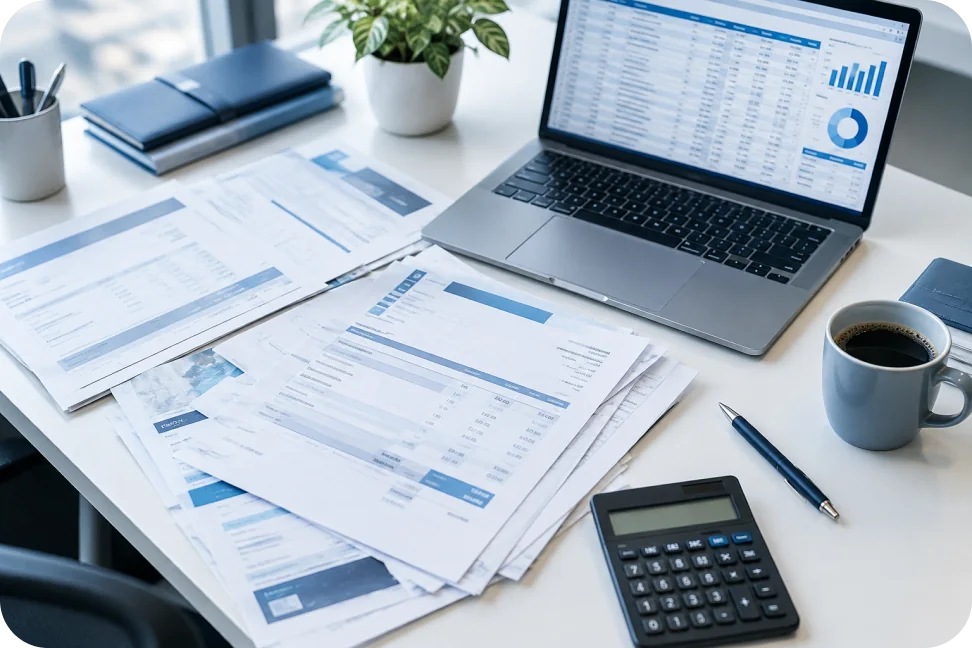
Using the ExtractMails invoice parser takes only a few minutes to understand. You send the invoice, the parsing engine reads it, and the fields you need come back in a structured list. Here is how teams extract data from invoices with it.
Forward the invoice file or the email that carries it, and the document is queued for reading.
The parsing engine scans the document and locates the fields you asked for.
Supplier names, dates, amounts, and line items are lifted out of the layout.
Results arrive as organized rows, ready to check before they go any further.
An invoice holds more than a total. ExtractMails reads the header details, the billing parties, and the item-level lines so your records stay complete. Which fields are returned depends on your extraction setup and on what each supported document actually contains.
Name, address, and contact information of the vendor who issued the invoice.
Invoice number, issue date, and due date, so every record can be traced and scheduled.
Description, quantity, unit price, and amount for each item or service billed.
Subtotal, tax, discount, and grand total, kept in separate fields for easy checking.
Currency, payment terms, and purchase order reference for matching and payment runs.
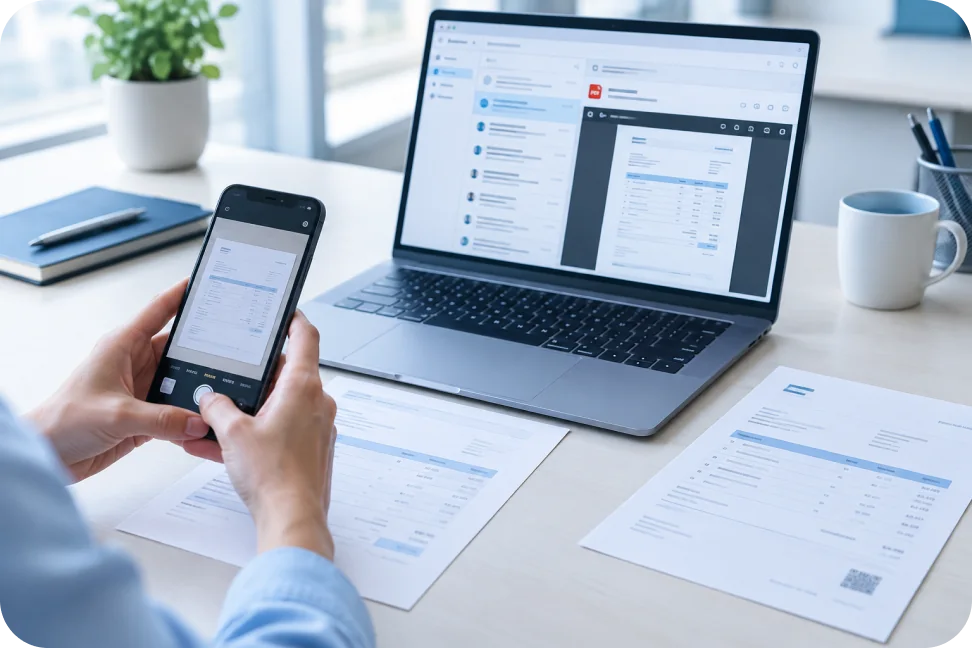
Invoices do not come in one shape, and a useful tool has to cope with that. ExtractMails works with supported invoice documents received as files or inside emails, so you can extract data from invoices wherever they land.
Moving from manual entry to parsing affects more than speed. The ExtractMails invoice parser gives your team consistent fields, fewer typing errors, and a clearer view of what is waiting for approval.

Less time spent retyping figures from documents, so entry work stops crowding out review.
The same field names across every supplier, which keeps records easy to compare.
Reduced mistakes in totals, dates, and tax amounts caused by manual keying.
Quicker movement to approvers and payment runs once the rows are ready.
Anyone who receives supplier bills in volume spends hours on invoice entry. ExtractMails suits finance and operations teams that need to extract data from invoices without adding headcount as invoice volume grows.
Processing supplier bills every week.
Managing invoices for several clients at once.
Without dedicated finance staff.
Matching invoices to purchase orders.
Extracted data is only useful once it reaches the tools you work in. Results from the invoice parser can be prepared for supported spreadsheets, databases, and business applications, so approved records move into your accounting process without another round of typing.
Available formats depend on the functionality you use.
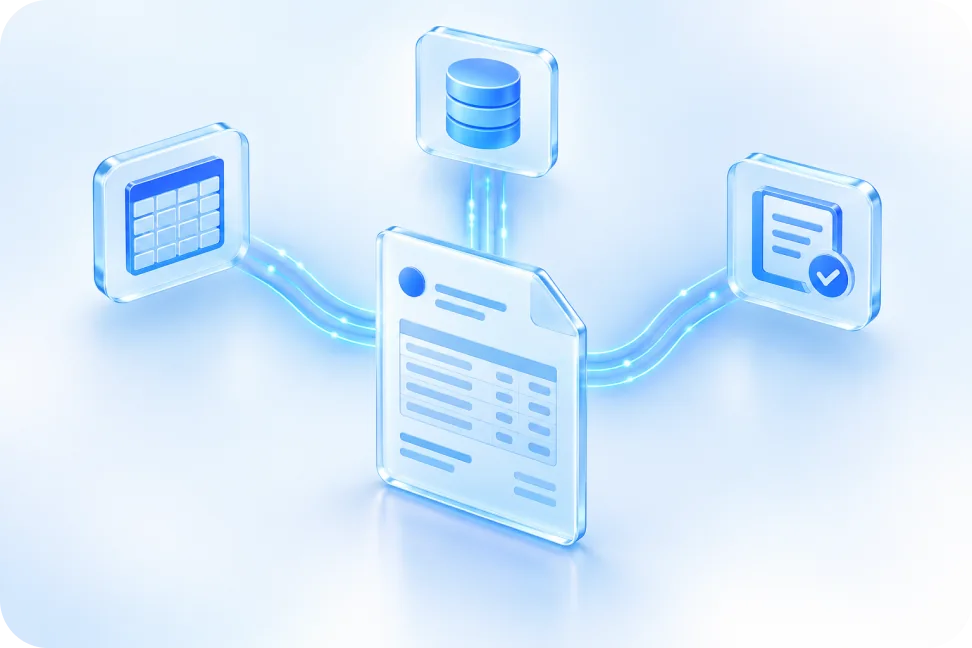

It reads invoice documents and pulls out fields such as supplier, dates, line items, and totals, then organizes them as structured data.
ExtractMails works with supported invoice files and email attachments. The exact formats available depend on the extraction functionality you choose, so confirm yours with our team.
Yes. Fields such as invoice number, dates, amounts, and line items can be selected based on your extraction requirements and the content of each invoice.
Yes. Invoices sent as email attachments or included in the email content can be parsed, depending on your configured extraction setup.
Extracted rows are presented for review, so your team can compare figures against the original invoice before records move into accounting or payment workflows.
Invoices are one of several business documents ExtractMails can handle. If your team also works with receipts, bank statements, or purchase orders, the same approach applies, with a dedicated page for each.
Simplify management of expenses and purchase records by selecting information from supported documents of receipts.
Gather financial details contained in bank statements, which can be supported, and log the transaction history as data.
Simplify purchase order processing by extracting the key details from supported purchase order documents.
Tell us about your invoice volume, the formats your suppliers use, and the fields you need. We'll show you how ExtractMails turns those documents into structured data, so your team spends less time typing and more time reviewing and approving.
Get Started