Continue with Google
Applicant Information
Applicant names, identification references, and other available details.
Extract crucial information from forms and application documents without manually reviewing every submission. The Forms and Application Parser from ExtractMails helps capture names, contact details, addresses, and other relevant fields from documents.
Get Started
Businesses usually receive forms and applications through multiple channels, which include email attachments, uploaded documents, and digital submission. Manually reviewing each document, identifying relevant information, and entering responses into spreadsheets or business applications can take considerable time.
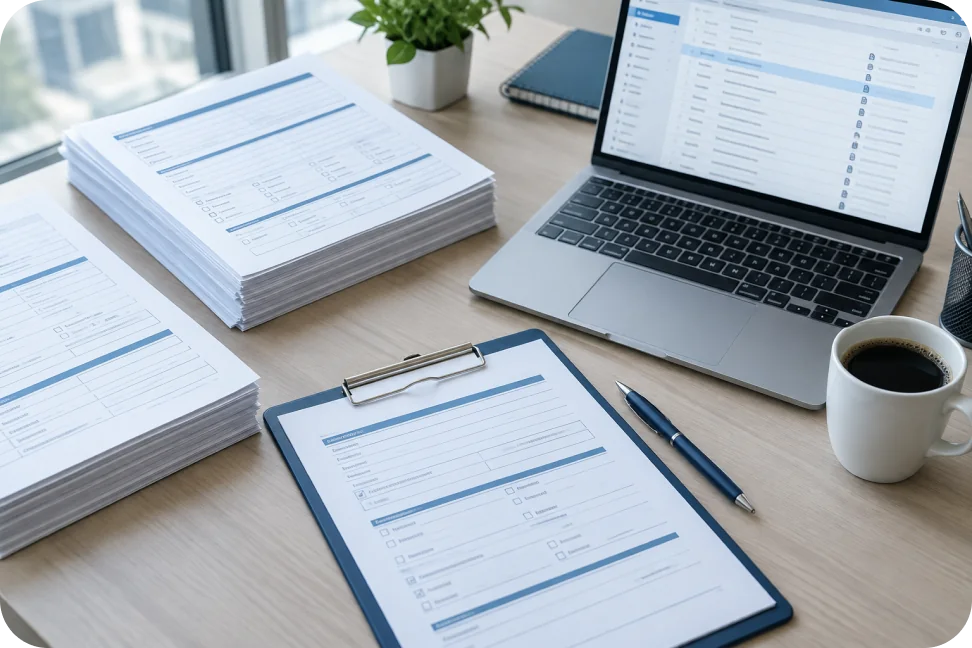
Forms and Applications Parser from ExtractMails helps simplify data collection from submitted documents. Just provide forms or applications and let the parser identify the fields that are needed to be parsed.
Upload or provide a supported form or application document for processing.
The parser analyzes the available content and identifies relevant fields and responses.
Names, contact details, addresses, dates, and selected responses are placed into separate fields.
Review the extracted information against the original submission to verify important details.
Organize the captured information for supported spreadsheets, databases, and business workflows.
Usually, forms and applications contain different types of information that depend on their purpose. They might include personal details, contact information, application responses, and other submitted data. Forms and Application Parser from ExtractMails identifies the fields selected for extraction requirements.
Applicant names, identification references, and other available details.
Email addresses, phone numbers, and communication information.
Residential, business, mailing, or other addresses included in the form.
Answers, selected options, preferences, and submitted descriptions.
Submission dates, application numbers, reference IDs, and other relevant fields.

Usually, forms and applications come in different formats and layouts. Some documents contain simple contact fields, while others include multiple sections, checkboxes, tables, and detailed responses. Forms and Applications Parser from ExtractMails help process supported documents and capture the information that the team needs.
The process of extracting information from submitted forms changes how businesses manage applications and administrative records. With Forms and Applications Parser from ExtractMails, teams get organized information that is easier to check and process, instead of manually reviewing every submission and entering details into spreadsheets.

In organizations, forms and applications are used across different processes, from customer registration to recruitment and service requests. Forms and Application Parser from ExtractMails help businesses organize information from submissions, enabling teams to manage these records more efficiently.
Capture names, contact information, and account details from registration forms.
Organize applicant details and employment information from job application documents.
Extract company information and contact details from onboarding forms.
Capture applicant information, preferences, and membership details.
The information extracted from forms and applications becomes more useful when it reaches the systems where the business manages applications and records. Forms and Applications Parser prepares parsed form data for spreadsheets, databases, and business applications through available connection methods.


Form and application data extraction is the process of identifying and capturing relevant information from submitted forms and application documents.
Supported multi-page documents can be processed depending on the available document parsing functionality.
Extracted form information can be prepared for spreadsheet workflows through available output options.
Extraction results depend on document quality, layout, and the clarity of the submitted information.
There are various other types of document and email data extraction use cases that help teams organize essential business information.
Simplify management of expenses and purchase records by selecting information from supported documents of receipts.
Gather financial details contained in bank statements, which can be supported, and log the transaction history as data.
Simplify purchase order processing by extracting the key details from supported purchase order documents.
Streamline the extraction of relevant candidate details from supported resume and cv files for easy management of your recruitment data.
Extract relevant information from supported order and shipping documents to make order and logistics data management easy.
Stop spending unnecessary time reviewing forms and manually entering application details. Forms and Application Parser from ExtractMails helps simplify form data extraction and makes application processing easier for businesses.
Get Started