











 Continue with Google

 Share on media
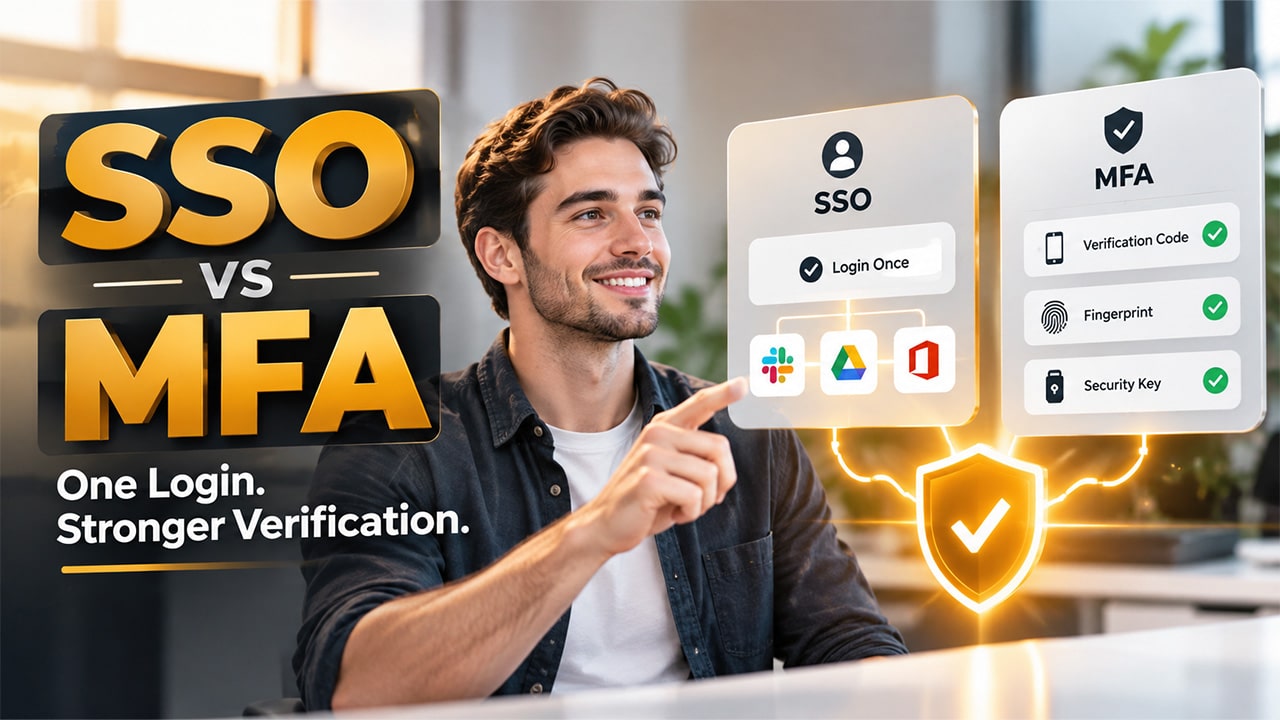
The guide explores the main difference between SSO vs MFA, along with how each technology works, their differences, benefits, use cases, and best practices for implementation.
As the organization moves more of its applications, data, and workflows online, the need for secure user authentication becomes more critical. Employees may need to access dozens of applications every single day, while the IT teams must ensure that only authorized users can reach sensitive resources.
For secure user authentication, there are two major technologies, which are Single Sign-On (SSO) and Multi-Factor Authentication (MFA). Although they are being treated as alternatives to each other, SSO and MFA solve different authentication challenges and are often most effective when these two technologies are used together.
What is SSO?
What is SSO? Single Sign-on, or SSO authentication, is an authentication method that allows users to access multiple applications, websites, or services with a single set of login credentials. Through SSO, users authenticate through a central identity provider and can then access the applications they are authorized to use, instead of entering a username and password separately for every application. With SSO, the employee signs in once and can move between connected applications without repeatedly entering their credentials.
How Does SSO Work?
A typical SSO process involves:
- User Opens an Application: The user attempts to access a connected application.
- Application Requests Authentication: The application redirects the user to the identity provider of the organization.
- User Signs In: The user authenticates with their credentials and an additional authentication factor.
- Identity Provider Verifies the User: The identity provider confirms the user’s identity.
- Access is Granted: The user is returned to the application and can access the resources they are authorized to use.
SSO can use different authentication protocols and standards depending on the identity architecture. If you want to understand how these technologies differ, see our guide on SAML vs SSO.
Benefits of SSO
Some of the key benefits of SSO are as follows:
- Better User Experience: With SSO, users don’t have to repeatedly enter credentials while accessing connected applications.
- Centralized Access Management: IT teams can manage authentication and application access through a central identity platform.
- Simplified Onboarding and Offboarding: User access can be provisioned or revoked more efficiently when identity management is centralized.
- Improved Visibility: Centralized authentication can make it easier to monitor login activity and manage access policies.
What is MFA?
MFA, or Multi-Factor Authentication, is a security method that requires users to provide two or more verification factors to prove their identity before gaining access to an account, application, or system. MFA adds one more layer of verification, instead of solely relying on a password. This makes it harder for unauthorized users to access an account, even if they obtain the user’s password. MFA generally combines authentication factors from different categories, which include something they know, something they have, and something they are.
How Does MFA Work?
A typical MFA login process includes:
- User Enters their Username and Password: The user identifies the account they want to access and provides a password.
- Additional Verification is Requested: The system asks for another authentication factor.
- User Completes the Verification: The user may approve a prompt, enter a code, use a security key, or provide a biometric.
- Access is Granted: After the required factors are successfully verified, the user can access the account or application.
Benefits of MFA
Some of the key benefits of MFA include:
- Reduced Impact of Stolen Passwords: If an attacker obtains a password, an additional factor may still prevent unauthorized access.
- Better Protection for Sensitive Systems: MFA can help secure applications containing financial, personal, business, or confidential information.
- Additional Protection Against Credential-based Attacks: Requiring another factor can make certain attacks more difficult.
- Flexible Authentication Options: Organizations can select authentication methods based on their security requirements and user needs.
SSO vs MFA: What is the Key Difference?
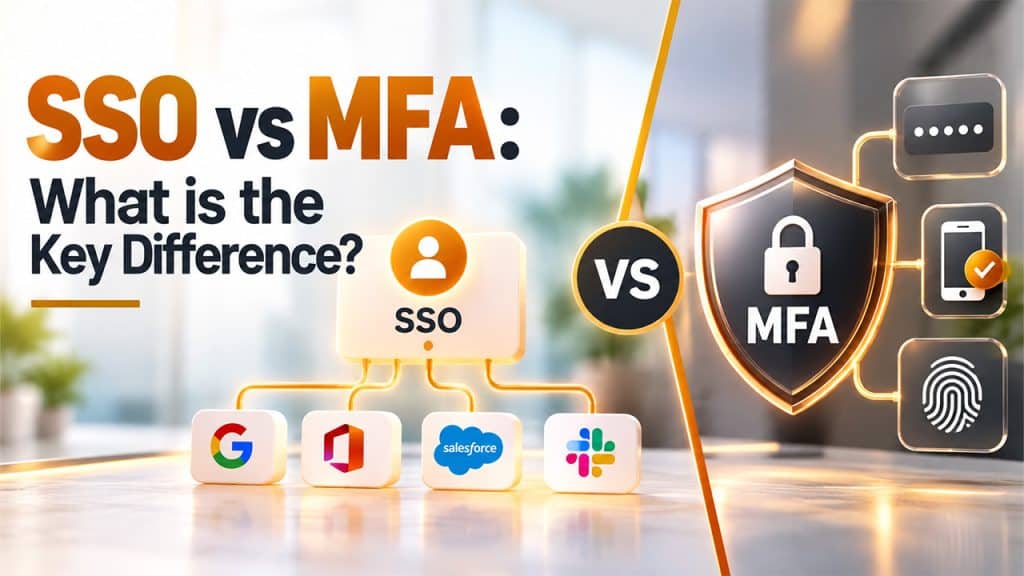
The key difference between SSO and MFA is that SSO focuses on simplifying access to multiple applications, while MFA focuses on strengthening the authentication process.
A quick comparison between SSO vs MFA is as follows:
| Aspect | SSO | MFA |
| Focus | User convenience and centralized login. | Identifies verification and security. |
| Login Experience | One authentication can offer access to multiple applications. | Requires multiple verification factors. |
| Passwords | Can reduce the number of passwords users manage. | Does not necessarily eliminate passwords. |
| Authentication Factors | Does not inherently require multiple factors. | Requires multiple factors. |
SSO vs MFA: Security Considerations
While comparing SSO vs MFA, it is essential to understand that they address different security needs. SSO centralizes authentication and simplifies access to multiple applications, while MFA adds additional layers of verification to help protect user accounts.
Some of the key security considerations for SSO vs MFA are as follows:
- Security Considerations for SSO
SSO can improve security by reducing the number of passwords users need to manage and centralize authentication. But as the identity provider controls access to multiple applications, protecting the SSO environment is especially essential.
- Security Considerations for MFA
MFA adds another authentication factor to the user’s login process, but the security level depends partly on the authentication method being used. Strong authentication is also an important part of a broader Secure Email strategy, particularly when organizations need to protect employee accounts and sensitive business information.
When Should One Use SSO?
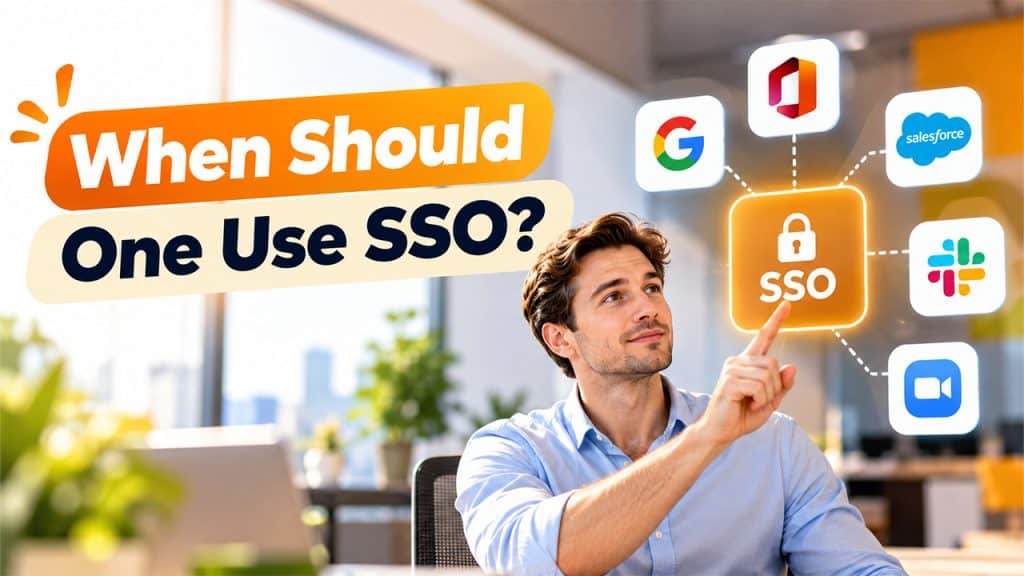
Single Sign-On is a useful method of authentication, especially for organizations where employees, customers, or other users need to access multiple applications and services regularly. Organizations should consider using SSO when they want to simplify access while maintaining centralized control over authentication and application access.
Importance of SSO (Single Sign-On) in CRM
The Importance of SSO (Single Sign-On) in CRM becomes especially clear when employees use CRM platforms alongside multiple business applications. SSO allows users to access authorized CRM systems and other connected tools through centralized authentication, reducing repeated logins and simplifying access management for IT teams.
- When Users Access Multiple Applications
SSO is useful when employees regularly work with several applications throughout the day. With SSO, users can authenticate through a central identity provider and access authorized applications without repeatedly signing in.
- When Password Management Is Becoming Difficult
Managing numerous passwords can create frustration for users and additional work for IT teams. Users may forget passwords, reuse credentials, or rely on insecure password-management practices.
- When Centralized Access Management Is Important
SSO provides organizations with a central point for managing authentication and application access. This centralized approach can make access management more consistent and easier to govern.
When Should One Use MFA?
Multi-Factor Authentication is considered useful whenever an organization needs stronger protection for user accounts, applications, and sensitive resources. By requiring the user to provide additional factors for authentication, MFA reduces the risk associated with compromised or stolen passwords.
- When Protecting Sensitive Information
Organizations that store sensitive information should consider MFA to add another layer of protection to user accounts. Requiring an additional authentication factor can make unauthorized access more difficult if a password is compromised. Organizations should also consider complementary email security controls; for example, What Is DMARC explains how organizations can help protect their domains from unauthorized email use.
- When Securing Privileged Accounts
Administrators and privileged accounts often have access to critical systems, configurations, and sensitive information.
- When Users Access Systems Remotely
Remote employees and distributed teams may access company resources from different networks, locations, and devices. This can be particularly useful when organizations cannot rely on a traditional office network as a primary security boundary.
Conclusion
The major difference between SSO vs MFA is that each addresses a different aspect of authentication, but they can work effectively together. While SSO helps in simplifying access to multiple applications through centralized authentication, MFA adds an extra layer of identity verification to the login process. By combining both SSO and MFA with strong access controls, organizations can create a secure and user-friendly authentication strategy that can protect accounts, applications, and sensitive data.