











 Continue with Google

 Share on media
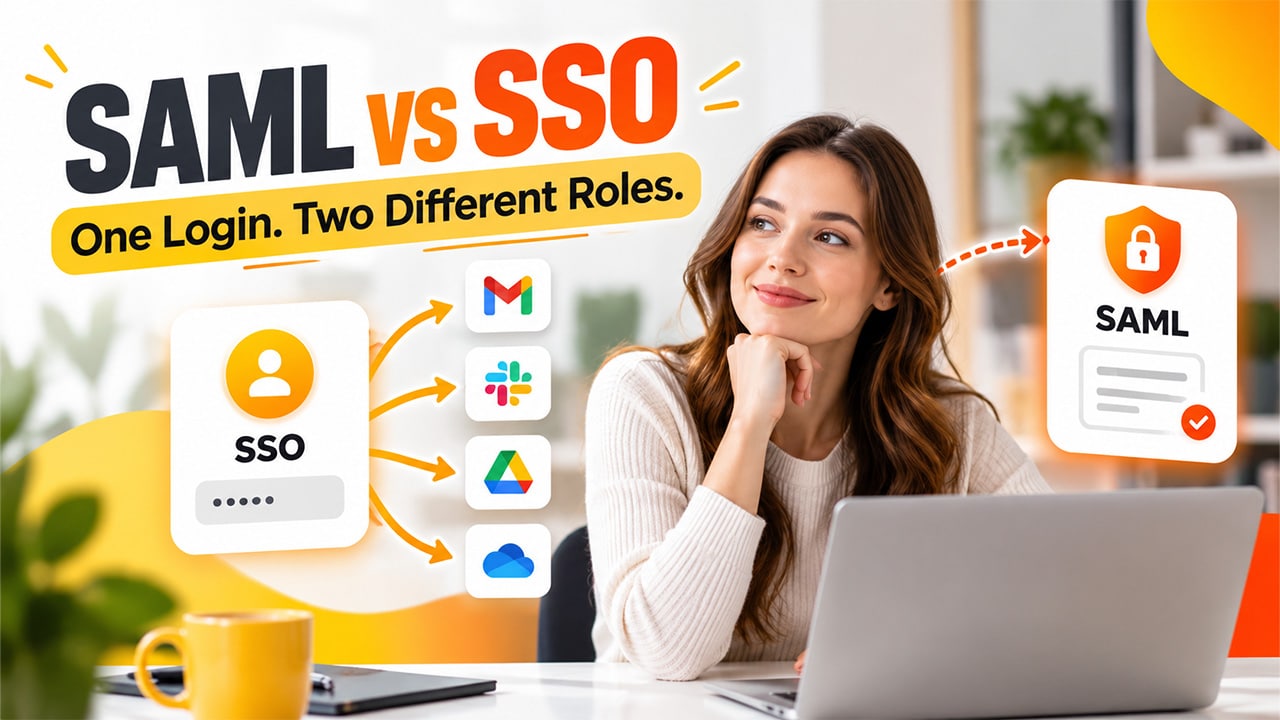
Count how many passwords you’ve entered today, whether it’s your Email, team chat, project tracker or maybe payroll too. It’s tiring, isn’t it? That’s exactly what single sign-on was made to fix. However, suddenly a colleague mentions that they use SAML for this. Now, it starts to sound like two different things that are competing against each other for one job. So, what’s the difference between SAML vs SSO? In short, they aren’t rivals at all. One is what you experience when you log in, and the other is a method that helps make it happen. Let’s understand what they both mean and how they work.
What Is SAML?
SAML stands for Security Assertion Markup Language. It refers to the shared set of rules that allow two systems to talk about who you are. When you log in with one system, it sends a signed note to the app you’re trying to open. The note says, “Yes, this person is who they claim to be. That’s called SAML authentication. Because the SAML protocol is an open standard, many different tools can understand it without needing any special setup between them.
Key Features of SAML Authentication
- Open Standard: Many products support it, so that different tools can work together without fuss.
- Signed Messages: The identity note carries a digital signature, so the app can trust where it came from.
- No Password Sharing: Your password stays with the system that checks it, not with every app you use.
- Central Control: Admins decide who gets in, and they do it from one place.
- Built for Work: You’ll find it mostly in company and school systems.
What Is SSO?
SSO means single sign-on. Once you log in, you can open a lot of apps without having to type your credentials again. You can think of it as a school ID card. You show it at the gate, and after that you can easily access the library, the lab, and the canteen without another check. This is known as SSO authentication. It’s not one particular technology; rather, it’s more like an idea or experience.
Key Features of Single Sign-On
- One Login: Sign in once and reach all your connected apps.
- Fewer Passwords: There’s less to remember, so fewer get forgotten or reused.
- Faster Access: You don’t stop and log in again at every app.
- Easier Admin: IT can add or remove someone’s access in one step.
- Flexible Setup: It can run on different methods, and SAML is just one of them.
For a detailed walkthrough, explore our guide: What Is SSO?
SAML vs SSO: Key Differences Explained
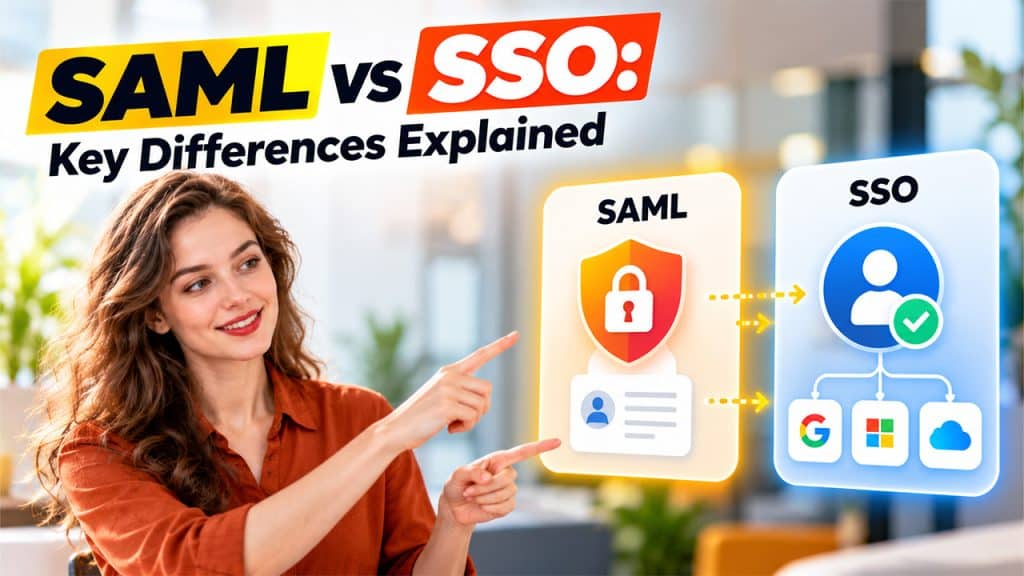
Here’s a quick snapshot before we dig any deeper.
| SSO | SAML | |
| What it is | An approach to logging in | A specific standard |
| Main focus | The user’s experience | Messages behind the scenes |
| Methods | Can use several | Just its own rules |
| Common in | Work and everyday apps | Workplaces and schools |
The table gives you a quick comparison; now let’s look at how SAML and SSO differ in definition, scope, technology, flexibility, usage, and security.
Definition
SSO is a concept which says that after logging in once, you can access many apps without entering your passwords again. SAML, on the other hand, is a specific standard that lays out some ground rules for how systems pass identity details to each other.
A shared bus pass is a good example of SSO, while SAML is one particular ticket system that makes the pass work. SSO can be explained without naming any technology, whereas explaining SAML means naming its rules. This is the biggest gap between the two, and the other differences grow out of it.
Scope and Purpose
SSO is a broader term, covering any setup where one login opens many doors. SAML is comparatively narrower, because it’s the only way to build a setup. That means every SAML login is SSO, but not every SSO is SAML. A small startup might use a simple social login for a few tools, and that’s still SSO. A big company running dozens of systems might choose SAML for tighter control. The goal remains the same. The tools and the size of the job are different.
Technology
With SSO, you just log in once and things open for you. Whatever happens in the background isn’t visible to you. However, SAML is a part of that background work. It’s where the exchange between systems happens, in which one system confirms your identity to another.
Picture a restaurant. You only usually see the food arriving at your table. Ordering and food preparation happening in the kitchen isn’t visible to you. SSO is that meal reaching you, and SAML is part of how the kitchen runs.
Flexibility
SAML isn’t the only path to SSO. There are other standards, like OpenID Connect and OAuth, that can do the same job in their own ways. They’re popular in mobile apps and modern websites, where lighter and faster messages help. SAML is usually used in older, larger business systems that are built around strict rules. So, if someone asks which one is better, the fair answer is that it depends on a few aspects. It depends on the apps you use, the devices people carry, and how much control the company wants.
Common Usage Environments
SAML is commonly used in places where an admin controls who gets access to the system, such as workplaces, universities, and hospitals. For businesses using CRM platforms, understanding the Importance of SSO (Single Sign-On) in CRM can help simplify user access while supporting centralized authentication. SSO shows up there, too, but it also shows up in ordinary life, like using one account to sign in to several apps on your phone. In short, SAML mostly lives inside organizations. SSO goes beyond into the apps that people use at home, at school, and while they’re out and about.
Security Considerations
SAML sends signed, trusted messages, so apps don’t have to handle your password themselves. SSO cuts down on weak, repeated passwords, which is a real win. There’s a catch, though. When one login opens everything, that login needs strong protection. This is where extra checks matter. When people compare SSO vs MFA, it helps to remember they do different jobs. SSO makes signing in easier. MFA asks for a second proof that it’s really you. Teams that prefer to be careful use both.
How SAML Works With SSO
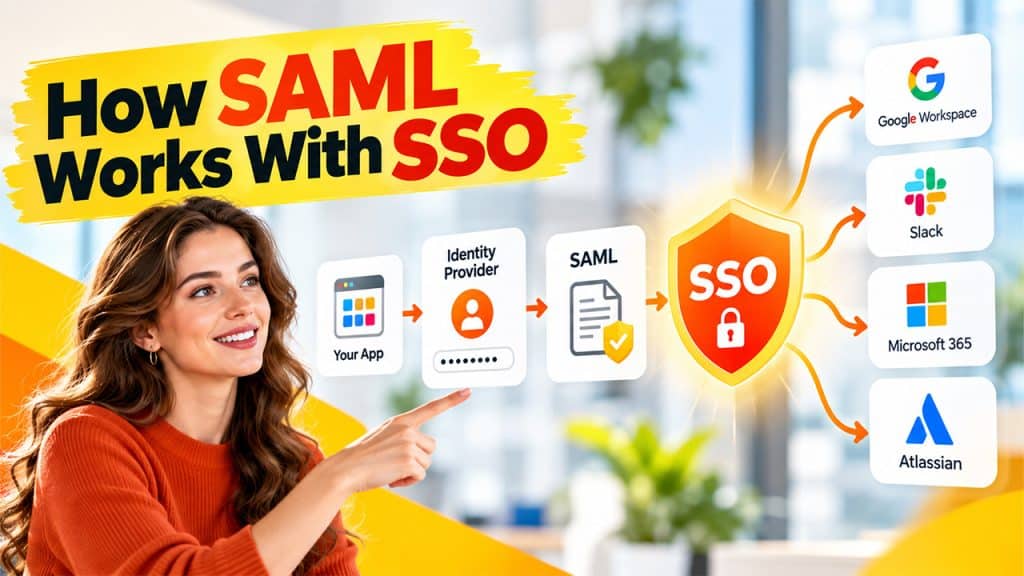
Let’s follow a single login from start to finish. Suppose you’re opening a shared project tool at work.
- Open the Application: You try to get into the project tool, and it notices you haven’t signed in yet.
- The App Redirects to the Identity Provider: That’s the system your company uses to check who you are. Your browser takes you there on its own.
- Verify Your Identity: You type your password or use an extra check if your company asks for one. You only do this once.
- Send a SAML Authentication Assertion: This note is called an assertion, and it tells the app that you’ve been verified. It shares only what the app needs to know.
- Access the Application: It trusts the note and opens the door. When you open another connected app, steps three and four happen quietly, so you aren’t asked again.
Email is often the first thing that attackers try to sabotage. So, no matter what setup you use, pair it with Email Security Best Practices, like strong passwords and careful link checking to keep your emails safe and protected.
Conclusion
In summary, SAML vs SSO isn’t really a fight about which one is better. SSO is the goal, one login for many apps. Whereas SAML is a reliable way of getting there, using signed messages between systems. Once you see it that way, most of the confusion clears up. If you’re choosing a setup for your team, start with assessing the needs: how many apps do people use? How much control do you want? Do they log in from office computers or their own devices? Pick the method that checks those answers. And whatever you choose, add a second check like MFA. Easy logins are nice, but safe ones are better.