











 Continue with Google

 Share on media
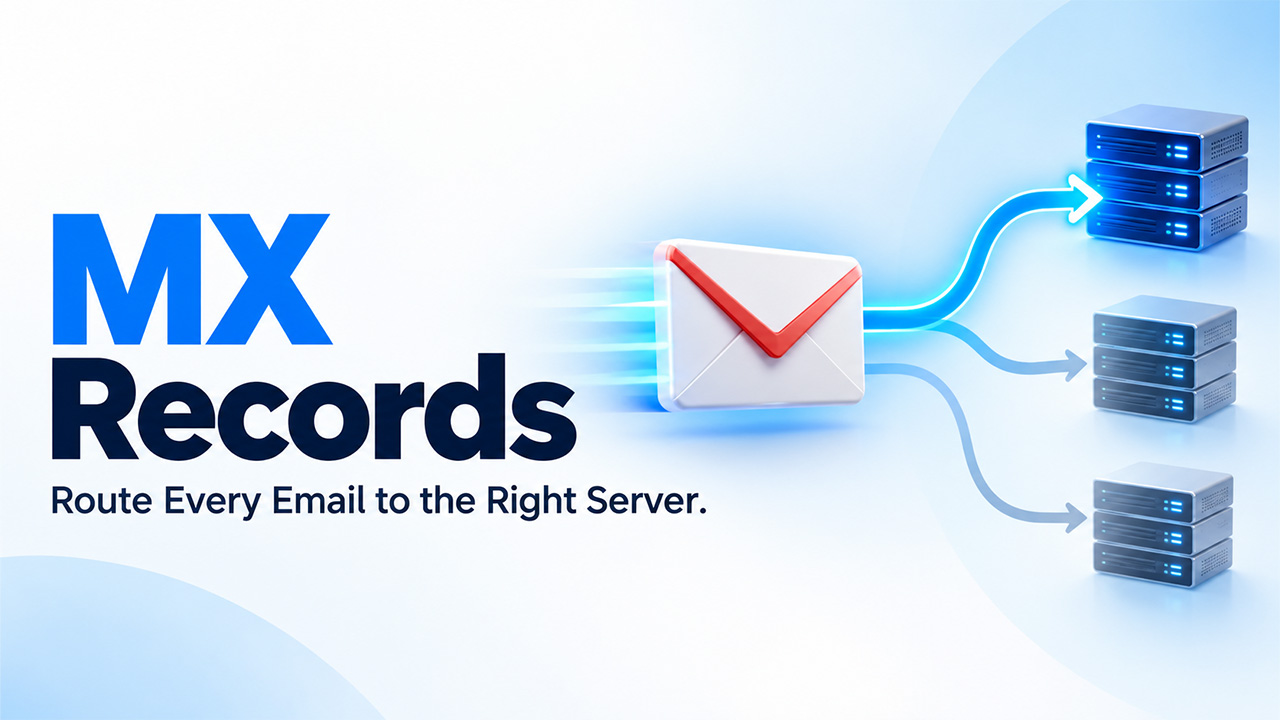
Each email that arrives at your inbox relies on easy-to-overlook and small pieces of DNS configuration: the MX record. Without it, mail that addresses your domain has nowhere to go. Businesses work with custom email addresses like you@yourcompany.com, which depends on MX records correctly working every day, often without anyone realizing it.
In this guide, let us break down what are MX records, how MX records operate, and why MX record priority defines the order in which mail servers receive your incoming email.
What Is an MX Record?
An MX record, which is a short form for Mail eXchange record, is a kind of DNS record that specifies which servers are responsible for accepting email on behalf of a domain. In straight forward terms, it informs other mail servers on the internet where to deliver messages sent to your domain.
Important points you need to understand:
- MX records are part of the DNS zone file of your domain, alongside CNAME records, A records, and TXT records.
- Every MX record points to the hostname of the mail server (for instance, aspmx.l.google.com), not to an IP address directly.
- This hostname needs to itself resolve through an A or AAAA record to locate the actual IP address of the mail server.
- Without a MX record correctly configured, an email which is sent to your domain will fail to deliver or bounce.
Being familiar with what MX records are is the first step toward keeping business email reliable. The next step is comprehending the mechanics behind each delivery.
How Does MX Records Operate?

When someone sends you an email to address at your domain, the sending mail server does not guess where to deliver it. Instead, it performs a particular DNS lookup for the MX records of your domain, not a CNAME, not an A record, but the MX record type itself.
Let us look at the order of the delivery process:
- The mail server of the sender queries DNS of your domain for MX records.
- It gets one or more mail server hostnames, each having an assigned priority value.
- It resolves the selected hostname to an IP address through an A/AAAA record.
- It connects to that attempt delivery and mail server.
- If the connection is not successful, it tries again with the next available mail server as per priority.
This is the core aspect of how MX records operate: a coordinated handoff between mail server communication and DNS lookups, all happens before message ever arrives in your inbox.
A domain can comprise of different MX records at the same time. This redundancy is deliberate — if one mail server gets overloaded or down, email delivery does not have to fail outright.
Comprehending MX Record Priority
Each MX record includes two vital pieces of data: a priority value and a mail server hostname (sometimes known as a “preference” value). This is exactly where MX record priority plays a crucial role.
- Lower numbers indicate greater priority. A record with priority 1 is often preferred over a record with priority 10.
- Sending servers always send delivery to the lowest-priority-number first.
- If that server rejects the message or becomes unreachable, the sender moves to the next lowest value.
- Numerous records share the same level of priority, in which case the sending server may decide between or opt for both.
Example: Google Workspace MX Setup
One of the key real-world examples is setting up email through Google Workspace. Google often issues a default set of MX records such as this:
| Mail Server Hostname | Priority |
| aspmx.l.google.com | 1 |
| alt1.aspmx.l.google.com | 5 |
| alt2.aspmx.l.google.com | 5 |
| aspmx2.googlemail.com | 10 |
| aspmx3.googlemail.com | 10 |
In such a setup, a sending server first tries aspmx.l.google.com. If this is not successful, it goes back to one of the priority-5 servers, and finally priority-10 servers if needed. This layered fallback is precisely why MX record priority is important. It develops redundancy into the email infrastructure of your domain directly.
If this is the first you are setting this up, it naturally combines with configuring Gmail Custom Domain email. The MX record is the piece that connects your domain to servers of your Gmail.
Why Is MX Records Important for Your Businesses?

MX records are not just a technical formality. This impacts whether your business communication works directly:
- Deliverability: Missing or misconfigured MX records bounced emails and loses communication with leads or clients.
- Redundancy: Numerous MX records with segmented priorities secure against downtime on a single mail server.
- Migration Safety: When changing email providers (for example, moving to Microsoft 3654 or Google Workspace), MX records must be correctly updated, or mail can be lost in the middle of transition.
- Security Foundation: MX records work alongside DKIM, SPF, and DMARC records to setup verified and valid email delivery.
Since MX records entirely depend on DNS resolving quickly and correctly, and wider DNS performance issues can affect email delivery speed indirectly. If the records of your domain are slow to resolve in general, it is worth looking into How to Fix Slow DNS Lookup before specifically fixing email.
MX records are just a small piece of a much bigger system. DNS itself is one of the basic technologies that make the modern web possible. To know further about this bigger picture, we suggest you to explore the blog- What is the Internet?
Handling and Editing MX Records
Most of the DNS hosting providers and domain registrars provide a simple interface for handling MX records. Prevalent tasks are as follows:
- Including a new MX record when onboarding a new email provider.
- Deleting outdated MX records that are left over from a previous provider.
- Priority values get updated to modify failover order.
- Validating propagation after ensuring changes (which can take anywhere from a few minutes to 48 hours).
Double-check hostname spelling and priority values before saving the changes. A single typo mistake can break email delivery silently for an entire domain.
Conclusion
MX records may be invisible in day-to-day processes. However, they form the pillar of reliable email delivery. Now that you have understood what are MX records, how MX records work, and how MX record priority defined failover order, you are much better equipped to configure, fix, and ensure email infrastructure for your domain whether you are setting up a new provider or auditing an available setup.
FAQs About MX Records
Q1. What will happen if a domain has no MX record?
Any email that gets sent to that domain will not be delivered. Some mail servers may return back to the domain’s A record as a last option. However, this behavior should not be relied on and must not be standardized.
2. Is it possible for the domain to have more than one MX record?
Yes. Most domains have numerous MX records for redundancy. Here, each one gets assigned a very distinct priority value to control failover order.
Q3. Does the priority of MX record impact email speed?
Not directly. Priority defines which server is first tried, not how quickly an email travels once it is accepted. However, if a high-priority server is unresponsive or slow, delivery can get delayed which sending server resorts to lower-priority options.
Q4. How much time does it take for MX record changes to show effect?
DNS propagation for MX records often ranges from a few minutes to 48 hours, as per the TTL (Time to Live) value provided on the record.
Do MX records work in the same way for Outlook and Gmail?
A- Yes. The core DNS mechanism is identical irrespective of the email provider. Only the particular mail server hostnames and priority value change between providers.