











 Continue with Google

 Share on media
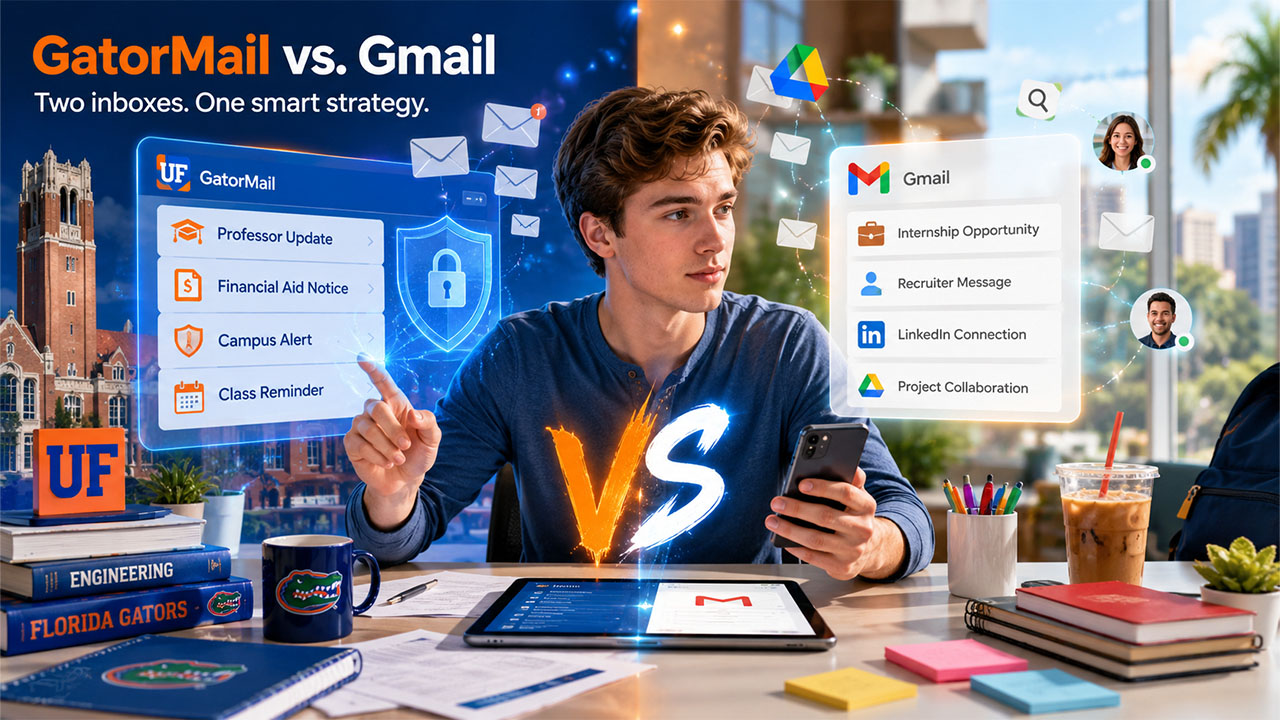
Many students have yet to realize they are using two completely different email platforms, and using the wrong one at the wrong time can cost them opportunities.
You sign up for college, get a shiny .edu address, and suddenly you have two inboxes. One feels official and a little complex. The other one is smooth, familiar, and already has your Spotify playlists linked to it. That tension is real, and it matters more than most students think.
This is a full, honest GatorMail vs. Gmail breakdown, covering everything, right from advanced features and storage to what happens after you complete your graduation. So, let’s get started.
What Is GatorMail, and Why Do You Even Have It?
GatorMail is the official email platform introduced by the University of Florida for its students only. It runs on Microsoft Exchange and is managed by UF’s IT department. Think of it as your academic identity in email form.
As the student enrols, they gets a GatorMail account automatically. It connects directly to tools like Canvas, the UF student portal, and various on-campus systems. For instance, professors use it to send class updates. Financial aid offices send important notices there. Overall, it’s the one inbox the university actually talks to.
What Makes It Different From a Regular Email?
GatorMail isn’t just a mailbox. It’s tied to your UFID and protected under FERPA, which is a federal law that protects your academic records. That means your emails through GatorMail are protected by laws that a personal inbox simply doesn’t have.
The best part is that it also comes bundled with Microsoft 365 tools, so you get access to Word, Excel, and Teams for free as a student. It means you’re using a different email platform, but you have access to other popular tools that millions of students and professionals use across the world.
Gmail for College Students, A Tool You Already Know
Gmail does not need any introduction. The numbers speak for themselves. Over 1.8 billion people use it globally, according to Statista. For most students globally, it was the first email account they ever created. It’s simple, fast, clean, and works seamlessly on every device.
Gmail for college students means something specific, though. It’s where the non-academic life exists. Club newsletters, internship applications, LinkedIn notifications, and food delivery confirmations all land here. It’s personal, highly flexible, compatible, and endlessly customizable.
Plus, the vast Google ecosystem makes Gmail even stronger. As soon as you create an account on Gmail, you get access to Google Drive, Google Docs, Google Meet, and Google Calendar.
Storage and Speed
Gmail gives you 15 GB of free storage, shared across Drive, Photos, and Gmail. GatorMail, through Microsoft Exchange, typically offers around 50 GB of mailbox storage. For students dealing with large file attachments from labs or design projects, that gap matters. And this is where students can benefit from GatorMail.
Both platforms handle basic email tasks fast, but Gmail’s search function is much better. Finding a three-year-old email in Gmail takes a few seconds. In GatorMail, it can feel like a small adventure, especially if you are not yet familiar with GatorMail.
GatorMail Comparison, Feature by Feature
Here’s a quick GatorMail comparison that puts both platforms side by side on the things students actually care about the most.
| Feature | GatorMail | Gmail |
| Storage | ~50 GB | 15 GB (free tier) |
| Microsoft 365 Access | Yes (free) | No |
| Google Workspace Access | No | Yes |
| FERPA Protection | Yes | No |
| Campus System Integration | Yes | Limited |
| Spam Filtering | Good | Excellent |
| Mobile App Experience | Moderate | Excellent |
| Account After Graduation | Limited/Expires | Permanent |
We hope this table tells a clear story. GatorMail wins on campus usage and storage. Gmail excels in long-term usability, especially after graduation, and ecosystem strength.
Student Email Services and the Two-Inbox Problem
Most students end up managing both accounts, and honestly, that’s the right move. But it creates friction. You missed a financial aid email because it went to GatorMail. You send a professor an email from your Gmail address, and they don’t recognize you. Small mistakes, but they add up.
Even after knowing that email services like Gmail exist and can perform all required tasks, student email services like GatorMail were introduced for a specific reason. Basically, universities need a controlled communication channel that complies with federal regulations. Google doesn’t make FERPA compliance guarantees for personal Gmail accounts the way an institutional system does.
Which One Should You Use for What?
Use GatorMail for anything connected to school. These tasks include registration, financial aid, professor communication, campus events, and official university alerts. This is non-negotiable. If a professor says to email them, use your GatorMail address. It secures your email and keep records in the right place.
Use Gmail for everything outside campus for tasks like job applications, internships, personal subscriptions, and side projects. Recruiters and employers feel more comfortable seeing a clean Gmail address than an .edu one that they know will expire after graduation
Keeping the two separate also sharpens your professional habits. Learning Email Etiquette early, like using proper subject lines, greeting professors formally, and replying on time, becomes second nature when you treat each inbox seriously.
The Graduation Cliff: What Happens to Your GatorMail?
This is the part nobody warns you about early enough. When you graduate from UF, your GatorMail access is taken back. The university typically gives a grace period, but eventually, that inbox closes. Every email, every document shared through that account, is gone forever.
Gmail has no such problem. Your account stays alive as long as you want it to. This is why career counselors and advisors almost universally recommend building your professional presence around a Gmail address, or any permanent personal email, rather than your student account. Gmail accounts stay with you for a lifetime.
Therefore, start migrating important contacts and files before graduation, not after. Forward key emails. Download attachments. Update your email on LinkedIn, job boards, and internship platforms well before your GatorMail access ends.
Productivity and App Integrations, Two Very Different Worlds
GatorMail works with Microsoft’s tools. If your university lab uses Teams for group work or your professors share files through SharePoint, GatorMail keeps everything interconnected in one place.
The Gmail Desktop App comparison here is worth noting as well. Gmail’s web version is exceptionally polished for desktop use, offering features such as keyboard shortcuts, Smart Compose, and offline mode. GatorMail’s interface, powered by Outlook Web App, is functional but feels quite heavier when compared to Gmail.
For everyday use, Gmail tends to win in daily usability. But for students deep in academic workflows, especially in research, engineering, or collaborative campus projects, GatorMail’s Microsoft 365 integration can be a better fit.
Security and Privacy
Both platforms are considered secure, but in different ways. GatorMail is managed by UF’s IT team. They monitor for threats, enforce password policies, and handle institutional compliance. On the other hand, Gmail uses Google’s own security infrastructure, which includes two-factor authentication, phishing detection, and real-time threat alerts.
Since the University of Florida has some compliance related to email security, GatorMail is a must-use for students. They use it for sensitive academic information. For everyday communication, Gmail’s security is more than enough.
So, Which Platform Actually Wins the GatorMail vs. Gmail Debate?
Both Gmail and GatorMail serve different purposes, and the smartest students use both strategically. The GatorMail vs. Gmail question isn’t really about picking a winner, but it is more about understanding the role each one plays in your academic and personal life.
Think of it this way. GatorMail is your school uniform. Gmail is your everyday outfit. Both have their place, and wearing the wrong one to the wrong place creates unnecessary problems.
Understanding Business Email Format, knowing when to be formal or casual, and keeping your two inboxes organized are great habits that will help even after your graduation.
Pick Your Platform. Own Your Inbox.
Start treating your emails like a professional, even now. Set up filters in both accounts. Use GatorMail for everything academic and follow the University guidelines. Build your Gmail for a college student’s identity for the career world ahead. Check both inboxes daily, keep yourself updated.
Understanding the GatorMail comparison with personal email isn’t just a technicality. It shapes how recruiters, professors, and peers perceive you before you’ve even said a word. The students who manage both student email services well aren’t just more organized. They’re already thinking like professionals. And that habit separates the ones who hit the ground running after graduation from the ones still struggling to update their email address on every job application.
Frequently Asked Questions
Can I use Gmail instead of GatorMail for university communication?
You can, but it’s a risky. UF and most universities run their official communication through institutional email only. Financial aid deadlines, registration holds, class cancellations- these all land in your GatorMail, not your personal inbox. Some professors won’t even respond to a Gmail address for college students because they can’t verify who you are. So technically possible, practically problematic.
Does GatorMail run on Gmail’s platform?
Not at all. That’s one of the first things that comes up in any GatorMail comparison with personal email. GatorMail is built on Microsoft Exchange and plugs into the Microsoft 365 suite. That means Outlook, Word, Teams, Excel, all free for UF students through that account. Remember, Google’s tools aren’t part of that setup. These two systems don’t share infrastructure or data.
What actually happens to GatorMail once you graduate?
It doesn’t stick around forever. UF gives graduates some time before pulling access, but that window closes. Before it does, save anything important, update your email on job sites and LinkedIn, and let your contacts know that you’ve switched over. Students who wait too long often lose emails they needed for references or portfolio work after graduation.
Is GatorMail safe for sensitive academic stuff?
Yes, and for good reason. UF’s IT team manages the entire system, and GatorMail falls under FERPA, the federal law protecting student academic records. That gives it a level of oversight your personal account simply doesn’t have. When it comes to student email services, GatorMail carries institutional accountability that a personal inbox can’t match. For anything tied to your academic record, it’s the safer platform.
Is it okay to email a professor from Gmail if GatorMail is down?
Most professors won’t mind, as long as you mention the reason behind it. A quick line explaining that your GatorMail is inaccessible keeps things transparent. Just don’t make it a regular thing. Administrative offices often filter unfamiliar addresses to spam, so your email might never land where it should.