


 Continue with Google

 Share on media
Gmail is considered one of the most popular email platforms with over 1.8 billion users worldwide. That number sounds like a reason to stick with it, but surprisingly, a growing number of people are searching for Gmail alternatives. Not because Gmail is broken or outdated, but because it no longer meets their actual needs. According to observations from the team at ExtractMails, businesses are increasingly prioritizing privacy, flexibility, and integration capabilities when selecting an email provider. Every business has a different set of growing requirements, and these evolving needs are the main reasons why companies and individuals are exploring other email platforms.
Some of these include privacy, interface clutter, tracking, and strict integration into the Google system. But don’t worry, because the best email client alternatives available nowadays excel in every aspect.
In some cases, they are even better than Gmail. This detailed post will discuss seven of them, both for personal and business use.
Why People Are Moving Away from Gmail
Did you know that Gmail scans your inbox to serve ads, and that trade-off is starting to bother more people than it used to? Privacy concerns, data tracking, and Gmail’s ties to Google’s advertising model have pushed a lot of users toward free email platforms that simply don’t do that.
There’s another problem. Gmail works well inside Google Workspace, but if your team runs on Microsoft tools or you don’t need a bundled suite, it starts to feel like you’re paying for things you’ll never use.
What to Look for in a Gmail Alternative
Before going through any list, it’s better to understand what actually matters when picking a new email provider. The right choice for a freelancer looks very different from what a ten-person business needs
A few things worth checking before you decide
- Privacy and encryption: Always check whether the provider scans your emails, and whether end-to-end encryption is available or standard.
- Storage and core features: Check enough storage for your volume, solid spam filtering, and a reliable search feature.
- Ease of switching: Can you import old emails, set up forwarding, and manage your contacts without a headache?
- Personal or business fit: Some platforms are specifically built for individuals. Others come with admin controls, custom domains, and team features that only make sense for businesses.
7 Best Gmail Alternatives Worth Switching To
All these seven alternatives have something to offer for everyone. Some are built specifically for privacy reasons, while some others focus more on business-related features or being user-friendly. All these are free email providers, with paid versions as well.
1. Proton Mail
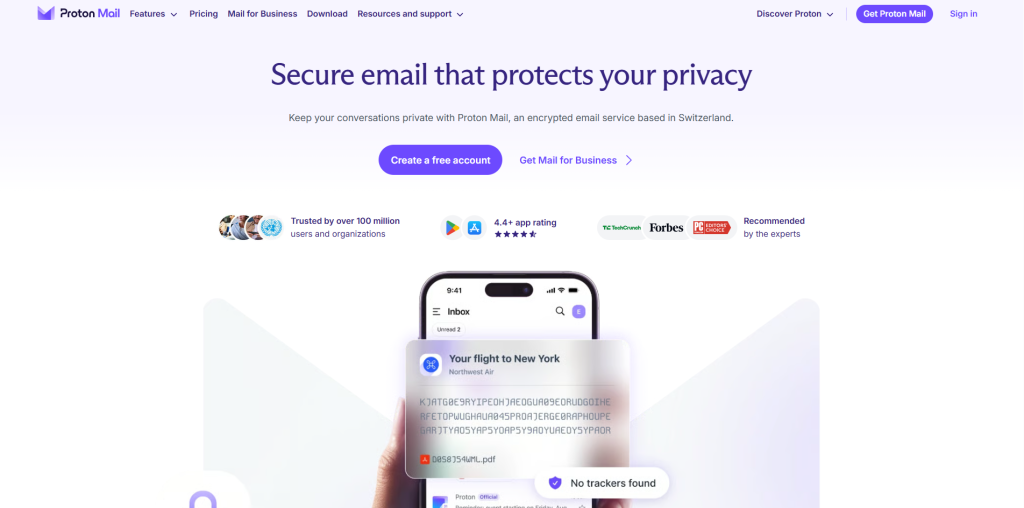
Proton Mail is considered as the best Gmail alternatives. If privacy is the reason behind quitting Gmail, then Proton Mail should be the right place to begin with. As this mail is based in Switzerland, the provider complies with strict data protection policies, offering end-to-end encryption, so no one can read your emails.
The best things are that there are no ads, no tracking pixels, and no data profiling. The free plan of the encrypted email service covers basic use, and paid plans unlock custom domains and more storage options.
2. Microsoft Outlook
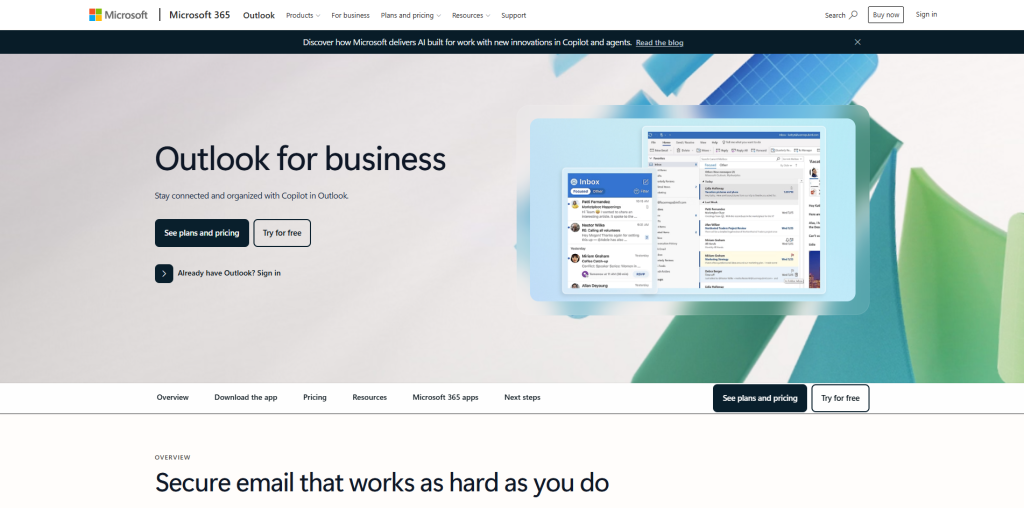
Maybe most of us haven’t used Outlook, but we are aware of Outlook. It is the most obvious Gmail alternative for people already working inside the Microsoft ecosystem. If your team uses Teams, Word, Excel, or SharePoint daily, Outlook is the best alternative as it ties everything together in a way Gmail simply can’t.
The calendar integration of the platform is also excellent, shared mailboxes work well for teams, and the desktop app is one of the most advanced email clients available. If you or your business already uses Microsoft tools, then it’s a natural fit for you, with all its advanced capabilities.
Microsoft Outlook also supports Growth Marketing when combined with the broader Microsoft 365 ecosystem. It offers a useful operational and communication hub for retention, acquisition, partnership, and campaign execution.
3. Zoho Mail
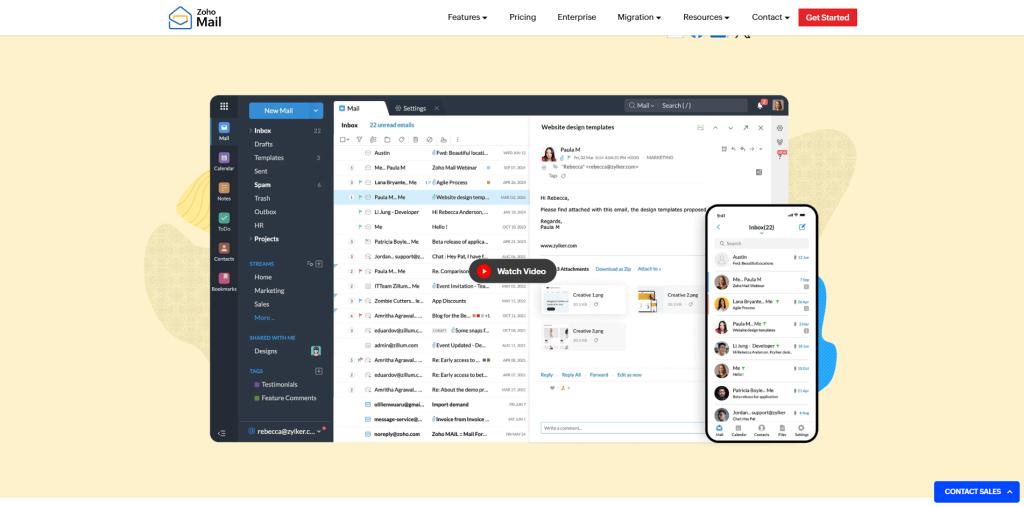
Zoho Mail is another amazing email service provider getting popular day by day. Zoho Mail is also among the major Gmail Alternatives, which features clean, ad-free, and built specifically for small business teams. You get a professional inbox without the noise. You also get custom domain support, which means your team can use branded email addresses. The interface is simple enough that onboarding new staff doesn’t take long to become comfortable with it.
Zoho also connects with its own suite of business tools, including CRM and project management apps. That makes it one of the best email service providers for growing teams looking for everything under one roof without paying extra for a bloated bundle.
Since it is an advanced and cost-effective email provider with its own business tools, small businesses can think about entering the Zoho Mail ecosystem.
4. Tutanota (Tuta)
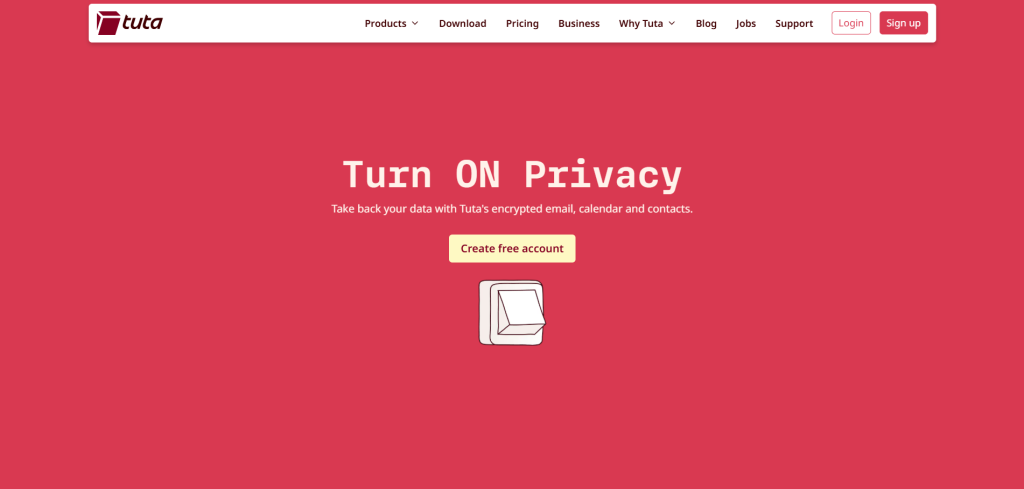
Tuta, previously called Tutanota, is an open-source email platform, that acts as a cheaper Gmail alternative. It encrypts not just your email content, but subject lines and contact details as well. It’s fully GDPR-compliant and built with European data sovereignty in mind.
Freelancers, small business owners, and anyone handling sensitive client data will find this one worth using email service. The interface is clean, the free plan is useful, and paid plans stay affordable whether you’re an individual or running a small team.
5. Fastmail
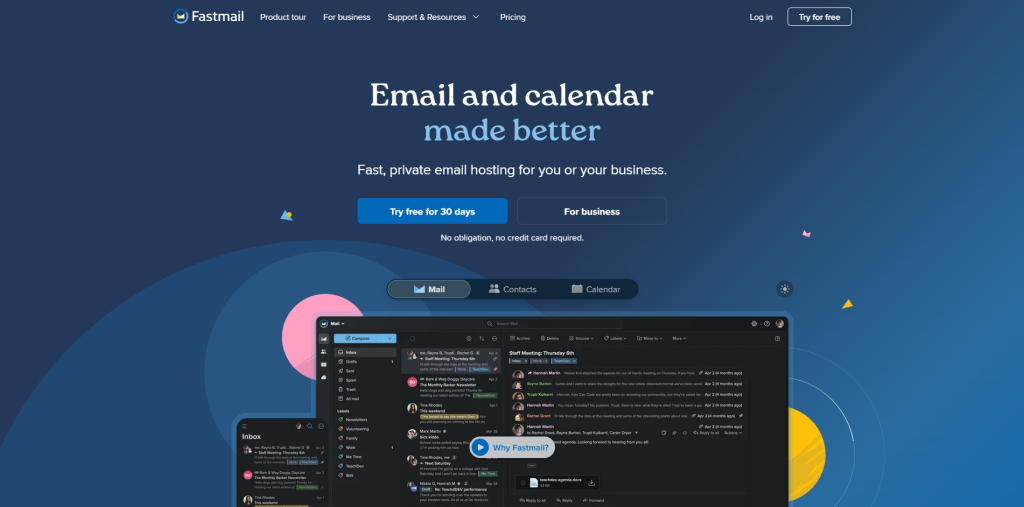
Fastmail isn’t trying to do everything. As it is highly focused email, the company made it very advanced and easy to use, and the result shows it. Load times are fast, spam filtering is sharp, and alias support is genuinely useful if you juggle multiple addresses across projects or clients.
No free plan is available. But the paid tier is affordable. Custom domains, calendar sync, and contact sync are all covered. For power users who want a professional email setup that just works without getting in the way, Fastmail consistently earns its reputation.
6. Apple Mail
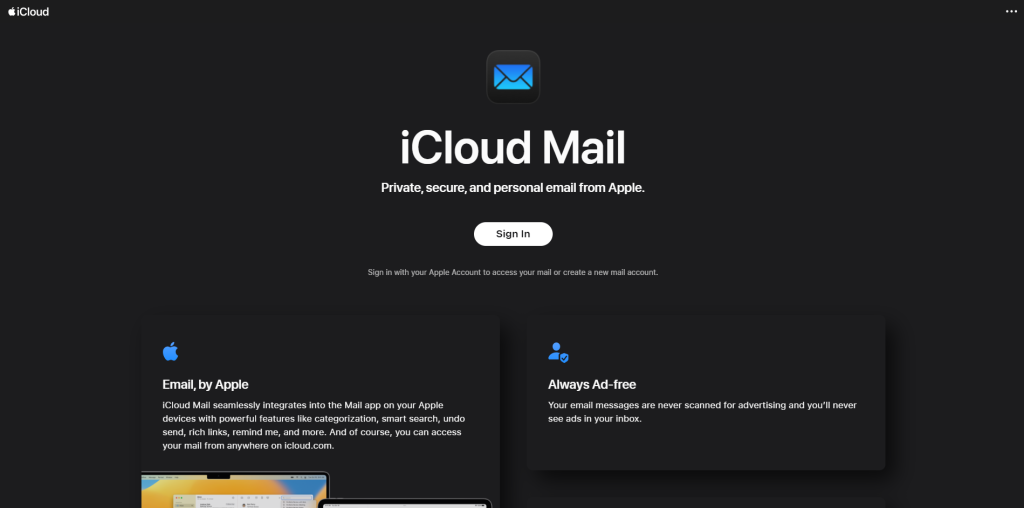
Apple Mail isn’t a standalone email provider, but iCloud Mail paired with Apple’s Hide My Email feature makes it an interesting option for Apple device users. Hide My Email lets you generate random email addresses that forward to your real inbox, which keeps your actual address private when signing up for things online.
The experience across iPhone, iPad, and Mac is, of course, seamless. If you’re already in the Apple ecosystem, it will be very easy to set up and start using. Among free email platforms, iCloud Mail is often overlooked but works well for personal use.
7. Posteo
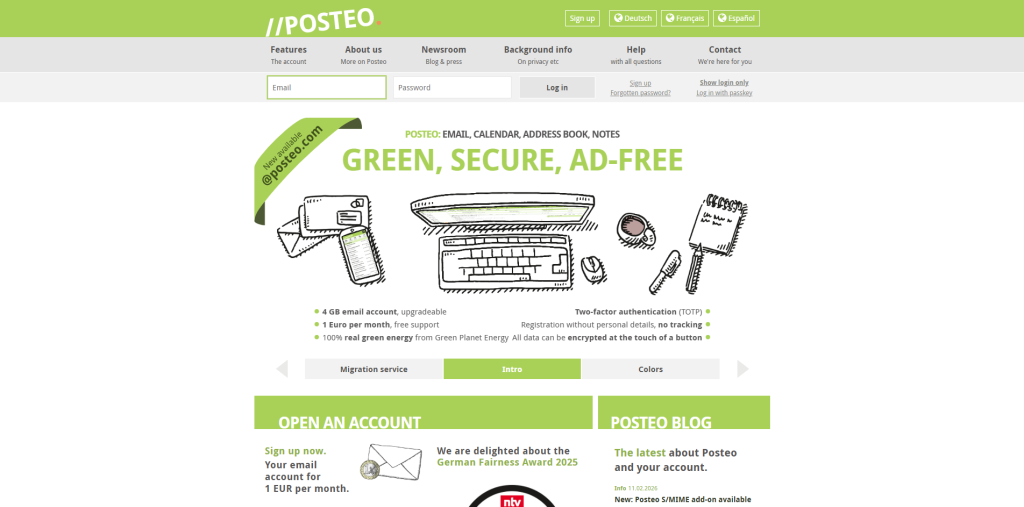
Posteo is a small, independent email provider created in Germany, and it has a very specific kind of appeal. It’s powered by renewable energy, accepts anonymous sign-ups, supports no advertising, and costs less than most coffee shop purchases per month. Though you don’t get a flashy interface or a long feature list, what you do get is a clean and easy to navigate inbox. If you are a freelancer and not associated with any big tech, Posteo stands out clearly among Gmail competitors in this space.
Quick Comparison: Which One Is Right for You?
| Email Service | Best For | Privacy Level | Free Plan | Custom Domain |
| Proton Mail | Privacy-first users | Very High | Yes | Yes |
| Microsoft Outlook | Microsoft ecosystem users | Moderate | Yes | Yes |
| Zoho Mail | Small business teams | High | Yes | Yes |
| Tuta | European encrypted email | Very High | Yes | Yes |
| Fastmail | Power users | High | No | Yes |
| Apple Mail | Apple device users | High | Yes | Via iCloud+ |
| Posteo | Ethical, minimalist use | Very High | No | No |
How to Migrate from Gmail to Another Email Provider
Switching email providers is easier than most people expect. Most modern email services offer built-in migration tools that import your existing Gmail messages, contacts, and calendars automatically.
Here are the basic steps:
- Create your account with the new provider.
- Use the provider’s import tool to transfer emails and contacts.
- Enable Gmail forwarding so new messages continue reaching your new inbox.
- Update important accounts such as banking, social media, and business tools with your new email address.
- Monitor both inboxes for a few weeks before fully transitioning.
If you’re new to email technology and want a deeper understanding of what is email, learning the fundamentals can make the migration process much easier and help you choose the right provider for your needs.
Personal Use vs. Business Use, What Actually Changes
Users looking for personal use always prioritize privacy and simplicity. They want an inbox that loads fast, stays clean, and doesn’t feel like a billboard. In this way, Proton Mail, Tuta, and Posteo are the strongest picks. Apple Mail also excels in the privacy aspect, but it works well if you’re already deep in the Apple ecosystem.
Business use is a different story. Custom domains, shared inboxes, and team management features stop being optional when clients are involved. Therefore, Zoho Mail and Outlook handle that side well. Fastmail is worth a try for smaller teams that want reliability without managing a full productivity suite.
Common Mistakes to Avoid When Choosing a Gmail Alternative
Many users switch email providers only to discover later that the new service doesn’t actually fit their workflow. Avoid these common mistakes:
Choosing based only on price
A free plan may look attractive, but limited storage, missing security features, and lack of custom domain support can create problems later.
Ignoring integration requirements
Before switching, check whether the provider works with the software your business already uses, such as CRM platforms, productivity tools, or project management systems.
Overlooking email deliverability
Businesses should verify that the provider supports SPF, DKIM, and DMARC authentication to protect sender reputation and improve inbox placement.
Not planning the transition
Moving too quickly can cause missed messages. Run Gmail and your new provider simultaneously for several weeks to ensure a smooth migration.
Forgetting about legacy email services
Some users still rely on older email services such as Comcast Internet Mail or Xfinity Email for personal communication. Before switching, make sure all forwarding rules, contacts, and account recovery options are updated to prevent access issues.
Conclusion: Your Inbox Should Work for You, Not the Other Way Around
Most people continue using Gmail out of habit, not because it genuinely fits their needs. But the right email provider changes how you work, how much you trust your communication, and how much time you stop wasting on things that should have done in background.
The email provider options above give you a solid starting point, so select the one that suits your actual workflow and even smooth the whole process, not just the most familiar name.
