 Continue with Google

 Share on media
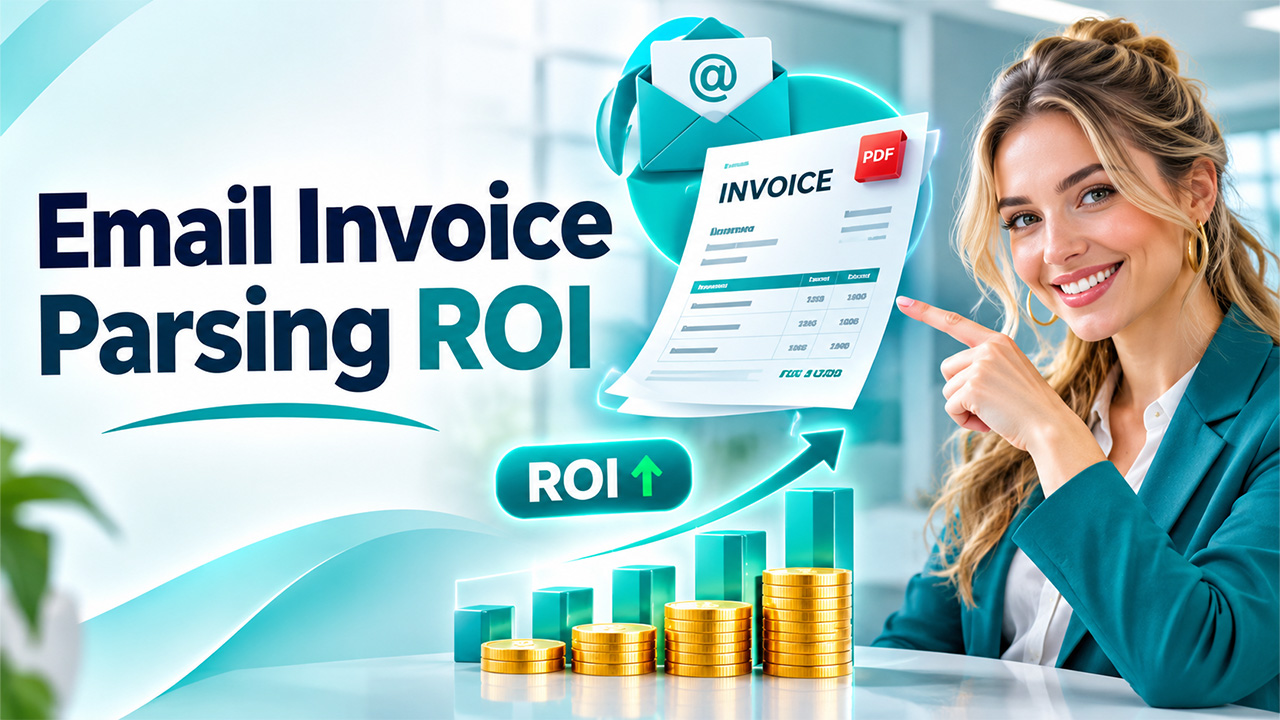
Average vs best-in-class cost to process one invoice. Source: Ardent Partners, AP Metrics That Matter in 2025.
Most finance teams that buy accounts payable software expect the savings to show up on their own. Many never see them. Email invoice parsing ROI is real, but only when you know your starting cost per invoice, pick the right invoices to automate first, and plan for the exceptions that still need a human. This guide shows you how to measure all three before you spend a dollar.
TL;DR: The average AP team spends about $9.40 to process one invoice; best-in-class teams spend $2.78. Nearly half of mid-market buyers in one 2025 survey saw little or no savings from automation. Measure your baseline first, start with clean PDF invoices from your top vendors, log every exception in a sheet, and only then calculate payback.
Why many AP automation projects miss their ROI
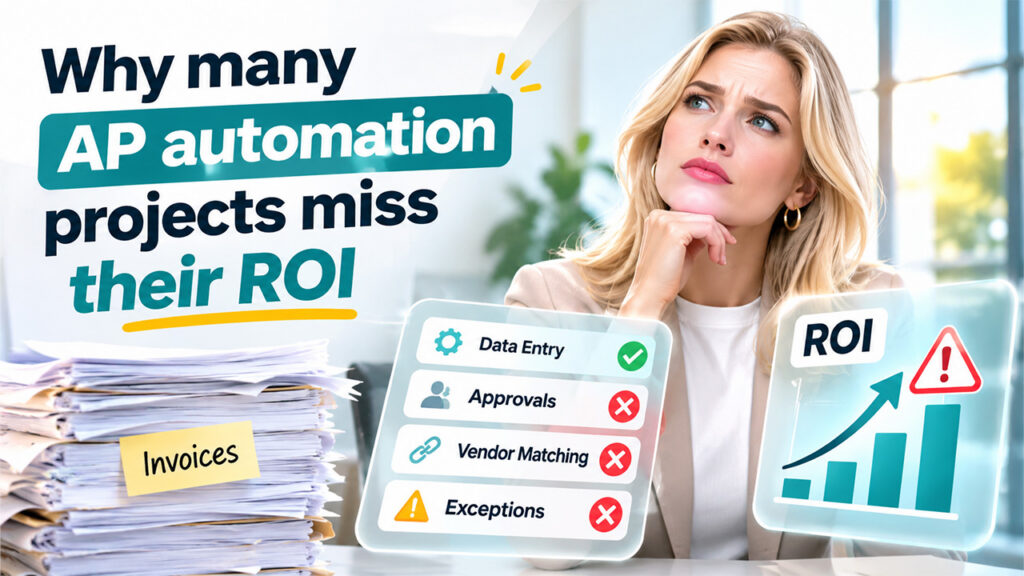
Automation is no longer rare in accounts payable. What is rare is finishing the job. In a September 2025 online survey of 225 US mid-market finance and accounting leaders, only 4% said their AP process ran from invoice to payment with no manual touchpoints, and about 48% said they saw little or no cost savings from the AP tools they had already bought. The survey was commissioned by an AP software vendor (Ottimate) and covered hospitality, retail and healthcare firms, so treat it as a signal, not a census.
CFO.com reported the survey results under a blunt headline: for mid-market firms, full AP automation is a long way off. The pattern behind those numbers is familiar. Teams automate the easy step, data entry, but leave approvals, vendor matching and exceptions untouched. The software works. The process around it does not change, so the hours never come off the payroll.
Survey of 225 US mid-market finance leaders, September 2025, commissioned by Ottimate and reported by CFO.com.
That is why accounts payable automation ROI has to be measured, not assumed. The good news: you can do most of the measuring with a spreadsheet and two weeks of honest tracking.
Step 1: Baseline your cost per invoice
Every email invoice parsing ROI estimate starts here. Your cost per invoice is the total cost of running AP for a period, divided by the number of invoices processed in that period. Industry definitions include labor, technology, overhead, exception handling, payment fees and audit costs. Pick one month and count everything that touches an invoice, from the inbox to the payment run.
- Count the invoices that arrived in the month, split by channel (email PDF, email body, paper, supplier portal).
- Time a sample of 20 to 30 invoices from receipt to approval. Note who touched each one and for how long.
- Multiply the hours by a fully loaded hourly rate (salary plus benefits and overhead).
- Add monthly software, scanning, storage and payment fees.
- Divide the total by the number of invoices. That is your baseline.
Then compare it with outside benchmarks. Ardent Partners’ AP Metrics That Matter in 2025 report, based on a survey of 212 AP professionals, puts the average cost to process one invoice at $9.40 and best-in-class teams at $2.78. Some summaries of the same report quote $12.88 for teams outside the best-in-class group, so read benchmarks as ranges, not targets.
Parseur’s November 2026 review of AI in AP collects these benchmarks and adds a useful caveat: many of the most quoted AP statistics come from vendors or research aggregators. Your own baseline is the only number you can fully trust.
Step 2: Pick which invoice emails to parse first
Not every invoice is a good first candidate. Your email invoice parsing ROI grows fastest where volume is high and the layout is predictable, because that is where invoice email extraction is most accurate and the time saved is easy to see.
| Invoice email type | Typical layout | Parse first? | Why |
|---|---|---|---|
| PDF invoices from your top 10 vendors | Same template every month | Yes | High volume, stable fields, quick win |
| Invoice details in the email body | Text or simple HTML table | Yes | No OCR needed; fields sit in fixed spots |
| Utility and SaaS subscription bills | Fixed template, recurring | Yes | Predictable amounts make checks easy |
| Scanned or photographed invoices | Varies, image only | Later | OCR adds errors; needs more review |
| One-off vendors and credit notes | Unpredictable | Later | Low volume and more exceptions |
If you are new to the basics, our guide on what is email parsing explains how a parser turns an email or attachment into structured fields. For AP, the fields that matter most are vendor name, invoice number, invoice date, due date, line items, tax and total.
Step 3: Plan for AP exceptions in Google Sheets
Exceptions decide your email invoice parsing ROI more than any other factor. According to Ardent Partners’ 2024 research, 53% of AP teams name invoice exceptions as their top challenge. An exception is any invoice that cannot flow straight through: a missing PO number, a price that does not match, a duplicate, or a field the parser could not read.
Extraction quality also depends on the document. A 2025 benchmark by Fraunhofer IAIS tested eight AI models and found the best one reached 96.50% accuracy on clean digital invoices, 92.71% on scanned invoices and 87.46% on scanned receipts. In other words, scanned paper will create more AP exceptions than native PDFs, so it belongs later in your rollout.
Best model accuracy by document type. Source: Fraunhofer IAIS benchmark, arXiv 2509.04469 (2025).
You do not need special software to manage exceptions at the start. Send parsed data to a Google Sheet and add a few columns your team fills in:
| Column | What goes in it |
|---|---|
| Invoice number / vendor | Filled in by the parser |
| Exception type | Missing field, price mismatch, duplicate, unreadable |
| Minutes to fix | Time a person spent resolving it |
| Root cause | Vendor template change, scan quality, missing PO |
| Fixed by | Parser rule change, vendor request, manual entry |
After a month, sort by root cause. The top two or three causes usually explain most of the manual work, and many can be fixed with a parser rule or a short note to the vendor. Modern AI email parsing handles small layout changes better than fixed templates, which keeps this list shorter over time.
Step 4: Calculate email invoice parsing ROI and payback
With a baseline and an exception rate, the math is simple. Use this calculator in any spreadsheet:
- Monthly invoices to automate (N): only the types you chose in Step 2.
- Minutes saved per invoice (M): baseline handling time minus the time to review a parsed invoice.
- Exception rate (E): share of parsed invoices that still need manual work, from your exceptions sheet.
- Hourly cost (H): fully loaded rate for the people doing the work.
- Monthly savings: N × (1 − E) × M ÷ 60 × H.
- Payback in months: one-time setup cost ÷ (monthly savings − monthly tool cost).
Here is a worked example with sample inputs. Replace each value with your own numbers:
| Input | Sample value | Result |
|---|---|---|
| Invoices per month (N) | 800 | |
| Minutes saved per invoice (M) | 6 | |
| Exception rate (E) | 15% | 680 invoices flow through |
| Hourly cost (H) | $40 | |
| Monthly labor savings | 680 × 6 ÷ 60 × $40 = $2,720 | |
| Monthly tool cost | $300 | Net savings $2,420 per month |
| One-time setup (staff time) | $4,000 | Payback in about 1.7 months |
Your real payback depends heavily on data quality. Parseur’s own estimate is six to 18 months on clean data, and more than two years when the vendor master file is messy. If your result looks far better than that, check whether you counted review time and exceptions honestly.
Where ExtractMails fits
ExtractMails is an AI-powered email and document parser. Its email parser pulls data from incoming emails and their PDF, Excel or Word attachments, with OCR, table extraction and AI data extraction for line items. Parsed fields can go straight to Google Sheets or Excel on OneDrive, or to your other apps through Zapier, Make, webhooks and a REST API.
That makes it a practical way to run the plan above: parse your top vendor invoices into a sheet, add your exception columns, and measure email invoice parsing ROI on real data before you commit to a larger AP platform. Our guide to email parsing software compares the wider options if you want to see the whole market first.
Conclusion: measure first, then automate
Email invoice parsing ROI is not a vendor promise; it is a number you can calculate. Baseline your cost per invoice, start with the cleanest, highest-volume invoice emails, track every exception, and run the payback math on your own data. Ready to test it? Try ExtractMails on one month of vendor invoices, send the results to Google Sheets, and see your real savings before you scale.