OCR Data Extraction
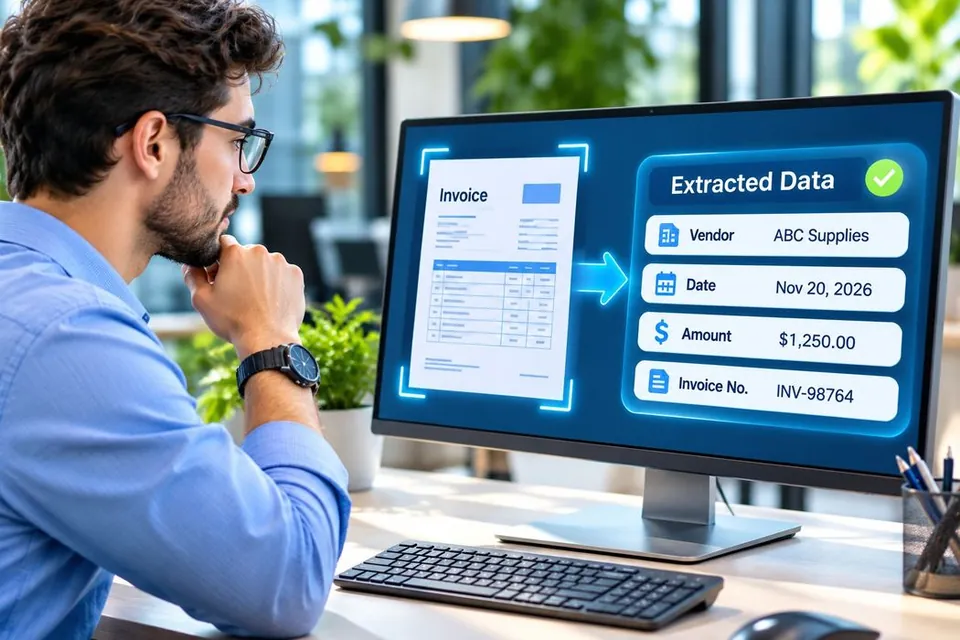
Reads printed text on scans and photos, matches it to your fields, and moves each scanned document to Excel, one value per column.
Some information sits in scanned pages, dense tables or long paragraphs of text. ExtractMails extraction services use OCR, table detection and AI to find the values you ask for, and return each one in a named field your team can check and use.
A parser understands the layout of a document. Extraction goes a step further. It reads printed text on a scanned page, keeps a table's rows and columns together, or finds a value described in plain language, even when there is no fixed template.
ExtractMails offers four extraction services, each suited to a different kind of content.
Choose the extraction service that matches your content. They also work together, for example OCR to read a scanned statement and table extraction to keep its transactions in order.
Reads printed text on scans and photos, matches it to your fields, and moves each scanned document to Excel, one value per column.
Finds each grid in a document, keeps its rows and columns intact, and returns every cell in order for export.
Reads contracts, emails and reports, finds the values you ask for, and returns each one in a named field you can check, with no template to build.
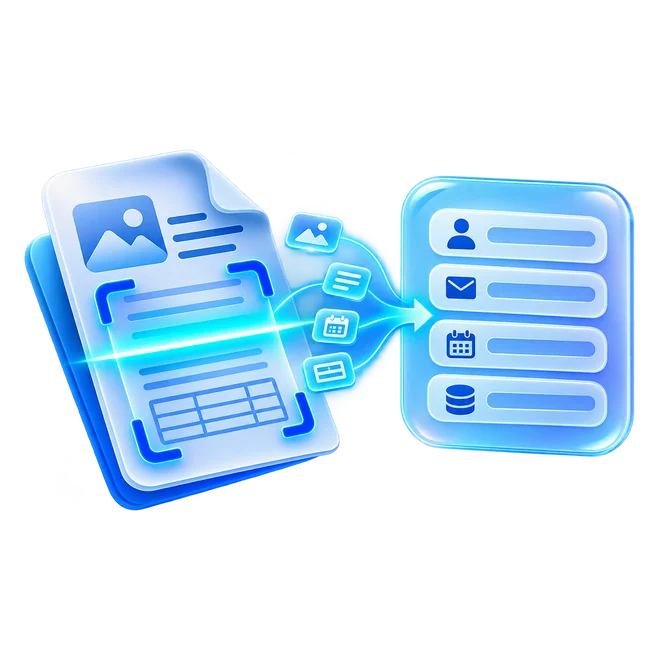
Collects names, email addresses, phone numbers and company details from enquiries and documents, ready for your sales pipeline.
Start from what your documents look like. The right service depends on how the data is stored on the page.
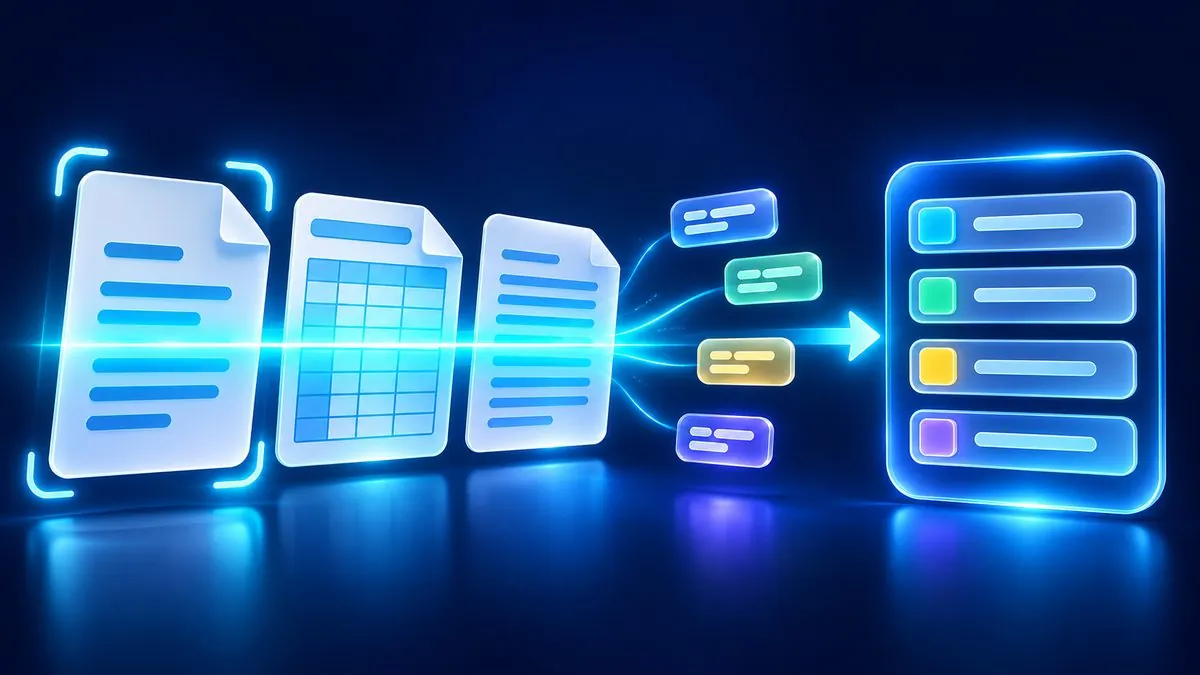
Every extraction service follows a clear path from raw content to checked data.
Upload a file, forward an email, or send a scan or photo.
OCR, table detection or AI reads the text and structure.
Each value is placed in the field you defined.
Check the results, then export them or send them to your tools.
Extracted data is only useful if your team can rely on it. ExtractMails keeps results organized and easy to review before they move into your systems.
Every value arrives under a clear field name.
Results can be compared with the source before export.
The same fields return from every document of a type.
Send results as JSON, rows or connected app records.
Extraction works alongside parsing for everyday documents and integrations that deliver results to your apps.
Document, PDF, Excel, Word and Google Sheets parsers, plus parsers for invoices, orders, resumes and more.
View Parsing ServicesSend extracted data to Google Sheets, Excel, cloud storage, accounting software, CRMs, Zapier, Make and APIs.
View Integration ServicesShare a sample of the scans, tables or emails your team handles, and we'll show you which extraction service returns the data you need.