Continue with Google
Connect Extracted Data
to the Apps You Already Use
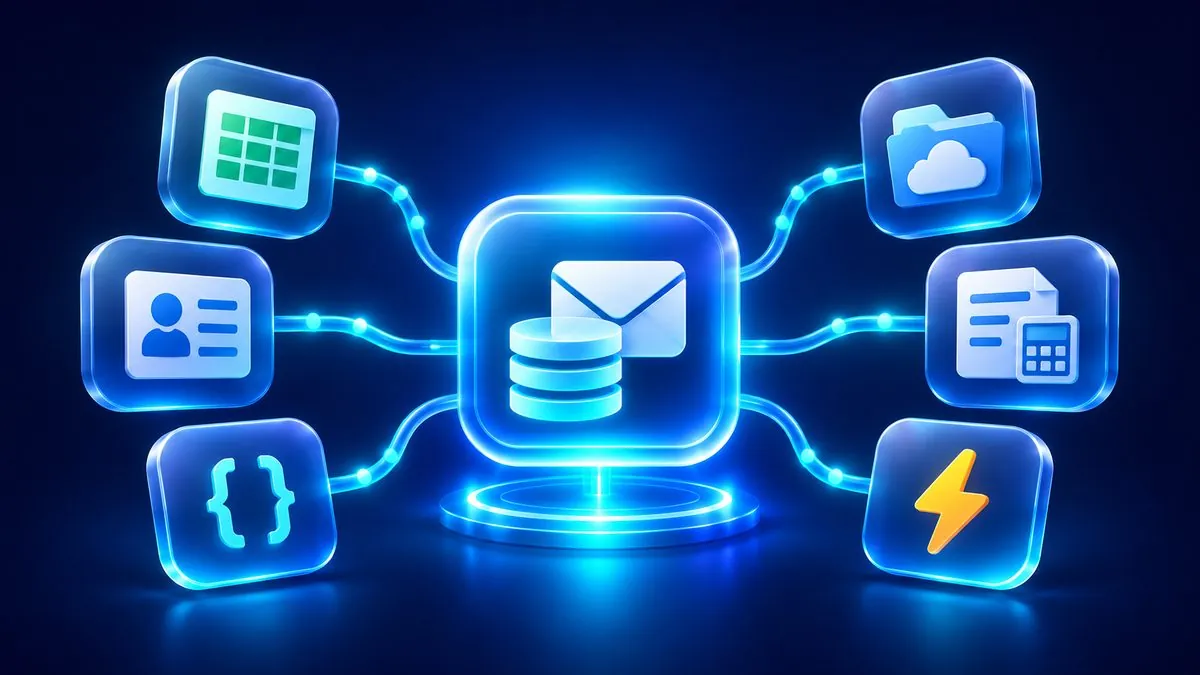
ExtractMails integration services move the information parsed from your emails and documents into spreadsheets, cloud storage, accounting software, CRM systems and automation tools, so data reaches the right place without copy and paste.
- 7Integration services
- 13Connected business apps
- 2Ways to connect: no-code or API
Parsed Data Should
Not Stop at a Download
Extracting data is only half the job. If someone still has to download a file, open another app and paste the values in, the manual work has only moved. Integration services close that gap by connecting ExtractMails to the tools where your team works.
The same values copied from exports into each app.
Data split across inboxes, folders and spreadsheets.
Steps that wait for someone to move a file.
Fields named and formatted differently in every tool.

Each parsed document lands in your chosen app, with no export step in between.
Integrations for Every
Part of Your Workflow
Pick the destination that fits your process. Each integration has its own page with setup details, supported data and common use cases.
Spreadsheets & Cloud Storage
Keep parsed rows in shared sheets and pick up new files from watched folders.
3 integrationsAccounting & CRM
Move financial data into accounting software and customer details into your CRM.
2 integrationsAutomation & Developers
Trigger multi-app workflows or deliver JSON straight to your own systems.
2 integrationsFrom Inbox to Application
in One Connected Flow
Every integration follows the same path. Documents come in, ExtractMails turns them into structured data, and the results are delivered to the destination you choose.

ExtractMails
- Reads each document and email
- Pulls the fields you selected
- Formats results as rows and JSON
Set Up an Integration
in Four Steps
Connecting ExtractMails to another application follows a short, repeatable setup.
Choose a Destination
Pick the spreadsheet, storage, accounting, CRM or automation tool.
Connect Your Account
Authorize the app, or add your webhook URL or API details.
Map Your Fields
Match extracted fields to columns, properties or records.
Run and Review
New results are delivered through the workflow you configured.
Connect Without Code,
or Build With the API
Some integrations need only an account authorization. Others give developers full control over where and how data is delivered.
Authorize, Map, Done
Most integrations need only an account authorization. Pick the app, choose which extracted fields go where, and new results follow the workflow you set up.
- No code to write or maintain
- Fields matched to columns, properties or records
- Suited to finance, sales and operations teams
Webhooks and REST API
Receive parsed JSON through webhooks, or request results over the REST API, then route the data into internal systems and custom applications.
Integration Solutions
for Every Team
Different teams need parsed data in different places. Integration services deliver each result to the tool that team already opens every day.

Invoices, receipts and statements sent to accounting software.
QuickBooks · XeroLead emails and enquiries turned into CRM contacts.
HubSpot · Salesforce · ZohoOrder and shipping details collected in shared sheets.
Google Sheets · ExcelOrders and catalog data passed into store workflows.
Zapier · MakeShipping documents routed to tracking and planning tools.
Webhooks · Google DriveParsed JSON delivered to internal systems and custom apps.
REST API · WebhooksFrequently Asked Questions

1What applications can ExtractMails integrate with?
2Can ExtractMails send parsed data to Google Sheets?
3Can data transfers between applications be automated?
4Do I need coding skills to set up integrations?
5Can I send the same data to more than one application?
Explore More
ExtractMails Services
Integrations deliver the data. Parsing and extraction services are where it comes from.
Parsing Services
Document, PDF, Excel, Word and Google Sheets parsers, plus parsers for invoices, orders, resumes and more.
View Parsing ServicesExtraction Services
Pull exact values from scans, tables, contracts and enquiries with OCR, table, AI and lead data extraction.
View Extraction ServicesConnect Your Tools and
Simplify Business Data
Tell us where your parsed data needs to go, and we'll help you set up the integration that delivers it there, whether that is a spreadsheet, an accounting app, a CRM or your own system.