Continue with Google
Order Details
Order numbers, purchase references, order dates, and related identifiers.
Extract crucial order and shipment information from business emails and shipping documents, without manually reviewing every record with Orders and Shipping Document Parser from ExtractMails. The platform helps turn scattered orders and shipping information into structured records.
Get Started
Businesses usually receive order confirmations, shipping notifications, bills of lading, delivery updates, and other logistics documents from customers, suppliers, and carriers. Once important information arrives in different formats, it gets difficult for operations teams to review messages and maintain consistent shipment records.

Working with the Order and Shipping Document Parser from ExtractMails helps simplify the process of collecting orders and shipment information. With the parser, just provide supported order emails or shipping documents, and let the parser identify the fields that are needed.
Provide a supported order email, bill of lading, shipping document, or another relevant file.
The parser analyzes the available email content or document and identifies relevant order and shipment details.
Order numbers, customer information, product details, shipment references, and other selected fields are placed into separate records.
Review the extracted information against the original email or document to verify important details.
Organize the captured information for supported spreadsheets, databases, and logistics workflows.
Generally, emails and shipping documents contain essential information that is required for order management, shipping tracking, and logistics coordination. Order and Shipping Parser from ExtractMails identifies the fields selected for the extraction requirements.
Order numbers, purchase references, order dates, and related identifiers.
Customer names, company details, billing information, and available contact details.
Product names, descriptions, item codes, quantities, and other available order details.
Shipment references, shipping dates, carrier information, and available delivery details.
Bill of lading numbers, shipper details, consignee information, vessel or voyage references, and other available shipment fields.
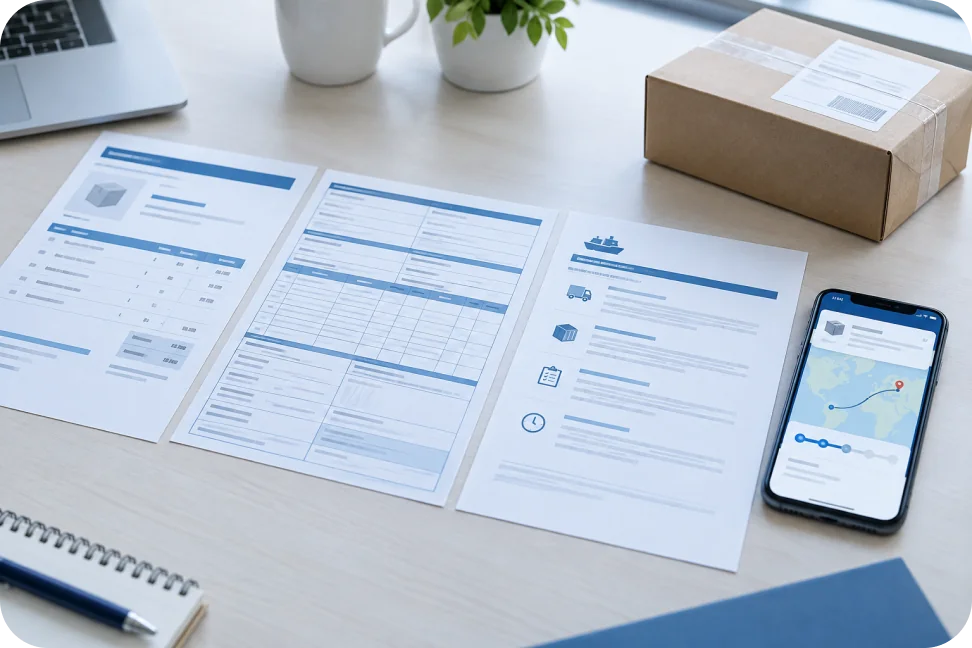
Usually, order and shipping information arrives through multiple channels and document types. Some documents contain simple order confirmation, while others include detailed shipment information, attached bills of lading, or multiple logistics references. Order and Shipping Parser from ExtractMails helps process supported sources and capture the information that the operations team needs.
The process of extracting information from order emails and shipping documents changes how businesses manage logistics records. The team gets organized information that is easier to check and use, instead of manually reviewing messages and copying details into spreadsheets.

Order and shipping documents are generally used throughout multiple aspects, such as purchasing, fulfillment, transportation, and delivery operations. Order and Shipping Parser from ExtractMails helps organize information from supported sources, letting teams easily manage different logistics activities more efficiently.
Extract order numbers, product details, and customer information from incoming order emails.
Organize purchase references and order confirmations received from suppliers.
Capture shipper, consignee, and shipment details from bills of lading.
Organize carrier information, shipment references, and available transport details.
Extract dispatch dates, order references, and shipping information from notifications.
Extracted information usually becomes more useful when it reaches the systems where the business manages orders, shipments, and logistics records. Order and Shipping Parser from ExtractMails can easily prepare parsed data for supported spreadsheets, databases, and business applications through available connection methods.
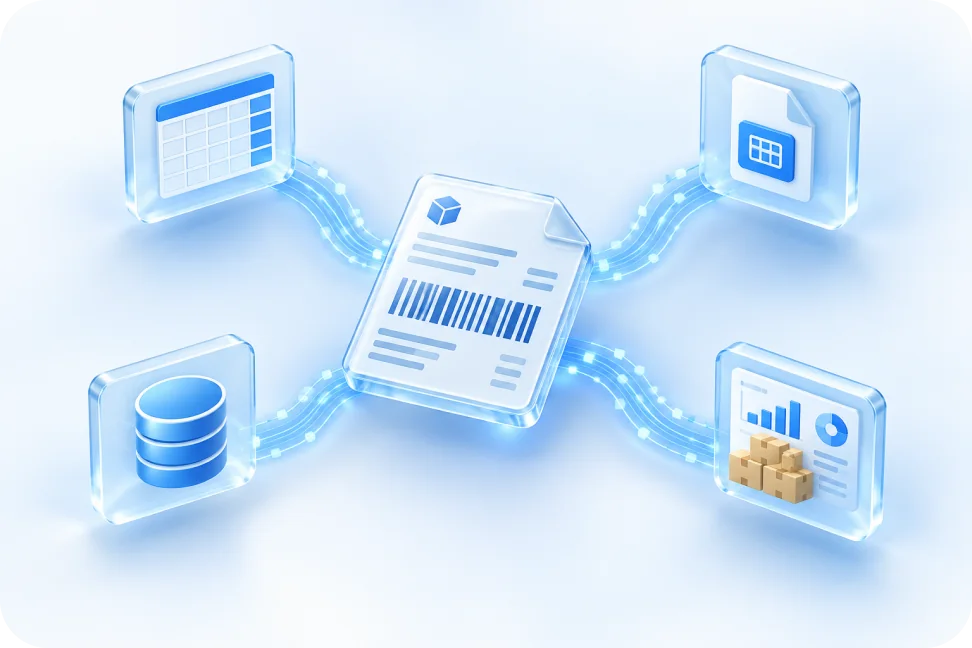

An Order & Shipping Docs Parser extracts relevant information from supported order emails and shipping documents.
ExtractMails can process supported order email content and identify relevant information such as order numbers, customer details, product descriptions, quantities, and other configured fields.
The use case covers supported order emails, order confirmations, bills of lading, shipping instructions, shipment notifications, and delivery-related documents.
Product names, descriptions, item codes, and quantities may be extracted depending on the document structure and available table extraction capabilities.
ExtractMails offers various types of document and email data extraction use cases to help organize essential business records.
Simplify management of expenses and purchase records by selecting information from supported documents of receipts.
Gather financial details contained in bank statements, which can be supported, and log the transaction history as data.
Simplify purchase order processing by extracting the key details from supported purchase order documents.
Streamline the extraction of relevant candidate details from supported resume and cv files for easy management of your recruitment data.
Extract relevant information from supported order and shipping documents to make order and logistics data management easy.
Stop spending unnecessary time reviewing order emails and entering shipment information manually with Order and Shipping Documents from ExtractMails.
Get Started