
 Continue with Google

 Share on media
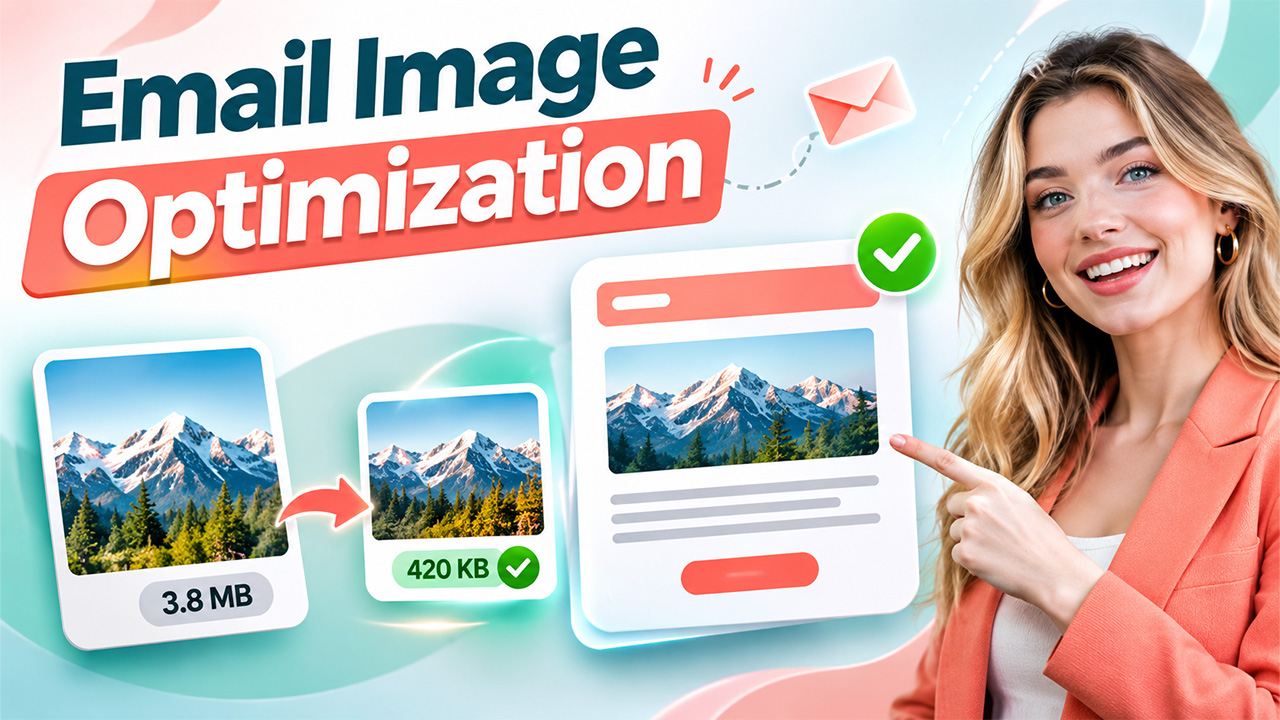
Opt for the best image file type, such as JPEG for photos to ensure your email images are lightweight yet sharp. Compress your images prior to upload so they are smaller yet don’t appear blurry or pixelated. Test your images in different email clients to identify whether there are any loading, display or accessibility issues.
Including email image optimization in your email marketing campaign can help spice up the messages you’re sending your readers. Large files can lead to long load times that cause your readers to lose interest.
Examples of suitable email campaign images can display products, reaffirm your message and support the call to action. When planning to prepare images, consider how they can speed up email loads, be mobile friendly and still be usable when images cannot be displayed.
What Copyright Rules Apply to Images Used in Email Marketing?
Generally the moment a photo is captured it becomes copyrighted. It is Illegal to send a photo via email without prior permission. Brands can:
- Use their photos
- Hire a photographer under a written agreement
- Buy a license from a stock site
- Source images in the public domain
- Commission original artwork from a designer
What the licensing terms say in addition to you accessing the full license agreement, is a good confirmation that email use is permitted. Some images are credited to the creator.
Can Email Campaigns Include Clickable Images Linking to Product Pages?
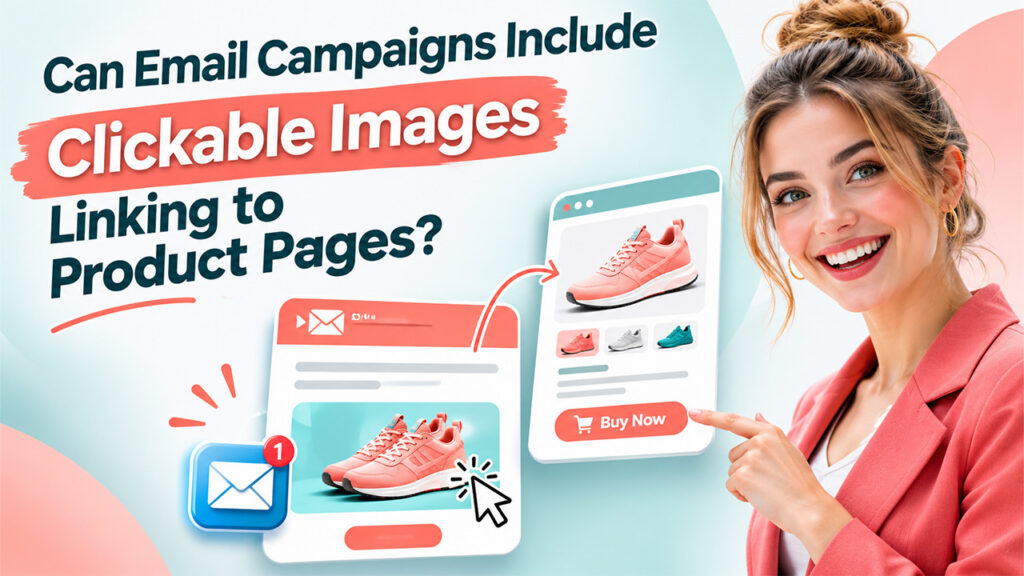
Clickable images can link readers directly to product pages, landing pages, or special offers. Add a clear link to the image and use descriptive alt text so readers understand the destination.
A product photo can link to its product page, while a banner can lead to a sale. Test every link before sending to prevent broken paths and lost sales.
Tips for Preparing Email Image Optimization Without Slowing Campaigns
Adding images to your email campaigns can:
- Grab readers’ attention
- Show products clearly
- Explain offers quickly
- Strengthen brand identity
- Guide readers to click
- Make emails memorable
However, without a plan, the images can slow down loading times and make readers leave before they see your message. Learning how to prepare images can protect both performance and reader experience.
Choose the Right File Format
The file format affects image quality, file size, and how well an image displays in an inbox. JPEG is a strong choice for photographs because it can balance clear detail with a smaller file size. An image to JPG tool can convert photos into a format that loads faster in email campaigns.
PNG can suit logos and graphics that need sharp edges or transparency. For most product, lifestyle, and banner photos, JPG can keep emails light without sacrificing visual quality.
Compress Email Image Optimization Without Quality Loss
Compression reduces the amount of data in an image file. Resize the image to the width it will actually display, then compress it before uploading. Avoid uploading original camera files, which can contain more detail than an email needs.
Compare the compressed version with the original on a phone screen. If the image still looks clear, you can often reduce the file size further.
Use Alt Text Every Time
Alt text describes an image when it fails to load or when a reader uses a screen reader. Write a short, useful description that explains the image’s purpose. For example, “Blue running shoes with lightweight mesh upper” gives more value than “shoes.”
For a promotional banner, describe the offer, such as “20% off winter jackets this week.” Decorative images, such as dividers or background shapes, can use empty alt text.
Empty alt text tells screen readers the image carries no important information, allowing them to skip it. Clear alt text can improve accessibility and keep your message understandable when images do not appear.
Host Images for Faster Loading
Hosting images on a reliable server can help emails load consistently because the images come from a stable source rather than relying on attachments. Most email platforms host uploaded images automatically and provide a secure link.
HTTPS links can support privacy and reduce security warnings in some inboxes. Keep image links active after the campaign sends, because a broken link can leave readers with empty boxes and reduce trust in your brand.
Test Images Across Email Clients
Email clients can display the same image in different ways. Following HTML email design best practices and testing across Gmail, Outlook, Apple Mail, and mobile apps can help identify sizing, alignment, and image-blocking issues. Send a test email to yourself and open it on a phone, tablet, and desktop to check for:
- Blurry visuals
- Broken links
- Slow loading
- Awkward spacing
Turning images off in your email settings can show whether the message still makes sense without them. Testing can help you find issues before subscribers do and protect the campaign’s performance.
Use Lightweight Images to Strengthen Your Email Marketing Campaigns
Optimized images can boost your email’s value without bogging down a slower campaign. Selecting an appropriate format, optimizing with alternative text, and testing on different devices will ensure your performance isn’t compromised, and your accessibility is maintained. With a straightforward plan for your email image optimization, the user will be able to get to your offer faster, more easily.
Are you interested in discovering other ways to optimize your digital marketing? Explore our articles for more ideas and helpful advice on creating campaigns that hold your reader’s attention and produce results.