










 Continue with Google

 Share on media
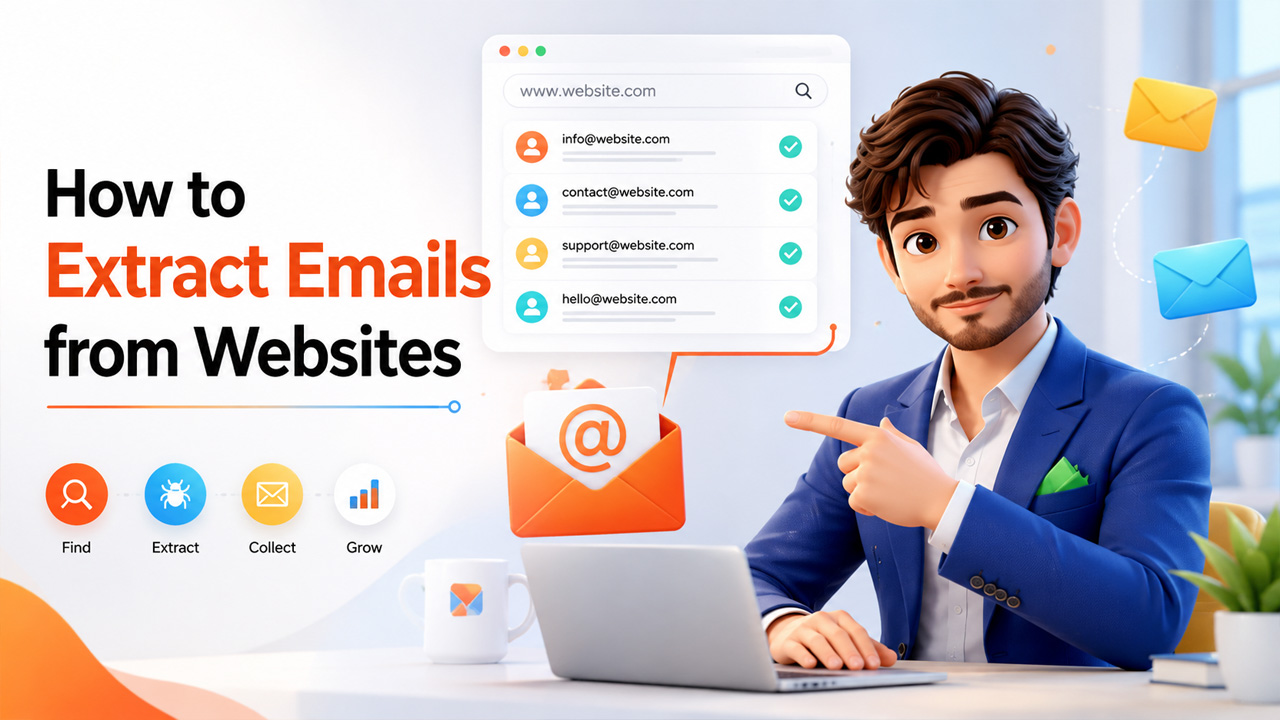
If your lead list is running dry, one of the fastest ways to fill the gap is learning how to extract emails from websites the right way. Whether you’re building a cold outreach list, researching potential partners, or just trying to find the right person to contact at a company, the email address you need is usually sitting on their website somewhere; you just need the right method to find it.
The tricky part is that each approach has its own strengths; some work faster, while others are more thorough. Manual searching works fine for a handful of contacts, but it simply fails once the number of leads grows to fifty or a hundred prospects.
In this blog, we’ll walk through the most effective ways to pull emails from websites, what actually works well for lead generation, and a few practices worth following so your list stays clean and compliant.
Why Extracting Emails from Websites Matters for Lead Generation
Cold outreach lives and dies by list quality, and email addresses pulled directly from a company’s own website tend to be some of the most reliable data you can get. There’s no guesswork involved; the individual or team named on the page is the one who should be contacted, rather than an impersonal email address that goes unread.
The importance of this is especially evident in scaling outreach without compromising quality. An email list acquired through lead generation, where valid email addresses are obtained, can result in a higher conversion rate than one generated from a purchased or scraped database.
For sales teams, recruiters, and marketers alike, this is really the foundation everything else gets built on. A strong outreach campaign only works if the emails behind it are accurate to begin with.
Best Ways to Extract Emails from Websites

There are multiple methods of extracting emails from a website, and the proper choice of one mostly depends on the number of contacts you want to scrape and the time you are ready to spend on this task.
1. Check the Contact and About Us Pages First
This sounds obvious, but it’s still the quickest route and is most commonly overlooked in favour of something more complicated. Almost all real companies provide at least one contact email address, and sometimes more specific to each department, right on their Contact or About Us page. It’s fast, free, and very effective when you just need a few contacts for a particular company.
2. Search the Footer and Privacy Policy Pages
In case nothing is found on the Contact page, it makes sense to explore footer and privacy policy pages too, because in many cases companies are obliged by law to display the email address, which can be used to make any inquiries concerning issues with personal data, so this page usually contains an email address that is not available on any other pages of the website.
3. Use Search Engine Operators
The following trich, which many people tend to ignore, consists of using search engine operators as site: companyname.com “@gmail.com” or site: companyname.com “contact”. Using the specified operators, you will restrict the Google search only to the specified website.
4. Try Browser Extensions
Chrome extensions built specifically to scan a webpage and pull out any visible email addresses can save a lot of manual digging. They’re especially useful when you’re checking a handful of sites in a row, since they scan the page automatically the moment you land on it, no copy-pasting required.
5. Use a Dedicated Website Email Extractor
Anybody who does this process frequently will benefit from website email extractors. They scan the whole website or list of URLs automatically, finding all the email addresses, which they export to a spreadsheet. It’s like the difference between having to manually search ten pages yourself and letting the software do ten thousand in your coffee break.
6. Guess the Email Pattern
If you know the domain and the first name of the company official, you can apply this trick. Normally, companies have the following formats of email: firstname@comapny.com, or firstname.lastname@company.com, or f.lastname@company.com. Trying just a couple of options will help you avoid scanning completely.
7. Use Web Scraping Tools for Bulk Extraction
In cases where a person wants to extract contact information from a large number of sites, web scraping software becomes a much better choice than browser extensions, as it is capable of crawling multiple pages on each website, following internal links, and exporting the result into a single file.
8. Don’t Overlook LinkedIn
It is not the only place where you can get useful information from. Knowing how to extract emails from LinkedIn makes your research complete because decision-makers sometimes have their LinkedIn profiles, even though in most cases LinkedIn will give you the name and title that you need before going straight to the company’s website.
Now, knowing how to extract emails from a website involves a combination of some of these techniques rather than just using one. Manual checking is done for smaller targeted lists, while tools and scrapers come into play when volume becomes the issue.
Best Practices and Compliance Tips
Collecting email addresses is only half the job; doing it responsibly matters just as much, especially with privacy regulations tightening across regions.
Verify emails before sending: Bounced emails hurt your sender reputation fast. Running a quick verification check before launching outreach keeps your list clean and your deliverability intact.
Respect regional privacy laws: GDPR, CCPA, and similar regulations mean bulk, unfiltered scraping carries real legal risk in certain regions. Know what applies to where your contacts are based.
Avoid publicly listed opt-out addresses: If a page explicitly states an email shouldn’t be used for marketing, respect that rather than adding it to your list anyway.
Remove duplicates regularly: Pulling from multiple sources often means collecting the same contact twice. A clean, deduplicated list performs better and looks more professional.
Personalize instead of mass-blasting: A list you’ve put real effort into building, whether through manual research or a proper website email extractor, deserves outreach that feels targeted, not like it was blasted to everyone at once.
None of this slows the process down much; it just keeps your outreach effective and your sender reputation intact over the long run.
Conclusion
Ultimately, getting emails out of websites can be achieved only through using the correct approach. Manual tests can be used where a few contacts are involved, whereas tools and scrapers are required where large lists have to be created, while a little knowledge of compliance goes a long way in ensuring this process remains sustainable.
These approaches are relatively simple. The most difficult part is determining which one works in any particular scenario and applying several of these approaches where one approach alone fails to provide the required result.
Where an email list is being built for sales recruitment or business relationship purposes, accuracy will always trump quantity of email addresses. A short, verified email list will always beat a large list containing dead email addresses.