


 Continue with Google

 Share on media
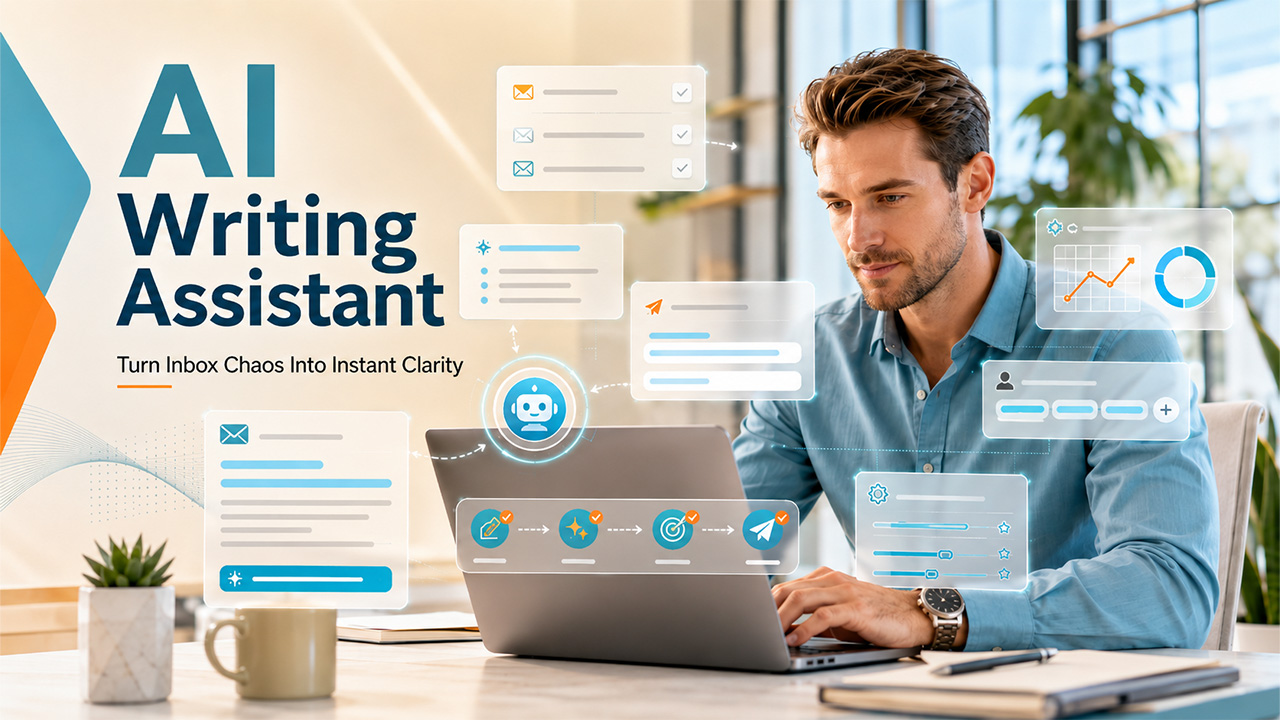
Writing professional emails can take considerable time, especially when managing customer inquiries, sales follow-ups, and daily business communication. An AI Writing Assistant helps simplify this process by generating drafts, refining tone, and improving clarity, allowing users to handle emails more efficiently.
With the rapid evolution of integrated AI systems, email is not just a communication channel. Email has become an intelligent productivity system that can draft, summarize, prioritize, and respond to messages with minimal human effort.
What is an AI Writing Assistant?
The AI writing assistant is a specialized software tool that is designed to write text using artificial intelligence. The tool understands the instructions, context, and tone of users and automatically generates or improves written content in real time.
The tool is powered by advanced language learning models, which are trained on large amounts of text data, allowing it to understand how humans write and communicate. It understands the intent, considers tone, generates structured messages, and adjusts language based on context.
Key Features of Email AI Writing Assistant
When integrated with email, the AI writing assistant offers key features, such as:
- Smart Content Generation: It can efficiently generate full emails and messages from a short prompt.
- Context-Aware Reply Generation: The AI email writing assistant analyzes incoming messages and generates suggested replies based on the conversation history, sender intent, and urgency.
- Email Thread Summarization: The assistant helps in summarizing key discussion points, decisions made, action items, and pending questions.
- Tone and Style Control: The email AI assistant can rewrite messages in different tones depending on the audience.
How AI Writing Assistant Help Boost Email Campaigns?

The email AI writing assistant can significantly improve email marketing performance, simply by making campaigns faster to create, more personalized, and more effective at driving engagement. With an AI writing assistant, marketers can use AI to generate, optimize, and refine campaigns at a large scale efficiently.
Some of the factors that AI writing assistants help boost email campaigns are:
- Faster Campaign Creation: AI writing assistants speed up the traditional writing process by generating campaign emails from a short brief, multiple variations of subject lines, different versions for A/B testing, and follow-up sequences automatically.
- Better Personalization at Scale: The AI helps insert personalized names, roles, and preferences in the messages. It also adjusts messaging based on user behavior or segments and creates dynamic content for different audience groups.
- Improved Open Rates: The assistant analyzes tone, length, and intent to generate a high-performance subject line. The email AI writing assistant can generate curiosity-driven lines, benefit-focused headlines, and urgency-based messages.
- Higher Conversion: AI tools like Fyxer AI can also refine email content to make messages more persuasive and action-driven. They help simplify complex information, highlight key benefits, and strengthen call-to-action phrases, ultimately improving email engagement and conversion rates.
Benefits of an Email AI Writing Assistant
An email AI writing assistant helps businesses and individuals ensure more effective communication while also reducing the time and effort spent managing emails. The assistant also automates repetitive tasks and improves message quality, significantly enhancing productivity and communication outcomes.
Some of the key benefits of an AI email writing assistant are as follows:
- Save Time: The AI tool can quickly and accurately generate multiple professional messages in seconds. From follow-up messages to sales outreach, AI can create a polished draft instantly.
- Increases Productivity: The AI assistant can reduce human effort by helping users generate replies automatically, summarize long conversations, and create follow-up messages instantly.
- Improves Writing Quality: The writing assistant helps improve grammar and spelling. It also helps in improving sentence structure, clarity, readability, and professional tone.
- Maintains Consistent Communication: In personal and business communication, consistency is very important. AI tools help in maintaining uniformity in tone and style across all emails.
- Enhances Personalization: The modern AI assistant tool can tailor emails to specific recipients by incorporating multiple details.
- Email Etiquette Rules: The modern AI writing assistants are also designed to follow the common email etiquette rules, but are based on previous patterns learned from professional communication, rather than true understanding.
How to Use an AI Writing Assistant for Emails
Using an AI writing assistant for emails is a simple way to create clear, professional messages without spending too much time drafting them manually. Whether you need to respond to a customer, follow up with a prospect, or send a business proposal, the right instructions can help you generate more relevant email content.
Follow these steps to get better results from an AI writing assistant:
1. Define Your Email’s Purpose
Start by explaining what you want the email to accomplish. For example, you might want to schedule a meeting, answer a customer query, introduce a product, or follow up on a previous conversation.
2. Provide Relevant Context
Share the important details the email should include, such as the recipient’s role, the previous conversation, the main message, and any required next steps. Avoid including unnecessary confidential information.
3. Choose the Right Tone
Specify whether you need a formal, friendly, persuasive, or apologetic tone. Matching the tone to your audience helps make the message more appropriate and natural.
4. Generate and Refine the Draft
Ask the AI writing assistant to prepare the email. Review the draft and request changes to its length, structure, subject line, or call to action as needed.
5. Review Before Sending
Check names, dates, facts, links, and other important details. Make sure the message accurately reflects your intention before sending it to the recipient.
By following these steps, you can use an AI writing assistant to simplify everyday email communication while maintaining accuracy, personalization, and a professional writing style.
Real-World Impact of an Email AI Writing Assistant

Beyond saving a few minutes on drafting emails, the email AI writing assistants can efficiently transform professional, individual, team, or business communication. The email writing assistants help users handle increasing communication demands while simultaneously maintaining speed, accuracy, and professionalism.
In real-world scenarios, email AI writing tools help users streamline communication, improve productivity, and manage growing email workloads. Some of the key real-world applications are as follows:
For Professionals and Executives
For professionals and executives, managing large amounts of emails every day can consume valuable time. An email AI writing assistant helps in automatically drafting responses, summarizing lengthy email threads, and highlighting high-priority messages. With the assistant, professionals can respond to emails faster, stay organized with a large volume of communication, and focus more on high-value business activities. The assistant can also follow the specified Business Email Format to create a lasting impression.
For Sales and Marketing Teams
Sales and marketing professionals heavily rely on email communication to engage with prospects, nurture leads, and maintain customer relationships. The AI email writing assistant can generate personalized outreach emails, follow-up messages, and campaign content in seconds. The tool also suggests compelling subject lines, optimizing email copy, and creates multiple versions for A/B testing.
For Customer Support Teams
Customer support teams are expected to deliver fast, accurate, and professional responses to customer inquiries. In this, an AI writing assistant helps support agents quickly draft responses to common questions, summarizing customer conversations, and suggest appropriate replies based on context.
For Students and Freelancers
For students and freelancers, an email AI writing assistant helps in generating emails for academic, networking, and business purposes. AI email writing tools help in drafting well-structured, professional emails that are tailored to the situation. It also helps in improving grammar, clarity, and tone of the message.
Key Limitations of an Email AI Writing Assistant
While an email AI writing assistant offers various productivity benefits, it also includes key challenges. Some of the important limitations of an AI writing assistant for emails are as follows:
- Limited Understanding of Complex Context: The AI platform can analyze email conversations, but struggles with highly complex, nuanced, or complex situations. As a result, human review remains essential for important communications.
- Risk of Inaccurate Information: The assistant generates content based on patterns and context, rather than actual understanding. In some cases, it might misinterpret information, include incorrect details, and generate content based on factual errors.
- Lacks Human Emotion and Judgement: AI can mimic different tones, but it cannot understand emotions, relationships, or interpersonal dynamics. It becomes apparent, especially when the email involves apologies, employee feedback, or sensitive customer complaints.
Best Practices for Using an AI Writing Assistant for Emails
An AI writing assistant can make email communication faster, but the quality of the final message depends on how you use the tool. Following a few best practices can help you create useful, accurate, and personalized emails.
- Write clear prompts: Explain the email’s purpose, intended audience, and key message instead of using vague instructions.
- Personalize every message: Review AI-generated emails to ensure they reflect the recipient’s needs and the context of your conversation.
- Verify important information: Check names, figures, dates, product details, and factual claims before sending an email.
- Protect confidential information: Avoid entering sensitive customer information, passwords, financial details, or confidential business data unless the tool is approved for that use and its privacy terms permit it.
- Maintain your natural voice: Edit generic phrases and adjust the wording to match your organization’s communication style.
- Review before sending: Treat generated content as a draft, particularly when responding to complaints, discussing contracts, or communicating important business decisions.
Following these practices helps you benefit from AI-powered email writing while keeping human judgment, data privacy, and communication quality at the center of your workflow.
Conclusion
In professional communication, email plays a central role. Email AI writing assistants are no longer just an optional tool but act as an essential infrastructure for the modern digital landscape. The writing assistant helps the user save time, improve communication quality, and manage growing inbox demands efficiently.
The email AI writing assistant can also streamline workflow and reduce repetitive tasks, making it valuable for professionals, marketers, and customer support teams. It can even assist with content creation tasks such as documenting ideas and organizing Journaling Techniques for better productivity. The platform combines AI-driven efficiency with human judgment, ensuring greater productivity.
