


 Continue with Google

 Share on media
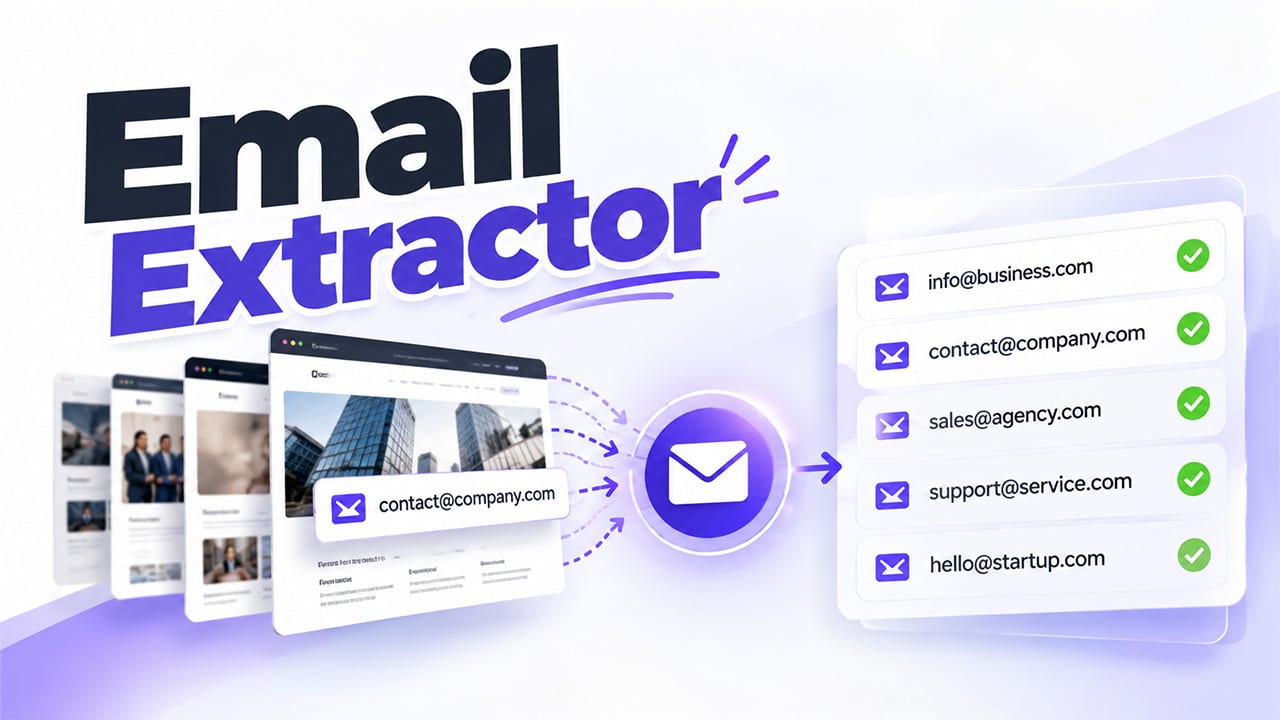
Email continues to be an essential method of doing business and lead generation, sales and prospecting outreach, and recruitment. Finding email addresses by hand can take time, especially when there are dozens of websites to search through. An email extractor tool finds email addresses in web pages, text, and more of the sources they support. This makes it easier to store contact details, research potential customers, and build a list of people to research further. But finding email addresses is only part of the job; users need to verify records, abide by privacy requirements, and use approved email marketing practices.
What Is Email Extractor 1.6?
Email Extractor 1.6, in general, is a given software version or name. Prior to using it, ensure its origin, type of interface, features, and security specifications. For identical or comparable items, it’s excellent to look at its introduction. Begin with the extraction functionality, by inquiring if the software can extract from given internet pages, diverse URLs, or versions that are text-based. Then proceed to its export potential, such as its processing using CSV and TXT formats.
Compatibility is important as well. An older version may not be compatible with modern browsers or operating systems. Security is another factor, so use only reputable sources, check permissions, and scan the setup file for anything suspicious. Finally, its usefulness may depend on what it can actually do.
What Is an Email Extractor Extension?
An email extractor extension is a browser extension that finds email addresses from websites you browse. It simplifies the process of finding a person’s contact details by eliminating the need to use extraction applications. Once you’ve downloaded a supported extension and clicked it in the toolbar, go to the page that you’d like to scan.
Some export results, remove duplicate results, or scan multiple pages, but not all of them. Always examine the guidelines first. Salespeople, job-seekers, and researchers can eliminate some of the ick of repeated copy and paste with extensions. Before installing an extension, review its permissions, developer info, privacy policy, and last update. An extension that has access to all websites could potentially access and read more of your browsing than you intend.
How to Find Contacts When Using an Email Extractor

Following a clear process makes it easy for users to gather valuable contact details without establishing a cluttered list of addresses. Here are the straightforward steps to use an email extractor to locate relevant contacts.
- Determine the Right Websites
Begin with sites related to your research objectives. For instance, a business researching potential allies might examine company websites, professional directories, or available contact info. Instead of gathering all addresses, narrow down your sources. To understand the differences between tools for finding and extracting email addresses, read our guide on Email Scraper vs Email Finder.
- Choose the Relevant Pages
Try to identify which pages might include good contact information, such as contacts, team, companies, or business pages. Note that the amount of information available varies according to each site.
- Perform the Extraction
Provide the supported URL, pick the content, or turn on your preferred device. Review the output to examine whether the accumulated addresses are those connected to your job. For a step-by-step guide, you can use an internal support, Extract Emails from Websites is an outstanding resource to find a common method of gathering addresses.
- Clean and Organize the Results
Delete address entries that are duplicates or not what you’re looking for. List the rest in a spreadsheet with useful columns, such as email, company, source URL, and date of collection.
- Check the Addresses
Verify the address format and, if supported, mailbox or domain status using an appropriate verification method. Verification can be inconclusive, so do not assume all addresses are verified.
This flow can take your raw extraction results and turn them into a more useful contact list. Never forget to comply with website terms of use, privacy laws, and restrictions on scraping or collecting personal information.
Advantages of Employing Email Extractor Applications
Tools to extract emails alleviate drudgery and enable users to sort available contact info. The usefulness of such tools rests on the quality of output and the manner in which users handle the extracted information.
- Reduced Manual Effort
Scanning a whole web page can take a while, especially if you are researching companies in various sectors. By scanning automatically, you get to find matching addresses faster and avoid all the copying-and-pasting.
- More Organized Contact Research
A long list of results: Tool output results can often be exported into supported formats, sorted by field, filtered to remove duplicates, and contacts grouped into company or source.
- Aid for Specific Prospect Research
A company’s business addresses that are published publicly can be used by sales teams to determine relevant organizations and where to find the best contacts. Your focus should be on contacts relevant to a real business purpose rather than collecting the maximum number of addresses.
- Simpler Data Handling
Flat file exports facilitate contact tracking by providing it in spreadsheets or compatible business systems. Teams are able to record where an address originated from and when they picked it up, which can be useful for subsequent data maintenance. If you are comparing solutions, you can link to the comparing tools resource, Email Extractor Tools, in an internal link.
Best Practices for Accurate and Responsible Email Extractor
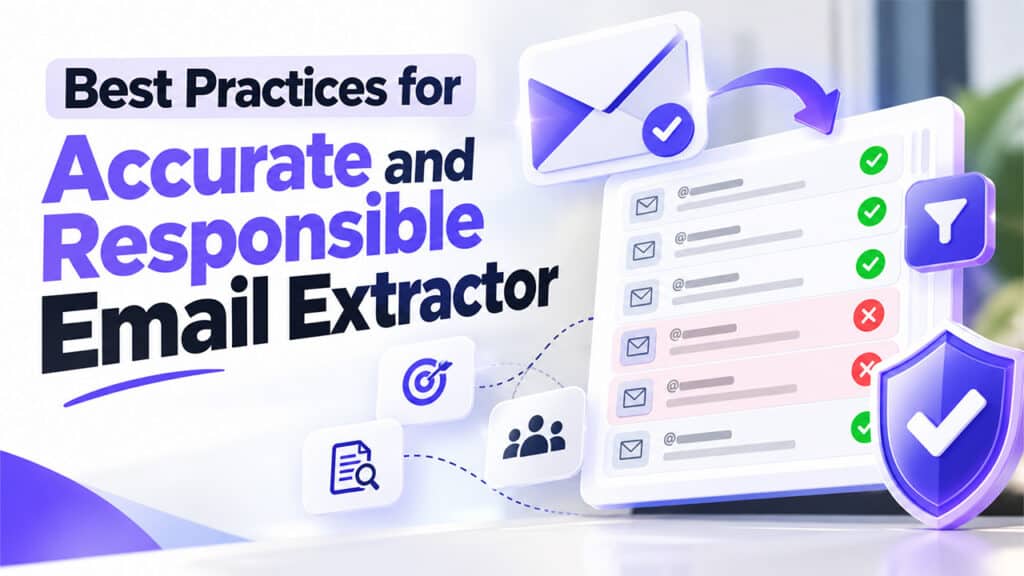
However, contact quality is not about how many addresses you have. A smaller, relevant, and cleaned list is more effective than a much larger list of on-record contacts.
- Clarify the ‘Purpose’ of Your Research: Determine the kind of contact information needed. Pay special attention to the most relevant sources for this ‘Purpose’, and don’t search for personal address information just because the tool is able to find it.
- Review the Extracted Results: Automated systems might pick up updated addresses, misplaced text, and email addresses belonging to another organization. Delete any irrelevant records and check your records with the appropriate method.
- Keep the Source Information: Save the name of the original website and the date accessed. This allows you to revisit questionable records or refresh your database if needed and helps you audit your process more easily.
- Use Contact Information Responsibly: Just because contact details are in the public domain doesn’t give you free rein to use an address for unsolicited marketing. Comply with privacy and anti-spam legislation, respect unsubscribe requests, and obtain suitable consent or other lawful grounds if necessary.
These measures enable companies to keep more accurate records and minimize the dangers of haphazard data collection.
Common Limitations of Email Extractor
The tools used to extract emails can make the search easier, but the results obtained are subject to the website’s structure, the software that is being used, and access.
- Incomplete Extraction: Because some sites have elements loaded dynamically, a normal scan may not locate all addresses. Also, some data may not be found when protected by login access or other restrictions.
- Inaccurate Results: A piece of software might find an email address that was included in an outdated article, an older archived page, or in a different context. It might also find addresses that have been discontinued. Validate the results with a human.
- Protection Measures Create Barriers: CAPTCHA validation, rate limits, and other automated restrictions can block a tool from crawling pages. Instead of trying to avoid those restrictions, users should respect them.
- Compatibility Affects Performance: The desktop app or browser extension you are using might be outdated and incompatible with the latest version of the browser or the website technologies. Review software updates and documentation if results seem partial.
Understanding these limitations helps users set realistic expectations and treat extraction as an initial research step rather than a complete contact management solution.
Conclusion
An email extractor can make contact research easier by identifying email addresses from supported webpages and other sources. Businesses can use these tools to reduce manual work, organize contact details, and research relevant professional contacts. However, the usefulness of the results depends on accuracy, compatibility, and responsible data handling. Users should review extracted addresses, remove duplicates, verify records where possible, and document their sources. They should also respect website restrictions and follow applicable privacy and anti-spam requirements. By combining suitable tools with careful review, businesses can build more organized contact lists and use publicly available information more responsibly.
