Continue with Google
Product Name
Product titles, names, and model names listed in the catalog.
Price List / Catalog Parser
Efficiently extract product details, item codes, descriptions, and pricing information from PDF price lists and catalogs with ExtractMails’ Price List/Catalog Parser. The parser helps capture relevant product data and organize it into structured spreadsheet records.
Get Started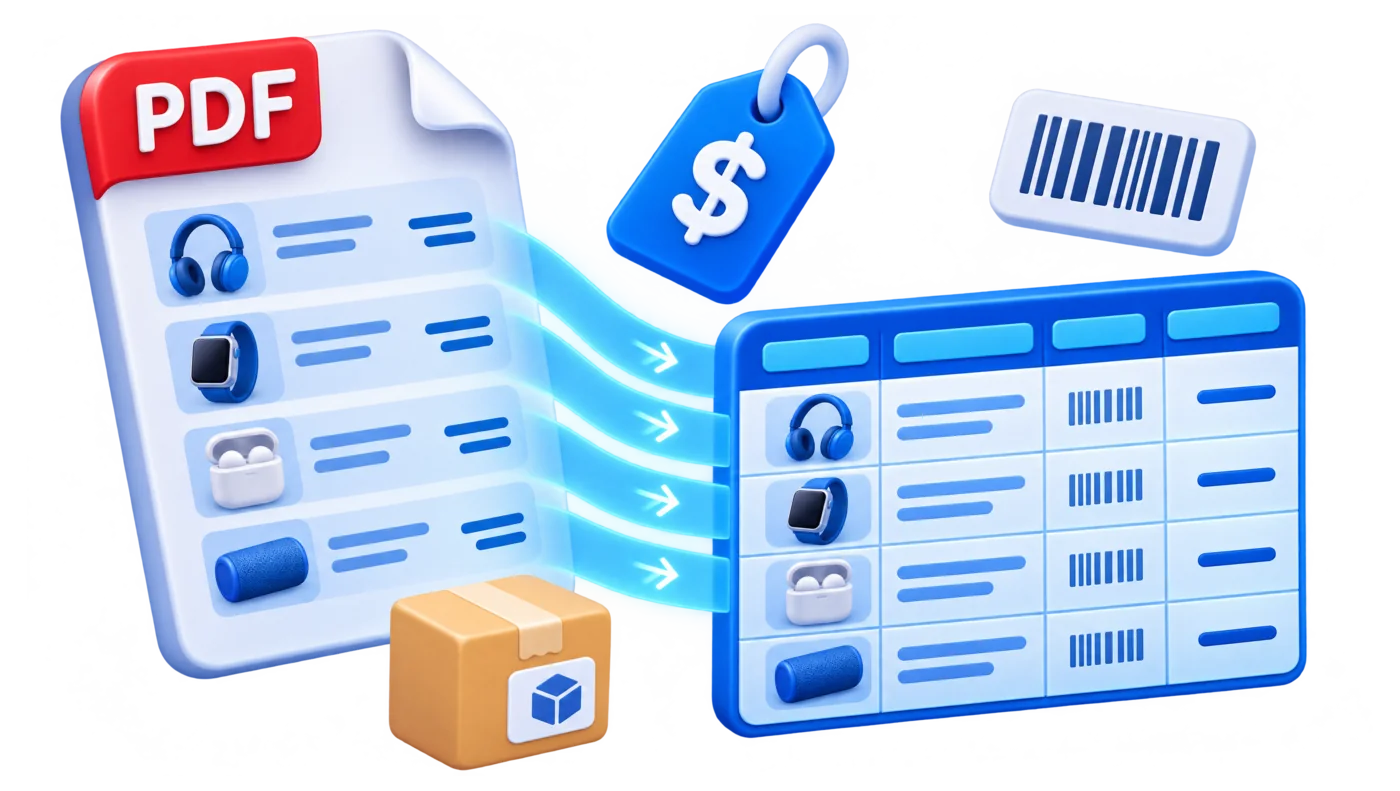
01
Businesses usually receive price lists and product catalogs from multiple suppliers, manufacturers, and distributors. All these documents often contain hundreds of products, descriptions, item codes, and pricing details. Transferring all this information manually into Excel takes time and makes it harder to keep product records consistent.

02
Price List / Catalog Parser from ExtractMails helps simplify product data extraction. Just offer a supported PDF price list or catalog and let the parser identify the fields that are needed.
Upload or provide a supported PDF price list or product catalog for processing.
The parser analyzes the document and identifies relevant product and pricing information.
Product names, SKUs, descriptions, quantities, and prices are placed into separate fields.
Review the results and compare important product details with the original document.
Organize the extracted product information into spreadsheet-ready records for further use.
03
A product catalog usually contains hundreds of details, such as codes, descriptions, specifications, units, categories, and other information that businesses need for product and inventory management. Price List / Catalog Parser from ExtractMails identifies fields selected for extraction requirements.

Product titles, names, and model names listed in the catalog.
Product identifiers, stock-keeping units, and manufacturer codes.
Product specifications, features, sizes, colors, and other available details.
Unit prices, list prices, discounted prices, and other available pricing fields.
Available quantities, package sizes, measurement units, or minimum order quantities.
04
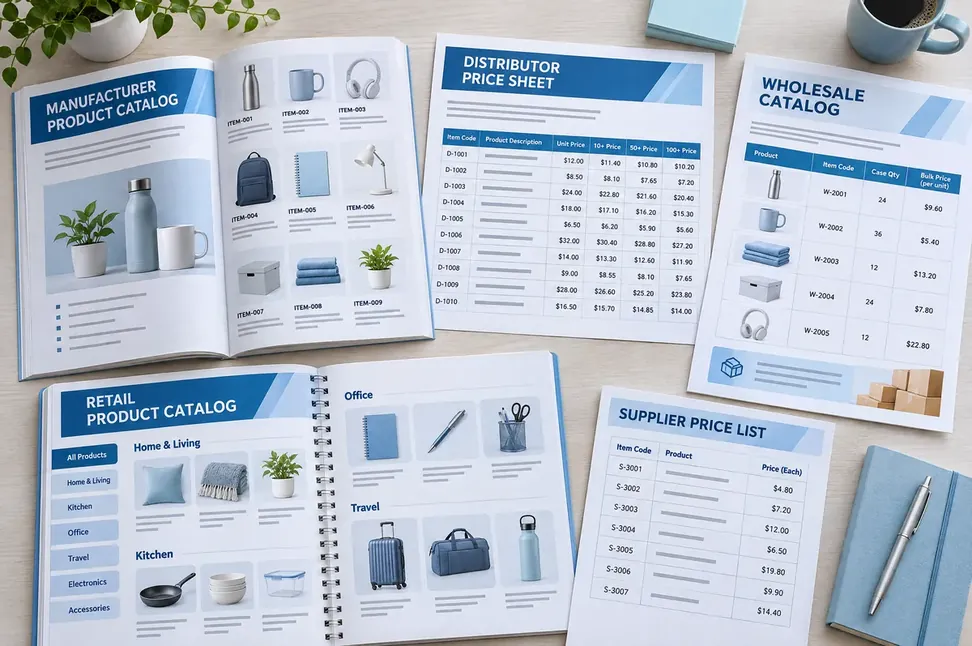
Price lists and product catalogs usually come in different layouts and structures. Some catalogs contain simple product tables, while others might include multiple categories, detailed descriptions, and several pricing columns. Price List / Catalog Parser from ExtractMails helps process supported documents and capture the product information that the team needs.
05
Extracting product information from price lists changes how teams manage supplier data. With Price List / Contact Parser from ExtractMails, teams get organized records that are easier to review and maintain, instead of manually transferring every product entry into spreadsheets.

Reduce the time spent manually entering product information.
Keep product names, codes, descriptions, and prices in structured fields.
Minimize repetitive copying from PDF catalogs into Excel.
Make new supplier price lists easier to process and review.
06
Product and pricing documents are widely used across purchasing, sales, inventory, and distribution operations. Price List / Catalog Parser from ExtractMails helps teams organize information from price lists and catalogs for different business requirements.
Extract revised product prices when suppliers share updated price lists.
Capture product names, SKUs, and specifications when adding new items to a catalog.
Organize bulk prices, units, and minimum order quantities for purchasing decisions.
Convert product information from supplier catalogs into spreadsheet records.
07
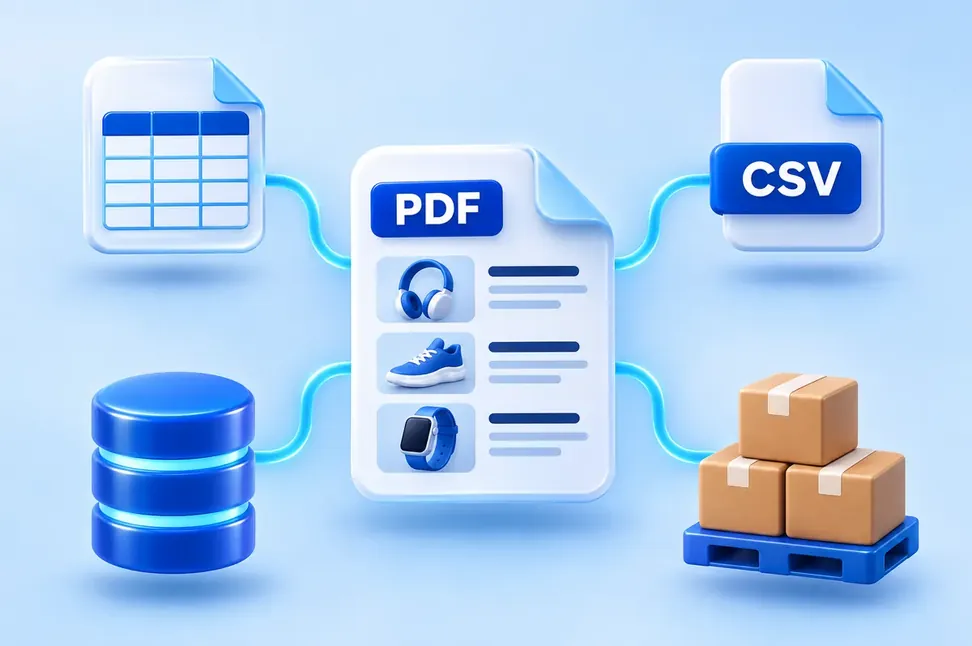
Product information usually becomes more useful when it reaches the systems where the team manages pricing, inventory, and purchasing. ExtractMails’ Price List / Catalog Parser can prepare extracted catalog data for supported spreadsheets, databases, and business applications through connection methods.
08
A Price List / Catalog Parser extracts relevant product and pricing information from supported documents and organizes it into structured data.
Yes. ExtractMails can help extract product and pricing information from supported PDF price lists and prepare it in an Excel-friendly structure, depending on the available output functionality.
Depending on the catalog layout and extraction setup, information may include product names, item codes, SKUs, descriptions, specifications, categories, quantities, and prices.
Product table extraction depended on the PDF structure and supported parsing capabilities. Clear tables with consistent rows and columns are generally easier to process and review.
Extracted product information can be prepared for spreadsheet workflows, subject to the available output options. This makes it easier to review, organize, and manage product records.
09
ExtractMails also support other types of document and email data extraction use cases to help organization crucial business information.
Stop manually copying product names, descriptions, and prices from supplier catalogs with Price List / Catalog Parser from ExtractMails. Explore how ExtractMails can turn supported PDF catalogs into structured Excel-ready product data.
Get Started