











 Continue with Google

 Share on media
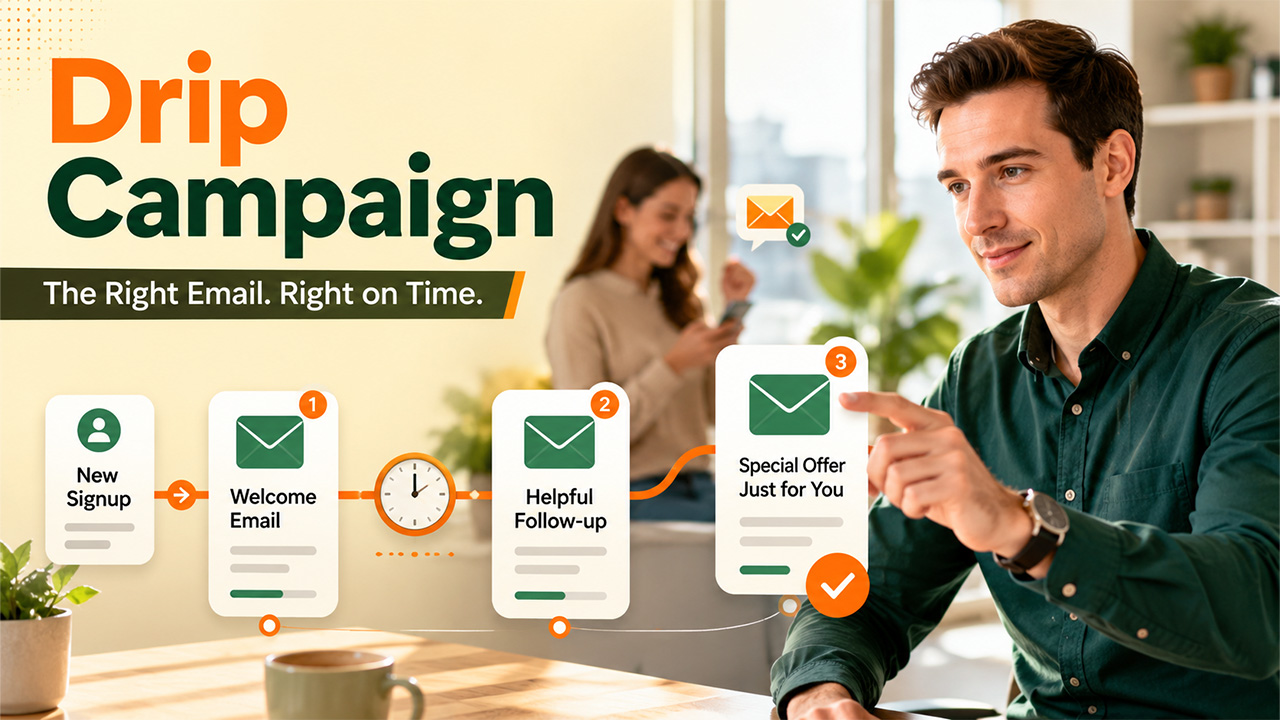
Think about the time when you signed up for something online. It might be a newsletter, a free trail, or an eBook. Then, either you didn’t receive any updates for weeks, or you got bombarded with five emails in two days, which made you unsubscribed out of sheer irritation. Both experiences are common. Moreover, both happen because someone skipped a simple idea in email marketing which is right timing. Timing matters as much as the message itself.
This is exactly the gap a drip campaign fills. It sends the right email at the right moment, based on what a person actually does. This way, nobody feels ignored or overwhelmed. If you’re new to this concept, this guide will walk you through everything, from the basic definition to the tools you can use and the exact steps to set one up.
Before getting into drip campaigns specifically, it helps to understand what is email marketing as a whole.
What Is a Drip Campaign in Email Marketing?
A drip campaign is a series of automated emails that are sent to people over time, based on their actions, a set schedule, or a change in status. It works on pre-defined rules. You write the emails once, set the trigger, like “send three days after signup,” and the system handles the rest.
The name comes from drip irrigation, where water is released slowly to a plant’s roots instead of poured all at once. The same idea is applied to email to get a steady stream of useful messages instead of blasting them without a strategy.
Drip Campaign vs Email Blast: What’s the Difference?
People often get confused between the two. Here’s a side-by-side comparison to clear the confusion:
| Drip Campaign | Email Blast | |
| Definition | A series of automated emails triggered by actions or time | A single email sent to everyone at once |
| Timing | Different for each subscriber, based on their behavior | Same for everyone, sent all at once |
| Personalization | High, since emails match where the person is in their journey | Low, one message fits all |
| Best Used For | Onboarding, nurturing, cart recovery, renewals | Announcements, sales, newsletters |
| Effort Required | Set up once, runs automatically | Needs to be created and sent manually each time |
In short, an Email blast conveys the same thing to everyone whereas a drip campaign talks to each person individually depending on their actions, behavior, and what matters to them.
Why Should You Run a Drip Campaign?
Drip campaign saves time and builds trust, simultaneously. Additionally, it also plays a quiet role inside your sales funnel, landing your messages to exactly where someone stands, whether that’s a brand-new subscriber or someone who’s already checked your pricing page twice.
- Nurture Leads Naturally: Instead of advertising your product on day one, a drip campaign helps you build familiarity over several emails. So, when you do ask for the sale at the right time, it doesn’t feel forced.
- Educate and Onboard New Users: A lot of people abandon the product simply because they don’t know how to use it properly. A drip campaign can walk them through it step by step through a series of emails without overwhelming them in one long email.
- Build Long-Term Customer Loyalty: Small touches, like remembering a birthday or a past purchase, make people feel seen. That feeling is what turns a one-time buyer into a repeat customer.
- Save Time With Email Automation: You write the emails once and let the automation handle the rest. This saves significant hours since you don’t have to send the same welcome message manually fifty times a week.
- Keep Your Email List Engaged: Regular, relevant emails keep your brand in someone’s mind without constantly showing up uninvited, which protects your open rates in the long run.
Types of Drip Campaigns: Common Examples
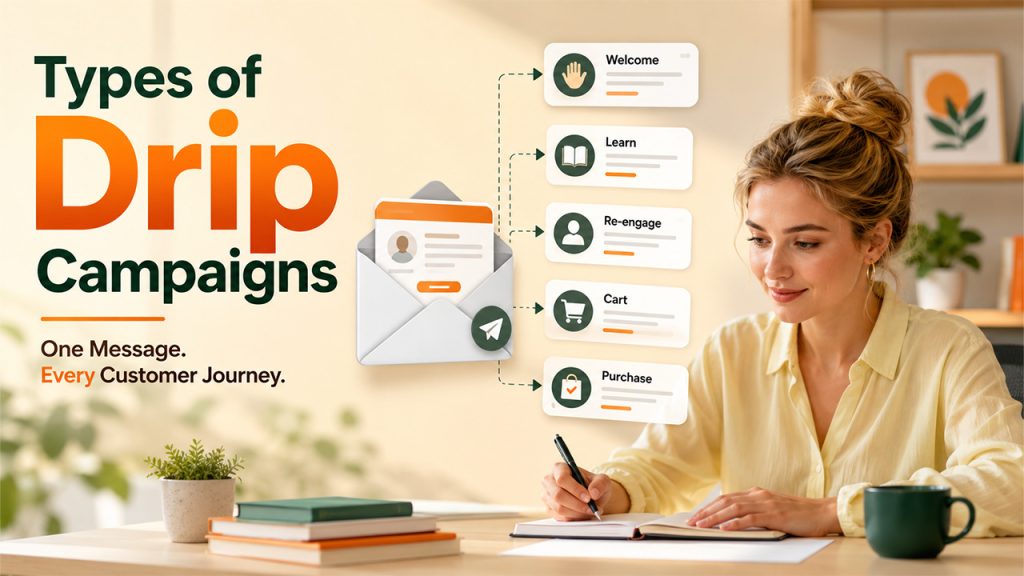
There are different types of drip campaigns. You should pick one depending on the action that it should trigger and the outcome you want. Here are the most common ones that beginners should know:
- Welcome/Onboarding Campaigns: These messages are sent the moment someone signs up. They introduce your brand, set expectations, and thank subscribers for showing interest in your brand by offering them a first small win, like a resource or discount. This helps start a relationship on a good note.
- Educational Campaigns: These are short, useful series that teach subscribers something valuable before you even try to sell them anything. This builds trust and positions you as helpful rather than pushy and frustrating.
- Re-Engagement Campaigns: These emails are sent to those subscribers who have been inactive for a while. The goal is to nudge them gently by sending a “we miss you” message or fresh content to pique their curiosity before you lose them for good.
- Abandoned Cart Campaigns: These emails get triggered the moment someone adds items to a cart and leaves midway without completing actually buying. The ideal time to send these messages is within a few hours, while the product is still fresh in their mind.
- Post-Purchase Campaigns: They are sent right after a sale. The purpose is to guide customers on how to use their purchase, ask for feedback, or gently suggest related products that they might also like.
- Upsell/Renewal Campaigns: These are aimed at existing customers. These emails encourage them to upgrade their plan or renew before it expires, usually with a clear reminder and an easy way to act.
Each of these is a small, practical example of how businesses use innovative marketing campaigns to stay relevant without constantly interrupting their audience.
5 Best Drip Campaign Tools for Email Marketing
You don’t need to build this from scratch. Several tools already offer drip campaign features, some more beginner-friendly than others.
MailerLite
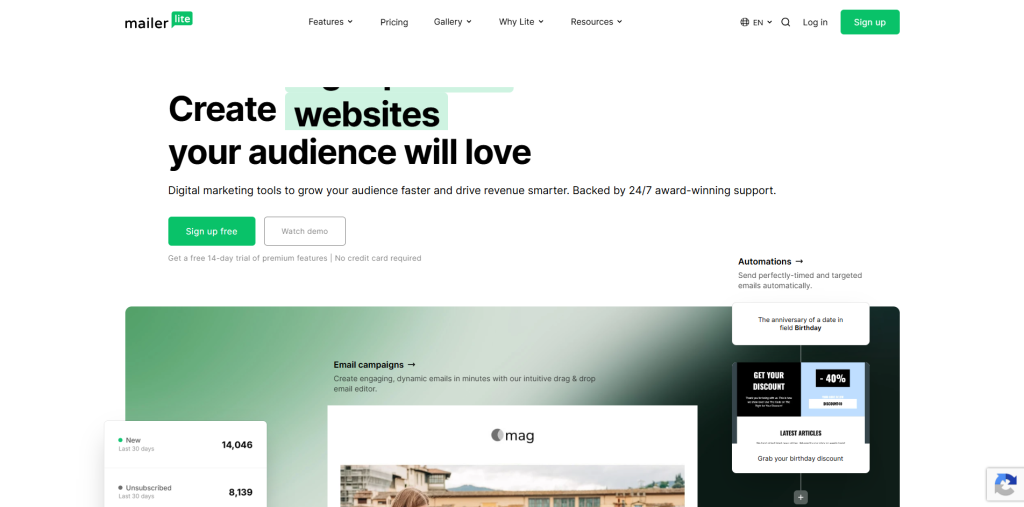
MailerLite is famous for being easy to use. The interface is clean and avoids clutter. This makes even first-time users set up a working automation without feeling lost. Moreover, it also maintains a strong deliverability rate, which means your emails are most likely to actually land in the inbox instead of spam.
| Pros | Cons |
| It has clean, beginner-friendly interface | It offers fewer third-party integrations |
| Reliable deliverability rate | Reporting depth is limited |
| Affordable pricing tiers | Smaller template selection |
Mailchimp
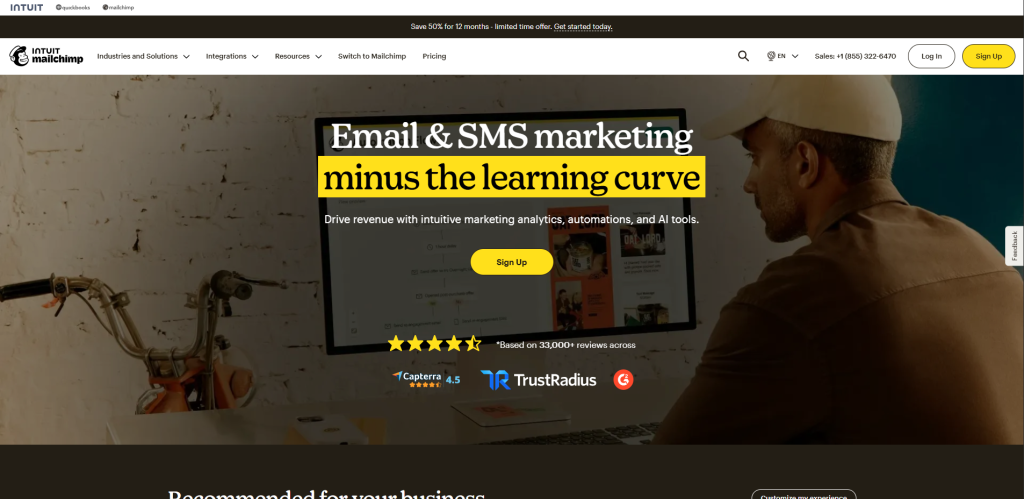
It is one of the oldest and most recognizable names in email marketing. It offers a simple drag-and-drop builder that lets you design automated sequences without having to write a single line of code. Because it’s been around for so long, it also comes with a huge library of templates and integrations, which makes it a natural starting point for anyone new to drip campaigns.
| Pros | Cons |
| Easy, visual automation builder | Advanced automation locked behind higher-tier plans |
| Huge template library | Pricing rises quickly as your list grows |
| Strong integrations with other apps | Limited flexibility for complex workflows |
ActiveCampaign
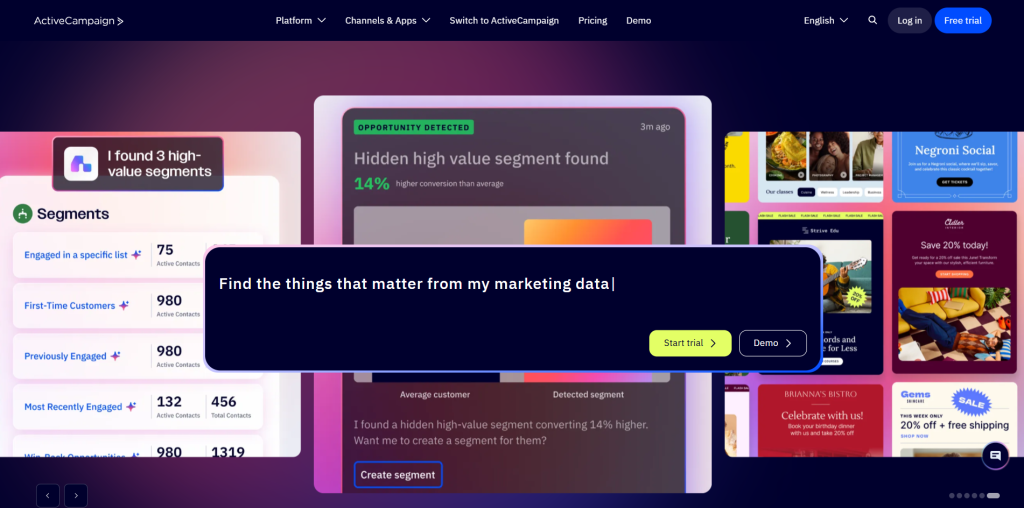
It is built for businesses that want to go beyond basic automation. It comes with hundreds of pre-built workflows that cover everything from onboarding to upselling, along with a basic CRM to track where each lead stands. This makes it a solid pick once your drip campaigns need more branching logic and conditional steps.
| Pros | Cons |
| It offers hundreds of automation templates | Steeper learning curve for beginners |
| It has built-in CRM for tracking leads | No free plan available; paid plans only |
| Clear goal tracking on each campaign | Can feel overwhelming at first |
Kit (formerly ConvertKit)
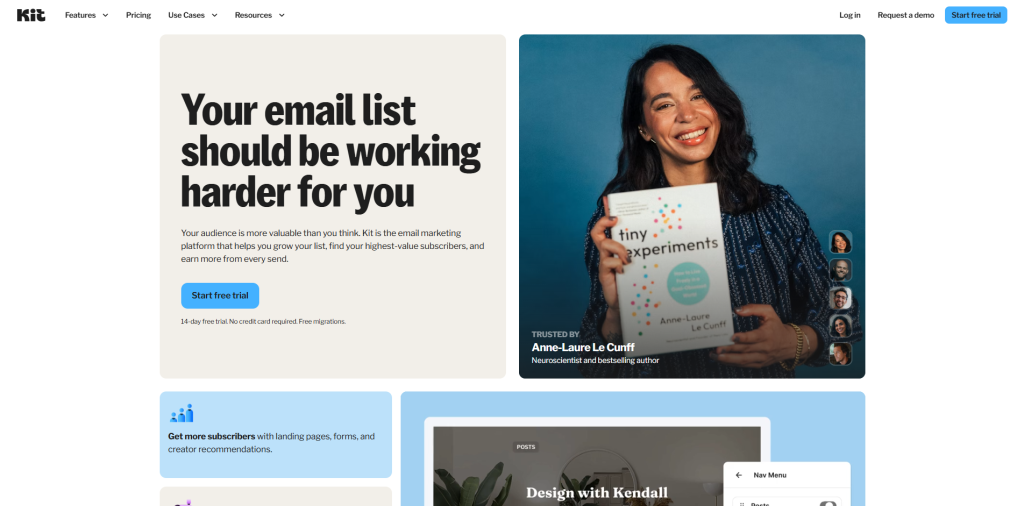
It is built specifically for bloggers, creators, and small businesses. It uses a visual automation map, so you can literally see how a subscriber moves from one email to the next inside your sequence. Additionally, it also lets you tag subscribers based on their actions, which makes personalizing future emails much easier. This personalization makes your subscribers feel valued.
| Pros | Cons |
| Its visual automation builder lets you see subscriber movement | Analytics are fairly basic |
| Free plan is available | It works on web browser only, no dedicated app |
| Reusable content blocks save time | Pricing scales with subscriber count |
Brevo (formerly Sendinblue)
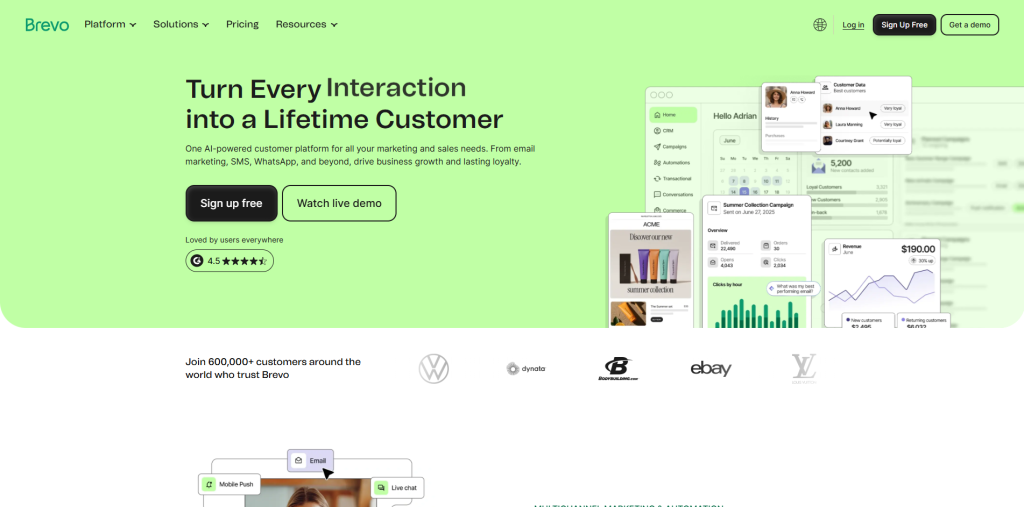
It is known for being generous with its free plan, especially when it comes to contact limits. Alongside drip campaigns, it bundles in A/B testing and a basic sales CRM, so you can test what’s working and manage leads from the same dashboard. It’s a strong option if you’re growing your list on a tight budget.
| Pros | Cons |
| Unlimited contacts, even on lower plans | Interface feels less polished than competitors |
| Built-in A/B testing is available | Some advanced features need paid add-ons |
| Sales CRM is included | Reporting can feel basic at times |
How to Set Up an Effective Email Drip Campaign
Once you pick up the right tool for your email campaigns, setting up your first drip campaign is easier than you thought:
- Define Your Drip Campaign Goal: Decide the goal of this campaign whether it’s onboarding new users, recovering abandoned carts, or nurturing leads toward a sale.
- Choose the Right Email Trigger: This is the action that starts the sequence, such as a signup, a purchase, or a period of inactivity.
- Map Out Your Email Sequence: Plan how many emails you need and roughly what each one should convey to your customers. This maintains the logical flow from one message to the next.
- Write Each Email With a Clear Purpose: Write each email with one job in mind. Your emails must reflect a clear purpose whether it’s welcoming someone, teaching them something, or nudging them toward an action.
- Set the Right Email Timing: Now set an appropriate time between emails to trigger them at the right moment. This gives subscribers time to read and respond to them instead of being flooded.
- Test and Launch Your Drip Campaign: Run through the sequence yourself first to check links, personalization, and timing before it goes out to real subscribers.
- Monitor and Optimize Your Drip Campaign: Keep an eye on open rates and clicks, and tweak subject lines or timing if something isn’t landing well.
Conclusion
A drip campaign is more than just doing marketing. It’s about doing marketing at the right moment, so your emails feel like help instead of noise. Once you understand the logic behind it, whether that’s welcoming a new subscriber, recovering an abandoned cart, or gently winning back someone who’s gone quiet, you start to see why so many businesses rely on it as a core part of their strategy.
Start small. Pick one type of drip campaign, one tool, and one clear goal. You can always expand once you see how your subscribers respond. The beauty of automation is that it keeps working long after you’ve hit “publish,” quietly building trust one email at a time.