


 Continue with Google

 Share on media

Getting the right email address sounds like a small task, but it’s not. In practice, this is where most outreach strategies drastically fail. The recent data shows that Office 365 inbox placement dropped from 77.4% to 50.7% in 2025 alone. That steep drop means every unverified contact costs, like bounce penalties, damaged domain reputation, and wastage of your crucial time.
The free email lookup is the solution you need right away. Using a solid free email lookup tool that actually verifies what it finds is no longer a nice-to-have for serious outreach. It’s the front line of any campaign.
Let’s explore the top seven tools that real sales teams, recruiters, and marketers extensively use to create clean contact lists without spending any money. Each one has a different strength and capabilities. And by the end of this post, you’ll know exactly which one matches your workflow.
What These Tools Actually Do Under the Hood
An email finder is software that locates professional email addresses tied to a name, a company, or a domain name. Email finder platforms pull from three main sources: public website data, large pre-built contact databases, and real-time SMTP verification checks. Some tools do all three, while others specialize in just one area. That difference matters a lot when choosing the right tool for your needs.
Domain-based tools are great to have when you know the company but not the specific contact. LinkedIn-based tools flip that equation; they pull an email address from a professional profile once you have the person’s name. The best free options on this list handle both. Many tools also allow you to verify email addresses before a single message goes out.
If you’ve ever run a reverse email lookup to confirm who’s behind a contact, these tools work similarly, just in the opposite direction, starting from identity and arriving at the email address.
What to Look for Before You Commit
Not all free plans are built the same. Some caps you at 10 credits a month. Others give you 75 credits. Before you choose a tool, check five things:
- Accuracy rate – anything below 90% is risky for active outreach
- Monthly credit count and rollover policy
- Verification is built in or sold as a separate add-on
- LinkedIn or CRM integration for smoother workflows
- Geographic coverage for your target market
7 Tools That Deliver Real Results
Here’s a quick side-by-side comparison before the full breakdown:
| Tool | Free Credits/Month | Accuracy | Best Use Case |
| Hunter.io | 50 | ~95% | Domain-based searches |
| Skrapp.io | 50 | 98% | LinkedIn prospecting |
| Snov.io | 50 | 98% | Search and send in one place |
| GetProspect | 50 valid emails | 95% | Credit-efficient lookup |
| Voila Norbert | 50 | 95–98% | High-accuracy verification |
| FindyMail | 10 | 98%+ | Low-bounce, high-stakes lists |
| Email Lookup | Free plan available | 98%+ | Real-time email extraction + verification with CSV export |
1. Hunter.io: The Reliable Choice for Company-Level Research
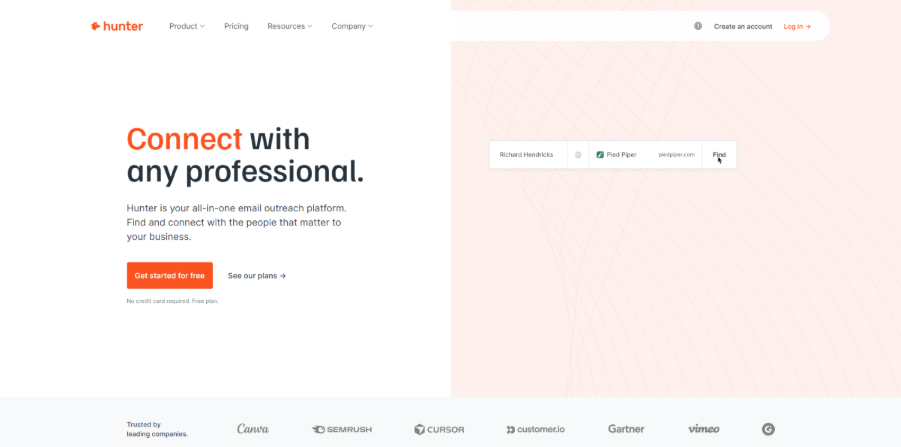
Hunter.io has earned a reputation in the B2B sales world because of its advanced domain search feature. You plug in a company’s website, and it reveals every email pattern linked to that domain. Hunter reports a 95% deliverability rate on verified addresses, which makes it a reliable tool in sales and marketing.
Its free plan gives you 50 monthly credits, enough to run an honest test on a live prospect list. A basic campaign tool is also included, which is rare on free tiers. The main limitation is coverage depth. Hunter performs best for established companies with a clear web presence.
2. Skrapp.io: The Smart Move for LinkedIn-First Teams
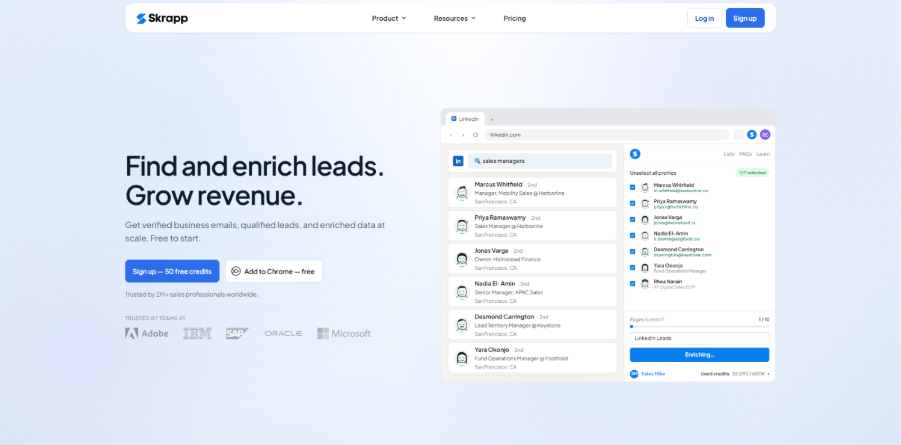
If you prefer to create a lead list through LinkedIn, then Skrapp.io is the strongest option for you. The Chrome extension pulls contact data directly from profiles and company pages with just one click. Its database can hold over 200 million contacts, and it achieved around 97–98% accuracy when tested by an independent large database.
The free plan includes 50 credits that roll over each month. Skrapp also supports bulk processing, so you can work through bigger lists without constantly exporting and re-importing files. All we can say is that when your team needs an email lookup free option tied to LinkedIn, this is one of the most practical tools on the list.
3. Email Lookup: Fast Extraction with Built-In Verification
The Email Lookup of ExtractMails is especially designed for users who want both email discovery and verification in a single workflow. The platform combines real-time email extraction, SMTP validation, MX/DNS checks, disposable email filtering, and CSV export. This makes the tool useful, especially for outreach campaigns that depend on clean contact data.
Email Lookup also focuses on accuracy and list hygiene, differentiating it from other tools. The tool maintains an accuracy rate of over 98% by validating the emails before exporting. This also reduces the bounce rates and protects the sender’s reputation.
4. Snov.io: One Platform, No Tool-Switching
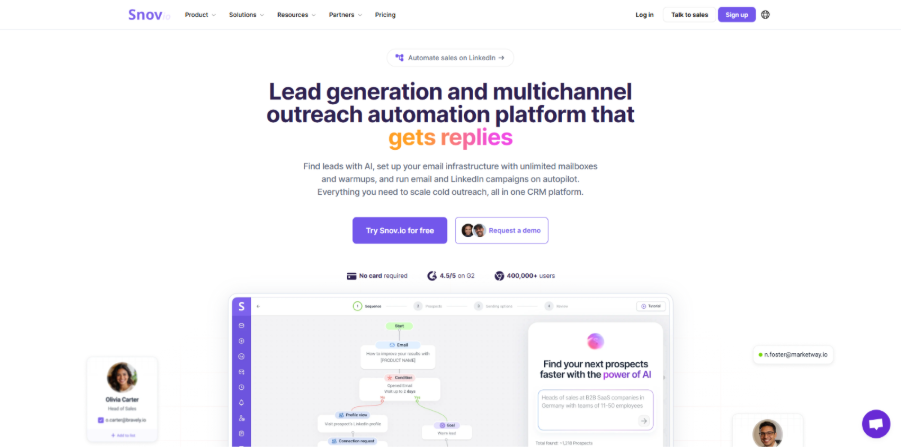
Snov.io earns its spot for operational simplicity. It combines an email finder, a domain search tool, a Chrome extension, and an email drip campaign builder inside one platform. If you are a solo SDR or a small marketing team, this means less switching between tools, less manual work, and a smoother process from finding leads to sending emails.
The free plan caps at 50 credits monthly and won’t be ideal for heavy daily prospecting. But for testing an outbound process or running a focused short campaign, it’s a good choice.
Snov.io reports show 98% accuracy rate, which makes it one of the finest tools on the list for data quality. Most importantly, it’s built-in drip feature means you can go from contact discovery to a first-touch email without ever leaving the platform.
5. GetProspect: The Fairest Credit System of the Bunch
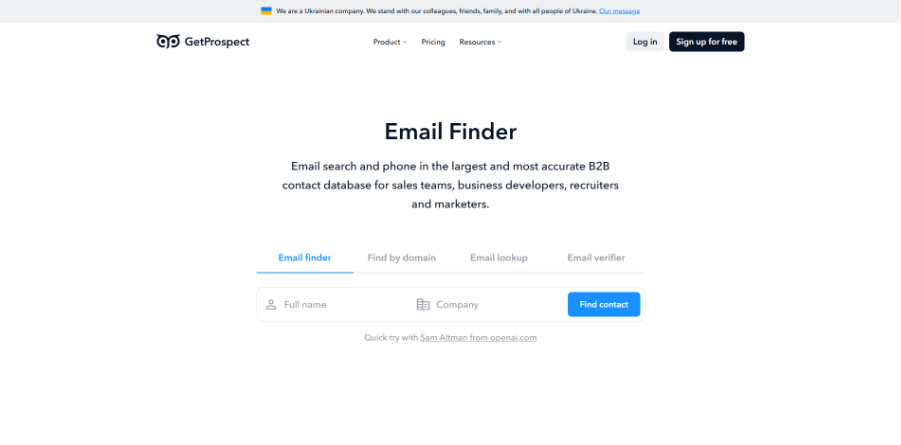
GetProspect uses a credit model that makes it different from other tools. That means that it only charges a credit for a valid email it actually finds. If the tool can’t locate a verified address, your credit stays in your GetProspect account.
The platform covers 230 million corporate emails and over 200 million B2B contacts, with a 95% accuracy rate that holds up consistently. It integrates with common CRMs, and the LinkedIn email finder works without requiring a LinkedIn Sales Navigator subscription. If your priority is to get value out of every single free credit is the priority, GetProspect is right for you.
6. Voila Norbert: When Every Address Needs to Be Right
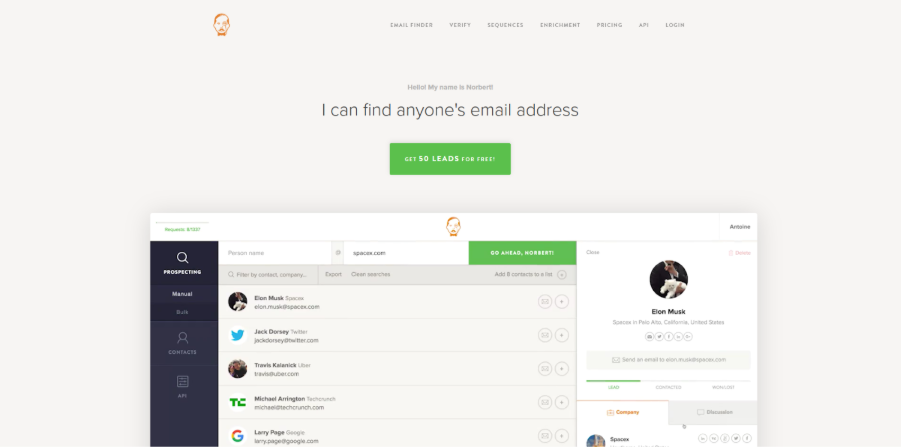
Voila Norbert verifies every email address through a multi-step verification process before it ever shows you the result. This process is the reason why it produces a 95-98% accuracy rate, irrespective of your industry and company size. For marketers sending emails to carefully curated lists or bigger prospects, this level of reliability makes a measurable difference in campaign performance.
The free plan includes 50 searches and is considered easy to use. You enter a name and a domain, and it returns a verified email or nothing at all. Eventually, it keeps your bounce rate clean and your sender reputation in a good position over time.
7. FindyMail: Built for Zero-Tolerance Outreach
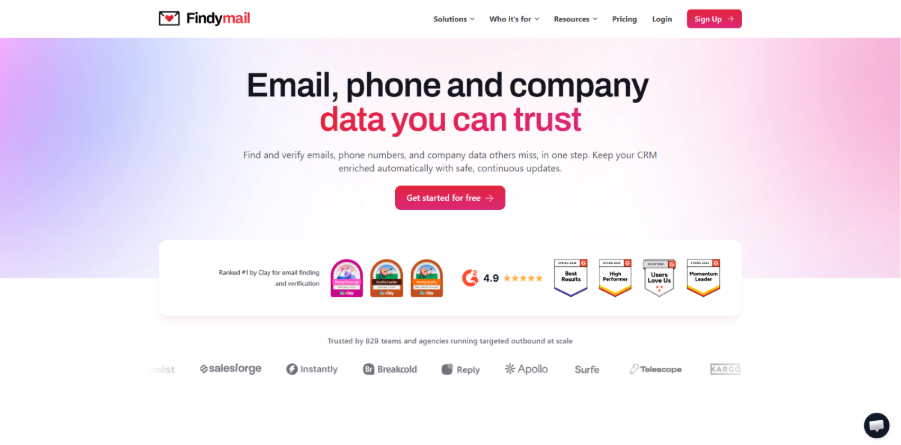
FindyMail won’t return an email address unless the contact clears a deep validation process. This is why it consistently keeps bounce rates below 2% even in large-scale tests. In a live test across 20,000 leads, FindyMail managed to find the most valid email addresses, while keeping the bounce rate below 2%.
The free plan is limited to 10 finder credits, so it’s not recommended for daily use. Use this free email lookup tool only when you have to pull out for a short, high-value prospect list where a single bad bounce could hurt a relationship or a domain.
Matching the Right Tool to Your Actual Workflow
The smartest approach is to practically test every tool according to its capabilities, not the way others use it. If you start every search on LinkedIn, Skrapp.io, or GetProspect, you will save the most time. But if you work from a company name or website, Hunter.io is the faster path. Snov.io and Apollo.io make more sense when you want to find and contact from the same dashboard.
Geographic focus matters too. Some tools are designed with European data compliance in mind and perform better in those markets. For US and UK-focused outreach, you can use any of the seven above. For niche markets in Southeast Asia or Latin America, plan on using two tools in parallel and doing a manual check on anything that looks doubtful before it goes into an actual campaign list.
Habits That Make Free Credits Go Further
Running out of free credits mid-month is pretty common for new users. But with careful planning and a few practices, you can go further and make a difference.
- Run the same batch of 50 contacts through two tools at once to cross-check accuracy before you start your campaign.
- Always use the built-in step to verify email addresses before exporting any list
- Use domain search to work at a company level first, then narrow down to specific contacts instead of searching one by one
- Keep your CRM updated as you find contacts, so incorrect details do not pile up.
One simple rule: keep total bounce rates below 2%, and ideally under 1%. The cross-industry average hard bounce rate sits at 0.21%. If your tool is consistently pushing you above that number, then maybe it’s a data quality issue, not a messaging issue. Hence, switch tools and find the right email address before you rewrite the subject line.
Your Contact List Is Only as Good as the Data Behind It
Guessing at email addresses is a slow and inaccurate process. It can drain your time and damage your domain reputation, with no desired results. The seven tools covered here give you a real starting point; each one is tested, compared, and suited to a different kind of business workflow. These email lookup free options are used by real sales teams and marketers to run campaigns that land in real inboxes.
Start with the one that fits how you already work. Test it on a small campaign. That’s the most direct way to turn your unorganized contact list into verified contacts that are likely to respond to your email outreach.
Quick Answers to the Questions Teams Ask Most
Can a free plan actually support a real outreach campaign?
For smaller campaigns, yes. Email finder tools like Snov.io and Apollo.io are enough. They let you send and follow-up email sequences from the same account. Larger campaigns will hit credit limits fast, but still, free tiers can be used for testing and early-stage outreach before considering the paid plan.
Is using these tools legal?
B2B prospecting under legitimate business interest is accepted under GDPR when you include a clear reason why you are sending an email. CAN-SPAM law requires a physical address and an unsubscribe option in every commercial email. If you follow both, email outreach is usually allowed.
How does an email finder differ from a reverse email lookup?
An email finder starts with a name or company and returns the email address. But a reverse email lookup starts with an email address and returns the company or person’s name.
What accuracy should I realistically expect from free tools?
Top tools like FindyMail, Snov.io, and Skrapp.io reach 97-98% accuracy even on free plans. Larger-database tools like Apollo.io have some accuracy for volume and sit around 70-80%. For cold outreach, anything below 90% accuracy should include a separate step to verify email addresses before a single email goes out.
Do unused free credits roll over each month?
It depends on the platform you use. Skrapp.io rolls credits over monthly, which makes its free plan more flexible than most. Hunter.io and the majority of others reset monthly with no rollover. Ensure you always check each tool’s current free plan terms, since these policies are frequently updated.
