


 Continue with Google

 Share on media
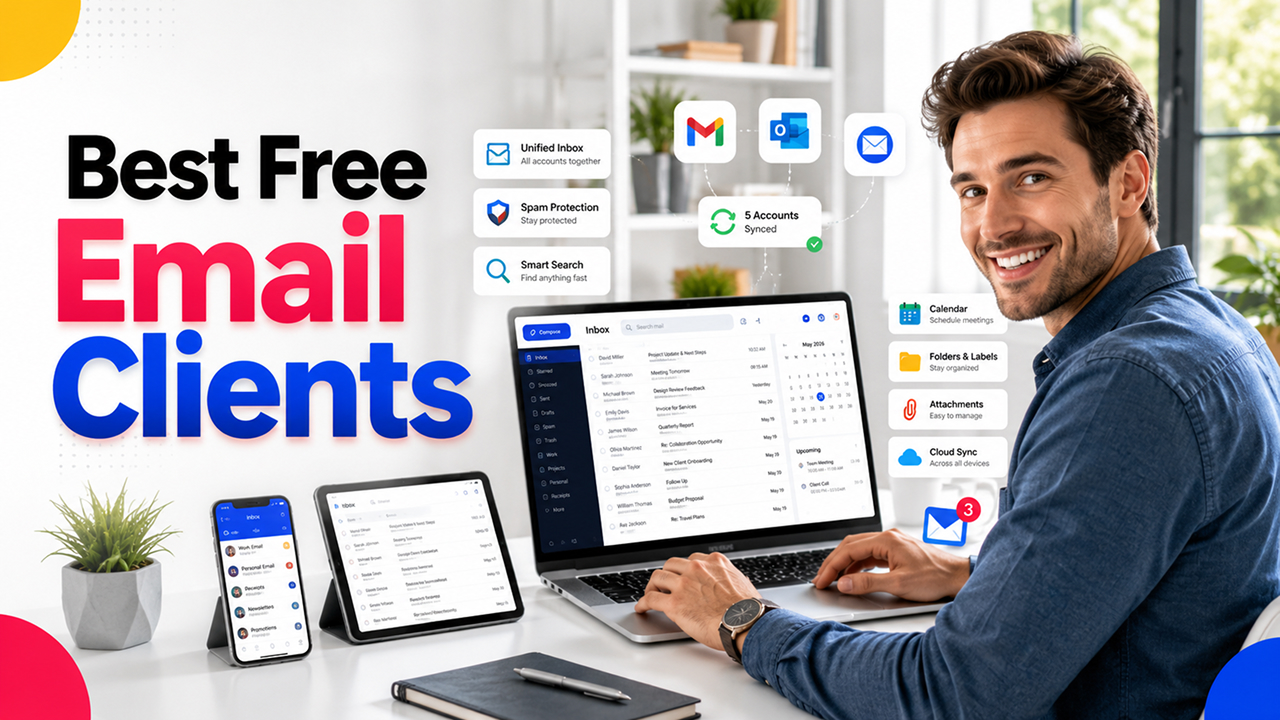
Picking an email client sounds simple until you actually sit down and try to find one that doesn’t feel clunky, cluttered, or missing the one feature you actually need. Between built-in apps, third-party tools, and a dozen “best of” lists that all disagree with each other, narrowing down the best free email clients can turn into its own little research project.
The good news is that most people don’t need a paid inbox tool at all. Free email clients today handle multiple accounts and filter spam decently well, and sync across devices without asking for a credit card. The trick isn’t finding a free option; it’s finding the one that actually matches how you use email day to day.
In this one, we’ll walk through what makes a good free email client, the standout features to look for, and which apps are worth trying depending on whether you’re a solo user, a small business, or someone juggling five inboxes at once.
What is Free Email Client?
A free email client is just an application, which can be either installed on your computer or downloaded for mobile phones, that lets you send, receive, and organize your emails without subscribing to a paid service. It’s quite different from working in a Gmail or Outlook browser window, because a good email client will collect all your messages in one place, rather than leaving you with the need to open several tabs at once.
There are both applications integrated with your OS (such as Apple Mail for Mac and iPhone), as well as independent applications created by companies that specialize in making the e-mailing process easier for their users. However, the essence of these applications is almost always the same: to provide a more convenient access to the inbox compared to the standard browser version.
If you are using Apple devices, iCloud Email will likely be mentioned too, because it is connected to the Apple Mail application by default.
Features to Look for in a Free Email Client
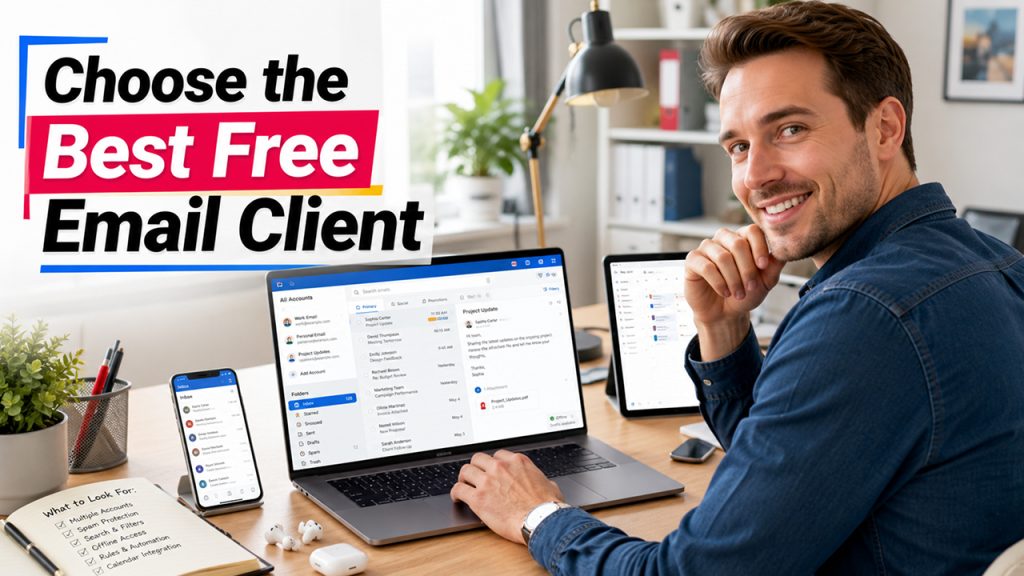
Not all free email clients are built the same, and the difference usually shows up the moment you start using one daily. Here’s what actually matters when comparing free email software:
Ability to manage multiple accounts: the opportunity to bring together various personal, work, and additional accounts in one place, rather than juggling different applications.
Spam and phishing filtering: even the free application has to have some basic filtering to block unwanted emails.
Efficient search: Quick and accurate search functionality saves a lot of time after the inbox gets beyond a couple of hundred emails.
Offline mode: The ability to access your emails in offline mode to write drafts or open existing emails.
Filters and rules: Automatic sorting of emails according to the sender, subject, or keywords helps keep your inbox organized.
In case you need to pick a desktop client for yourself, the next important thing to consider would be the possibility of managing files and calendars.
Benefits of Using a Free Email Client
Once you actually switch to a proper email client instead of relying on a browser tab, the difference shows up fast, mostly in how much less friction your day-to-day routine has:
One inbox, not five: Combining accounts into a single view means you’re not manually checking three different tabs throughout the day.
Faster overall experience: Native apps tend to load and search faster than most webmail interfaces, especially on desktop.
Better organization tools: Folders, filters, and labels are usually more flexible than what you get in a browser-based inbox.
No cost barrier: You get most of the core functionality you’d expect from paid tools, without the monthly fee.
Works well across devices: Most free clients sync properly across phone, tablet, and desktop, so your inbox stays consistent no matter where you check it.
If you’re weighing your options, a lot of the best email apps available today are free, which makes this one of the rare cases where paying more doesn’t necessarily get you a better experience. If you’re already a Gmail user but curious what else is out there, it’s worth glancing at some Best Gmail Alternatives before settling on one.
Use Cases: Who Benefits Most from a Free Email Client
Not everyone needs the same thing from an inbox, and free email clients tend to fit a wide range of situations depending on how you actually use email:
Freelancers and solo workers: Managing client emails, invoices, and personal messages from one place without paying for a business-tier tool.
Small businesses: Handling a handful of team inboxes without the cost of enterprise email software.
Students: Juggling school email, personal accounts, and internship or job applications without needing anything fancy.
Remote workers: Keeping work and personal inboxes separate but accessible from the same app is especially useful across multiple devices.
Anyone managing multiple accounts: Whether it’s two personal emails or five, consolidating them into one client cuts down on the daily hassle of checking each one separately.
For anyone who’s ever needed to verify who’s actually behind an email address, whether it’s a client, a recruiter, or a random sender, this is also where Email Lookup Tools tend to come in handy alongside a good email client.
Limitations of Free Email Clients
Free doesn’t mean flawless, and it’s worth knowing where these tools tend to fall short before you build your whole workflow around one.
Storage limits are the most common catch. Most free accounts cap your storage at a certain point, and once you hit it, you’re either deleting old emails or paying to upgrade, which somewhat defeats the “free” part.
In addition to limited functionality, some of the best free email clients reserve other advanced features, such as the ability to use a custom domain, priority support, or advanced automation options, for paid plans. The basic level of the program usually provides decent finality run into its limitations pretty quickly.
Another point to consider is that advertisements may be integrated in the client software as well. There are several web mail programs with advertising inside their interface, and it is definitely not a critical aspect, but still, something to take into account.
The number of accounts that you can access using free email software may also have some restrictions if you work with several email addresses at once or if you need to manage them as a team. This limitation does not affect a single user.
Of course, it does not make free email software a bad choice.
Conclusion
At the end of the day, there’s no single “best” email client, just the one that actually fits how you use your inbox. Someone juggling five accounts across a team needs something different than a freelancer who just wants a clean, ad-free space to manage client emails.
The good news is that landing on one of the best free email clients doesn’t mean settling for a stripped-down experience. Most free tools today cover the essentials well: multiple account support, decent spam filtering, and syncing that actually works across your devices. The limitations only really start to show up once you’re managing a team or need features built for scale, and by then, you’ll know exactly what you’re missing and whether it’s worth paying for.
If you’re still narrowing things down, the best approach is simple: pick two or three options that match your use case, actually use them for a few days, and see which one disappears into the background instead of getting in your way. That’s usually the real test of a good email client.
Frequently Asked Questions
What is the best free email client?
There isn’t one universal answer; it depends on your setup. Apple Mail works well for anyone in the Apple ecosystem, while independent apps tend to be better for people managing multiple accounts across different platforms.
Are free email clients safe to use?
Generally, yes. Most reputable free email clients include spam and phishing filtering by default, though it’s still worth being cautious with any app that asks for unusual permissions during setup.
What’s the difference between a free email client and webmail?
Webmail is what you access through a browser, like Gmail.com. A free email client is a dedicated app that pulls your messages in, often letting you combine multiple accounts into one inbox instead of switching tabs.
Can I use a free email client for business?
Yes, especially for freelancers or small teams. Just keep an eye on account limits and storage caps, since free tiers are usually built with individual users in mind rather than growing teams.
Do free email clients work offline?
Many do. Offline access is one of the features worth checking for, specifically if you travel often or deal with unreliable Wi-Fi, since not every free client supports it.
