

 Continue with Google

 Share on media
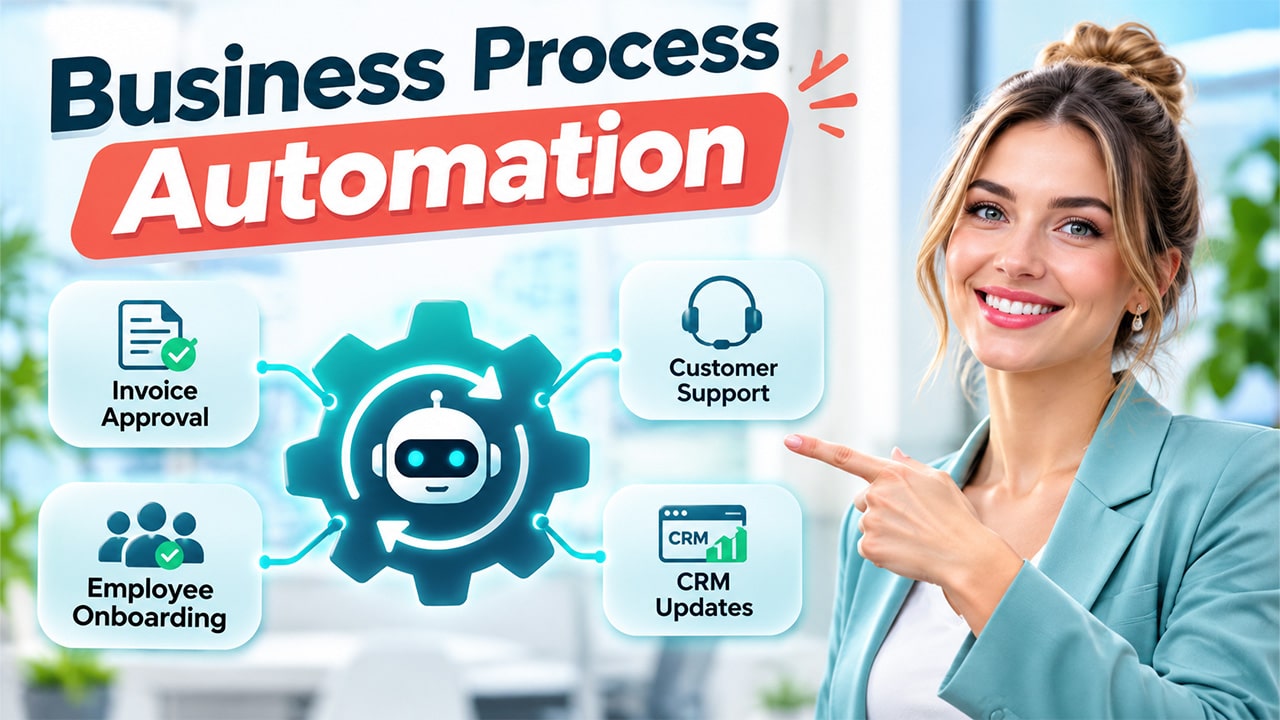
Every business runs on processes: approving invoices, onboarding employees, answering customer queries, updating records. When people handle all of this by hand, work slows down, mistakes creep in, and talented employees spend their days on repetitive chores. This is exactly the problem that business process automation is designed to solve. In this guide, we explain what it is, how it works, where it is used, and how to get started, in plain language anyone can follow.
Business Process Automation Definition
A simple business process automation definition is this: it is the use of technology to perform repetitive, rule-based tasks with little or no human effort. Instead of an employee copying data from an email into a spreadsheet, then into an accounting system, software does it automatically, quickly and accurately.
You will often see the short form BPA meaning the same thing. BPA stands for business process automation, and it covers any process where software takes over steps that people used to do manually. Many people also use the broader phrase business automation, which refers to automating tasks, workflows and decisions across a company.
BPA Meaning in Everyday Terms
Think of a washing machine. You used to scrub clothes by hand. Now you load them, press a button, and the machine follows a fixed set of steps. Business process automation works the same way: you define the steps once, and the system repeats them every time without getting tired or making careless errors.
Business Automation vs. Business Process Automation
The two terms overlap, but there is a small difference. Business automation is the wider idea of using technology to reduce manual work anywhere in a company. Business process automation focuses on a specific, structured process from start to finish, such as “employee onboarding” or “purchase approval.”
How Does Business Process Automation Work?
Automation may sound technical, but the logic behind it is simple. Most automated processes follow the same basic pattern.
Step 1: A Trigger Starts the Process
Every automation begins with a trigger. This could be a customer submitting a form, an invoice arriving by email, or a new employee being added to the HR system.
Step 2: Rules Decide What Happens Next
Once triggered, the software follows rules you have set. For example: “If the expense is under $200, approve it automatically. If it is higher, send it to a manager.”
Step 3: Actions Are Carried Out
The system then performs the work, such as sending emails, updating databases, creating documents, or notifying team members.
Step 4: Results Are Tracked
Good automation tools record what happened, so you can measure speed, spot bottlenecks and improve the process over time.
Examples of Business Process Automation
Automation is not limited to big corporations. Companies of every size use it in almost every department. The table below shows common examples.
| Department | Manual Process | Automated Version | Main Benefit |
| Finance | Typing invoice data into accounting software | Software reads invoices and enters data automatically | Fewer errors, faster payments |
| Human Resources | Sending onboarding forms and reminders by email | Automatic welcome emails, document collection and task assignment | Smooth, consistent onboarding |
| Sales | Manually updating customer records after each call | CRM updates itself and schedules follow-ups | More time to sell |
| Customer Support | Sorting and assigning tickets by hand | Tickets are routed to the right agent automatically | Quicker responses |
| Marketing | Sending emails one campaign at a time | Triggered email sequences based on customer behavior | Better engagement |
| Operations | Tracking inventory with spreadsheets | Stock levels update in real time, with reorder alerts | Fewer shortages |
As you can see, almost any repeatable task with clear rules is a good candidate for automation.
Benefits of Business Process Automation

Companies adopt automation because it delivers results that are easy to see and measure.
Saves Time and Money
Tasks that once took hours can be finished in minutes. Over a year, those saved hours turn into real cost savings, because staff can focus on higher-value work.
Reduces Human Error
People make mistakes, especially with repetitive work. Automated systems follow the same rules every time, which improves accuracy in areas like billing, reporting and data entry.
Improves Customer and Employee Experience
Customers get faster answers, and employees get relief from boring tasks. Both lead to higher satisfaction.
Strengthens Compliance and Visibility
Automated processes leave a clear record of who did what and when. This makes audits easier and helps businesses follow regulations.
Helps Businesses Scale
As a company grows, manual processes become harder to manage. Automation lets you handle more work without hiring at the same rate.
Types of Business Process Automation
Not every process needs the same kind of automation. Here are the main types.
Basic task automation handles simple, single steps, like sending a confirmation email after a purchase.
Workflow automation connects multiple steps and people, such as routing a document through several approvers.
Robotic process automation (RPA) uses software “bots” that mimic human actions on a computer, like clicking buttons and copying data between systems.
Intelligent automation combines automation with artificial intelligence, allowing systems to read documents, understand text or make predictions.
How to Get Started with Business Process Automation
You do not need to automate everything at once. A careful, gradual approach works best.
- Pick the right process. Start with something repetitive, rule-based and time-consuming, such as invoice processing.
- Map the current steps. Write down how the process works today, including who is involved and where delays happen.
- Set a clear goal. Decide what success looks like, whether that is saving ten hours a week or cutting errors in half.
- Choose a tool and test it. Run a small pilot before rolling it out to the whole company.
- Measure and improve. Review the results, gather feedback from your team and refine the process.
Choosing the Right Automation Tool
The market offers many platforms, and they differ in price, features and ease of use. Before committing, consider how easily the tool connects with your existing systems, whether non-technical staff can use it, how well it can grow with your business, and what support the vendor provides. Taking time to review a detailed BPA Software Comparison helps you weigh these factors side by side and avoid paying for features you will never use.
Common Challenges and How to Avoid Them
Automation is powerful, but it is not magic. Some businesses run into trouble because they automate a broken process, which simply makes a bad process faster. Always fix and simplify the process first, then automate it. Another common issue is resistance from employees who worry about losing their jobs. Clear communication helps: explain that automation removes dull tasks so people can focus on more meaningful work. Finally, start small. Trying to automate everything at once often leads to confusion and wasted money.
For tasks that involve moving data between older systems that do not connect easily, many companies turn to RPA Software, which can operate those systems the same way a human would, without needing complicated integrations.
The Future of Business Automation
Automation is becoming smarter every year. With advances in artificial intelligence, systems can now read emails, understand customer requests and make simple decisions on their own. Businesses that adopt automation early build a lasting advantage, because they operate faster, serve customers better and adapt to change more easily.
Conclusion
Business process automation is about letting technology handle repetitive work so people can do what they do best: think, create and connect with customers. Whether you are a small shop or a large enterprise, starting with one simple process can bring quick, visible benefits. Begin small, measure the results, and expand step by step. If you are ready to organize and streamline how work moves through your team, exploring Workflow Management Software is a practical next step.