

 Continue with Google

Finance Teams
Extract invoice details, payment records, receipts, and financial information from supported documents to prepare organized business records.

 Integration Services
Efficiently extract important business information from supported documents that is stored in Google Drive and Dropbox, with Google Drive/Dropbox Integration Services from ExtractMails.
Businesses usually store valuable information across various cloud platforms, such as Google Drive and Dropbox. Documents such as invoices, purchase orders, receipts, customer forms, reports, and other business documents often contain valuable data that requires to be reviewed and transferred into spreadsheets, databases, or business applications.

Employees spend time opening multiple PDF documents, invoices, receipts, and other files to identify and collect important business information.
Important records are stored across different folders and cloud platforms, making it difficult to locate and organize the information teams need.
Manually identifying customer details, invoice numbers, dates, amounts, and order information from documents slows down everyday operations.
Manual extraction and entry can lead to missing fields, duplicate information, inconsistent formats, and avoidable mistakes.
Google Drive/Dropbox integration service from ExtractMails helps simplify document data extraction by identifying relevant information from supported files and preparing it as structured business records. The main goal of the integration is to make essential information easier to extract, organize, and use in the business workflow through supported connection methods, whether the documents are stored in Google Drive or Dropbox.
 Google Drive Data Extraction
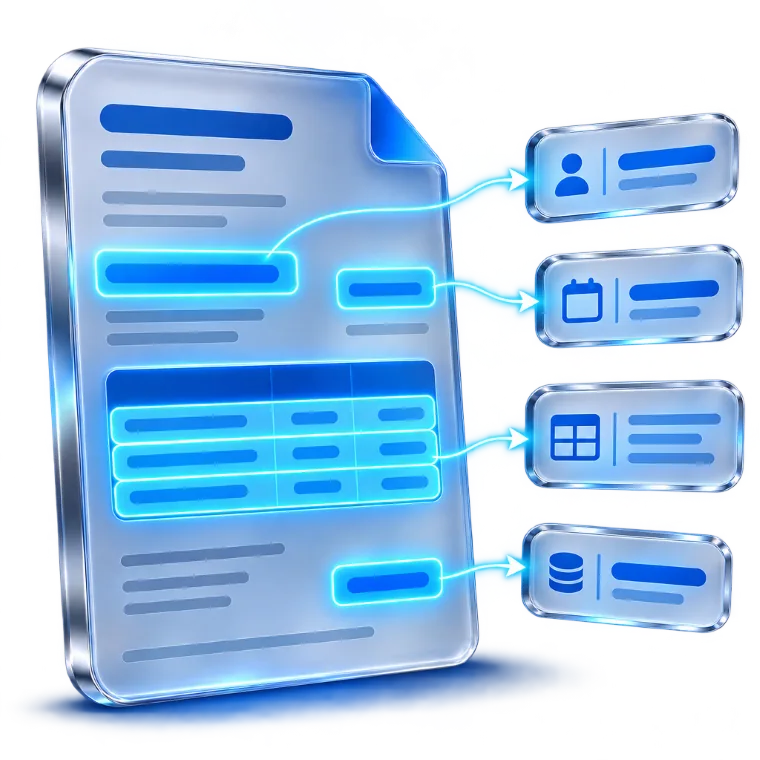
Businesses commonly use Google Drive to store and organize documents, which include invoices, purchase orders, receipts, customer forms, and reports. The integration service from ExtractMails helps identify relevant information from supported documents and prepare it as structured data for further processing through available workflows.
 Dropbox Data Extraction
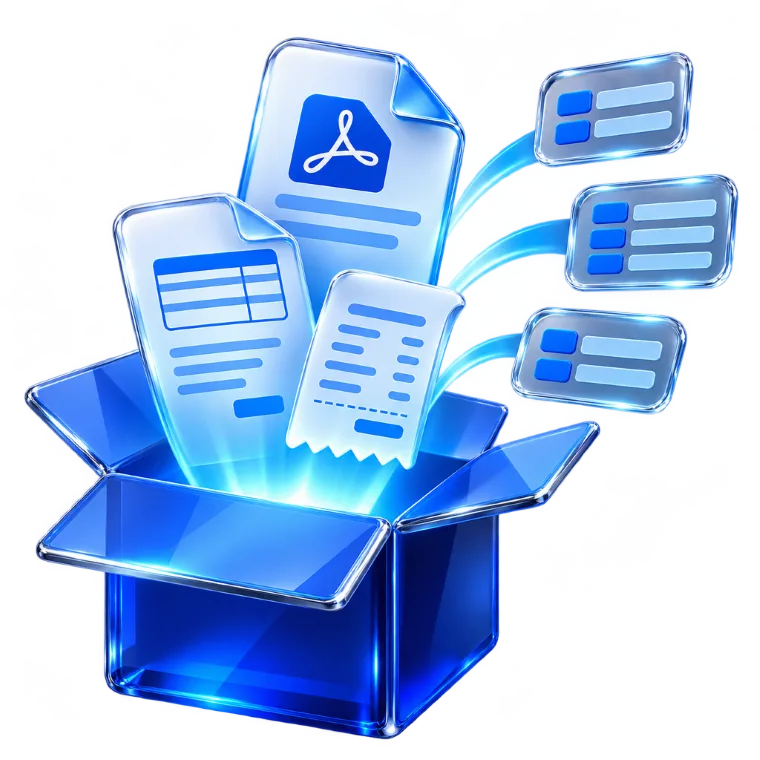
Dropbox helps in storing, organizing, and sharing essential files. These files may include various information, such as financial documents, invoices, purchase orders, customer records, receipts, and operational reports. The integration services of ExtractMails extract details that can then be prepared as structured records for supported business workflows.
Use the available connection method to provide supported documents from Google Drive or Dropbox for processing.
Identify the relevant PDF files or other supported document types containing the information your business needs.
Choose the information you want to extract, such as customer details, invoice numbers, dates, amounts, product information, and custom fields.
ExtractMails processes the supported document content and identifies the required details, preparing them as structured records.
Send or organize the extracted information through supported integrations, APIs, webhooks, or other configured workflows.
Identify and extract relevant information from supported PDF documents, including invoices, purchase orders, receipts, and business records.
Process supported document content to identify important business information and prepare it for further use.
Select the specific details your business needs to collect, including customer information, dates, amounts, reference numbers, and custom fields.
Prepare extracted information in structured fields and records that are easier to manage across business applications.
Connect document-related processes with Google Drive through available and supported connection methods.
Bring supported Dropbox document workflows into your business data extraction process.
Simplify repetitive document review and reduce the need to manually copy information from supported files.
Work with supported document sources and prepare extracted records according to your business requirements.
Extract invoice details, payment records, receipts, and financial information from supported documents to prepare organized business records.
Collect customer details, lead information, contact records, and sales-related information from supported business documents.
Organize purchase orders, supplier information, operational reports, and other business records.
Process order documents, product information, transaction records, and customer-related files.
Extract shipment details, tracking references, delivery dates, and order information from supported documents.
Collect and organize information from forms, reports, invoices, and other business documents stored in cloud folders.
For a business, managing information across multiple documents and cloud storage platforms usually involves repetitive manual work. The Google Drive/Dropbox integration services from ExtractMails combine document parsing and data extraction into a centralized workflow, enabling businesses to identify and organize important information more efficiently.

Prepare extracted details in structured fields that are easier to manage.
Process supported documents from your business information workflows.
Identify the specific information your team needs to collect.
Reduce repetitive copying and transferring information from documents.
Dropbox is included in the cloud storage integration category. The specific connection methods and file-processing actions should be confirmed against the current product configuration.
Supported file formats depend on the current document parsing capabilities. Confirm the available formats before promising support for Word, Excel, scanned PDFs, or image files.
Extracted information can be prepared for supported business workflows and connection methods.
Yes. Extracting invoice numbers, dates, customer details, line items, taxes, and totals from supported PDF invoices can help businesses prepare organized financial records.
Simplify document processing, extract important information, and prepare organized business records with Google Drive/Dropbox integration services from ExtractMails.
