


 Continue with Google

 Share on media
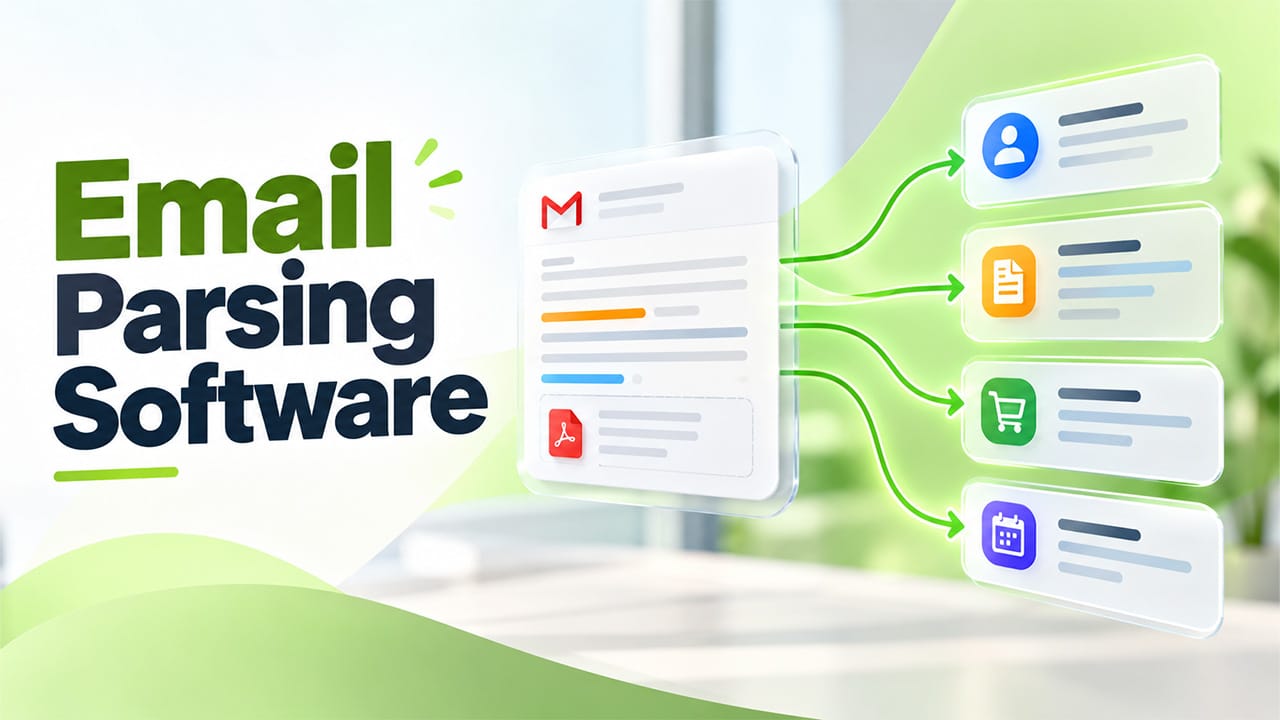
A common scenario in many companies is that your shared inbox becomes an informal database. You receive emails with new leads, orders, invoices and booking alerts. Someone will then manually type up all of the information into either a spreadsheet or CRM. This can be a slow process and can cause typos.
Email parsing software will automate this process for you. It will read through all your emails and extract the important information. This will help you reply to customers quicker and reduce the amount of boring work your staff is doing. This guide explains everything you need to know about email parsing software including how it works, where it’s used and whether your team may need it.
What Email Parsing Software Actually Is?
Email parsing software reads your emails and extracts the needed information. This could be the name, order number, amount or date. This information is then converted into structured data meaning each piece will be in its own field with a label. This can then be used by any other tools.
Whereas a rule can help to organize your mailbox, the parsing software will extract the information. A rule can move invoices to a folder but won’t tell you how much you owe. The parsing software will extract information from the header, body and any attachments like PDFs. This information will then be placed in a spreadsheet, CRM or another tool your team uses.
You may also hear this referred to as email parser software (see What Is Email Parsing to learn more about how it works). Essentially, it works on the same principle as web scraping. Web scraping extracts useful information from websites. Email parsing does the same but with your inbox. This method can be used for any emails that follow a pattern, whether it be order alerts or form entries.
How Email Parsing Works Behind the Scenes
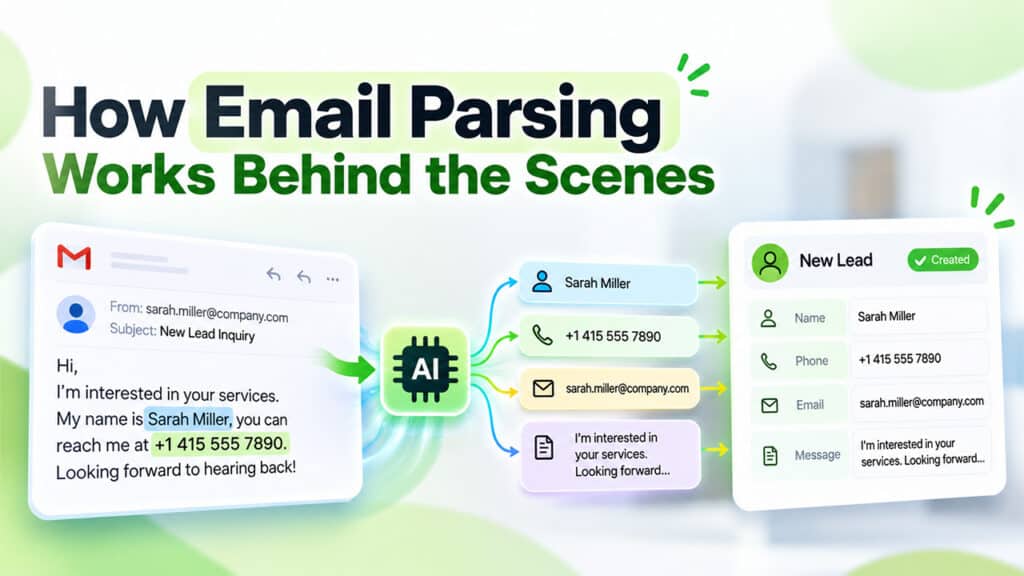
The first step in Email Parsing is for an email to arrive in your inbox. The software splits the email into sections, such as the sender, subject line, body, and attachments. It then identifies the specific information you need. This can be done manually using predefined rules or automatically with AI-powered email parsing.
For example, if you receive a lead email, it may contain the lead’s name, phone number, email address, and other details, depending on the contact form on your website, along with a short message. The email parser extracts each detail and places it in the correct field. Finally, the cleaned data is sent to the appropriate location within your application, often through a built-in integration or webhook. A webhook is a way for one tool to automatically send information to another when a specific event occurs.
Simple Email Parsing setups often require no coding. Many tools let you select the information you want to extract and define where it should go. If the software cannot confidently identify a piece of information, it may flag it for human review. You can control which details are extracted, how they are processed, and where they are sent. Once configured, the process can run automatically for incoming emails, often within seconds.
Rule-Based vs. AI-Powered Parsing
Rule based parsers use rules you create for each type of email. For example, a rule can be created to extract the number after “Order ID”. These are quick and reliable if all emails are consistent. You have total control using rules and know exactly why a field was filled in. However, they can be unreliable if the sender changes the format. As the parser will miss out a field, this will not be noticed until there is an issue with the data.
AI parsers understand the meaning of the text so can extract from inconsistent and messy emails. They can still extract information from invoices from new suppliers with different formats. Some AI tools can even extract text from scanned documents and images using a Document Parser. However, you need to trust the AI as it can sometimes guess incorrectly. There is a review process needed.
Neither option is perfect. Depending on how consistent your emails are. If you have machine created emails with a consistent format using rules would be best. If you have messy emails from multiple senders using AI would be best. Email parsing automation software takes it a step further by extracting and routing. After reading the email, each detail will be sent to the correct person/system with no extra effort required.
Where Teams Use It?
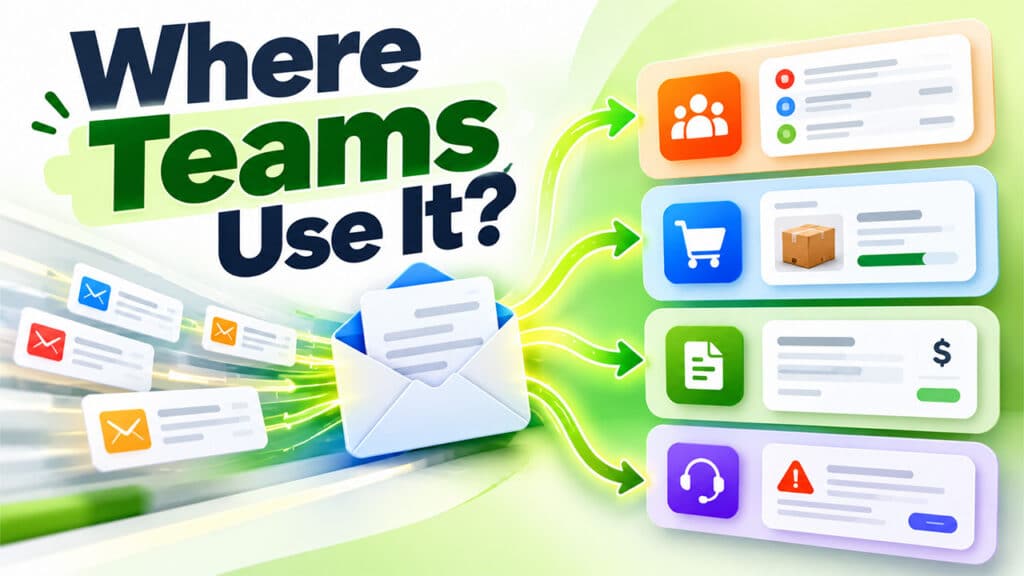
Sales and marketing teams often use a parser. All your web forms, lead providers, and property portals will have an automatic alert sent via email. The parser takes all of these alerts and creates a new CRM record in minutes. You can see your leads faster and reply much quicker. As buyers often reach out to multiple companies.
Imagine you run a small online shop and have 3 people on your team. Every Monday one of you has to manually type all the order emails you received over the weekend into a stock sheet. Orders are dispatched late and there are a few mistakes with the wrong item ordered. By using a parser all orders are added to your stock sheet as soon as the email comes in. You save time on Monday mornings and can start packing straight away. This can be used to feed into an order system, stock sheet or dispatch tool.
Finance and procurement teams often benefit the most from using a parser. All invoices and purchase orders come through as PDF attachments. Each supplier will have its own format. Using an AI parser, you can extract the supplier’s name, invoice number, and total. This can then be automatically added to your accounting system. This is the best example as there is a large amount of data, and incorrect numbers can cost you money. If there is a typo in the invoice number, you may pay the wrong amount or incur a late fee. Support and IT teams use parsers to route tickets and alerts. If there is an alert about a server outage, it can be sent to your on-call engineer in minutes. If there is an issue with billing, it can be sent to the finance desk.
Top 4 Best Email Parsing Software
Choose your tool depending on the type of emails you receive most. Rule-based solutions will work well for regular, automated emails like order alerts. If you receive a mixture of emails from different senders with attachments and changing formats then an AI solution will be better for you. The table below shows four popular tools and their best fit.
| Tool | Method | Best fit |
| Parseur | AI with templates | Mixed layouts and PDF invoices |
| Mailparser | Parsing rules | Steady emails with set layouts |
| Zapier Email Parser | Template from a sample email | Simple text alerts for Zapier users |
| Airparser | AI, with a list of fields | Messy emails from many senders |
Conclusion
Email parsing software will give you a way to extract useful data from your inbox without having to manually type in any information. If anyone on your team manually copies information from emails then an email parser can help you save time and reduce errors. The data you need is already in your inbox. First, you will need to identify what types of emails your team work with most often. You can do a quick test to see how much time you can save by not having to type information in a spreadsheet. Choose one type of email and try using a parser. Start with just a few real emails.
