


 Continue with Google

 Share on media
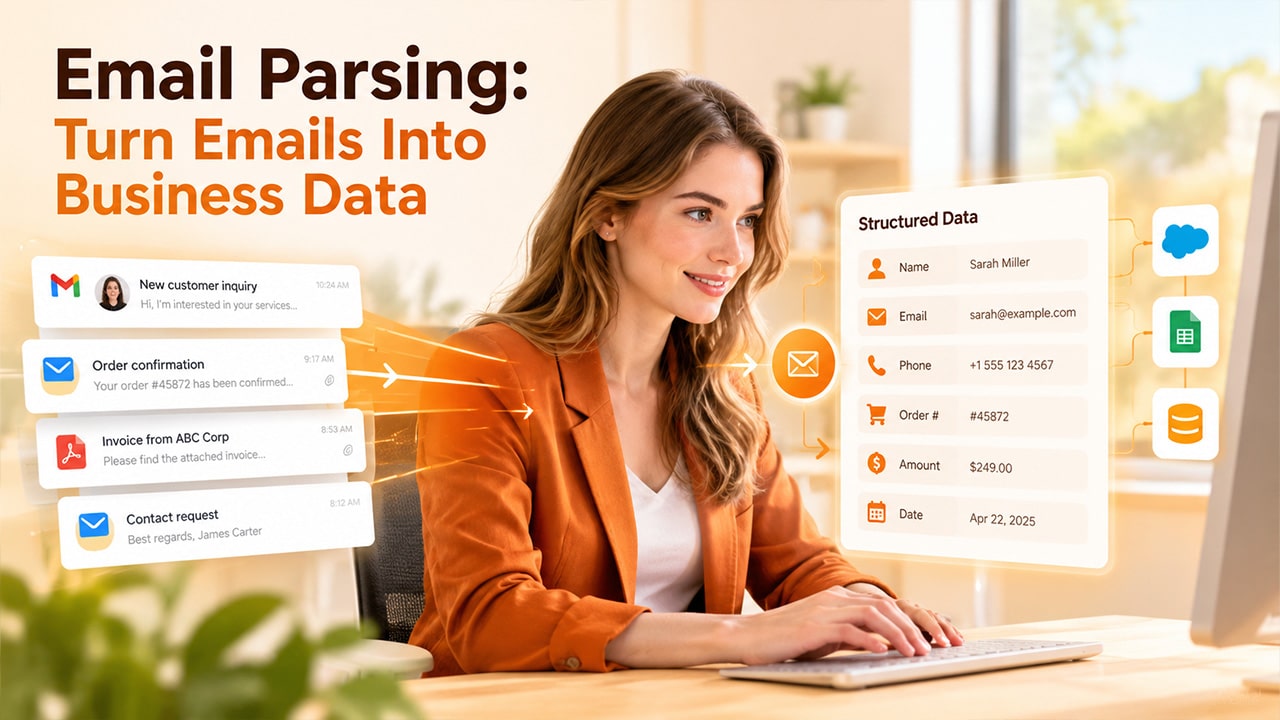
Picture a clerk whose paper forms have piled up on their desk. Each form holds a name, phone number, and order amount. Now, the clerk goes through every form and types the details into a computer manually, one line at a time. It’s a slow process, and they are more likely to make a typo when feel exhausted.
Now, replace paper with emails. Your inbox never sits still. Orders, inquiries, and invoices keep landing in the inbox all day, and someone still copies the details by hand. So, what is the solution? The answer is Email Parsing. It takes that chore away. It reads each message thoroughly, extracts important details, and stores them in the tools that you already use. An email parser automates this process by identifying relevant information incoming messages and converting it into structured data.
What Is Email Parsing?
The process of reading an email and pulling specific details out of it automatically is called Email parsing. A parser, which is a small program, scans the message and looks for items like names, dates, order numbers, and amounts. After extracting data, it saves it in a clean format, such as a spreadsheet row or a database entry.
To put it simply, it turns a written message into data that software can use. If you parse emails, nobody will have to spend hours copy-pasting data, and all information lands in its rightful place.
How Does Email Parsing Work
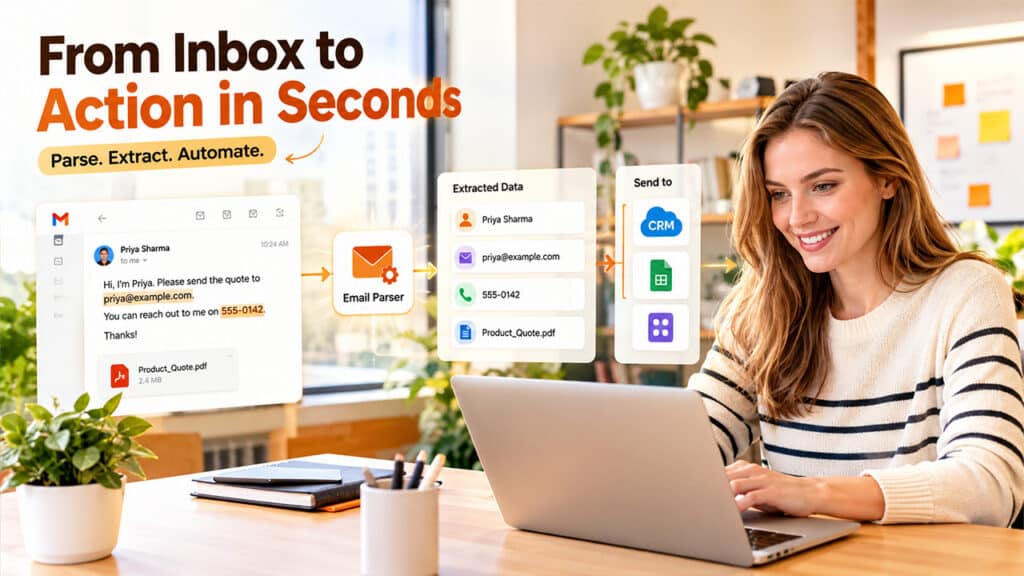
On the surface, it might seem complicated, so follow the simple steps below to parse emails successfully:
- The Email Arrives: When you receive an inbound email, either forward it to a special address or connect the parser to your inbox. This way, the parser can capture new emails on its own.
- The parser reads the message: It reads all components of a message such as sender name, subject line, body text, and sometimes attachments like PDFs.
- It finds the details: Here comes the clever part. The parser looks for the fields that matter to you, such as an order number or a delivery date.
- It cleans up what it found: It organizes all data in one, clean format, such writing dates in the same format, removing extra spaces, and arranging phone numbers to look the same every time.
- It sends the data onward: Now, it sends the clean data straight into a CRM, a spreadsheet, or another app, without anyone touching a keyboard.
Let’s look at step three more closely because not all parsers find details the same way. There are three common methods.
- Rules: You give the parser a simple instruction, like “find the word Total and grab the number after it.” It’s quick to set up and works well when emails follow a pattern.
- Templates: You show the parser a sample email and mark where each detail sits. Later emails with the same layout are read the same way.
- AI: The parser reads the message the way a person would. It understands meaning, so it can still find a phone number even if the sentence around it changes every time.
Let’s understand with a small example. Suppose a visitor writes, “Hi, I’m Priya. Please send the quote to priya@example.com. You can reach out to me on 555-0142.” Now, a parser can pick up the name, email address, and phone number in second, and add them into your contact list automatically without you having to retype or save them manually.
Structured vs Unstructured Email Parsing
All emails differ in one way or the other, and that matters a lot. Some emails have a fixed pattern every time while others are written in free style, like a note from a friend. So, parsing methods depend on the type of emails you get.
| Structured emails | Unstructured emails | |
| What they look like | Same layout every time, with labeled fields | Free-form writing with no set layout |
| Common examples | Order confirmations, booking receipts, website form alerts | Customer questions, replies, long requests |
| Best parsing method | Rules or templates | AI-based parsing |
| Accuracy | Very high, since details sit in predictable spots | Good, but it depends on how clear the writing is |
| Setup effort | Low and quick | Higher, and it often needs some training or review |
Structured emails are easy to grab since the shop sends the same confirmation to every buyer, so the order number stays in the same place. Unstructured emails, on the other hand, need more skill. One customer writes three lines less, while another writes three long paragraphs. In this case, a parser must understand what each person is trying to say, not just where words sit on the page. When emails contain attachments, a document parser can help extract relevant information from supported file formats.
Most businesses encounter both kinds. That’s why many teams choose a parser that can handle each type, rather than one that only works on fixed layouts.
Key Benefits of Email Parsing
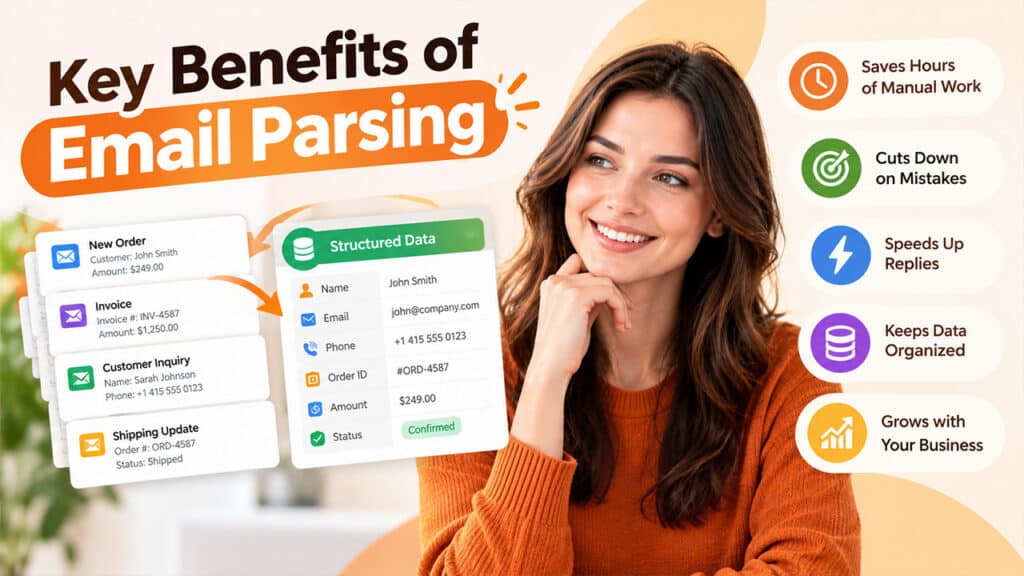
Once you automate work that needs human effort, the gains become clearer. Here’s what teams usually notice when they start parsing emails:
- Saves hours of manual work: When you parse emails, your team doesn’t have to open each message one by one and copy the details by hand. This saves significant hours, and the team can focus on work that actually needs human attention.
- Cuts down on mistakes: Humans cannot work 24/7. They get tired and make typos. However, a parser reads every email the same way, so numbers and names stay correct and consistent.
- Speeds up replies: A parser sends the details to your team the moment an email arrives. This way, a lead gets a reply almost immediately instead of waiting for hours, and nothing slips through the cracks.
- Keeps data organized: All information lands in the same format every time. That makes it easy to search, sort, and report on later.
- Grows with your business: Whether you get ten emails a day or ten thousand, the parser handles them the same way with consistency. You don’t need extra hands as the volume rises.
Email Parsing Use Cases
The same idea works for different kinds of work. Here are some of the most common places teams use an email parser:
- Order Confirmations: A parser can extract the order number, items, and delivery address from each email. That data can be used to update stock counts or shipping lists on its own.
- Lead and contact forms: There is no moment of silence for sales teams. They get inquiry emails all day. Parsing sends each lead’s name, email, and request straight into the CRM.
- Invoices and receipts: Amounts, due dates, and vendor names can be lifted from billing emails, which eliminates the need for daily typing.
- Support requests: A parser can read a customer’s message and note the issue type and account number. The ticket then reaches the right person faster.
- Booking and travel emails: Flight times, hotel dates, and reference codes can be pulled out and placed in a calendar or itinerary.
Conclusion
Email is the main channel for businesses, which means the data inside it will keep growing. To get work done faster, let software handle reading emails while people handle the thinking part. As parsers continue to evolve, over time, they’ll get better at understanding natural writing, even if it’s messy and turn casual emails into clean data without needing much setup or upfront costs. Start by picking one type of email that your team handles the most, set up email parsing for it, and watch things get done at a faster rate. As your team gets comfortable with the parser, add more email types.
