











 Continue with Google

 Share on media
Do you know that 80% of average professionals send and receive over 150 emails daily? In an era where instant messages and social media interactions are revolutionizing communication, emails stand out as the backbone of modern digital communication. From business communication and closing deals to connecting with family and friends and accessing online services, emails have become essential tools in both personal and professional settings. Emails are used seamlessly, maintaining personal relationships and professional ventures. Despite its vital role in both settings, there are some differences in its use in personal and professional life. In this article, we will know the concept, differences, and tips to utilize most of email’s benefits.
Why is Email Important?
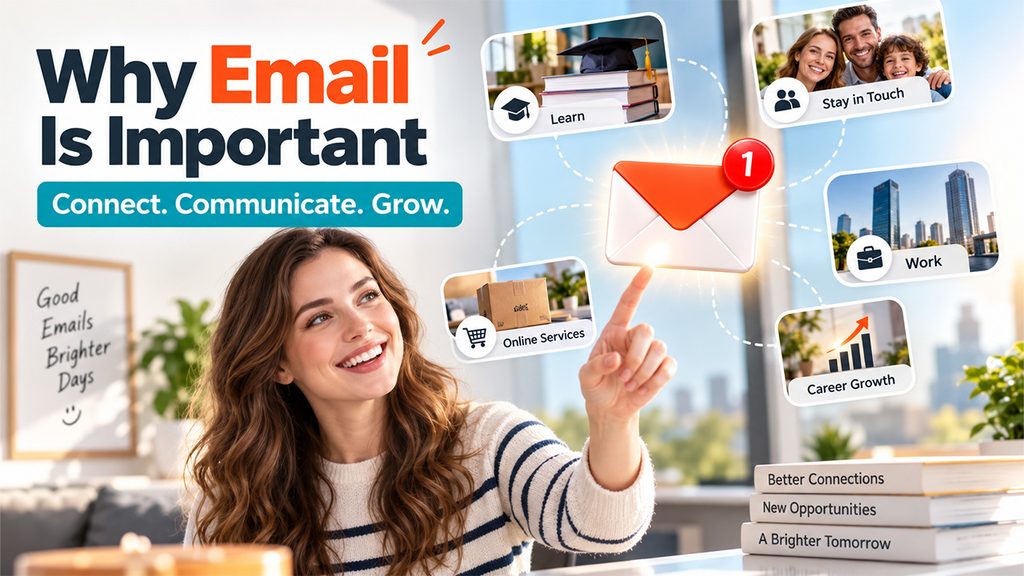
Email is an efficient communication tool that allows individuals to connect with others using the internet. Emails are asynchronous in nature, which allows you to communicate in different time zones. Businesses and individuals both use email to share important files securely, grow their network, conduct business transactions, and for marketing purposes. Whether you are an experienced email user or just starting out, knowing the power of email and its uses in both personal and professional contexts is essential.
Personal Uses of Email:
1. Educational Resource:
Emails help students and learners gain knowledge by accessing academic resources like ebooks, webinars, and courses anytime and from anywhere in the world. Many educational institutions also provide dedicated student email platforms, such as GatorMail UF, to streamline academic communication and resource sharing. Learners can stay informed about current and niche topics by subscribing to newsletters and expert blogs/articles. They can also customize content to suit their particular requirements through user feedback and direct editing.
2. Navigating Online Services:
Email addresses are an efficient way to access a wide range of online services. It keeps the record of your online activities, such as online shipping updates, subscribing and managing newsletters, joining networks, and participating in digital conferences.
3. Organize Your Schedules:
Do you forget important meetings, events, and occasions? Emails are the digital assistance that helps you to effectively organize your schedules, from invitations to appointment reminders. With the help of features like calendar integration and labels, you can prioritize your tasks and get reminders of important dates and events.
4. Staying in Touch with Family and Friends:
Emails are effective and private tool for connecting with loved ones. While you can use other social media platforms like Facebook and Instagram, emails allow for detailed and personal exchange. Write a compelling email like a letter, attaching photos and videos can create a deeper connection than a simple message.
Professional Uses of Emails:
1. Keeping Records:
One of the primary benefits of email is keeping written records of conversations in the recordkeeping system. Users can easily store, find, and retrieve a large number of emails from history and find important emails when they require it. Emails are invaluable for resolving issues and accountability through storing agreements, decisions, meeting notes, and important documents.
2. Compelling Marketing Efforts:
Email marketing helps businesses or marketers to reach their target audience through marketing campaigns and newsletters to drive sales for their brand. A well-structured marketing strategy engages and attracts customers to purchase the product or services. It also helps you to build a strong relationship with the audience by providing valuable information.
3. Enhancing Professional Communication:
Emails are the go-to medium for communication because they’re cost-effective and provide prompt responses in a professional environment. Here, both parties can seamlessly share detailed information, discuss projects, and exchange documents. Following a proper business email format helps maintain professionalism and ensures your message is clear, organized, and easy to understand. Write a clear and concise email that directly indicates the purpose and the information you want to share.
4. Networking and Establishing Relationships:
Emails are a powerful tool that allow you to connect people globally and expand their professional network. A well-crafted email can leave a good impression, whether you are expressing gratitude, reaching out to potential mentors, or following up after meetings and conferences. It is an effective way to build connections and offer more opportunities.
5. Career growth:
Emails play an indispensable role when individuals come to job hunting. It is used for sending resumes, cover letters, reaching out to your dream organization, and following up after an interview. Also, emails help you get updated and informed about the current job openings, hackathons, contests, and events through subscriptions to job portals and targeted organizations.
Different Types of Emails Used in Daily Life
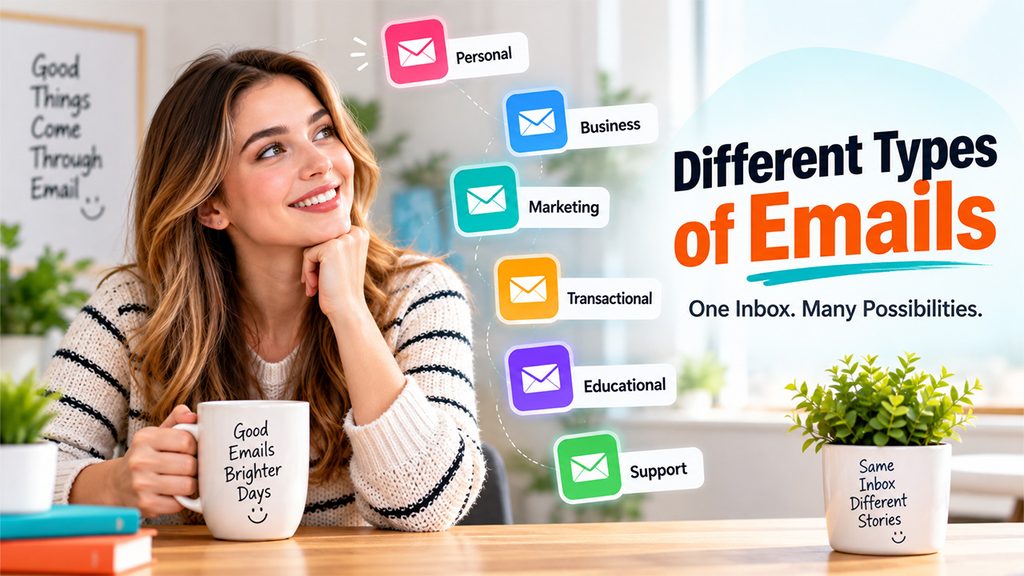
Emails are used for various purposes in both personal and professional communication. Understanding the different types of emails helps users communicate more effectively and choose the right approach for different situations.
1. Personal Emails
Personal emails are informal messages exchanged between family members, friends, or acquaintances. These emails often include personal updates, invitations, greetings, photos, and casual conversations.
2. Business Emails
Business emails are formal communications used in workplaces for meetings, project discussions, client communication, reports, and official announcements. These emails usually follow a professional tone and structure.
3. Marketing Emails
Companies use marketing emails to promote products, services, discounts, newsletters, and special offers. These emails help businesses engage customers, increase brand awareness, and drive conversions.
4. Transactional Emails
Transactional emails are automatically generated messages sent after a user performs a specific action. Examples include order confirmations, password reset emails, payment receipts, and shipping updates.
5. Educational Emails
Educational institutions and online learning platforms use emails to share course materials, assignments, webinar invitations, newsletters, and learning updates with students and subscribers.
6. Customer Support Emails
Customer support emails help businesses respond to customer queries, complaints, feedback, and service requests. They play a major role in improving customer satisfaction and trust.
Common Email Mistakes to Avoid
Even though email is one of the most commonly used communication tools, many users still make mistakes that reduce effectiveness and create misunderstandings. Avoiding these common email mistakes can improve communication, professionalism, and security.
1. Sending Emails Without Proofreading
Typos, grammatical mistakes, and unclear sentences can make your email look unprofessional and confusing. Always review your message before sending to ensure clarity and accuracy.
2. Writing Vague Subject Lines
Subject lines like “Hello,” “Important,” or “Update” do not clearly explain the purpose of the email. A specific subject line improves open rates and helps recipients understand the message quickly.
3. Forgetting Attachments
Many people mention attachments in the email body but forget to include them before sending. Double-check all files and documents before clicking the send button.
4. Overusing “Reply All”
Using “Reply All” unnecessarily can clutter inboxes and annoy recipients. Only include people who genuinely need the information.
5. Ignoring Email Security
Opening suspicious links or downloading unknown attachments can expose users to phishing attacks and malware. Always verify the sender’s authenticity before interacting with suspicious emails.
6. Writing Overly Long Emails
Lengthy emails can overwhelm readers and reduce engagement. Keep your message concise, clear, and focused on the main purpose.
Tips for Making the Most of the Benefits of Email
- Write Clear and Engaging Subject Lines: First impressions matter! A good subject line is your first impression. The subject line should be clear and engaging that attracts people to check your content. Be specific and appropriate—do not use vague phrases in the mail like “shocking news,” “Hello,” “Important,” etc.
- Personalize Your Message: While writing the mail, adding a personal touch makes a big difference and is more engaging. Target recipients by name and tailor the message to their interests and needs. Recipients can easily relate to the mail content and take positive action that builds trust.
- Be Professional: Use correct grammar and punctuation whenever you send emails about work. Use professional language and avoid using emojis or slang unless you are sure they are appropriate. A final touch of reliability is added by using a well-crafted email signature.
- Use Appropriate Time to Send Emails: The timing of your email can affect how it is interpreted. Unless it is absolutely necessary, do not send emails on the weekends or late at night. Be respectful of others’ working hours when communicating with those in different time zones.
- Get Your Inbox Organized: To maintain your inbox in an arranged state, use email filters and folders. By categorizing emails by sender, category, or priority, you can quickly find what you need and avoid feeling overwhelmed.
Advantages and Limitations of Email
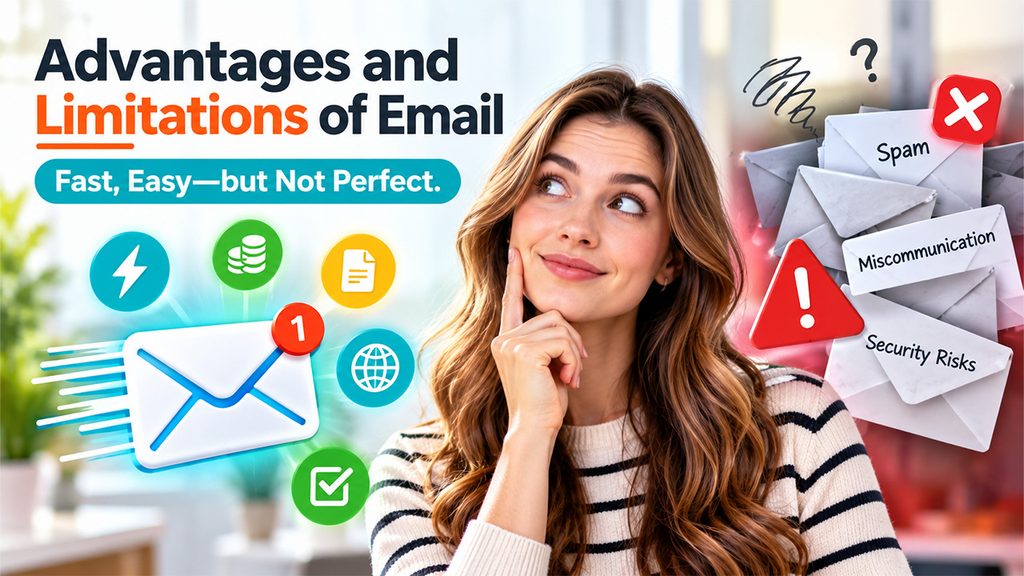
Email remains one of the most reliable communication tools in the digital world. While it offers numerous benefits for personal and professional communication, it also comes with certain limitations.
Advantages of Email
1. Fast and Convenient Communication
Emails allow users to instantly communicate with people anywhere in the world, making communication quick and efficient.
2. Cost-Effective Solution
Sending emails is free or very low-cost compared to traditional communication methods such as postal mail or printed documents.
3. Easy File Sharing
Users can quickly share documents, images, videos, and other important files through email attachments.
4. Global Accessibility
Emails can be accessed from multiple devices and locations, making communication possible anytime and anywhere.
5. Maintains Written Records
Emails provide a documented history of communication that can be stored, searched, and referenced later when needed.
Limitations of Email
1. Spam and Phishing Risks
Users may receive unwanted spam emails or become targets of phishing attacks designed to steal sensitive information.
2. Inbox Overload
Managing hundreds of emails daily can become overwhelming and may cause important messages to get missed.
3. Miscommunication
Since emails lack tone and facial expressions, messages can sometimes be misunderstood by recipients.
4. Delayed Responses
Unlike instant messaging, email responses are not always immediate, especially across different time zones or busy schedules.
The Future of Email
Email keeps evolving along with technology. The effectiveness of email is improving because of features like comprehensive filtering systems, intelligent scheduling tools, and AI-powered writing assistance. For example, users may prioritize urgent messages and save time by using technologies like the Focused Inbox of Outlook or Smart Compose of Gmail.
Another significant issue is security. To protect customer data from online attacks like spear phishing, email phishing, etc., email providers are spending money on multi-factor authentication and encrypted messaging. Email will continue to be a reliable source of communication for many years to come because of these innovations.
Final Thoughts
Email is more than just a medium for communication, it serves as a bridge between both personal and professional lives. Email provides exceptional versatility and dependability, whether you’re using it to manage your calendar, get in touch with friends, or advance your career. You may realize the full potential of email and turn it into a necessary tool in your everyday life by learning how to communicate effectively.