

 Continue with Google
Important Emails Are Hard to Save and Share
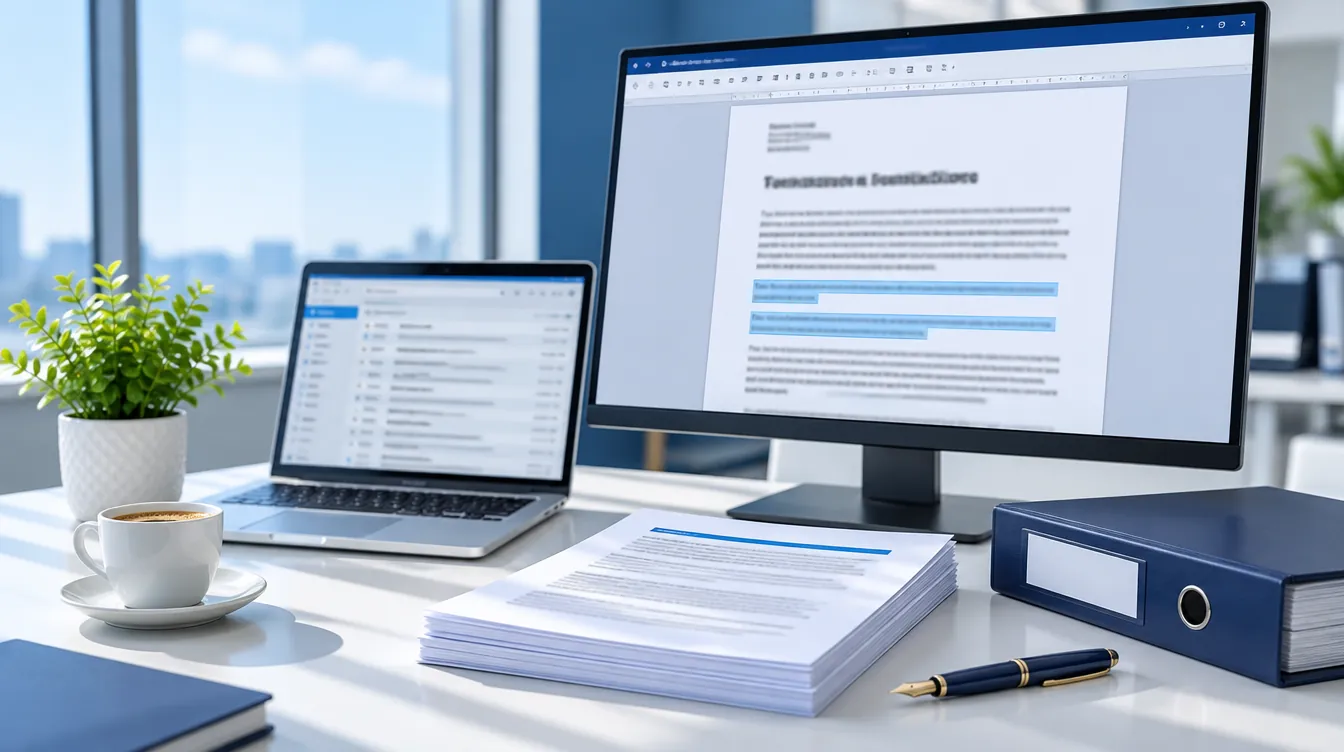
Within your inbox, you may have important emails such as contracts, approvals, client instructions, complaints and project updates. These may all be important to save, share with others or include within reports.
Converting emails to Word manually can be time consuming. When converting manually you will have to copy and paste the text into a Word document. However, information such as the sender, date and correct formatting may be lost.
If you have 10 or even 100 of these emails to convert, this can easily take up the whole of your afternoon. And, if you need to find one email in particular at a later date, you may have to search through your inbox.
Quickly Convert Emails to Word
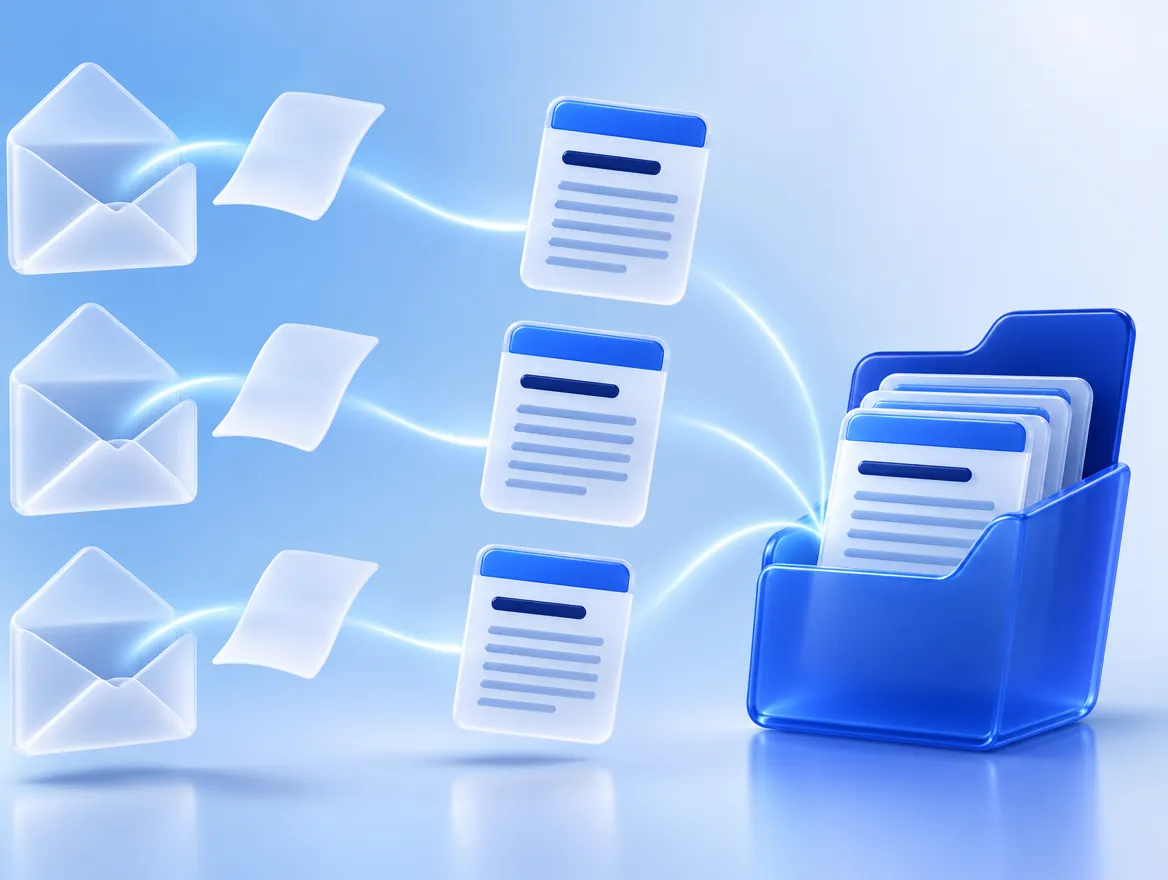
Use ExtractMails for email to Word conversion to create clean Word documents. Simply select your emails, no formatting or copying/pasting is required.
Each email will be converted to a Word document containing the relevant information. This includes sender, recipient, title, date and message. The information is presented in a clear format so that anyone opening the file can quickly understand the information.
Once converted, you can edit the information within the Word document. You can highlight key points, add comments, print or even attach to reports. You can send the Word document to colleagues or clients.
This is also great for keeping records. As it is within a Word document, you can easily name the files, place them in folders and file them with the rest of your project documents. If you need to find an email in the future, you will know exactly where to find it.
Whether you have a few emails or a large number in your inbox, this process is the same. Just select the emails you want to convert and download your files. It takes minutes, not hours. All files will be neatly formatted in the same way so that your records are consistent.
What ExtractMails Does
To make repetitive tasks in emails efficient, we have developed an intelligent email tool. Using this email to Word function, you can:

Present this information in a neat and easy to read Word document.
The formatting will be neat so you will not need to adjust any spacing or formatting.
Download your files, and use them in Word.
No technical skills are required. Simply select the emails you wish to save and we will do the rest.
Export data to Excel or CSV, or send to tools like Google Sheets and popular CRMs. This means you can make the data from emails accessible in the right place for your team. Find out more about exporting emails to Excel, and extracting lead data here.
Key Benefits
Complete Information
The body of the email, along with sender, recipient, title and date are all included.
Neat Formatting
All documents have neat formatting.
Easy to edit
Simply open in Word to make changes, highlight key points, leave comments or print.
Bulk Emails
Many emails can be converted at once.
Great for Records
Have a neat version of important emails for reports, reviews and filing.
Easy to Use
Designed for busy business teams. No technical knowledge required.
Integrate with Tools
Export data to Excel/CSV or send to Google Sheets or CRM.
How To Convert
Select your emails
Select the emails you want to convert. Whether it be a few or a large quantity.
Select your information
Choose which information to include in the document. For example, sender, title and date.
Create Documents
ExtractMails will read each email, and present them in a neat, easy to read format.
Download Word Files
Open the documents in Word. You can make edits, print, share or file the documents.
That’s it! In just 4 easy steps, you can use email to Word conversion to create editable documents. No copy/pasting or formatting required.
Use Cases
Being able to convert email to doc format can make your work easier and help everyone within your business stay organised.
Legal
Save client emails, instructions and approvals into Word documents. All information is dated and easy to find. Notes can be added before sharing.

HR / Recruitment
Save candidate emails, offers and employee requests. Print and use in interviews, or simply share with hiring managers in seconds.

Customer Support
Convert complaints and escalations into documents. These can be added to reports or passed to another team. No-one needs to have access to your inbox to view the information.

Project Management
Save approvals, updates and decisions in one place. If a question comes up months after a decision was made, you can easily refer to a clear record.

Finance / Accountancy
Save invoice approvals, and payment confirmations in Word documents. Great for audits, and month end checks.
Why ExtractMails?
We have designed ExtractMails to make email data easy to use. We have combined multiple email functions into one place, meaning you don’t have to switch between different applications.
Everything is easy to use. The functions can be used by legal, HR, sales and accountancy teams with no technical knowledge. Whether you have a few emails, or hundreds/ thousands of emails, you can make neat and easy to use documents. If you have any questions, our team will be happy to help!

Convert Emails to Word
Don’t waste time copying and pasting emails into Word. With ExtractMails, convert your emails into neat, well organised documents. Get the most out of important information within your inbox. Get started today, or book a demo to see how it can work for your business.
Frequently Asked Questions
What information will be in my Word Document?
The body of the email, along with sender, recipient, title and date.
Do I need technical knowledge?
No technical knowledge is required. ExtractMails has been designed to be used by business teams with no technical knowledge. Simply choose the emails and run the function. Then download your Word documents.
Can I convert many emails at once?
Yes! You can convert large quantities of emails in one go.
Can I make changes and share these documents?
Yes! As they are Word documents, you can make changes, print, add comments and share as you wish.
