Continue with Google
Documents
PDF, Word, and text files
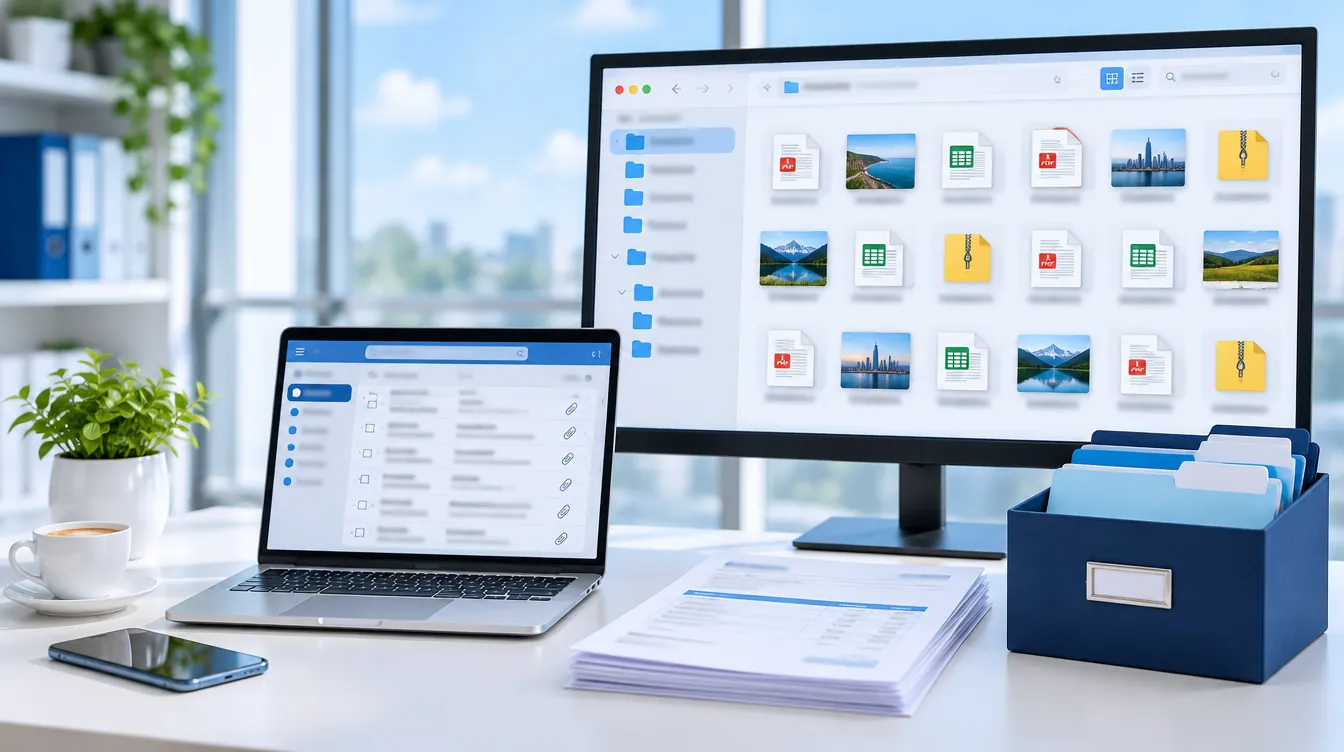
Stop opening messages one by one to save a file.
ExtractMails scans your mailbox and saves every PDF, invoice, image, and spreadsheet into neat folders. It is quick, simple, and needs no technical knowledge, so your team can get started in minutes. Works with Gmail, Outlook, and any IMAP mailbox.
Every day, invoices, contracts, resumes, and orders arrive as email attachments. Someone on your team has to open each message. Saving them is slow work, and trying to extract attachments from email by hand leads to missed files, repeated downloads, and records that nobody can find later.
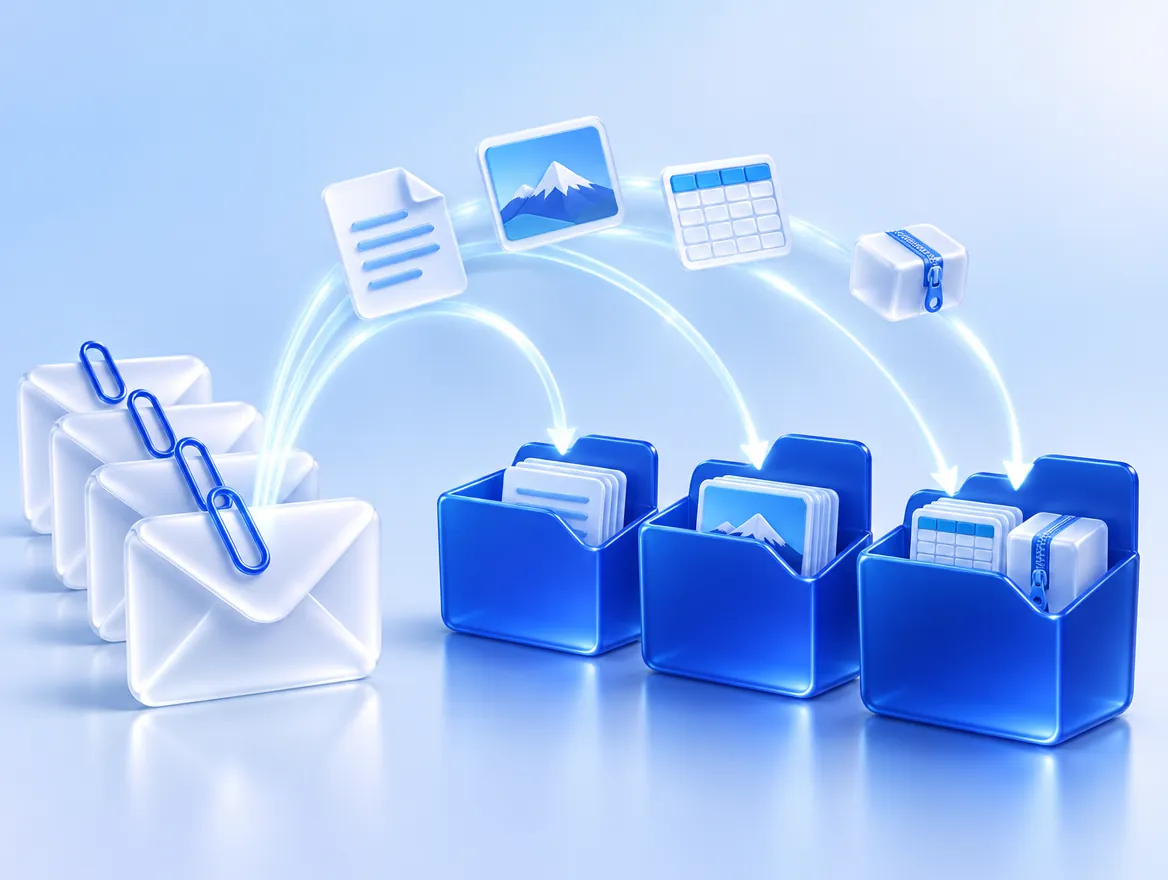
ExtractMails reads your mailbox and collects attachments for you. You choose the folder, sender, or dates, and the tool does the rest. It is the easiest way to extract attachments from email, whether you have fifty messages or fifty thousand. No copying or renaming needed.
Attachments come in many formats, and every one of them matters. Whatever your team receives, you can extract attachments from email and save the original file exactly as it was sent, with nothing resized, converted, or changed along the way.
PDF, Word, and text files
Excel and CSV files
JPG, PNG, and scanned pages
ZIP and compressed folders
Images inside forwarded messages

Signature logos and small images
You do not need every file in your mailbox, only the right ones. Simple filters let you extract attachments from email that matter to your work and skip signatures, newsletters, and duplicates. So, your folders stay clean and easy to use.
Files from one supplier or client.
A week, a month, or a year.
PDFs only, or images only.
Sender, date, and subject in each name.
Group by sender, month, or type.
Each file saved once.
Thousands of messages in one pass.
Send to Google Drive, Dropbox, or OneDrive.
Getting your files out takes four steps and no training. Most small batches finish in minutes, and you can leave the page while ExtractMails works. Access to your mailbox is read-only. Anyone on your team can extract attachments from email by following this simple process.
Link Gmail, Outlook, or any IMAP account. Pick one mailbox or several.
Choose senders, dates, and file types. Add a keyword to narrow it further.
ExtractMails scans the messages and collects the files.
Get a ZIP file or send the files to cloud storage.
Any team that receives files by email can save hours each month. From the finance desk to the hiring manager, each group can extract attachments from email on its own schedule and share the finished folder with colleagues in seconds.
Supplier invoices and receipts ready before month-end.
Resumes and cover letters sorted by role.
Signed contracts with the send date intact.
Quotes and purchase orders from vendors.
Proposals and signed quotes from prospects.
Customer screenshots and error logs in one place.
Shipping documents and customs forms.
Inspection photos by address.
ExtractMails was built to make email data easy to use. Our tool handles attachments, message text, and data in one place, so you do not need several apps. Your team can extract attachments from email today and move on to the next step.
Stop saving files one at a time. Start with a small batch, check the results, then run your full mailbox. Ready to extract attachments from email in minutes? Get started today, or book a demo, and we will show you how with your own emails.
PDF, Word, Excel, CSV, images, and ZIP files. Every file is saved exactly as it arrived. So, nothing is resized, converted, or changed.
No. ExtractMails is designed for business teams. Connect your mailbox, set your filters, run the extraction, and download your files.
Yes. ExtractMails only reads your messages. Nothing in your inbox is deleted, moved, or changed at any point during the process.
Yes. Choose senders, date ranges, and file types. So, you collect only the files you need and skip everything else.
Yes. Files can go straight to Google Drive, Dropbox, or OneDrive, or you can download everything together as a ZIP file.
Small batches or very large mailboxes. Run everything in one pass and download the full set together when it finishes.