










 Continue with Google

 Share on media

The guide explores the top 5 signs that businesses have outgrown manual email handling and why it is worth rethinking how the team manages incoming requests.
For growing businesses, email remains the backbone of daily operations. Email connects finance teams, suppliers, customers, procurement departments, and internal stakeholders. But as the volume of communication increases, the processes that are built around email often struggle to keep up. This is where manual email handling becomes a problem.
For businesses, what worked for a small team can quickly turn into shared inbox chaos, missed POs, delayed approvals, and month-end panic. Employees often spend more time sorting messages, forwarding attachments, and chasing responses than moving the work forward. The main challenge isn’t email itself, but it is relying on people to manually manage every step of an increasingly complex workflow.
What is Manual Email Handling
Manual email handling is the process of managing, sorting, reading, categorizing, forwarding, and responding to emails without using automated workflows or dedicated email management tools. In businesses, teams often rely on employees to manually review incoming emails, identify their purpose, assign them to the right person, download attachments, update records, and follow up on pending requests.
For instance, in a finance team, an employee might receive an invoice in a shared inbox, download the attachment, forward it to the relevant approver, update a spreadsheet, and send a follow-up email if the approval is delayed. Every step largely depends on someone taking action. Although the approach can work for small teams with low email volumes, it can become increasingly difficult to manage as the business grows.
Challenges With Manual Email Handling
Some of the common challenges with manual email handling are as follows:
- Shared Inbox Chaos: Multiple employees handle the same email, or important messages get buried in crowded inboxes.
- Missed Purchase Orders: POs and revised documents remain unnoticed or reach the wrong department.
- Delayed Invoice Approvals: Finance teams spend hours chasing approvers and missing information.
- Month-End Panic: Employees scramble to find invoices, reconcile email records, and resolve outstanding requests.
- Reduced Productivity: Repetitive administrative work takes time away from higher-value tasks.
Signs Businesses Have Outgrown Manual Email Handling
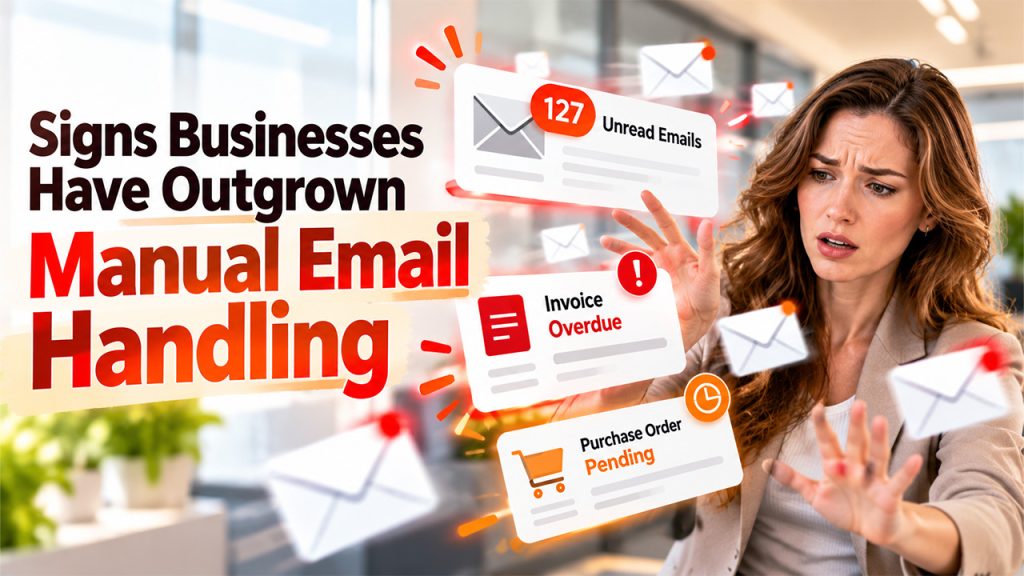
Some of the common signs why businesses have outgrown manual email handling are as follows:
1.Shared Inbox Has Become a Daily Source of Chaos
A shared inbox is mainly supposed to make collaboration easier. With a shared inbox, teams can access customer inquiries, supplier communications, invoice submissions, and purchase orders from a central location, instead of relying on one employee’s mailbox. However, without a structured process, a shared inbox can quickly become a source of confusion for the team.
For instance, a supplier emails an invoice to the finance inbox. Two employees open the same message, but neither one knows whether the other has started processing it. Someone forwards it to the accounts payable team, while another person replies to the supplier asking for information that’s already included in the original email.
This seemingly minor issue adds up, and employees waste time determining who owns each request, searching through long email threads, and checking whether someone has already responded.
Before introducing advanced automation, businesses can start with simpler improvements to their existing inbox practices. Learning how to organize your inbox with Gmail labels and filters can help teams categorize messages, reduce clutter, and make important emails easier to find.
The Warning Signs to Watch For:
- Multiple employees respond to the same email.
- Important messages sit unread or get buried in crowded inboxes.
- Team members repeatedly ask, “Who’s handling this?”
- Employees forward emails between departments without clear ownership.
- Nobody has a reliable view of pending requests or unresolved issues.
Moving Beyond Inbox Chaos
To move beyond inbox chaos, businesses need to start by establishing clear ownership for every incoming request, defining who handles different email categories, how requests are assigned, and when unresolved messages should be escalated. For a larger team, consider a shared inbox management solution that supports assignment, internal collaboration, status tracking, and visibility into outstanding work.
2. Missed Purchase Orders and Invoice Emails Are Becoming Normal
Purchase orders and invoices are more than just email attachments. Missed purchase orders and invoice emails represent financial commitments, purchasing decisions, supplier relationships, and critical steps in the accounts payable process.
A purchase order might arrive in a shared inbox while the responsible employee is on leave. A supplier may send a revised PO in a separate email thread, and an invoice could arrive with an unclear subject line and remain unnoticed until someone follows up.
When important information remains buried in email threads, teams often struggle to track requests and make timely decisions. Businesses can learn how to turn inboxes into a database to make relevant information easier to organize, access, and use across existing business systems.
How Manual Email Handling Puts POs at Risk:
- Open and review incoming emails.
- Identify whether a message contains a PO, invoice, or supporting document.
- Download and rename attachments.
- Forward the email to the appropriate person.
- Enter relevant information into another system.
- Follow up when information is missing or approvals are delayed.
Better Email Management Process:
A more reliable process makes it easier to identify, categorize, and route emails based on their content and purpose. Depending on the workflow, email automation tools can help classify incoming messages, extract information from attachments, route documents to the appropriate team, and flag exceptions that need human attention.
3. Team Spends More Time Following Up Than Getting Work Done
How much time does the team spend writing emails that simply ask for updates? Similarly, other questions, like Have the reviewed this invoice? Can they confirm the PO status? Who is responsible for this request? or has the supplier sent the missing document?
When these questions have become a part of everyone’s daily routine, manual email handling may also be consuming more resources than businesses realize. The issue is particularly common in finance, procurement, accounts payable, and operations teams, where completing a single task often depends on multiple people.
An invoice may require confirmation from procurement, approval from a department manager, and processing by finance.
Hidden Cost of Email Follow-Ups:
- Employees spend time searching for previous messages, composing reminders, and checking whether someone has responded.
- Employee attention shifts away from the task at hand.
- One request might receive three reminders in a single day, while another receives none for a week.
Replace Repeated Follow-ups with Visible Workflows:
Businesses should start by identifying the requests that generate the most back-and-forth communication. They should look for recurring approval delays, missing information, and tasks that regularly require reminders. Businesses can also introduce a process that can make the status of each request visible.
A structured workflow might include stages such as:
- Received
- Under review
- Awaiting information
- Pending approval
- Completed
Depending on the tools the business uses, automated notifications and reminders can help employees follow up at the right time without constantly monitoring their inbox. team gains a clearer understanding of what is pending, what is blocked, and what needs immediate attention.
4. Month-End Closing Always Turns into a Firefighting Exercise
Month-end closing is among the clearest indicators of whether the email processes are working or not. Throughout the month, invoices arrive, approvals move between departments, suppliers request updates, and supporting documents accumulate across inboxes. If these activities are managed manually, small delays can remain hidden until the finance team needs to reconcile records and finalize its accounts.
Why Manual Email Handling Creates Month-end Panic:
An invoice arrives but isn’t routed to the correct person, an approval request remains buried in a long conversation, a supplier submits a revised document that isn’t linked to the original request, and a team member assumes another department has completed a task when it is still pending.
The finance team may struggle to answer basic questions:
- Which invoices have been received but not processed?
- Which approvals are still outstanding?
- Are any supplier documents missing?
- Which requests could affect the current reporting period?
- Who needs to take action before the closing deadline?
Build a Process that Supports a Smoother Close:
A more dependable approach begins with visibility throughout the month, rather than relying on a last-minute cleanup. Businesses should use a consistent process for capturing incoming invoices and supporting documents. They should make outstanding approvals visible, assign clear ownership, and establish escalation rules for requests approaching their deadlines.
5. Current Process Cannot Keep Up with Business Growth
Manual email handling often works well for small businesses, but when the business grows, the equation changes. As the business expands, it may work with more suppliers, process more invoices, manage additional purchase orders, and introduce new approval layers.
Adding more employees might temporarily relieve the pressure. However, if the underlying process remains unchanged, the organization may simply create more handoffs, more communication, and more opportunities for errors.
Signs that Process has Reached its Limit:
- Incoming email volume increases faster than the team’s ability to process requests.
- New employees need extensive guidance just to understand existing inbox practices.
- Managers cannot easily see workload, pending requests, or team performance.
- Employees rely on spreadsheets and personal reminders to track email-based tasks.
- Business continuity depends heavily on a few experienced employees.
- The team struggles to maintain consistent response times as the business grows.
Moving from Reactive Email Management to Structured Operations:
The right solution largely depends on the size, email volume, systems, and workflow complexity of the organization. For some teams, clearer mailbox rules, standardized subject lines, and documented responsibilities may be enough to improve efficiency. For others, a dedicated shared inbox platform or an email automation solution may be more appropriate.
Before choosing a tool, map the current process, identify where emails enter the business, who handles them, which systems receive the information, and where delays occur.
When It’s Time to Move Beyond Manual Email Handling

Some clear signs indicating that it is time to move beyond manual email handling are as follows:
- Shared Inbox Becomes Difficult to Manage: Important emails get buried, multiple employees respond to the same request, and nobody knows who is responsible for the next step.
- Purchase Orders and Invoices are Frequently Missed: Employees struggle to identify, categorize, and route incoming documents, increasing the risk of processing delays and overlooked requests.
- Team Spends Too Much Time on Repetitive Tasks: Sorting emails, downloading attachments, forwarding messages, updating spreadsheets, and chasing approvals take time away from more valuable work.
- Month-end Closing Becomes a Stressful Exercise: Finance teams scramble to locate missing invoices, follow up on pending approvals, and reconcile information scattered across email threads.
Conclusion
Manual email handling generally works for small teams, but as the business grows, it often leads to shared inbox chaos, missed POs, delayed approvals, and month-end panic. By identifying these challenges early, businesses can streamline email workflows, improve accountability, and reduce repetitive administrative work. Businesses can also adopt structured processes and email automation that can help teams move beyond manual email handling, improve visibility, and focus on more valuable tasks.