











 Continue with Google

 Share on media

Imagine you want to download a free guide, but the website asks for your email address first. You don’t want to use your real email address, so you use a temporary one instead. It’s a short-lived inbox you use once and then discard. You use a temporary email generator tool to get an email address, enter it on the website, and wait for the verification code or confirmation email. But the inbox expires before confirmation arrives. That’s what pushed people to start looking for temp-mail.org alternatives. However, the right alternative depends on two things: how long you need the inbox to last, and whether anyone else can read it.
Why Look for Temp-Mail.org Alternatives?
Many people start with temp-mail.org because it’s quick and needs no signup, which seems fair. However, its own terms of service show a few limits, and many temp-mail competitors handle them differently.
- Emails Expire Quickly: The free version keeps messages for only 1 to 2 hours. If you step away from your desk even for a while, your codes and links may be gone when you get back.
- Longer Storage Requires a Paid Plan: Premium keeps emails for a month, but on the website, it costs $10 a month or $60 a year. That’s a lot to pay for an inbox you might use twice.
- Free Users See Advertisements: You need a premium plan to go ad-free. Free users see ads when they’re just trying to get a quick code.
- Some Websites Block Temporary Email Domains: Some sites refuse to accept well-known temporary domains. Temp-Mail.org itself provides its Premium users with a separate list of domains that aren’t blacklisted.
- Receive-Only Email Limits Its Use: You can’t send email from it. Its terms also tell you not to use it for important accounts or sensitive data.
5 Best Temp-Mail.org Alternatives: Quick Comparison
These are lined up by how long an address or inbox lasts, from a few minutes to as long as you want.
| Service | Type | How long it lasts | Price | Best for |
| 10 Minute Mail | Standalone inbox | About 10 minutes (extendable) | Free | One-time codes |
| Guerrilla Mail | Standalone, public inbox | About 1 hour | Free | Quick sign-ups |
| FreeCustom.Email | Standalone inbox | 24 hours free; permanent on Pro | Free or $3.99/month | Everyday use |
| YOPmail | Standalone, public inbox | 8 days | Free | Slow, multi-day sign-ups |
| Mailinator | Public inboxes and testing tool | A few hours (public) | Free or from $79/month | Developers and testers |
| addy.io | Alias forwarding | Until you switch the alias off | Free or from $1/month | Long-term protection |
| SimpleLogin | Alias forwarding | Until you switch the alias off | Free or $36/year | Proton users |
5 Best Temp-Mail.org Alternatives: Detailed Comparison
The five options below differ in inbox duration, privacy, pricing, and features, so the right choice depends on what you need from temporary email.
1. 10 Minute Mail: For One-Time Codes
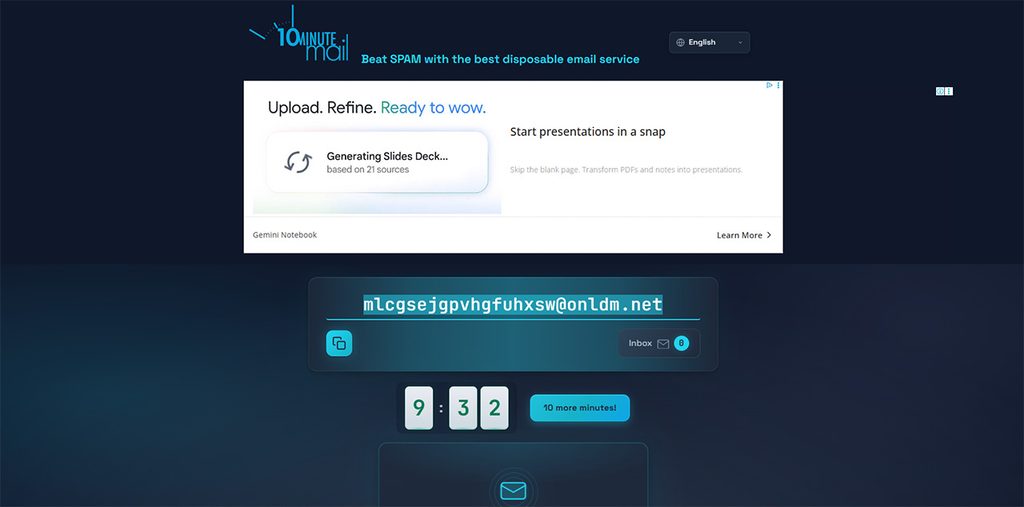
10 Minute Mail has been in business since 2006. When you visit the page, the email address is already waiting for you, and it deletes itself after about ten minutes. That’s how it got its name. It’s like writing your number on a napkin that you intend to throw away.
Key features:
- The inbox is ready for you when the page loads. There is no need to sign up or create anything.
- If your email is delayed by any chance, click “Give me 10 more minutes” to extend the time. You can do this more than once.
- It is receive-only, which means it can’t send email. When the timer ends, the address and messages are erased for good.
Pricing Plan: Free; you get everything without paying for anything.
Best for: A single code that you won’t ever need again.
2. Guerrilla Mail: For Quick Sign-ups
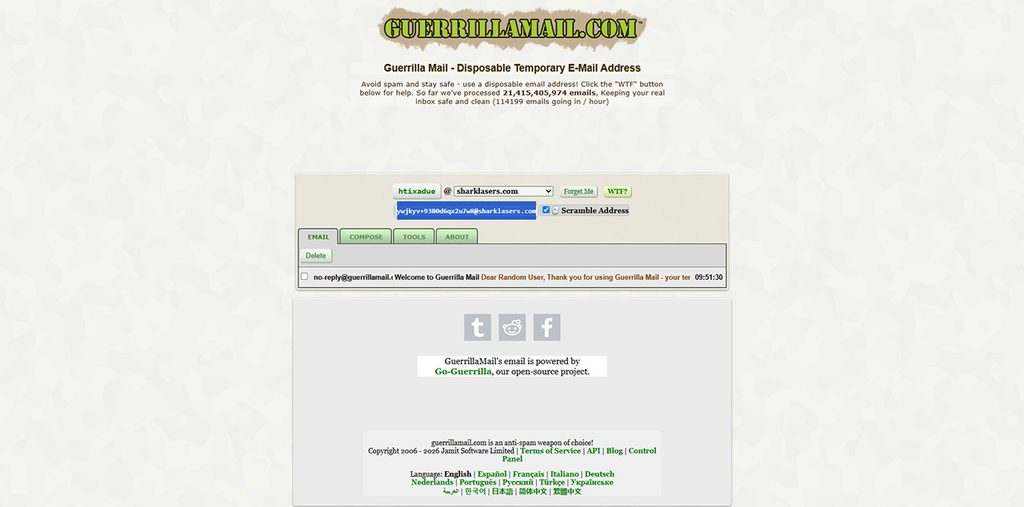
Guerrilla Mail also dates back to 2006, and it hasn’t changed much since then. You get a random address the moment you arrive, often on a domain like sharklasers.com, and messages stay for about one hour.
Key features:
- An email address is assigned to you the moment you open the website. It also allows you to edit the name.
- Anyone who knows an inbox name can open that inbox. The scrambler gives you a second address to hand out, so your inbox name is harder to guess.
- The service of sending outgoing email was paused in 2023 until further notice. So, be ready to receive only as you can’t send emails.
Pricing Plan: Free; you can receive emails for about an hour.
Best for: Sign-ups where one hour is enough
3. YOPmail: For Slow, Multi-Day Sign-Ups
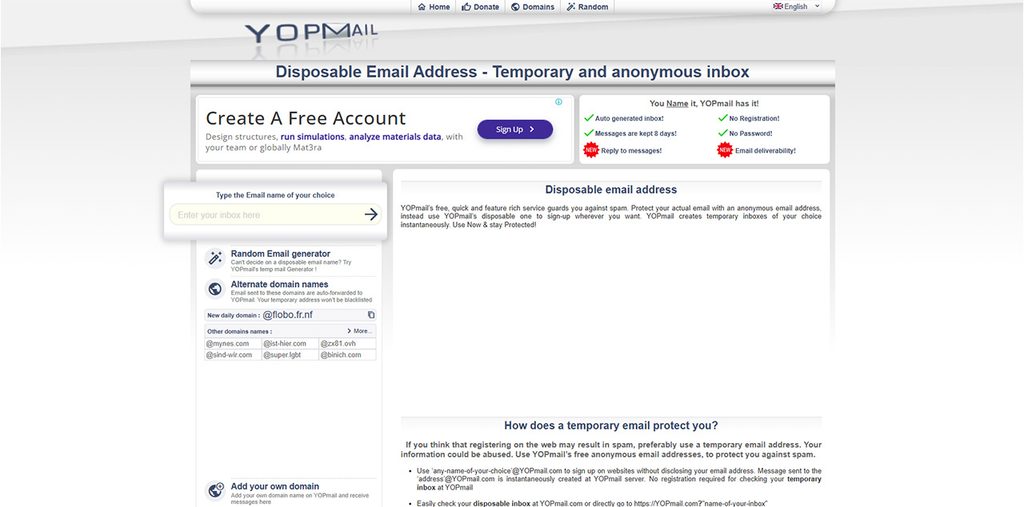
In YOPmail, your messages are safe for eight days, which is longer than most free services. It is helpful when a confirmation email takes its time, or a sign-up involves several steps. However, one major downside is its weak privacy. Its inboxes are fully public. If somebody types the same email address in YOP mail, they can read your messages. Moreover, password protection or session isolation is also not there.
You don’t need to create a YOPmail account, because you just type a name, and the inbox is ready.
Key features:
- It provides a list of several other domain names that you can use if a site blocks yopmail.com. It comes in handy when one address gets rejected.
- It allows you to pick your own name. You can choose the part before @yopmail.com. This way, it becomes easy to remember the address when you come back after a while.
- It has public inboxes and there are no passwords. So, make sure you never use it for anything private as anyone who types the same name as yours can read the inbox.
Pricing Plan: Free; you get 8 days of storage without any sign-up.
Best for: Low-stakes sign-up that requires a week.
4. FreeCustom.Email: For Everyday Use
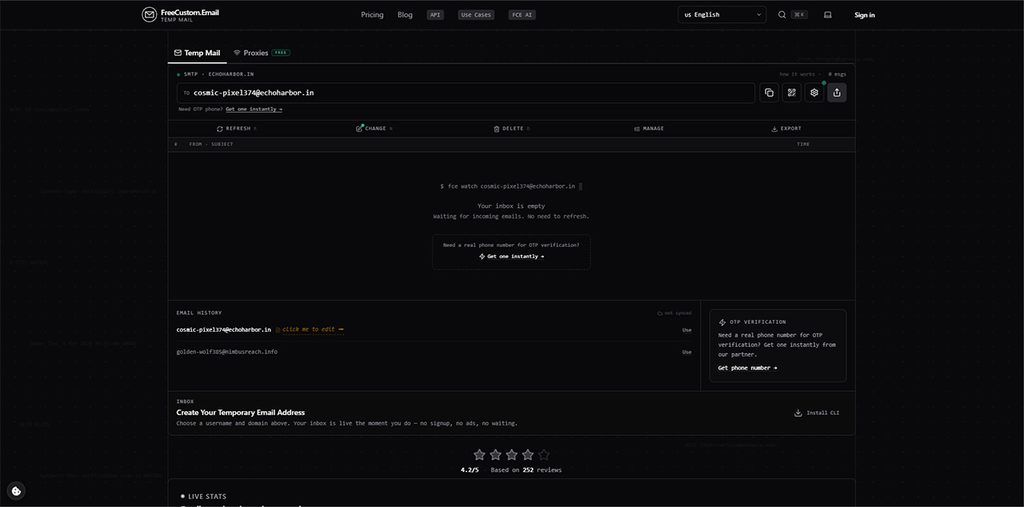
FreeCustom.Email is one of the newest names here. You can use it as a guest with no account. Additionally, new emails appear on their own without you having to keep refreshing the page. A free account and a paid Pro plan affect how long your emails stay.
Key features:
- Its Pro plan shows one-time codes and verification links right in your inbox list. There is no need to open each email to find them.
- Even on your free account, you get 24 hours to keep your emails. That covers most sign-ups that arrive slowly.
- Pro keeps emails permanently, attachments included, with up to 5 GB of space. That suits invoices or files you’ll want later.
Pricing Plan:
- Guest plan: Free; no account needed
- Free account: Free; emails kept for 4 hours
- Pro Plan: Starts at $3.99/month; permanent storage up to 5 GP with custom domains and ad-free
Best for: Regular use, and for people who verify accounts often
5. Mailinator: For Developers and Testers
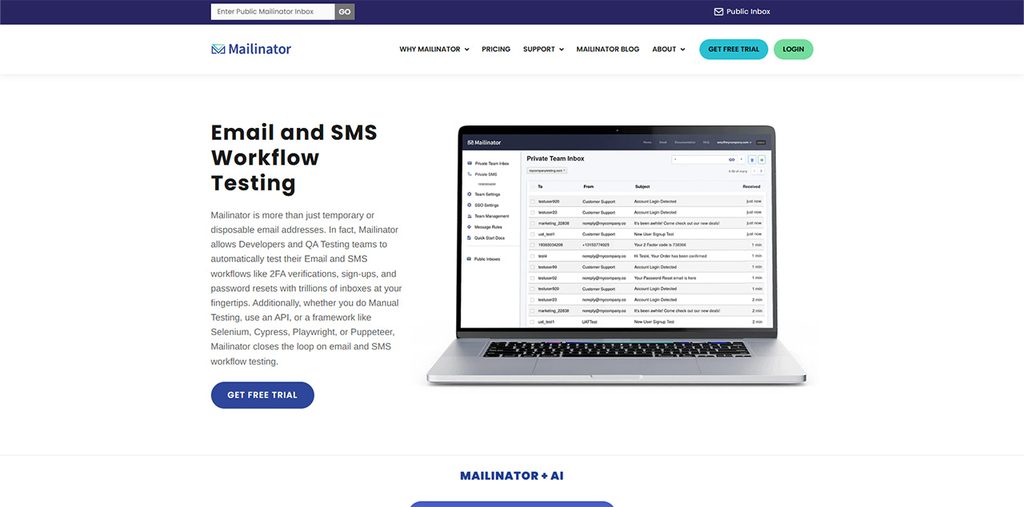
Mailinator stands out from the crowd. It started as a free public inbox, but today it’s mainly used as a testing tool for developers and QA teams. Picture a developer checking whether a signup email really arrives. That’s the job it’s built for.
Key features:
- Any name at @mailinator.com works with no signup needed. Inboxes are public, and messages clear out after a few hours.
- The free Verified Pro plan gives you a private domain and API access. But first, you have to verify your contact details first.
- It is mainly built for testing tools. It works with frameworks like Selenium, Cypress, and Playwright. That lets teams check emails automatically.
Pricing Plan:
- Public plan: Free; open inboxes and no sign-up
- Verified Pro: Free; private domain and API, after verification
- Business: $79/month, billed yearly; Team plan with 5 seats
- Business Plus: $159/month, billed yearly; More seats and higher volume
Best for: Works well for developers and testers; no personal privacy
Conclusion
If you’re looking for one universally right answer among temp-mail.org alternatives, you won’t find one and that’s good news. It means you can match the tool to the moment. Be clear on how long you need the inbox and who else might read it. If you figure that out, the choice becomes clear. Use 10 Minute Mail or Guerrilla Mail when a code is all you need. Reach for FreeCustom.Email or YOPmail when a sign-up drags on for days but remember that YOPmail’s inboxes are public. Pick Mailinator when you’re testing software.
Whatever you choose, keep important accounts on your real email. Prices and limits change, so check out each site’s current plan before you commit.