

 Continue with Google
Compare ExtractMails with the tools you already know.
Parsers and document AI tools read the data you already have. ExtractMails goes out and finds new leads. See how we compare, one tool at a time.
 Reads the data you already have
 Finds the leads you don’t have yet
Parsers read your inbox. ExtractMails fills it.
Every tool we have compared is built to pull information out of emails or documents that are already in your inbox. ExtractMails is built for the step before that: finding the businesses and people you want to reach.
 Parseur
 Mailparser
 Parsio
 Docparser
 Nanonets
 Docsumo
ExtractMails

Works with data you already have
- Emails you receive
- PDFs, invoices and receipts
- Scanned and uploaded documents
Finds data you don’t have yet
- Websites, domains and directories
- Google Maps business listings
- Verified lists, ready for AI outreach
Choose the tool you use today
 vsEmail parser
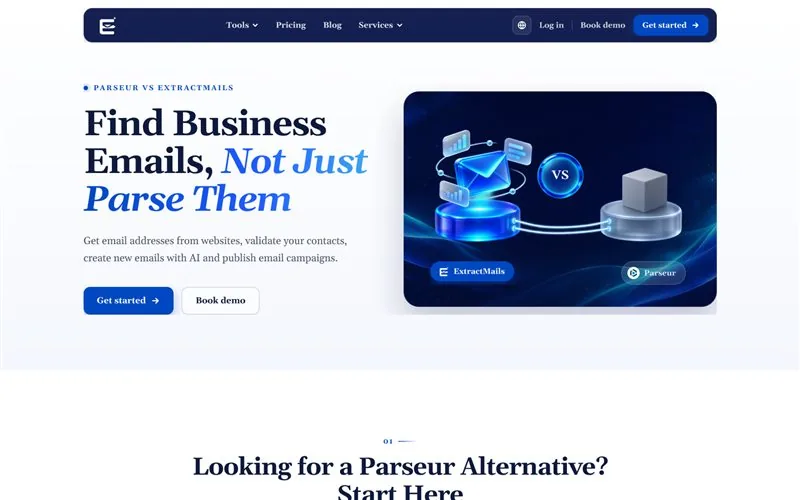
Parseur vs ExtractMails
Parseur pulls data out of the emails and PDFs you receive. ExtractMails finds new contacts on the web and helps you reach them. Read the comparison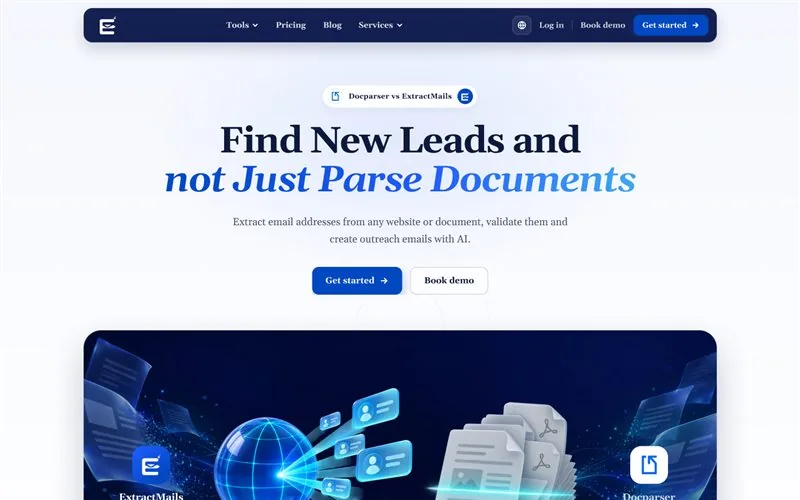 vsDocument parser
Docparser vs ExtractMails
Docparser turns PDFs and scanned documents into structured data. ExtractMails builds lead lists from websites and domains. Read the comparison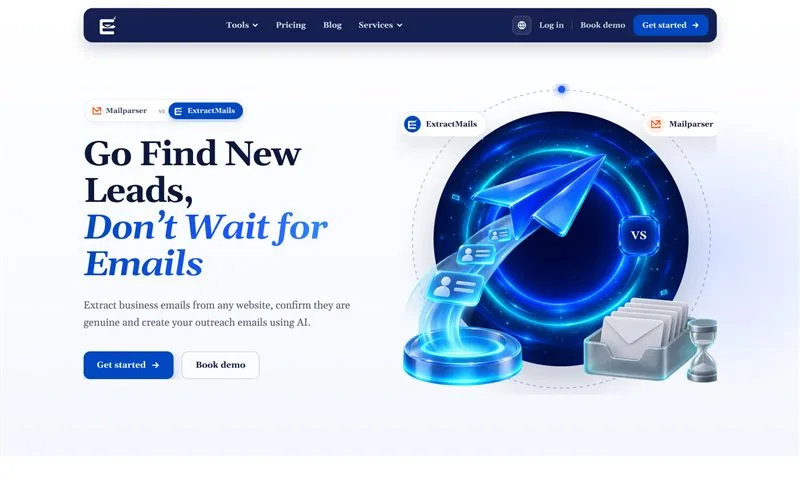 vsEmail parser
Mailparser vs ExtractMails
Mailparser automates data entry from incoming emails. ExtractMails fills your pipeline before those emails ever arrive. Read the comparison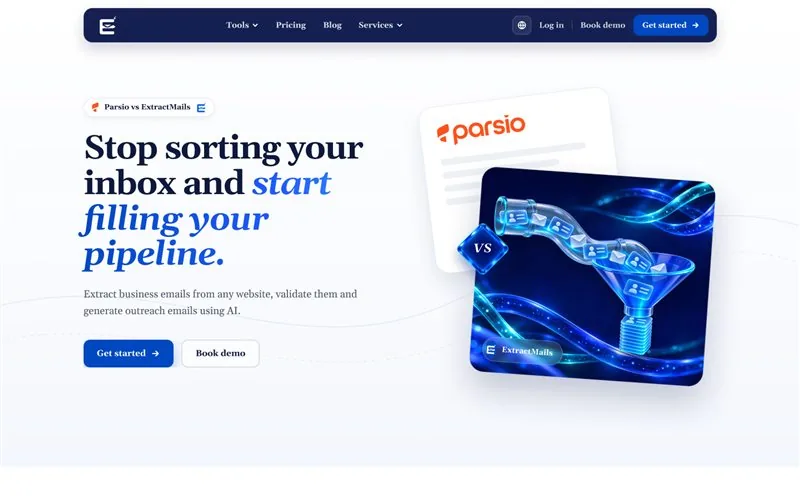 vsEmail & PDF parser
Parsio vs ExtractMails
Parsio sends inbox data to a spreadsheet or CRM. ExtractMails searches websites, domains and Google Maps for new leads. Read the comparison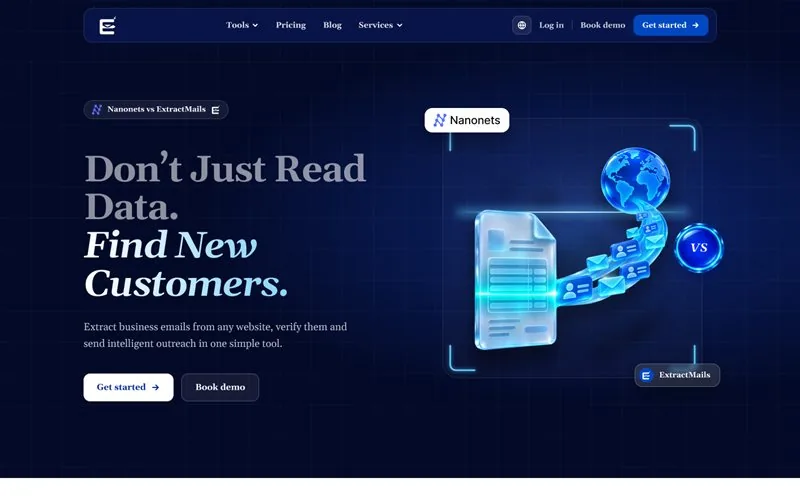 vsDocument AI
Nanonets vs ExtractMails
Nanonets reads invoices, receipts and ID cards with OCR. ExtractMails finds, verifies and emails new customers. Read the comparison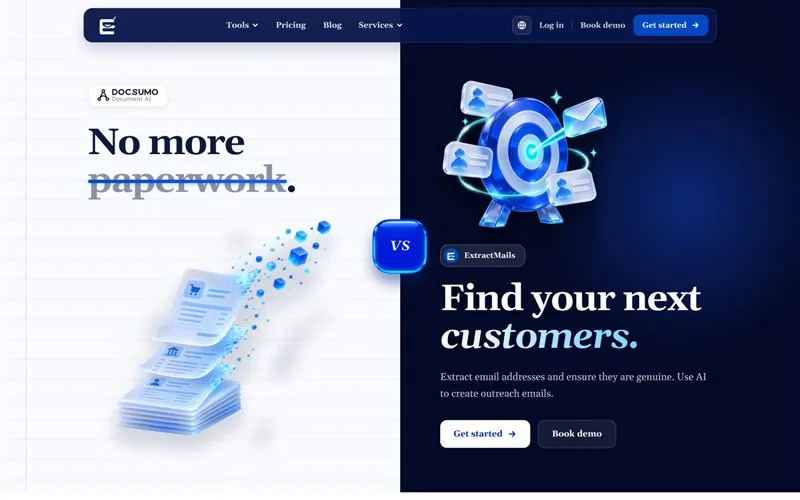 vsDocument AI
Docsumo vs ExtractMails
Docsumo structures bank statements, payslips and tax documents. ExtractMails creates clean lead lists in minutes. Read the comparisonEvery comparison in one table
The same seven lead generation features, checked on every page.
| Features | ExtractMails |
Parseur |
Docparser |
Mailparser |
Parsio |
Nanonets |
Docsumo |
|---|---|---|---|---|---|---|---|
| Website Email Extraction | Yes | No | No | No | No | No | No |
| Domain Email Finder | Yes | No | No | No | No | No | No |
| Google Maps Email Extraction | Yes | No | No | No | No | No | No |
| Bulk Email Extraction | Yes | Limited | Limited | Limited | Limited | Limited | Limited |
| Email Verification | Yes | No | No | No | No | No | No |
| AI Email Writer | Yes | No | No | No | No | No | No |
| Email Marketing Automation | Yes | No | No | No | No | No | No |
| Features covered | 7 / 7 | 0 / 7 | 0 / 7 | 0 / 7 | 0 / 7 | 0 / 7 | 0 / 7 |
Limited counts as not covered. Read each comparison for the full picture.
tools compared side by side
lead generation features checked on every page
alternatives that extract emails from websites
dashboard to find, validate and email new leads
Questions about our comparisons
Still deciding? Start with the tool you use today and read its comparison.
Browse comparisons- 01Why compare ExtractMails with email and document parsers?
- Many teams try to use a parser to build lead lists. These comparisons show where parsers stop and where ExtractMails starts, so you can pick the right tool for the job.
- 02Which comparison should I read first?
- Start with the tool you use today. If you mainly process emails, read Parseur, Mailparser or Parsio. If you mainly process documents, read Docparser, Nanonets or Docsumo.
- 03Can I use ExtractMails alongside a parser?
- Yes. A parser keeps handling the emails and documents you receive, while ExtractMails finds, validates and emails new leads. They solve different problems.
- 04Will you add more comparisons?
- Yes. We add new comparisons regularly, so check back to see how ExtractMails compares with other tools.
Stop sorting data. Start finding customers.
Extract business emails from any website, validate them and send AI-written outreach from one dashboard.
