

 Continue with Google

 Share on media
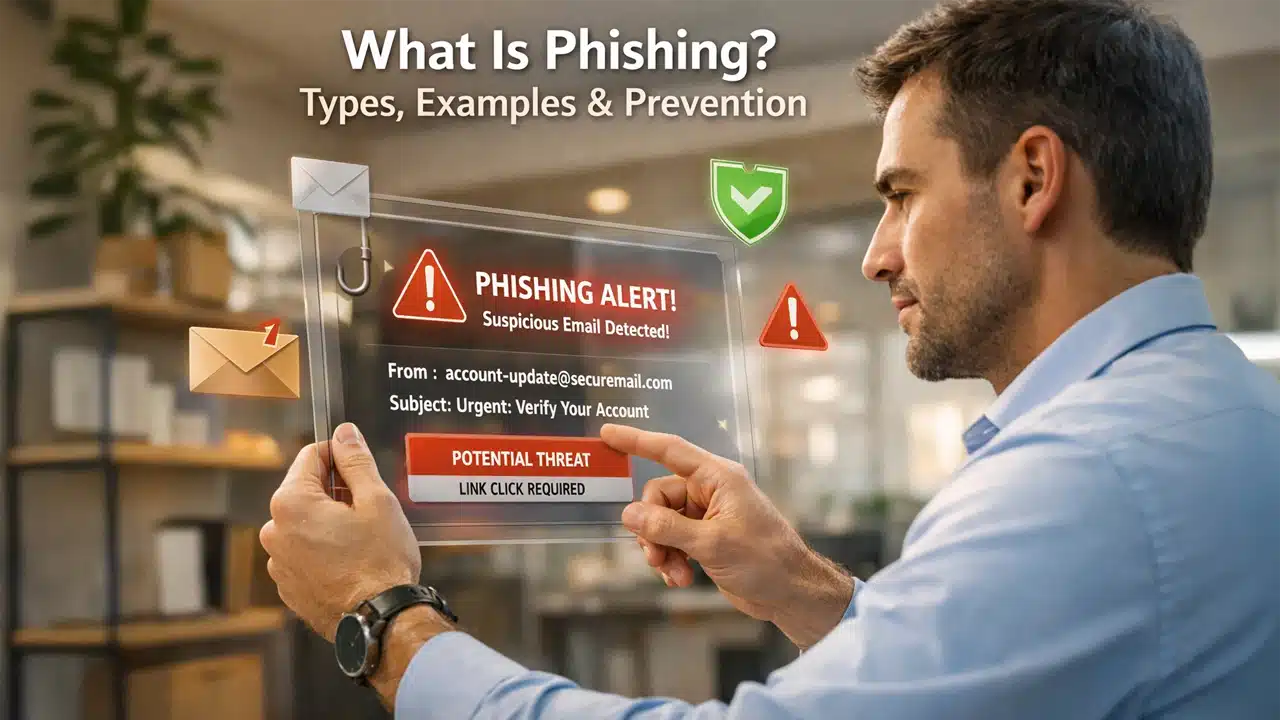
Phishing stands out as one of the most widespread and dangerous cybersecurity threats in the world today. No matter if you are a casual internet user, business executive, or cybersecurity expert, it’s crucial to know how phishing works if you want to protect yourself online.
This guide will break down what phishing is, how phishing attacks are carried out, its different types, some real-life examples, and why it poses such a big risk. Most importantly, you’ll learn practical steps to shield yourself and your organization from these threats.
What Is Phishing in Cybersecurity?
Phishing is a cyberattack where someone pretends to be a trusted source to fool you into giving up sensitive information like your username, password, credit card numbers, or bank details. The attacker’s goal is to deceive you to do something that benefits them, whether that’s handing over confidential data or clicking a link that quietly installs malware on your device.
The term “phishing” comes from the idea of baiting a victim, much like how a fisherman lures fish. At its core, it is a form of social engineering. Instead of breaking through software defenses, attackers exploit human psychology or tendencies like curiosity, trust, and sometimes just a moment of distraction.
How Phishing Attacks Work (Step-by-Step Process)
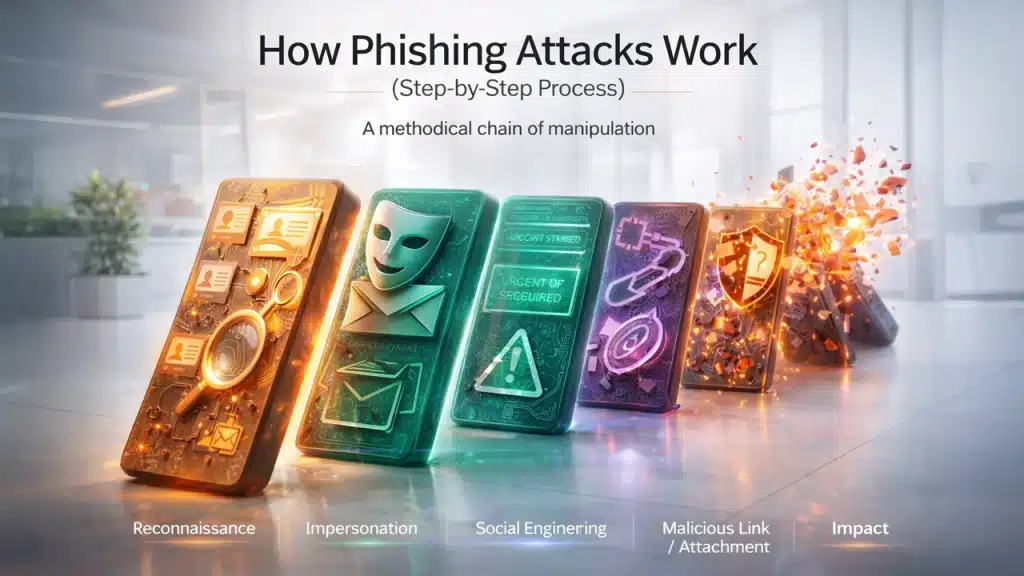
Complete understanding of phishing requires in-depth knowledge of how these attacks are executed. Phishing isn’t a random scam. It follows a methodical process which is designed to trick people or human behavior.
Reconnaissance and Target Selection
In mass phishing campaigns, they may purchase email lists or scrape any public data that they can find. For more targeted attacks like spear phishing, they dig deeper to collect detailed information from websites, LinkedIn or social media profiles to craft more personalized messages that seem credible.
Email Spoofing and Impersonation
Then comes the impersonation. Attackers impersonate people that you trust such as government agencies, banks, cloud providers, or internal company executives. They spoof email addresses, register domains that look almost right, and clone legitimate websites so closely to make them appear authentic.
Social Engineering Tactics
Phishing isn’t just about fake logos or websites. It’s about getting inside your head. Attackers trigger psychological aspects like urgency, fear, a sense of authority, or curiosity. Messages may claim:
- “Your account will be suspended.”
- “Unusual login attempt detected.”
- “Invoice attached/ payment overdue.”
These tactics make victims panic, which pushes them to act quickly without verifying legitimacy.
Malicious Links or Attachments in Phishing Emails
When the victims enter credentials, they receive messages. The message usually contains a link to a fake login page, a malware-laced attachment, or sometimes just a request for sensitive information. If you get tricked and enter your password, attackers capture data instantly.
What Happens After a Successful Phishing Attack?
Once they get access, the real damage starts. Attackers might steal funds from accounts, launch ransomware, worm their way deeper into the company network, or sell stolen data on the dark web.
9 Common Types of Phishing Attacks Explained
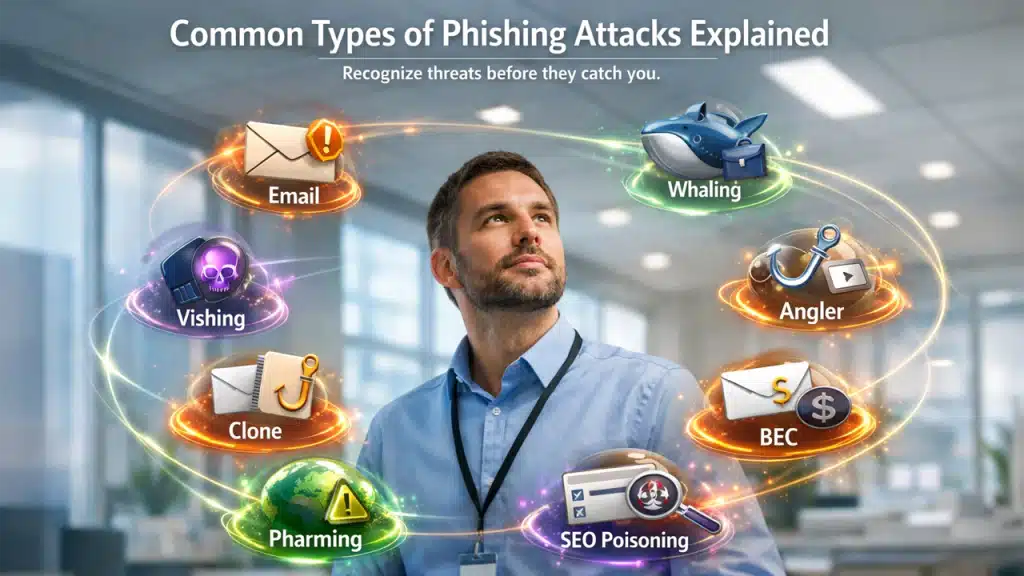
Phishing attacks have varying tactics; each one crafted to prey on trust and push people into risky decisions. Let’s break down its main types:
1. Email Phishing
Attackers send out bulk emails that look like they came from trusted organizations such as banks, e-commerce platforms, or government agencies. These messages trigger urgency and demand immediate actions by directing victims to fake websites that steal login credentials and financial information. Even a small success rate makes this method highly effective.
2. Spear Phishing
Spear phishing is a more personal and targeted attack. Instead of casting a wide net, cybercriminals aim at specific individuals or organizations. They gather victim details like job titles or recent activities and personalize messages accordingly to instill trust.
3. Whaling
Whaling focuses on senior executives or high-level decision makers. In these scams, attackers often send messages that look like legal notices or urgent financial transfer requests. Since these executives have access to sensitive information, a single slip can cause serious financial loss and reputation damage.
4. Vishing (Voice Phishing)
Vishing involves phone calls where attackers impersonate banks, government agencies, or tech support. Victims may be pressured to share OTPs or personal data. With AI voice cloning, these phone calls can sound eerily convincing.
5. Clone Phishing
Clone phishing takes a legitimate email that you’ve previously received and tweaks it by replacing the real link or attachment with a malicious one. Because the email looks familiar, victims are more likely to trust it and do not suspect fraud.
6. Business Email Compromise (BEC)
BEC is used by cybercriminals when they want huge benefits. Attackers pose themselves as company executives or trusted vendors to urgently request wire transfers. The emails often appear to come from credible internal accounts that look genuine, which makes them highly dangerous.
7. Angler Phishing on Social Media
Angler phishing thrives on social media. Fake customer support accounts pop up and respond to user complaints, and questions pretending to help them. They lead victims to malicious links to collect login information.
8. Pharming
Pharming is sneaky. It redirects users to fake websites. Even if you type in the right web address, you get redirected to a fake site. Attackers pull this off by tampering with DNS settings or installing malware, making it more difficult to detect than traditional phishing.
9. SEO Poisoning (Search Engine Phishing)
In this attack, scammers build fake optimized websites to appear in high-ranking search results. Users who are looking for login pages or support numbers may unknowingly visit these websites and provide their credentials.
Examples of Phishing Attacks in Real Life
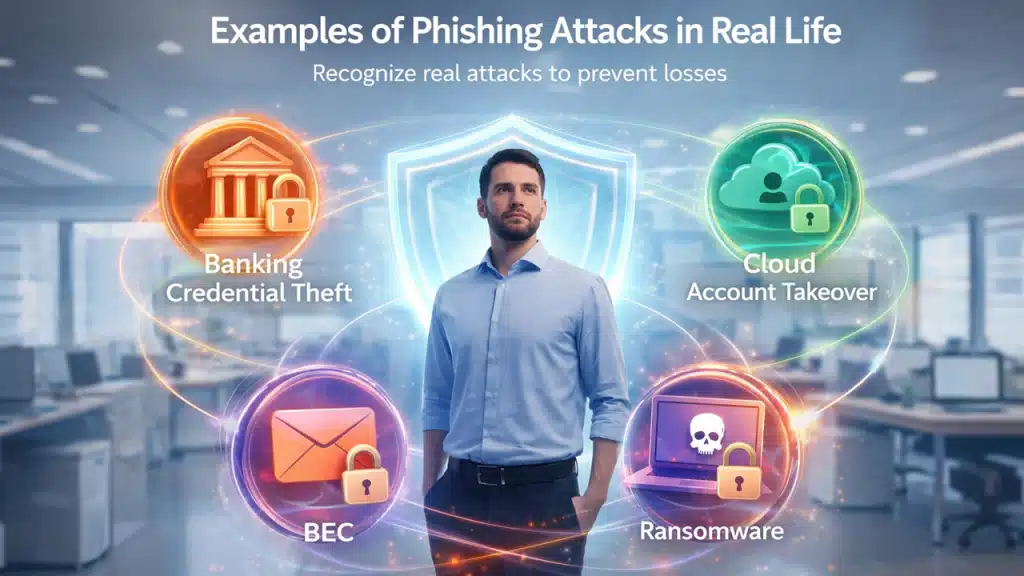
Phishing attacks occur daily and impact both individuals and multinational corporations. Knowing how to report phishing email attempts can prevent these scenarios from escalating.
Banking Credential Theft via Phishing
Some people get an email claiming their bank account has been frozen due to suspicious activity. They provide a link that looks convincing, but it leads to fake banking websites. Once login details are entered, attackers gain immediate access to funds.
Business Email Compromise (BEC)
An employee receives a message that looks like it’s from the CEO requesting an urgent and confidential wire transfer. Believing it to be legitimate the employee makes transaction which results in a huge financial loss
Cloud Account Takeover
Attackers send emails asking users to “verify” their Microsoft 365 or Google Workspace accounts. Once someone falls for it and gives up their credentials, those stolen credentials grant attackers access to corporate email systems. They further launch attacks from internal accounts.
Ransomware Attacks That Start with Phishing Emails
Sometimes, it starts with something as harmless as an invoice attachment. A phishing email drops an attachment that looks normal. When someone opens it, malware installs silently. Before anyone notices, ransomware encrypts company data and demands ransom payments.
Signs of Phishing: How to Spot a Phishing Attack
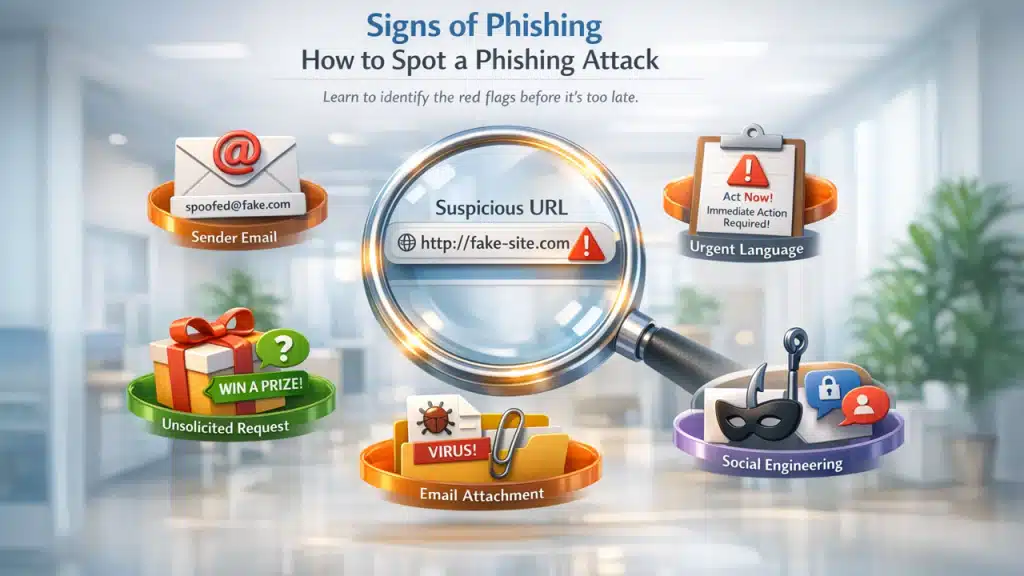
Spotting phishing scams isn’t as simple as catching obvious spelling mistakes anymore. Modern phishing campaigns are sophisticated. AI helps attackers craft emails that look visually convincing and legitimate.
Check the Sender’s Email Address Carefully
Attackers often manipulate the display name, sender address, or reply-to field to appear legitimate. Always make sure to check the full email address, not just the visible name. Small spelling variations in domains are common phishing indicators. Therefore, don’t skim past little details.
Inspect URLs Before Clicking
Before you click, hover over the link to reveal the actual destination. Warning signs often include misspelled or unusual domains, extra characters, or shortened URLs which hide the final address. Legitimate companies use consistent official domains.
Beware of Urgent or Threatening Language
Phishing messages often create artificial urgency, such as making threats to suspend accounts or claims of unauthorized access. Cybercriminals aim to create panic, so you don’t have time to think logically. Remember that genuine organizations rarely demand instant action without alternatives.
Watch for Unsolicited Password Reset or Payment Requests
If the email comes out of the blue when you are not expecting it, nor did you request a password reset, or have no recent activity, then ignore those messages and treat it as suspicious. Unsolicited verification or payment requests are major warning signs.
Be Cautious with Email Attachments
Malicious attachments often hide behind invoices, payroll updates, shipping confirmations, or legal notices. Files that request macro activation or executable downloads are especially dangerous and often used to deploy ransomware.
Recognize Social Engineering Red Flags
Phishing exploits authority, fear, urgency, opportunity, or helpfulness to influence quick decisions. That’s why identifying emotional triggers is just as important as spotting technical red flags.
How to Prevent Phishing Attacks (Best Protection Tips)
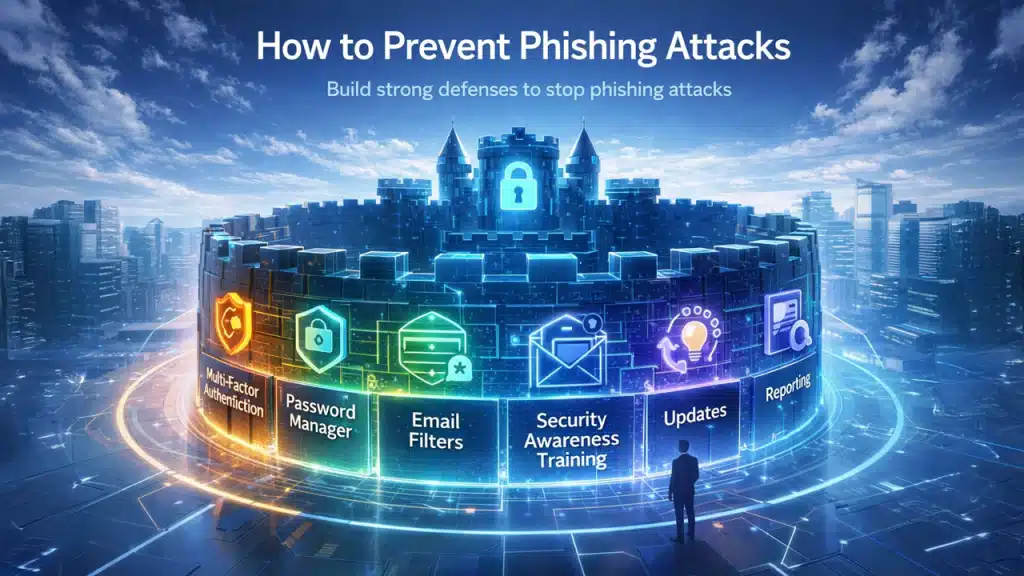
Effective phishing protection requires layered defense combining technology, behavior, and organizational policy.
Enable Multi-Factor Authentication (MFA)
MFA significantly reduces the success rate of credential theft. Even if attackers obtain your password, they cannot log in without the secondary verification factor. Hardware-based authentication keys provide even stronger protection than SMS codes.
Use a Password Manager
Password managers offer two critical protections:
- They generate strong, unique passwords for each account.
- They only auto-fill credentials on legitimate domains.
If a password manager does not auto-fill on a page, that may signal a fake website.
Use Email Security Filters to Block Phishing
Modern email security solutions analyze sender reputation, domain authentication (SPF, DKIM, DMARC), suspicious patterns, and malware signatures. Advanced filtering blocks many phishing emails before they reach users.
Security Awareness Training to Prevent Phishing
Organizations that simulate phishing attacks and train employees see measurable reductions in successful attacks. Training should include:
- Identifying red flags
- Safe browsing habits
- Reporting procedures
- Understanding emerging threats like AI-generated phishing
Keep Systems and Software Updated
Software updates patch security vulnerabilities. While phishing relies on social engineering, attackers often exploit unpatched systems after initial access.
Report Suspicious Emails Immediately
Employees and users should know exactly how to report suspected phishing attempts. Quick reporting allows IT teams to block malicious domains, reset compromised credentials, and alert other users. Fast response limits spread and damage.
Final Thoughts: Staying Safe from Phishing Attacks
Phishing is a deceptive cyberattack. It manipulates people to exploit human psychology and tricks them into revealing sensitive data or credentials by impersonating trusted entities. It remains one of the most effective forms of cybercrime as it creates panic and urgency to drive immediate action. Understanding how phishing works, recognizing its warning signs, and following best practices for prevention can significantly reduce your chances of becoming a victim. In a world where everything is interconnected, the best shield is to stay informed and vigilant to protect yourselves from evolving cyberattacks.
FAQs
What is phishing in cybersecurity?
Phishing is a social engineering attack where attackers impersonate trusted sources to trick victims into revealing sensitive data like passwords or bank details.
How do phishing attacks start?
It often begins with an email or message that looks legitimate, containing malicious links or requests for personal information.
What is the difference between phishing and smishing?
Smishing is a specific type of phishing that uses SMS text messages instead of emails to deceive victims.
Can phishing lead to malware infection?
Yes. Phishing links or attachments may install malware on a victim’s device once clicked or downloaded.
How can I protect myself from phishing?
You can protect yourself by verifying links, using MFA, updating security software, educating users, and using email filtering tools.